> ## Documentation Index
> Fetch the complete documentation index at: https://www.courier.com/docs/llms.txt
> Use this file to discover all available pages before exploring further.
# Divider
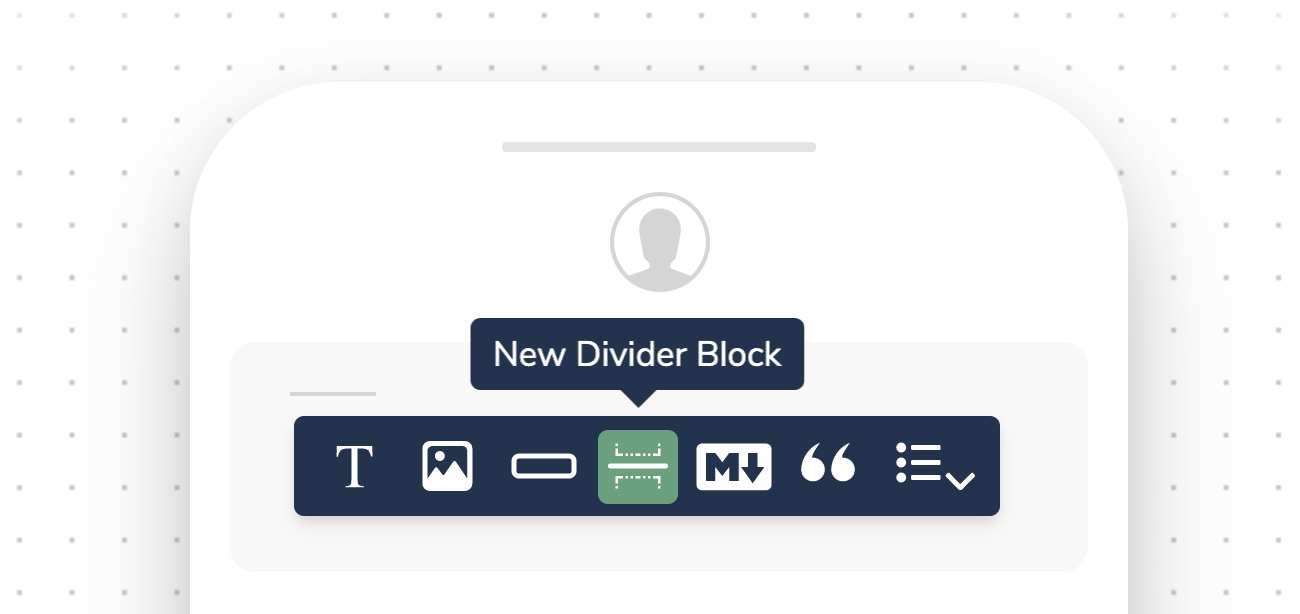
> Courier Divider Blocks visually separate content across all notification channels. In email, dividers are color-customizable. In SMS and messaging channels, they render as simple separators and support conditional display.
Divider Blocks visually separate content within your notifications. They are available across all notification channels.
 ## Channel Specific Behaviors
### Email
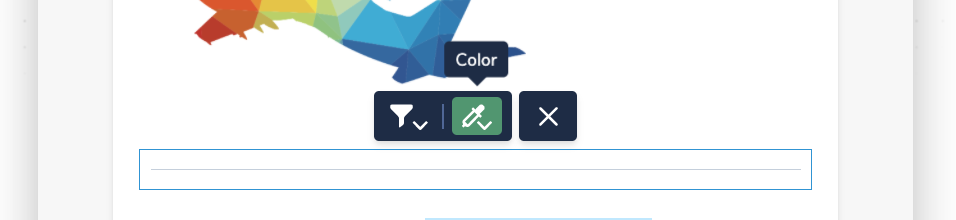
In email notifications, you can select a color for your divider block, using the color picker, a hex value, or preset brand colors.
## Channel Specific Behaviors
### Email
In email notifications, you can select a color for your divider block, using the color picker, a hex value, or preset brand colors.
 ### SMS and Direct Message
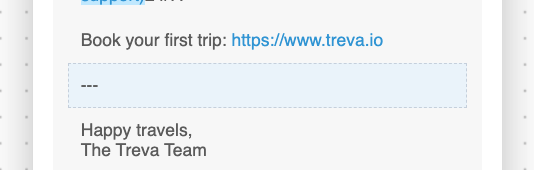
For SMS and other direct message channels, Divider Blocks appear as a simple, uneditable separator:
### SMS and Direct Message
For SMS and other direct message channels, Divider Blocks appear as a simple, uneditable separator:
 ## Filtering a Divider Block
Like with any content block, Divider Blocks can be hidden using a [conditions filter](/platform/content/template-settings/send-conditions#for-content-blocks).
Adding, reordering, and filtering blocks
Add formatted text content
## Filtering a Divider Block
Like with any content block, Divider Blocks can be hidden using a [conditions filter](/platform/content/template-settings/send-conditions#for-content-blocks).
Adding, reordering, and filtering blocks
Add formatted text content