> ## Documentation Index
> Fetch the complete documentation index at: https://www.courier.com/docs/llms.txt
> Use this file to discover all available pages before exploring further.
# Markdown
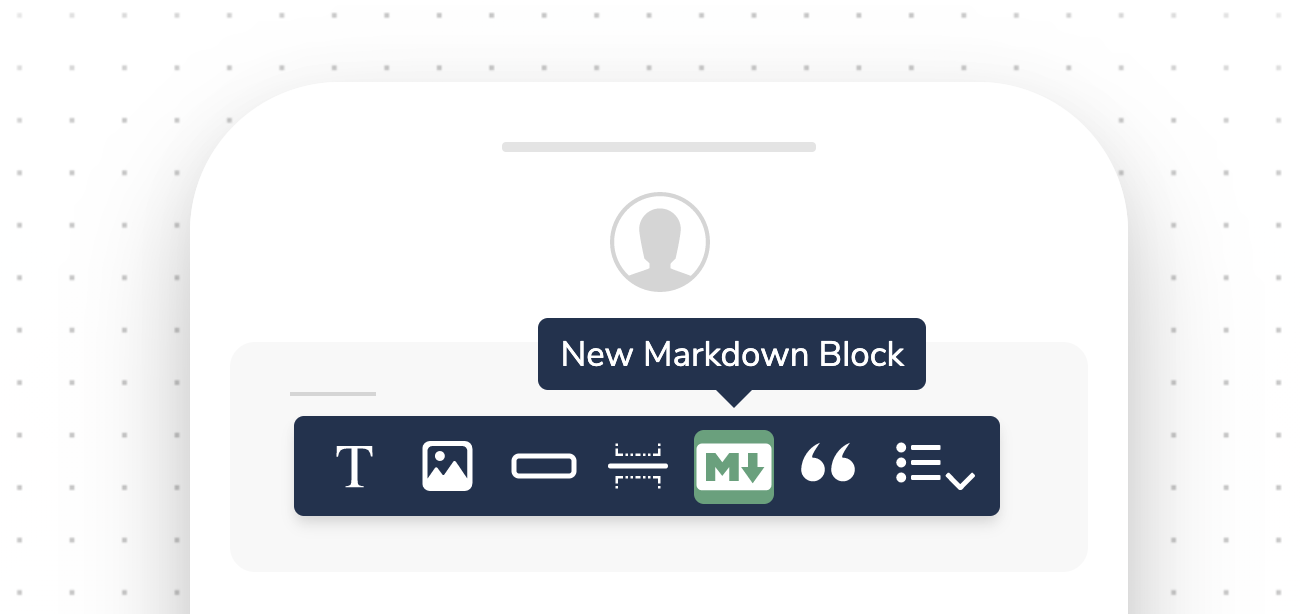
> Markdown Blocks enable cross-channel rich content using standard Markdown syntax. Support dynamic variables, personalization, and conditional rendering—ideal for scalable, consistent notifications in email, SMS, push, and more.
Markdown Blocks let you write formatted content using plain text syntax that renders across all notification channels.
 ## Key Features
* Cross-channel compatibility: Create content once and deliver it consistently across email, push, SMS and other channels.
* Rich formatting: Use Markdown syntax to add headings, lists, links, emphasis and more.
* Variable support: Insert dynamic user data and personalize content.
* Conditional rendering: Show or hide Markdown Blocks based on conditions.
## Working with Markdown Blocks
### Adding a Markdown Block
1. In the Courier designer, click the "+" icon to add a new block
2. Select "Markdown" from the block options
3. Enter your Markdown content in the editor
### Markdown Syntax
Courier supports standard Markdown syntax, including:
* Headings (# H1, ## H2, etc)
* Lists (bulleted and numbered)
* Links Link text
* Emphasis (italic, bold)
* And more
For a complete reference, see the [Markdown syntax guide](https://daringfireball.net/projects/markdown/syntax).
### Inserting Variables
To insert a variable into your Markdown, use double curly braces: `{{variable_name}}`. The variable will be replaced with actual data when the notification is sent.
Adding, reordering, and filtering blocks
Full HTML/Handlebars for advanced formatting
Insert dynamic data into markdown content
Rich text with inline conditions
## Key Features
* Cross-channel compatibility: Create content once and deliver it consistently across email, push, SMS and other channels.
* Rich formatting: Use Markdown syntax to add headings, lists, links, emphasis and more.
* Variable support: Insert dynamic user data and personalize content.
* Conditional rendering: Show or hide Markdown Blocks based on conditions.
## Working with Markdown Blocks
### Adding a Markdown Block
1. In the Courier designer, click the "+" icon to add a new block
2. Select "Markdown" from the block options
3. Enter your Markdown content in the editor
### Markdown Syntax
Courier supports standard Markdown syntax, including:
* Headings (# H1, ## H2, etc)
* Lists (bulleted and numbered)
* Links Link text
* Emphasis (italic, bold)
* And more
For a complete reference, see the [Markdown syntax guide](https://daringfireball.net/projects/markdown/syntax).
### Inserting Variables
To insert a variable into your Markdown, use double curly braces: `{{variable_name}}`. The variable will be replaced with actual data when the notification is sent.
Adding, reordering, and filtering blocks
Full HTML/Handlebars for advanced formatting
Insert dynamic data into markdown content
Rich text with inline conditions