> ## Documentation Index
> Fetch the complete documentation index at: https://www.courier.com/docs/llms.txt
> Use this file to discover all available pages before exploring further.
# Image Blocks
> Add images in Design Studio. Set image URL, alt text, optional link, and dimensions for email and other channels.
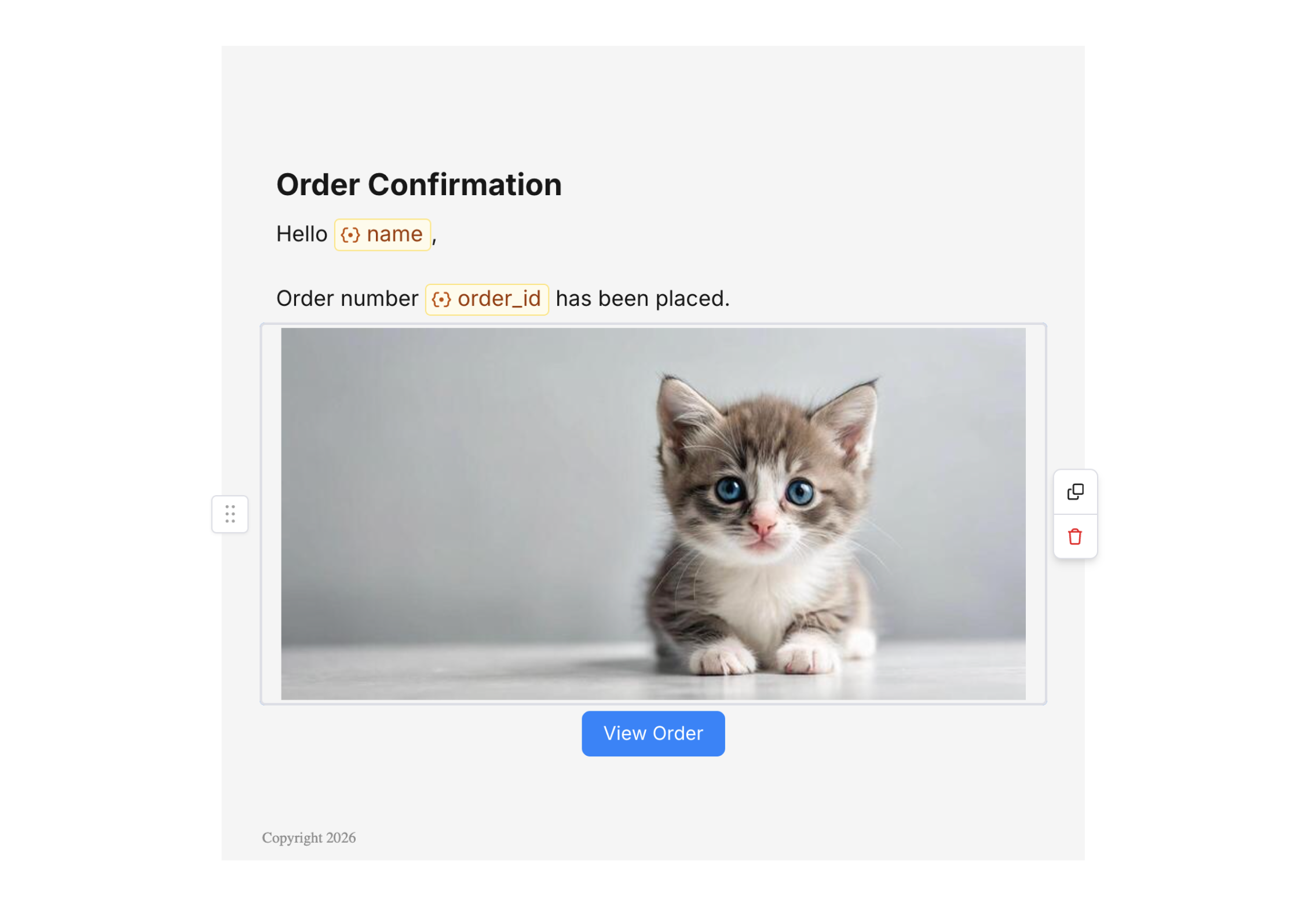
Image blocks let you add images to your notifications. Configure the image URL, alt text for accessibility, optional link, and width or alignment.
## Adding an image block
1. In Design Studio, select a channel.
2. Add an **Image** block from the block sidebar or toolbar.
3. Set the image URL (or upload an image, or use a variable for dynamic images).
 ## Image settings
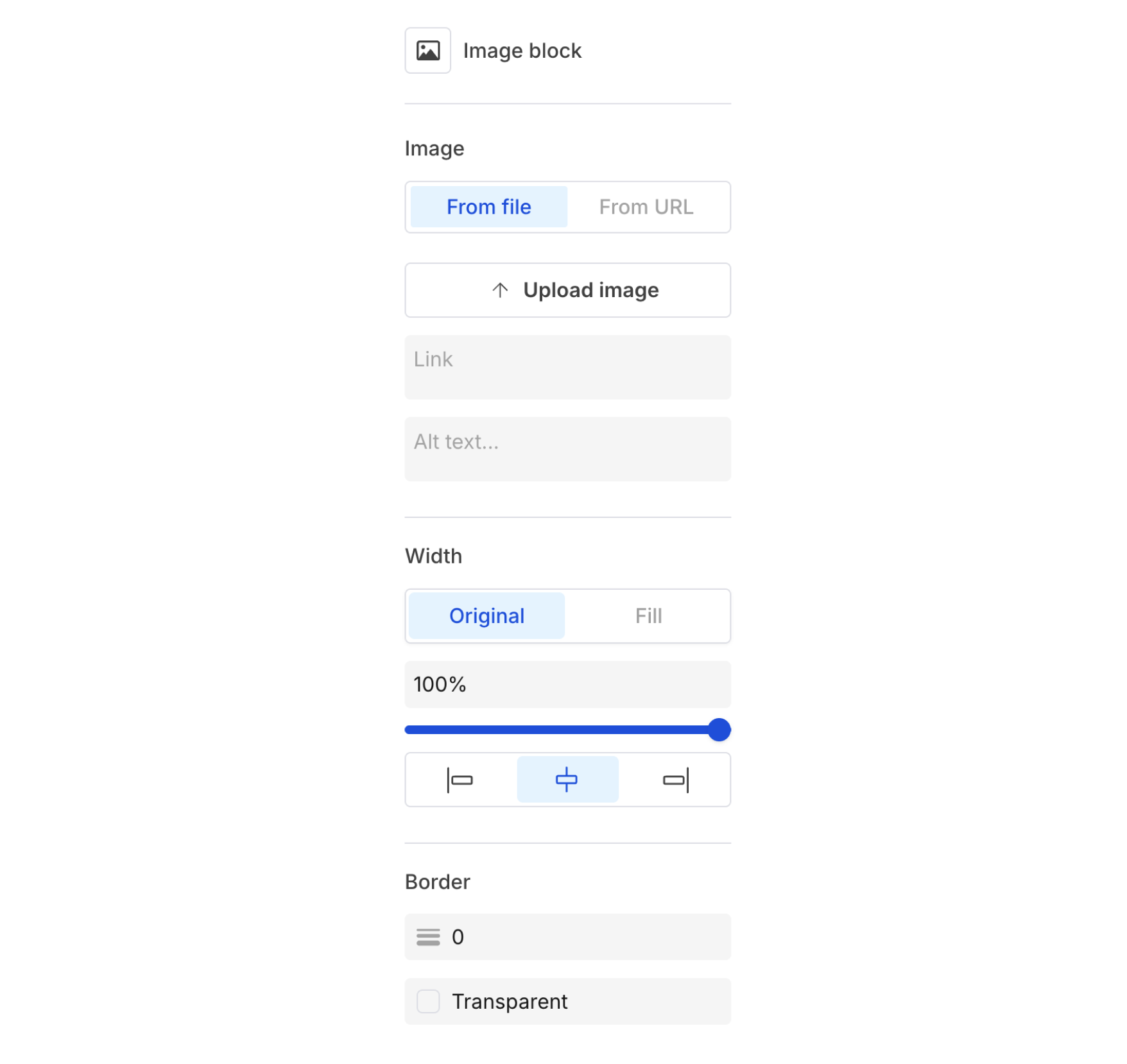
* **Image URL** – Source URL. You can use a [variable](/platform/content/variables/inserting-variables) for per-recipient images.
* **Alt text** – Description for accessibility and when images don’t load.
* **Link URL** – Optional; make the image clickable.
* **Width / alignment** – Control size and alignment in the block settings.
* **Border** – Configure border color and thickness.
## Image settings
* **Image URL** – Source URL. You can use a [variable](/platform/content/variables/inserting-variables) for per-recipient images.
* **Alt text** – Description for accessibility and when images don’t load.
* **Link URL** – Optional; make the image clickable.
* **Width / alignment** – Control size and alignment in the block settings.
* **Border** – Configure border color and thickness.
 ## Related
Dynamic image URLs
Clickable CTAs
## Related
Dynamic image URLs
Clickable CTAs