

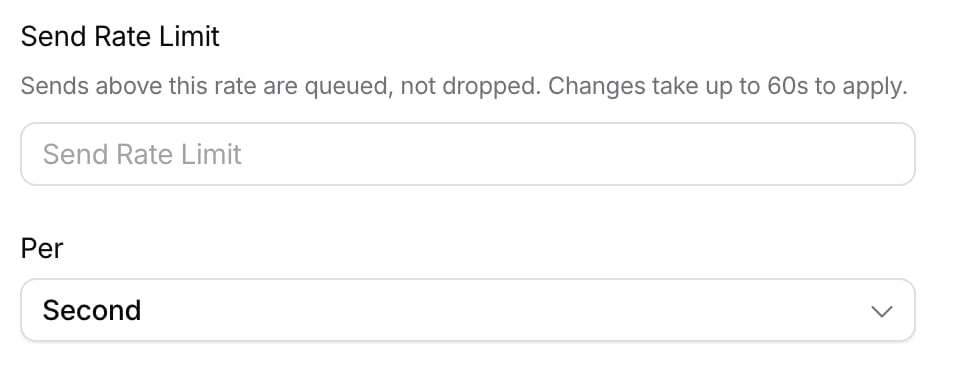
Send Rate Limit in a provider's settings
Set a limit in the console
In Integrations, click the provider, then click Settings. Enter a number in Send Rate Limit and pick Second, Minute, or Hour under Per. Clear the field to remove the limit.Set a limit with the API
The limit israte_limit in the provider configuration’s settings. Set it when you create the configuration with , or change it with .
The interval between sends (
period divided by rate) must be from 1 millisecond to 12 hours. A value outside that range returns a 400 with an InvalidRateLimit error. Set rate_limit to null for no limit.
An update replaces the whole settings object, so include the provider’s credentials and rate_limit in every PUT.
How it works
- Sends above the rate are queued, not dropped. Courier sends them to the provider as the rate allows.
- Each configuration has its own limit. Two SES configurations each get their own rate, and so does each environment. A limit in Test doesn’t apply to Production.
- Changes apply within 60 seconds.
Related docs
Rate limit backoff
How Courier retries when a provider returns a 429.

Amazon SES
Connect SES and match your account’s maximum send rate.