

What’s new in React v8+
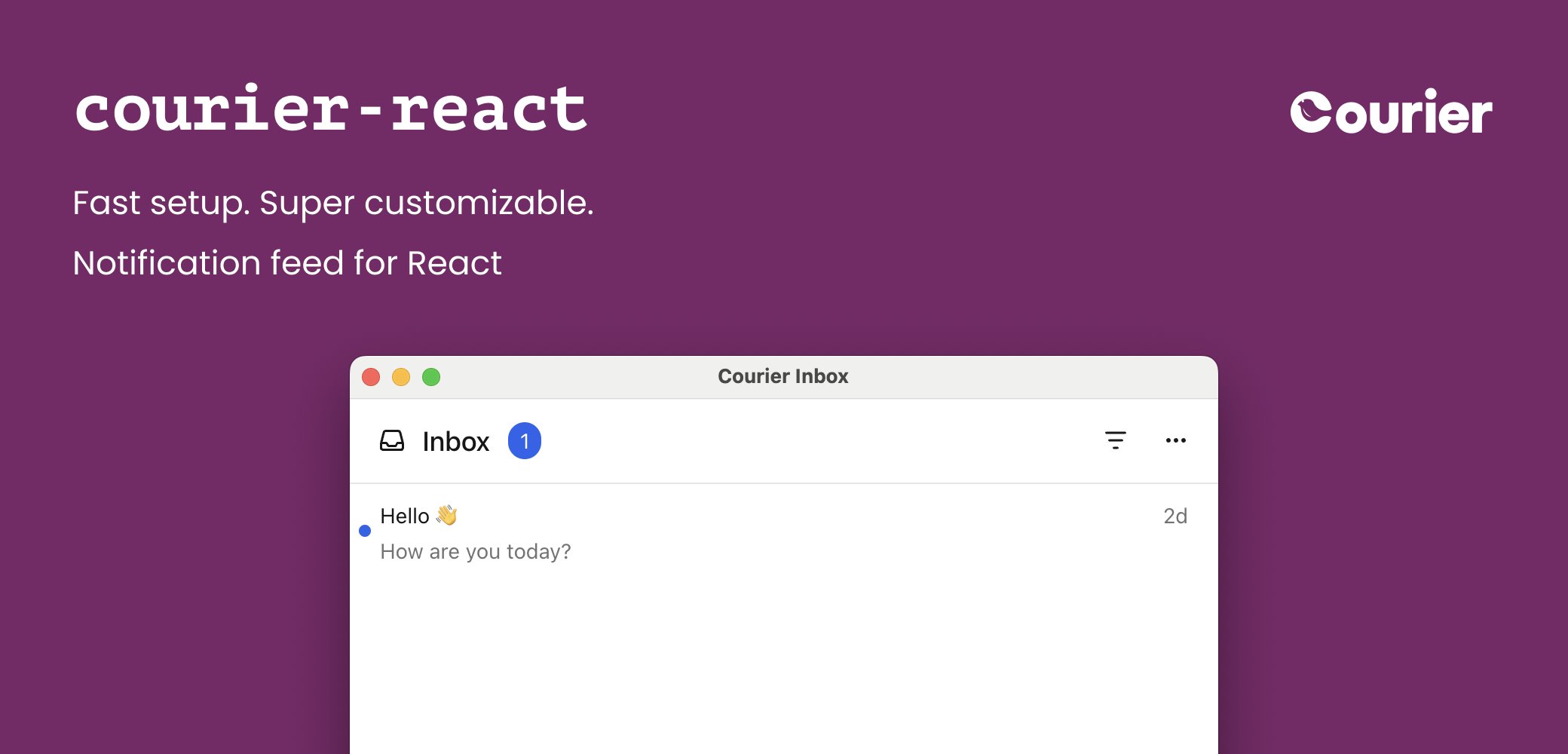
v8+ is a major update to Courier’s web SDKs. It brings:- A redesigned UI with built-in dark mode
- Themeable components
- A smaller JavaScript bundle with no third-party dependencies
What’s in this guide
Migration steps for: All three share the same first steps: upgrade dependencies and authentication. After those, skip to Toasts or Preferences if you have no Inbox components to migrate.Migration steps
1. Upgrade dependencies
v8+ ships as one package:@trycourier/courier-react for React 18+, or @trycourier/courier-react-17 for React 17. The two are identical. The examples below work with either, and your app should install only one.
Earlier Courier React SDKs required several packages, such as @trycourier/react-provider and @trycourier/react-inbox. Remove them as part of this migration.
package.json, remove existing @trycourier React dependencies:
2. Generate JWTs
Earlier Courier React SDKs accepted client keys: a stable, Base64 encoded identifier, with or without an HMAC signature. v8+ replaces them with JWTs, short-lived signed tokens your backend mints with your Courier API key. Client keys no longer authenticate anything, so every app needs a backend endpoint that issues a token. covers minting the token, the scope strings, reading auth state, signing out, and token refresh. Using the EU datacenter? See . Inbox and Toast components need the three required scopes in . Migrating Preferences components too? Addread:preferences and write:preferences.
3. Authenticate the Courier SDK
Replace every<CourierProvider> with one call to courier.shared.signIn(). That method lives on the singleton useCourier() returns. covers signOut and token refresh.
App.tsx
4. Upgrade Inbox components
4a. Theming
v8+ drops styled-components and themes natively. The theme definition changed. Compare the v7 theme with the types.App.tsx
Dark mode
React Inbox v8+ switches between light and dark mode automatically, following system preferences.App.tsx
4b. Custom components
You can override most components in the default UI. Some prop names and method signatures for passing components changed in v8+. See and .App.tsx
Custom component prop changes
Inbox components:In v8+,
renderHeader receives CourierInboxHeaderFactoryProps, which holds a feeds array, not feedType. Each feed has feedId, title, iconSVG, tabs, and isSelected.4c. React hooks
A custom UI fetches messages and holds inbox state itself, with hooks. Courier’s React hooks now ship inside@trycourier/courier-react. Remove any dependency on @trycourier/react-hooks.
package.json
useInbox() to useCourier() and update the changed method signatures. The full set of updated hooks follows.
App.tsx
Method signature changes
4d. Feeds and tabs
v8+ adds feeds and tabs for organizing messages. A feed groups related tabs. Each tab is a filtered view of messages within its feed.- Feeds group tabs into sections, such as Inbox, Archive, and Notifications.
- Tabs filter the messages in a feed, such as All, Unread, and Important.
- Datasets back each tab, identified by a unique
datasetId.
filter takes tags, status, archived, and from. Set fields are AND’d together, while several tags match as OR. This is where v7’s message tags land: send a message with its tags, then give each tag a tab. For every field, see the .
Pass a feeds prop to <CourierInbox> to configure feeds and tabs:
App.tsx
inbox.registerFeeds() and access messages by datasetId:
App.tsx
inbox.messages. In v8+:
- Messages are organized by
datasetIdininbox.feeds[datasetId].messages - Use
inbox.registerFeeds()to configure feeds and tabs - Use
inbox.listenForUpdates()to enable real-time updates - Use
datasetId(notfeedType) when callingfetchNextPageOfMessages()
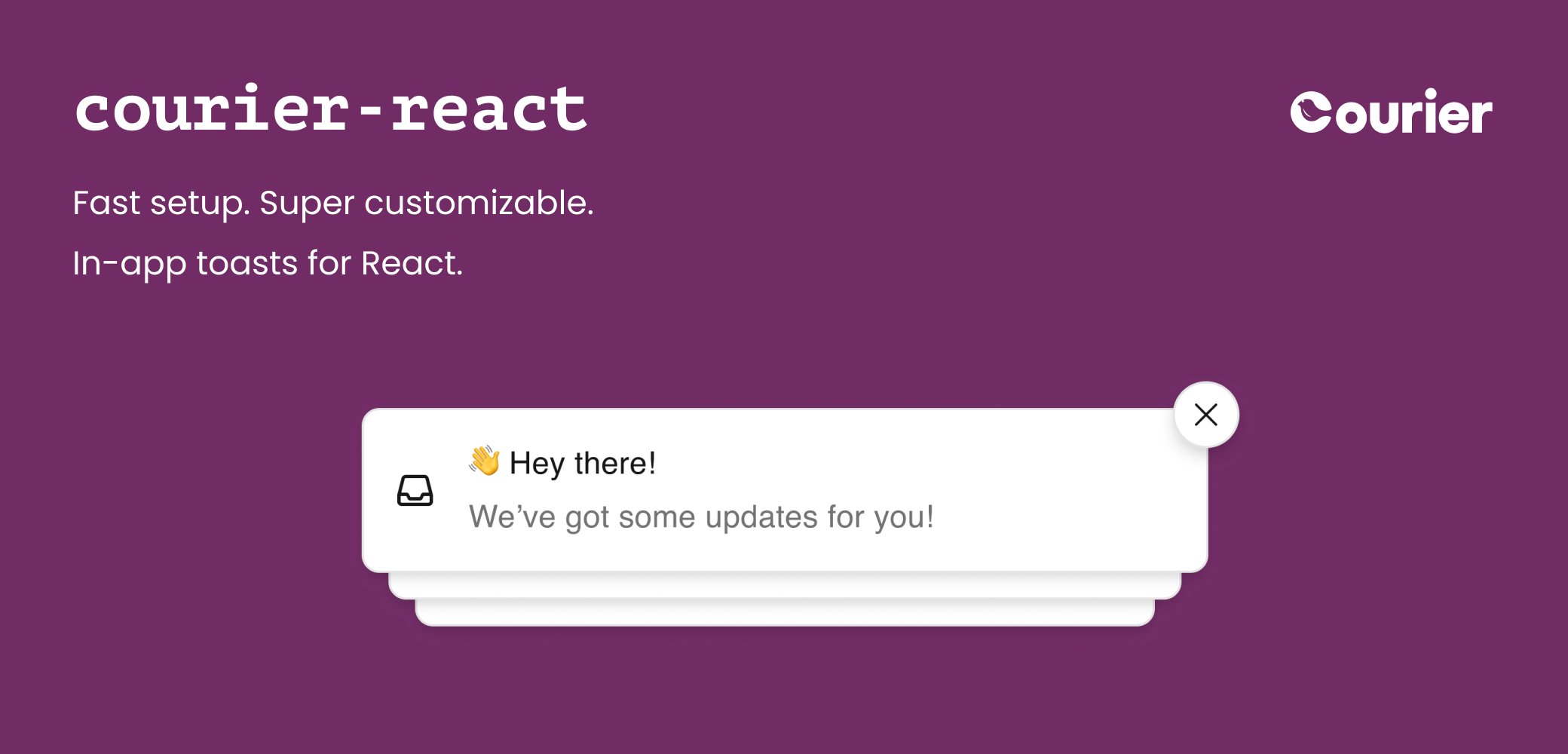
5. Upgrade Toast components
<CourierProvider> with one call to courier.shared.signIn(). That method lives on the singleton useCourier() returns.
App.tsx
5a. Toast props
Some<CourierToast> props changed or moved in v8+, alongside new props for theming, custom components, and user interaction.
5b. Theming
v8+ drops thestyled-components package and themes natively.
The theme definition changed. Compare the v7 theme with the types.
App.tsx
Dark mode
React Toast v8+ themes dark mode fully and switches between light and dark automatically, following system preferences. Every field is in the type.App.tsx
5c. Custom components
For customization beyond theming, v8+ adds two render props:renderToastItemContent: Customize the content area, keeping the default styles, animations, and dismiss behavior.renderToastItem: Replace the appearance and behavior of the toast items and stack.
5d. React hooks
A custom UI holds toast state itself, with hooks. Courier’s React hooks now ship inside@trycourier/courier-react. Remove any dependency on @trycourier/react-hooks.
package.json
useToast() to useCourier() and update the changed method signatures. The full set of updated hooks follows.
App.tsx
Method signature changes
config and clientKey info are removed from hooks in v8+.6. Upgrade Preferences components
v8+ replaces the v7<PreferencesV4> component, from @trycourier/react-preferences, with <CourierPreferences>. It shares the redesigned UI, native theming, and dark mode of the other v8+ components.
As with Inbox and Toast, replace <CourierProvider> with one call to courier.shared.signIn(). Already authenticated for another v8+ component? No second sign-in is needed. The SDK shares authentication across components.
App.tsx
6a. Preferences props
The v7<PreferencesV4> component accepted only two props, tenantId and draft. It had no theming props. Its colors came from the brand configured on the fetched preference page. Three things change in v8+:
- Tenant scoping moves to
signIn. There is no per-component prop. - Draft-preview isn’t yet available.
<CourierPreferences>adds native client-side theming and other options.
6b. Theming
Like Inbox and Toast, v8+ Preferences dropsstyled-components and themes natively through the lightTheme and darkTheme props. The fields are in .
6c. React hooks
A custom Preferences UI using the v7usePreferences() hook from @trycourier/react-hooks should move to useCourier().preferences.
Courier’s React hooks now ship inside @trycourier/courier-react. Remove any dependency on @trycourier/react-hooks.
App.tsx
Method signature changes
config and clientKey info are removed from hooks in v8+. Tenant scoping moves from a per-call tenantId argument to signIn.SDK documentation
Markdown rendering
Courier React 1.13.0 through 7.x.x render Markdown-formatted messages automatically, such as those produced when Markdown Rendering is enabled for the Courier Inbox provider. v8+ has no built-in Markdown rendering. Add it with custom Inbox components, as below withmarkdown-to-jsx.
package.json
App.tsx
Troubleshooting
Migrate Inbox and Toast together. The v8+ SDK depends on a newer major version of@trycourier/courier-js than v7 does. Two versions on one page isn’t supported.
No requests to Courier after upgrading? Two versions of a @trycourier/ package are probably installed at once. Run npm dedupe, yarn dedupe, or your package manager’s equivalent.
Still stuck? Open an issue on GitHub or contact Courier Support.