Best Practices for SMS Tools and Text Message API Implementation
 Oleksii KlochaiNovember 14, 2023
Once upon a time, SMS was the crowning achievement of communications technology. It combined email’s asynchronous archive of messages with a portable device, allowing anyone to send and receive information anywhere they were. Today, widespread mobile internet access has somewhat eclipsed the main functionality of SMS, but it remains a dominant form for communication in many markets and in particular business cases.
SMS is typically suited to messages that need to arrive quickly and reliably. Although mobile apps can handle messaging in many cases, SMS software on phones requires no app and remains largely unchanged for decades; it therefore has better uptime and reliability than other messaging services. Mobile networks supporting SMS are also more extensive and cheaper to operate in remote areas, so messages like appointment scheduling, order information, and two-factor authentication can be more reliably delivered by SMS.
Many B2B and even some B2C use cases benefit from using SMS as a communication channel, but implementation can be expensive. SMS providers have variable logging and documentation, and often are limited in user-preference customization. It can often make sense to centralize these concerns in a single tool that can handle all the messaging channels you use, can integrate with your data management ecosystem, and allows you to implement complex logic around the sending of your notifications. Courier is an all-in-one notification platform that does just that.
Courier delivers easy access to the messaging providers you use, all in a familiar language and with documentation that’s comprehensive and easy to follow. This page will give you an overview of the SMS providers supported by Courier’s text messaging API, so that you can assess if moving towards a messaging management tool is right for you.
Text message notification API – layers of tools
Like any software process, sending SMS messages to your users involves a series of individual tools. At each step of the SMS journey – starting with an internal call in your software for a message to be sent and ending in the cellular networks that deliver actual data to phones – there are product decisions to make. It all starts with the SMS API.
What is a text message API?
A text message, or SMS, API is an API exposed by an SMS provider that you integrate into your own project’s codebase so that SMS messages can be sent automatically.
A third-party text message API is the basic service you will need to send SMS messages. There are many different SMS providers out there, and it can be overwhelming trying to decide between a bunch of different options when they might initially all appear to be very similar. Some things you may want to consider when looking at different providers are:
- Regionality: Does the provider cover the political or geographic region where your customer’s phones are?
- Price: Rate per message can vary widely between providers. Assuming your other needs are met by a given company, compare provider price per user to the value it brings you.
- Reliability: Providers make different guarantees about the stability and reliability of their network, and may also have different rate restrictions.
- Logging and monitoring: Does the provider offer a good monitoring and logging page that makes it clear that an SMS has failed and why?
- Documentation and support: Is the SMS provider’s API comprehensive and well-documented? Do they offer clear and simple lines of communication?
- Integration with third-party systems in your stack: If you need to trigger an SMS based on other systems in your stack such as a customer data platform, is this possible? Or if, on the other end of things, you want your message delivery logs to be integrated into a wider monitoring system or observability platform, can you do this easily?
Finding the right SMS provider
The SMS providers, vendors who actually send messages on a network for you, can be hard to choose among, but are often the biggest cost in a text messaging campaign. We have already discussed some basic elements of a provider’s service that should be considered, but there are a nearly endless list of gotchas that might make your life harder, if you don't keep them in mind while picking a provider.
Firstly, you need to ensure that any service you’re going with actually offers all the features you need. Depending on your messaging needs, this might include:
- SMS short code support: for high-throughput, mass messaging campaigns.
- Toll-free numbers: to reduce friction in markets where customers are conscious of potential fees for responding to your messages.
- Alphanumeric sender ID: this can help maintain trust in a messaging channel that is sometimes associated with spam, but it is not always supported by SMS providers.
- Regional support for regulations and local laws (for example, stop codes to remove recipients from the marketing list).
Again, we must stress that you should be aware of the quality of the SMS provider's API, the documentation for it, and the customer support provided with it. Communicating efficiently across a cell network and building a modern, highly performant API or SDK are two different projects, and not all providers that are good at the former are capable with the latter. If you find the perfect service at a good price point, you might still end up paying in drag on engineering teams as they work around a shoddy SMS API.
Because the provider matters so much, we maintain comparisons to help our clients (and anyone else!) understand the best options on the market.
When to use Courier with an SMS API
While most SMS providers’ native APIs are easy to use, allowing developers to send SMS messages globally with only a few lines of code, they can be limiting in the long-term development of a mature notification strategy. On the other hand, using a notification platform on top of a standard SMS API can yield important advantages to your SMS process:
Improve reliability, flexibility, and developer velocity
Most of the distinct advantages of a notification platform like Courier are flexibility improvements at the junction between the SMS provider and your own codebase. Rather than overcompensating for irregularities between your own servers and the distant, complex architectures of a cell network, a good notification platform will cushion the interface and improve reliability for provider failover while also provisioning advanced retry, along with comprehensive logging and error handling.
While discussing SMS providers, the thought must have occurred to you: what happens if we expand to a new market not covered by our provider? There are many cases that could require a change of SMS vendor: service changes, legal developments, or new feature rollouts. When your business logic is routed through a notification platform, it becomes easy to price-shop between different providers – with a notification platform there’s no “soft lock-in” from the fear of diverting developers to build a new codebase for a strange new API.
Product quality also flourishes with a notification platform. You can design generalized strategies for messaging, and easily switch between channels other than SMS to deliver your message to customers. Common template designs and management allow strong identity while minimizing work to standardize copy and brand image.
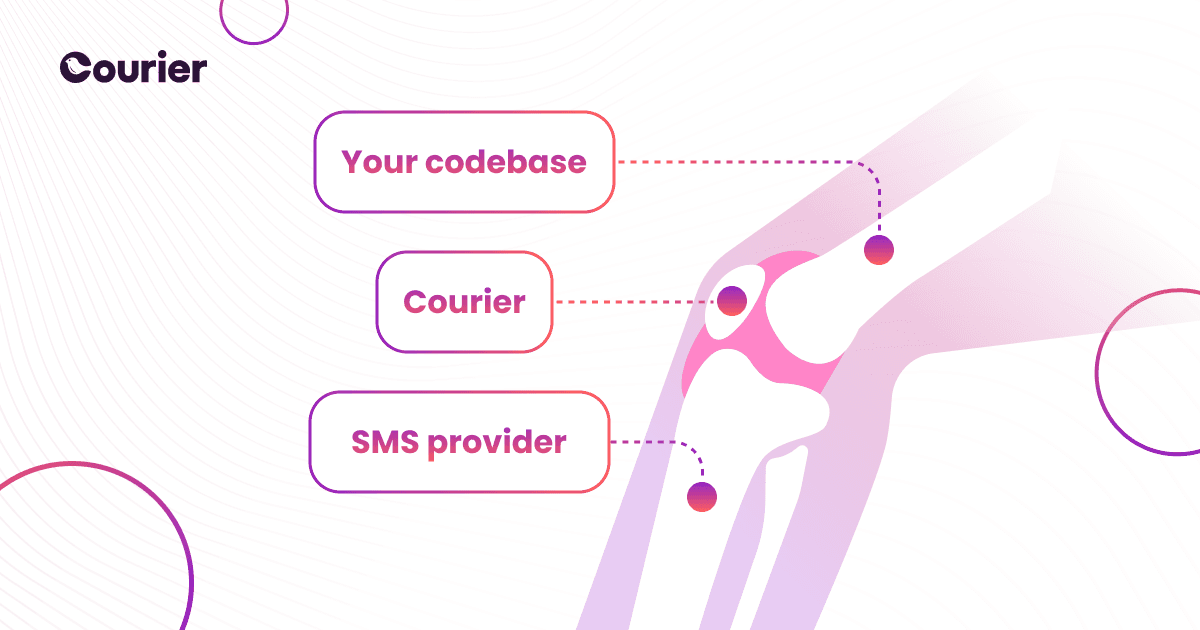
A notification platform reduces strain at the join between vital services.
Collect and manage data
One of the most important pieces of customer data when it comes to SMS messaging is a given user’s preferences for contact. A notification platform like Courier doesn’t only provide opt-in preference by topic but also allows for fine-tuned controls on message frequency, delivery time, or batched daily notifications that don’t flood users with information.
User response to messages is an important metric that you will use for further marketing. Horizontal integration to other tools like customer data platforms allows you to maximize the usage of this information – with Courier you don’t need to make these connections yourself.
Courier also maximizes your own observability data. Third-party tools that allow you to quickly alert on delivery failures and view metrics for errors are seldom integrated with a given provider’s API, but Courier allows you to bring that information to your devops dashboards.
Check out our guides for specific, in-depth usage of Courier’s notification platform
It’s clear that there are some general benefits to using a notification platform to supplement your text messaging API – but at Courier we have developed a number of specific guides for common use cases to help conquer a particular problem. Check out the following tutorials to get an idea of what is possible with a mature notification platform, or maybe as a direct guide for the project you’re currently developing!
- Use Courier with an SMS API to write an SMS password reset in node.js
- Use Courier and Twilio with node.js to create a complete notification system for SMS, or any channel
- Seamlessly expand an existing email strategy to an SMS alternative using Courier and Twilio
And although these guides lean on Node.js development, Courier supports a suite of programming languages – from Go to Java, Ruby to Python, we can show you how to get a quick text message API up and running.
Courier gives you flexibility
When choosing an API package to launch your SMS development, pick tools that meet you where you are. Whether you are looking for easy brand customization, advanced user preference management, or easy multi-channel messaging support, Courier has it – and documented in a language you already know!
If all the discussion of text message APIs didn’t satisfy your curiosity about the use cases for SMS vs. push notifications, we have you covered. If you’re interested in our product and want to see it in action, we can set up a demo for you. Or you can jump straight into a test drive, and sign up to the app for free, where you can send 10,000 messages per month in our introductory tier.
Similar resources

HIPAA-compliant notifications: where PHI should live
A practical guide to HIPAA-compliant notifications across SMS, push, email, and an in-app inbox. One rule, applied to every channel and every place PHI gets stored, including the systems most teams forget are in scope.

How to get your logo in Gmail and Apple Mail
BIMI puts your logo next to your emails in Gmail and Apple Mail, but there is no upload form. It is earned by locking your domain down. Here is the whole project: what it costs, how long it takes, and the five ways it fails silently.

Email preview tools compared: 6 that render on real devices
Most "email preview" features are simulations. These six open your email in the actual client and send back a screenshot. Here’s what each costs per preview, how much work sits between your template and the result, and which ones you can drive from code.