

In Courier Inbox, tabs are the primary way to organize and filter in-app notifications.Documentation Index
Fetch the complete documentation index at: https://www.courier.com/docs/llms.txt
Use this file to discover all available pages before exploring further.
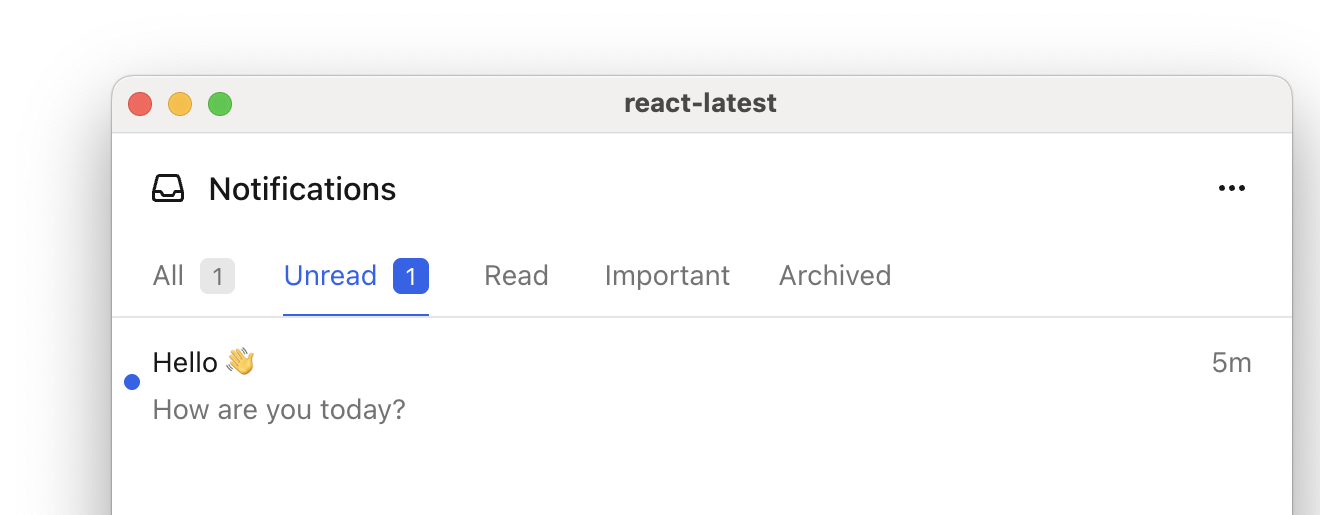
filter object to determine which notifications appear in the list.
Each tab can filter notifications using a filter object. You can use one or more of the following filters:
-
tagsto show specific notification types. These are defined by you. -
statusto filter by read/unread -
archivedto include archived notifications - A feed is a top-level container in the inbox header that groups related tabs together.
Example
Define tabs inside afeeds array. Each tab has a datasetId (unique identifier), title (display name), and filter object.
metadata.tags:
Related Resources
Get Started with Inbox
Set up Courier Inbox in your app
React SDK
Full tabs and feeds reference for React