

Available on
GitHub.
Installation
pod install from your project’s ios/ directory after updating the Podfile.
Authentication
Courier authenticates with a JWT that your backend mints with your Courier API key, never in client code. is the full guide: the token flow, scope strings, reading auth state, signing out, token refresh, and EU-hosted workspaces. Credentials persist across app sessions, so you sign in once per user rather than on every launch.Inbox
is the setup flow. These are the types it uses on iOS.
Every callback and action these expose is documented per platform in .
Inbox theme
CourierInboxTheme is a constructor argument, and light and dark themes are separate.
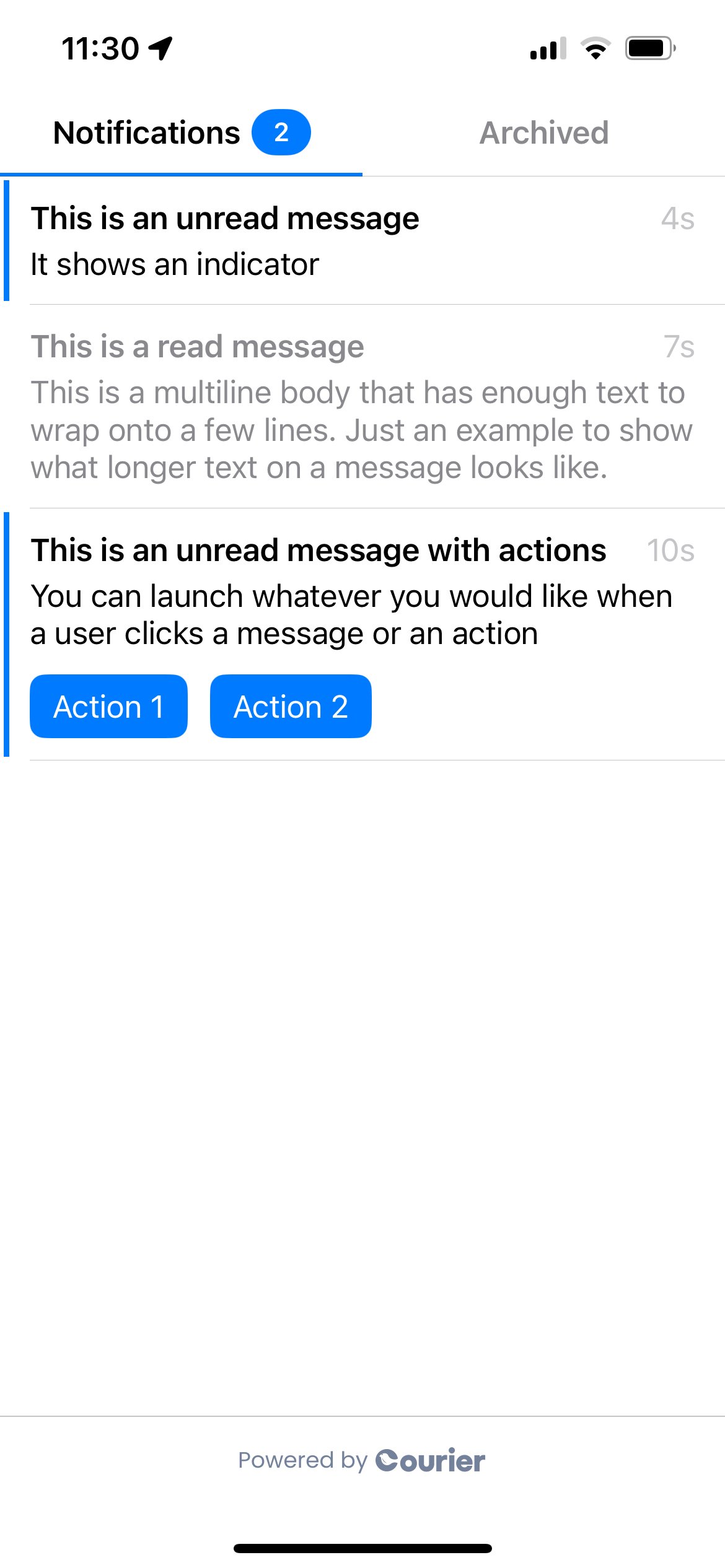
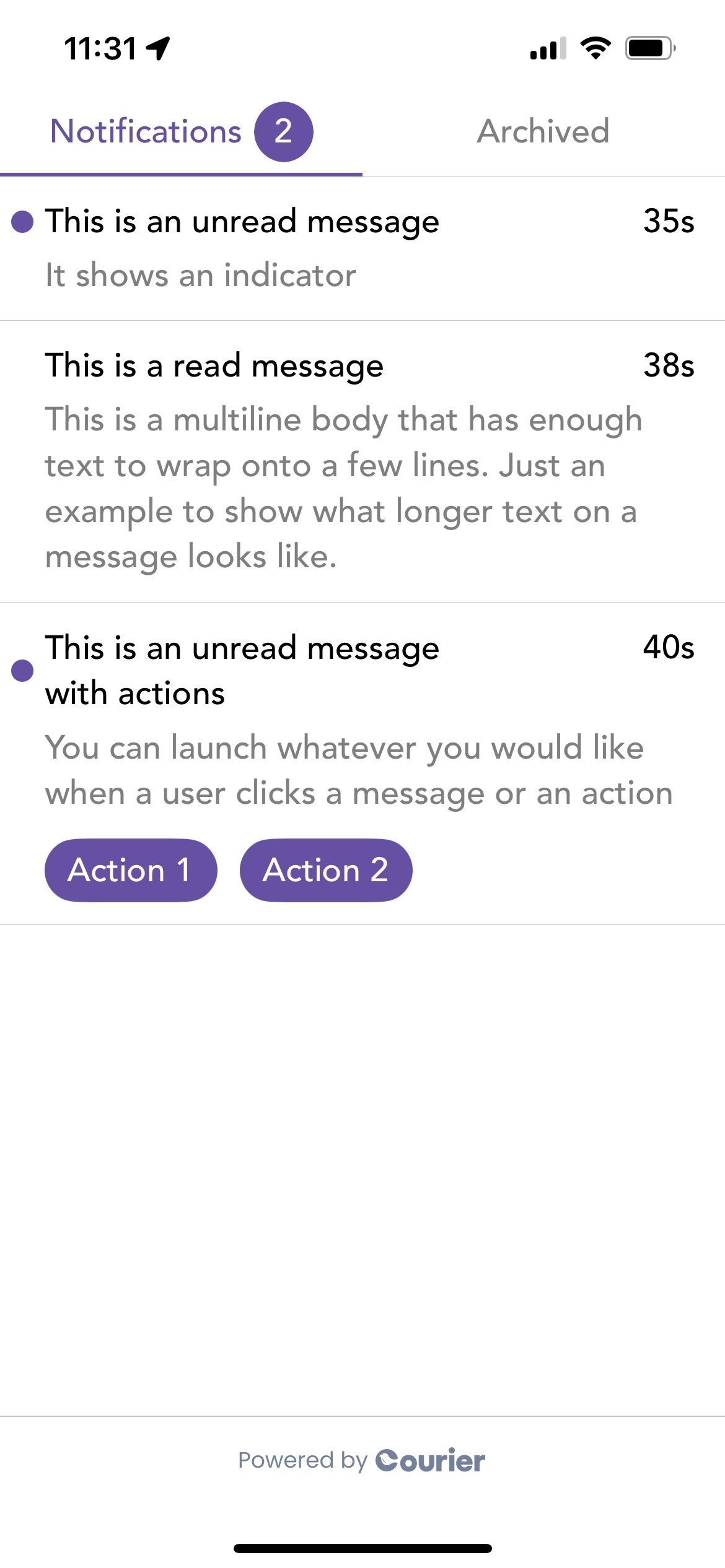
Default and styled Inbox on iOS
Push notifications
is the setup flow, from connecting APNs to a device that receives push. It covers theCourierDelegate wiring, setAPNSToken and setToken, permission, and reading the payload on tap.
Push notifications require a physical device. Simulators don’t reliably support push token registration or notification delivery.
Notification Service Extension
iOS only wakes your app for a push while it is running, so delivery goes untracked when the app is closed. A Notification Service Extension runs instead, and reports the delivery for you.1
Download the template
Download
CourierNotificationServiceTemplate.zip and run sh make_template.sh. Watch the video walkthrough on GitHub for a step-by-step guide.2
Add the extension target
In Xcode: File > New > Target > select “Courier Service” > Finish.
3
Link the Courier SDK
Add the Courier package to the new target via SPM or CocoaPods.
Attach Mutable Content must be on for the , or the extension never runs. It is on by default.
Preferences
is the setup flow. These are the types it uses on iOS.Topics and sections are configured in the . See for how preference enforcement works at send time.
Preferences theme
Light and dark themes are separate, and applies automatically when you supply abrandId.
Default and styled Preferences on iOS
CourierClient
For advanced use cases,CourierClient is a low-level wrapper around the Courier API. Each client holds its own credentials, so you can spin up as many as you need.