

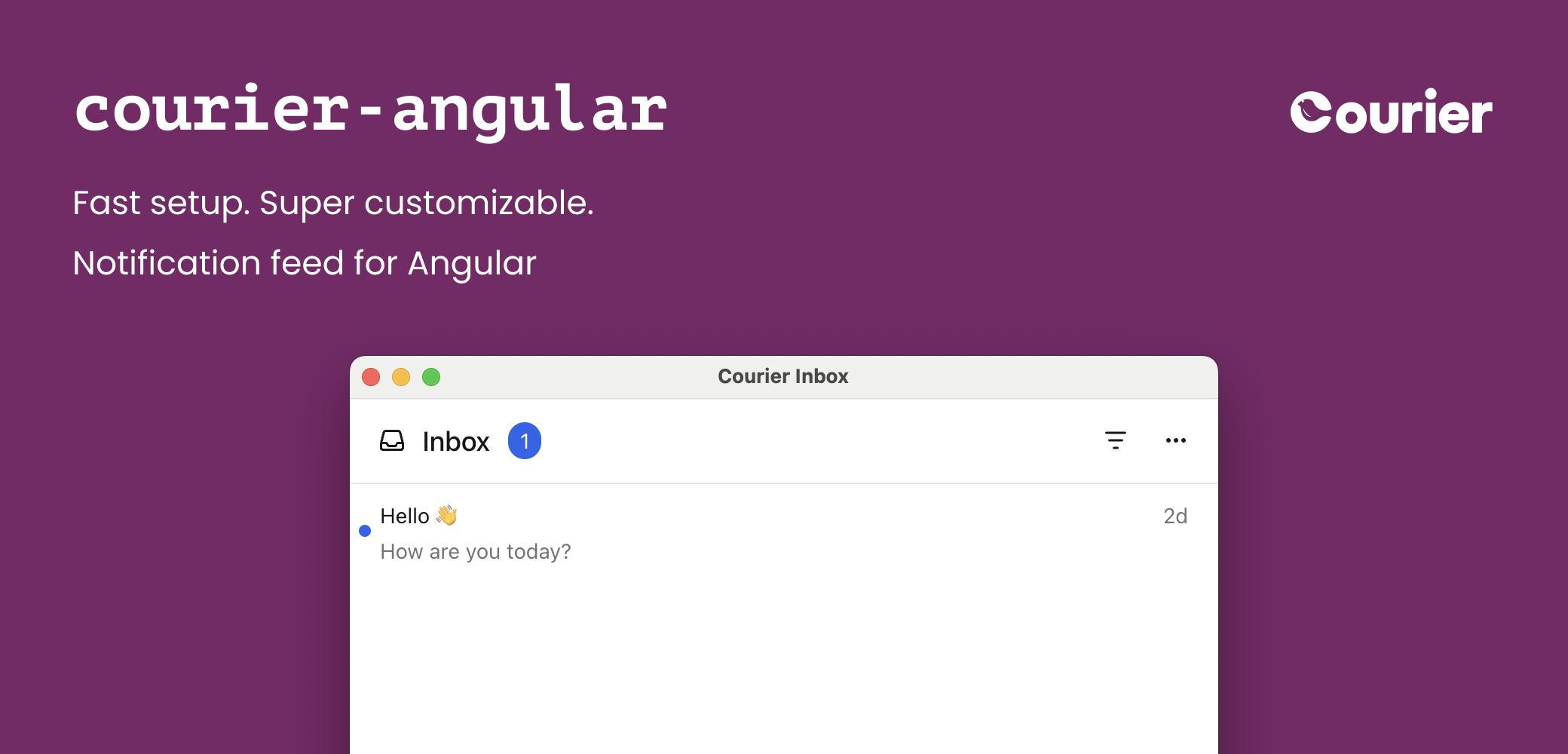
<courier-inbox>— full-featured inbox for displaying and managing messages<courier-inbox-popup-menu>— popup menu version of the inbox<courier-toast>— toast notifications for time-sensitive alerts<courier-preferences>— notification preferences center for managing topic subscriptions and deliveryCourierService— injectable service for programmatic access and custom UIs
Installation
Available on GitHub and npm.@angular/core (>= 17), @angular/common (>= 17), and rxjs (>= 7) are peer dependencies.
The Courier Angular components are standalone — import the component classes
(
CourierInboxComponent, CourierInboxPopupMenuComponent, CourierToastComponent,
CourierPreferencesComponent) directly into a component’s imports array, or into a
standalone bootstrap. No NgModule is required.Not using Angular? Check out the
@trycourier/courier-ui-inbox and
@trycourier/courier-ui-toast
packages instead, which provide Web Components for any JavaScript project.
Authentication
To use the SDK, you need to generate a JWT (JSON Web Token) for your user. This JWT should always be generated by your backend server, never in client-side code.1
Your client calls your backend
When your app needs to authenticate a user, your client
should make a request to your own backend (ex.
GET https://your-awesome-app.com/api/generate-courier-jwt).2
Your backend calls Courier
In your backend endpoint, use your Courier API Key to call the Courier Issue Token Endpoint and generate a JWT for the user.
3
Your backend returns the JWT to your client
Having received the JWT from Courier, your backend should return it to your client and pass it to the Courier SDK.
For a step-by-step walkthrough of authentication and token generation, see our JWT authentication tutorial.
Development testing with cURL
To quickly test JWT generation for development only, you can call the Issue Token Endpoint directly.Quick Start
Get up and running with Courier Angular in minutes. ImportCourierInboxComponent into your standalone component and inject CourierService to authenticate.
Inbox Component
<courier-inbox>
The component’s host element is the <courier-inbox> custom element. Bind inputs and outputs on it directly.
If you’re using tenants, scope requests to a particular
tenant by passing its ID to For the full reference of sign in parameters, see the Courier JS docs.
signIn:<courier-inbox-popup-menu>
Tabs and Feeds
Tabs and feeds organize and filter messages in the inbox. A feed is a container that groups related tabs together. Each tab applies filters to show relevant messages. Pass them with the[feeds] input.
If there is only one feed, the feed selection dropdown is hidden. If a feed has only one tab, the tab bar is hidden and the unread count appears next to the feed.
Handle Clicks and Presses
Listen for interactions with the(messageClick), (messageActionClick), and (messageLongPress) outputs.
Styles and Theming
Customize the inbox to match your app with a theme object passed to[lightTheme] and/or [darkTheme]. Pass the object directly — the component serializes it for you.
defaultLightTheme / defaultDarkTheme provide the default inbox themes, and mergeTheme(baseTheme, overrideTheme) merges two themes with the override taking precedence.
The full CourierInboxTheme type covers the popup trigger button, the inbox window (header, feeds, tabs, actions), the message list (items, scrollbar, menus), and loading/empty/error states. Every property is optional. See the complete reference in the Courier React SDK theme reference (the theme object is identical across SDKs).
Popup alignment and dimensions
Fixed height
<courier-inbox> has a default height of auto. Set a fixed height with the height input:
Custom Elements
You can customize individual parts of the inbox by providing named<ng-template> children. The component reads them via @ContentChild and renders them where the matching slot appears. The template’s implicit context is the factory props (let-props).
You can also reach the underlying web component for imperative methods (e.g.
removeHeader(), selectFeed()) with a @ViewChild ElementRef:
Toast Component
<courier-toast>
Toasts are short-lived notifications that notify users and prompt them to take action. The Toast component is connected to the feed of Courier Inbox messages.
Some initialization for toasts is asynchronous. If your app displays toasts immediately when
the component is mounted, use the
(ready$) output to wait until the component is fully initialized.Handle Clicks
Styles and Theming
defaultToastLightTheme / defaultToastDarkTheme for defaults, and mergeToastTheme(baseTheme, overrideTheme) to merge.
Custom Elements
Provide a named<ng-template> to customize toast rendering:
CourierToast Inputs
Preferences Component
<courier-preferences>
The Preferences component lets your users manage which topics they’re subscribed to and how each topic is delivered (per-channel routing and digest schedules), directly inside your Angular app.
Authentication requires a JWT that includes the
read:preferences and write:preferences scopes.CourierPreferences Inputs
The
(error) output is invoked when the component encounters an error. Preferences theme utilities: defaultPreferencesLightTheme / defaultPreferencesDarkTheme for defaults, and mergePreferencesTheme(mode, overrideTheme) to merge.
CourierService
The injectableCourierService provides programmatic access to Courier functionality for building custom UIs. It exposes auth/inbox/toast state as RxJS observables plus imperative action methods. Inject it with inject(CourierService) or constructor injection — it’s providedIn: "root".
When to use the service vs components
- Components (
<courier-inbox>,<courier-toast>): quick integration with default UI - Service (
CourierService): custom UIs, programmatic control, advanced state management - Both together: use the service for state management while components handle rendering
Reactive state
Complete example — authentication, inbox setup, real-time updates, and displaying messages with the
async pipe:
Methods
Advanced
EU and regional endpoints
Only needed if your workspace uses the EU datacenter.@trycourier/courier-angular re-exports EU_COURIER_API_URLS and getCourierApiUrlsForRegion from @trycourier/courier-js.
Custom-element schema
The Courier Angular components render native custom elements internally. They are self-contained standalone components, so you do not need to addCUSTOM_ELEMENTS_SCHEMA to your own components when using them — just import the component classes.
Server-side rendering
Courier Inbox and Toast render client-side only. They wire up inngAfterViewInit (which doesn’t run on the server), so they work with Angular Universal / SSR setups — the components simply render once on the client.
Troubleshooting
Inbox not updating in real-time
Inbox not updating in real-time
Make sure you’ve called
listenForUpdates() on CourierService after authentication. This establishes the WebSocket connection required for real-time updates.Messages not loading
Messages not loading
Possible causes:
- Not authenticated — ensure
signIn()has been called - Feeds not registered — call
registerFeeds()beforeload() - Network errors — subscribe to
inbox$and check itserror - JWT expired — generate a new token
Authentication errors
Authentication errors
- Invalid JWT: Ensure the JWT is generated correctly on your backend
- Expired JWT: JWTs have an expiration time; generate a new one
- Missing scopes: Ensure your JWT includes
inbox:read:messagesandinbox:write:events - Wrong user ID: Verify the
userIdmatches the user the JWT was issued for
Custom slots not rendering
Custom slots not rendering
Custom render slots are provided as named
<ng-template> children (e.g. <ng-template #listItem let-props>), read by the component via @ContentChild. Ensure the ref name matches exactly (#header, #listItem, #emptyState, #loadingState, #errorState, #paginationItem, #menuButton, #toastItem, #toastItemContent).TypeScript errors
TypeScript errors
Import types directly from the package:
Best Practices
- JWT Security: Always generate JWTs server-side. Cache on the client, refresh before expiration (standard:
'1d'), include only necessary scopes. - Performance: Use
canUseCache: true(default) for cached data. Set appropriatesetPaginationLimit()values. Prefer theasyncpipe over manual subscriptions so Angular manages teardown. - Testing: Provide a mock
CourierServiceinTestBedto return test data: