

Prerequisites
- A Mailchimp Transactional (Mandrill) account
- A Mandrill API key
Setup
1
Create a Mandrill API key
In Mailchimp Transactional, follow the quick start to create an API key.
2
Configure in Courier
Open the in Courier, enter your API key, From Address, and From Name, then save.
Overrides
covers the two levels and which one wins. lists the fields every email provider takes. Use a provider override to change what Courier sends to Mandrill’s Messages API. This example adds an attachment.Template import
Import your Mandrill templates from the .Enter your Mandrill credentials on the configuration page to load your saved templates.
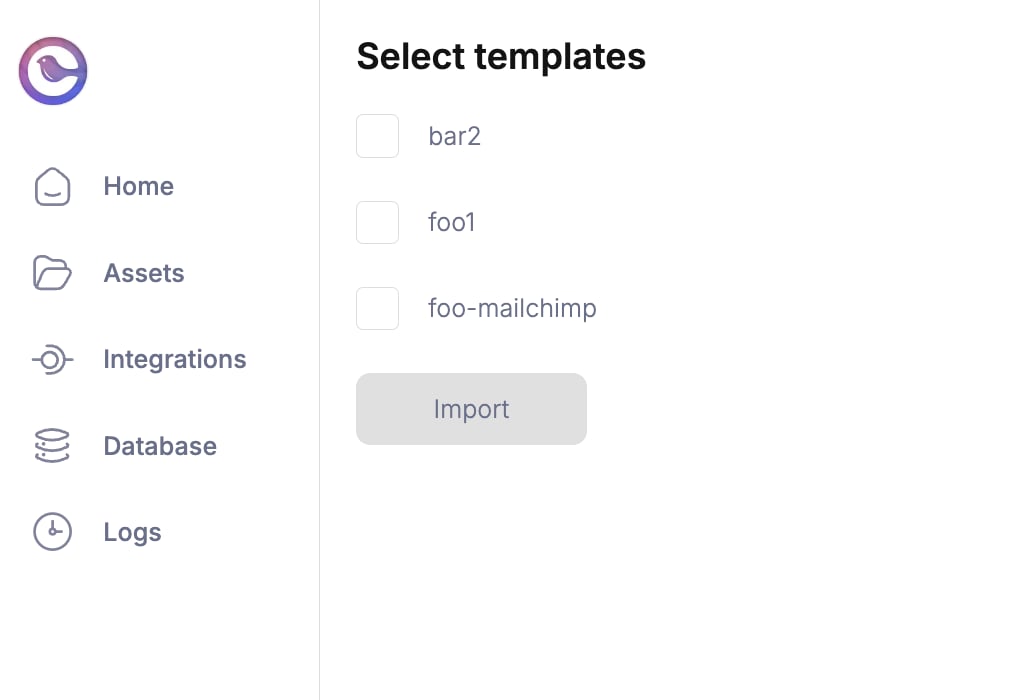
Template import page
Troubleshooting
Check the to debug provider errors. For anything else, contact Courier Support.
Mandrill click tracking not working
Three likely causes:- Click tracking is off.
- The URL is too long, so Mandrill disabled click tracking.
- The clicks are recorded but not updated in real time.
1
Log into Mandrill
Log in to your Mandrill account.
2
Open Sending defaults
Go to Settings, then Sending defaults.
3
Check the Track Clicks setting
Set the “Track Clicks” dropdown to anything other than “No click tracking”.
Mandrill BCC not working
Mandrill is ignoring the BCC headers. Solution- Use the
tofield rather than thebccfield, and setX-MC-PreserveRecipientstofalse. - Or put the BCC address in the
tofield with itstypeset tobcc. Addpreserve_recipients: trueunder the message section, as below.
Mandrill CC emails not present
Pass CC fields to Mandrill’s API or through an API override. As with BCC, setpreserve_recipients to true in the override request. Without it, CC emails won’t be sent.
Solution
Mandrill merge vars not working
Merge variables usually fail because of how they are nested. Solution Nest the variables inside themessage struct, as below.
Provider details
routing.channels instead is supported, and sends through just this provider.
Send to a specific provider
When that is worth doing, and what you give up: failover, channel priority, and providers you add later.