

- One-time: Set the specific time and date to invoke the automation.
- Recurrence: Identify a repeat schedule for the automation to be invoked. This is similar to scheduling a repeat event in a calendar application.
- Cron: Similar to Recurrence but with more specificity using crontab expressions.
Setup Scheduling
To setup a scheduled automation, drag over the Schedule trigger from the triggers section onto the canvas. Publishing an automation template is sufficient to allow the trigger to invoke the automation on the provided schedule. You do not need to make a separate API call to invoke.The schedule trigger is accurate to within ~12 minutes of the selected time.
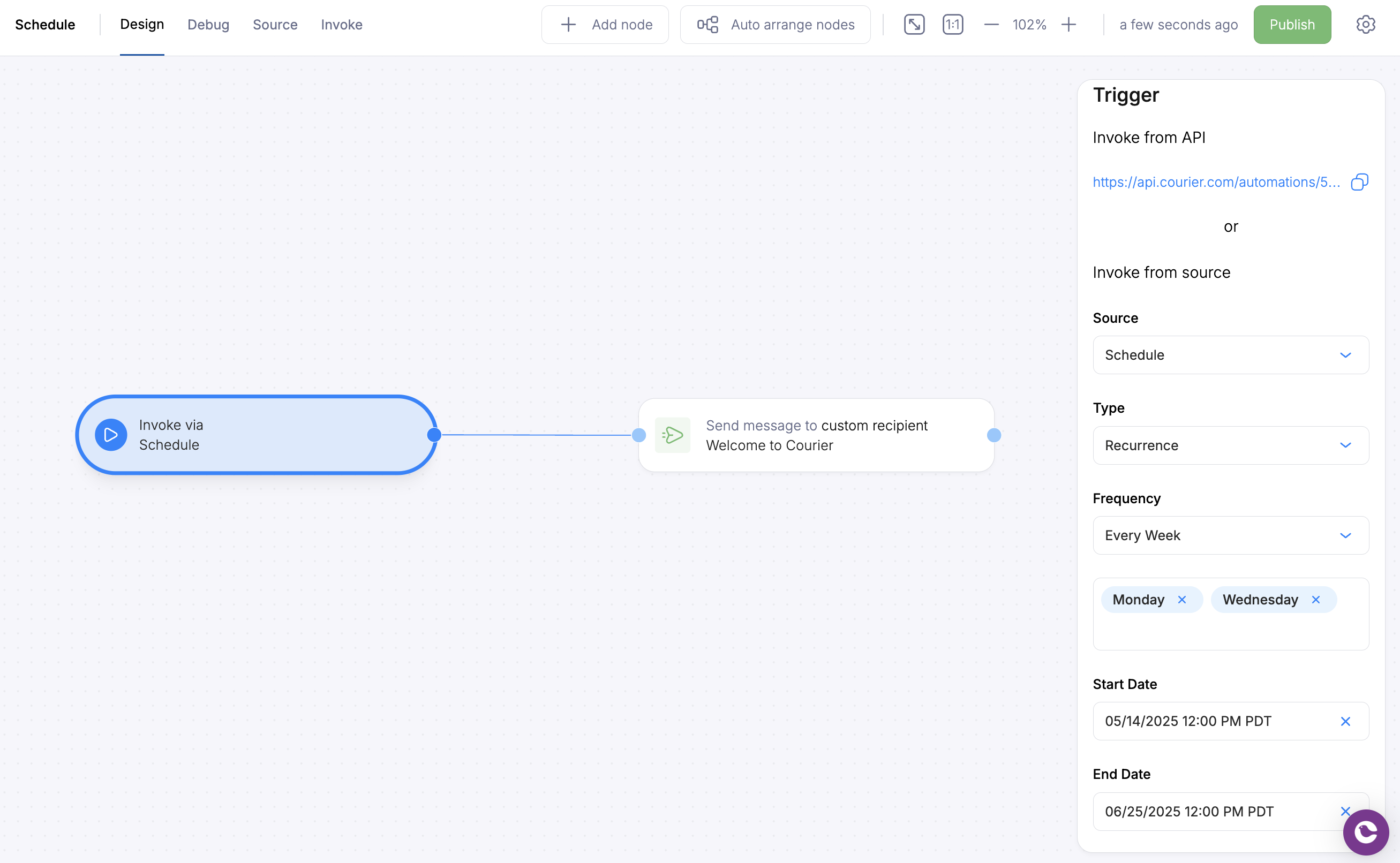
Automation Schedule Trigger