

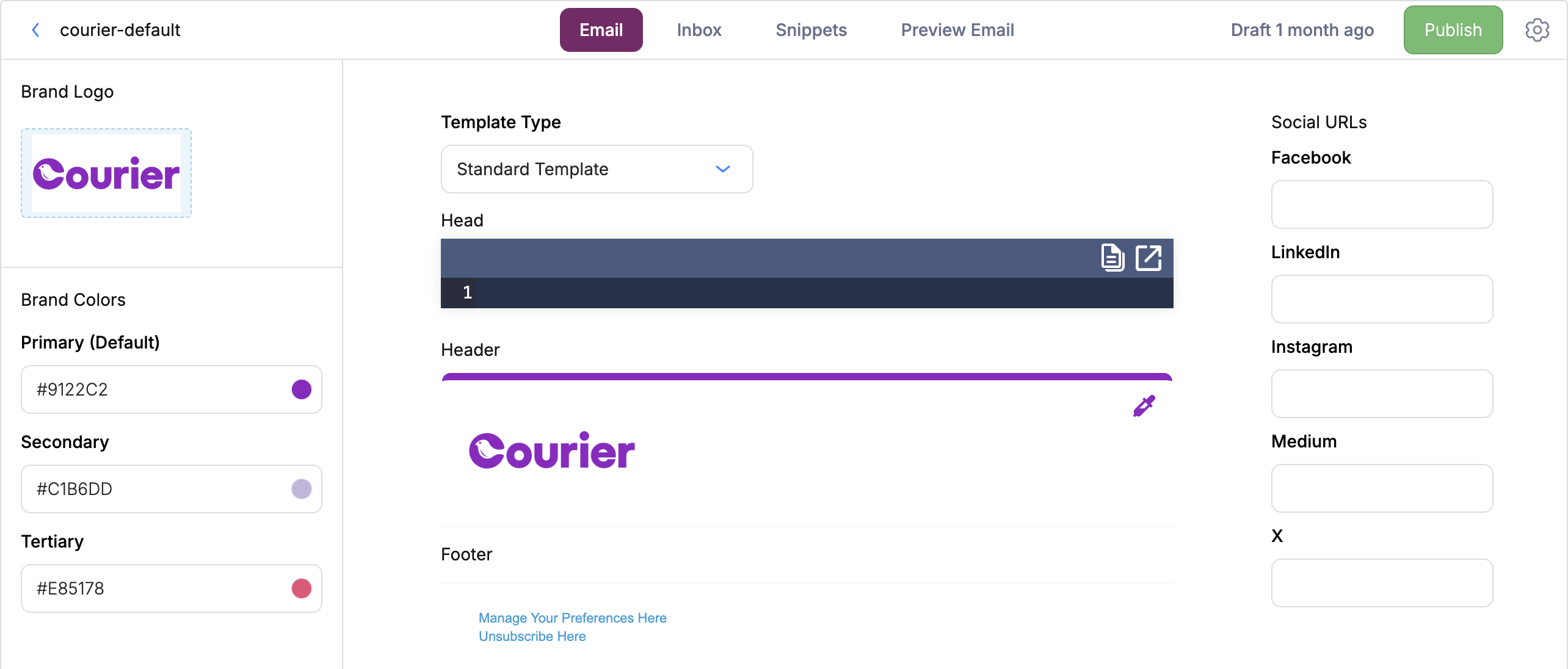
Brand Designer
Standard Template
Customize Standard Template Brands with:- Name
- Logo
- Brand colors (Primary, Secondary, Tertiary)
- Brand Header color
- Brand Footer Social URLs
Logo Requirements
- Format: JPEG, PNG, or GIF
- Width: 140px (height is flexible)
- Maximum file size: 5MB
Custom MJML/Handlebars Template
Use a Custom MJML/Handlebars Template to fully customize the header, footer, and background using HTML, MJML, or Handlebars.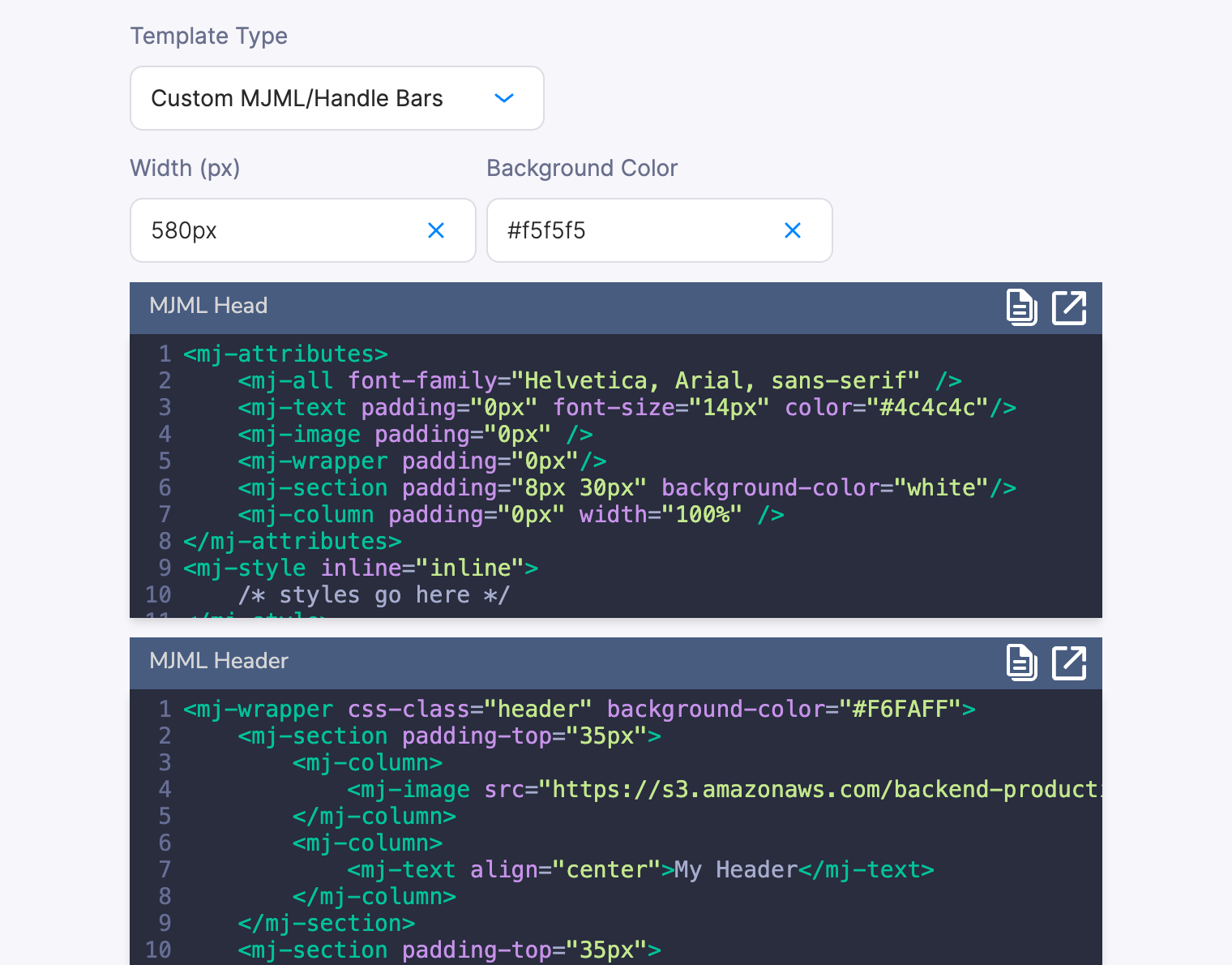
Brand Custom Template
Head
The Head field injects content into the<head> element of the compiled email. Use it for <style> blocks, MSO conditional CSS for Outlook, and custom font imports. This is also where you apply CSS Classnames to style Courier blocks.
Header
The Header field renders MJML or HTML content above your template’s content blocks. Use it for branded banners, navigation bars, or promotional strips that appear at the top of every email.Footer
The Footer field renders MJML or HTML content below your template’s content blocks. Use it for legal disclaimers, unsubscribe links, social media icons, or company address.Background Colors and Layout
Both the Custom MJML/Handlebars and Handlebars template types expose a Background Color field and a Width field. The Handlebars type also exposes additional layout controls:
In Custom MJML/Handlebars mode, control content and footer backgrounds directly in your MJML code using
background-color attributes on <mj-section> and <mj-wrapper> elements.
These fields can also be set via the Brands API on settings.email.templateOverride.
Reusing Styles Across Brands
Inheriting from the Default Brand
Use the Inherit from Default Brand toggle to inherit theHead, Header, or Footer from the Default brand. Both brands must use the standard brand type.
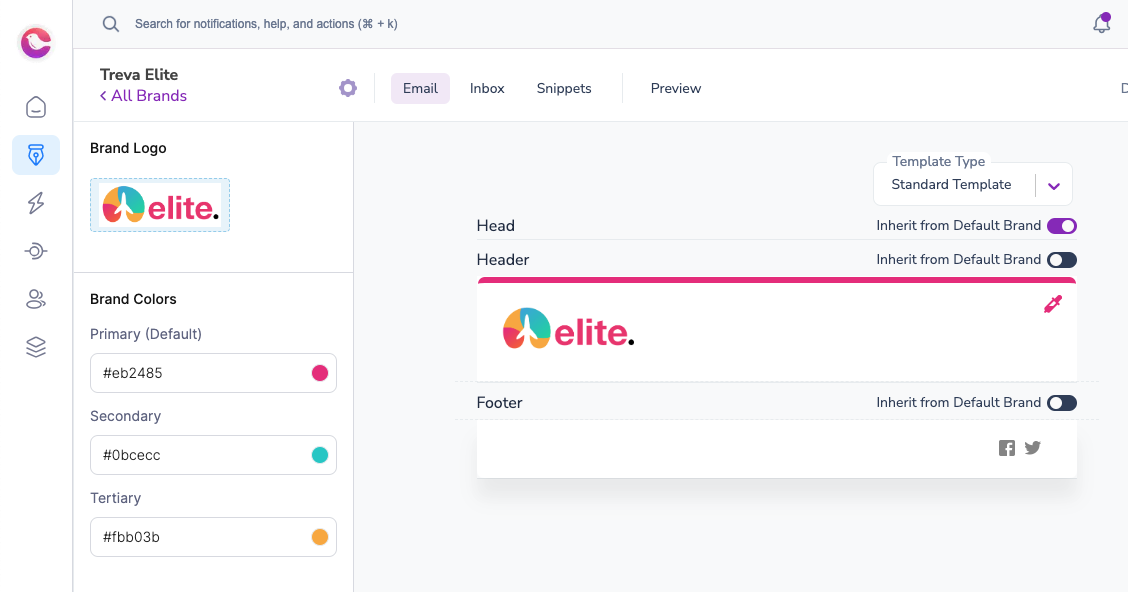
Inherit from Default Brand
Using Brand Snippets
Brand Snippets let you share custom styles between standard and custom brand templates (Handlebars & MJML).- Create a snippet in your default brand with reusable CSS styling. You can use CSS Classnames to style Courier blocks.
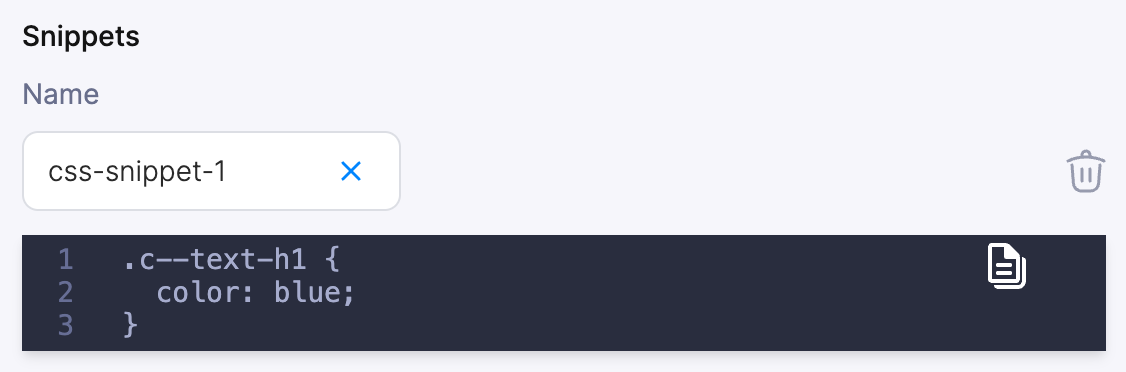
CSS Snippet
- Reference the snippet in a custom brand’s
Headsection:
Snippets in your Default brand can be referenced in custom brands as long as the snippet name is unique.
Previewing Brands
To preview how your notification looks with different brands:- Open the template in the designer
- Open Preview
- Select a brand from Preview Details > Brand
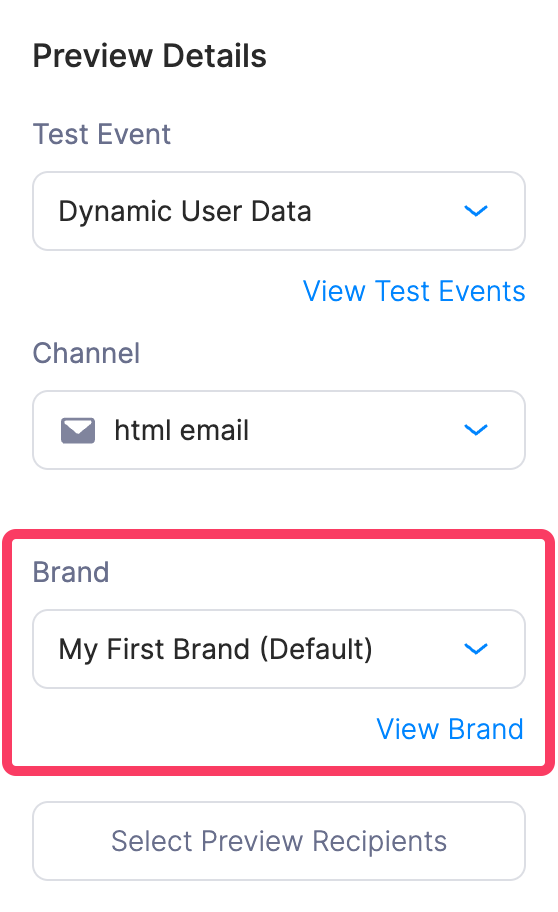
Notification Preview Details
Brand Variables Reference
Reference brand attributes in templates using thevar helper with the brand prefix.