Introducing the Lists API: Notify Lists of Users With One API Call
 Nate MungerOctober 13, 2020
Companies today send user notifications across a growing number of platforms and channels. To help you send the right notification on the right channel at the right time, Courier lets you define your user preferences and store them on a recipient profile via our Profiles API.
But there’s another challenge: many times there are groups of users you want to message with the same notification triggered by the same event.
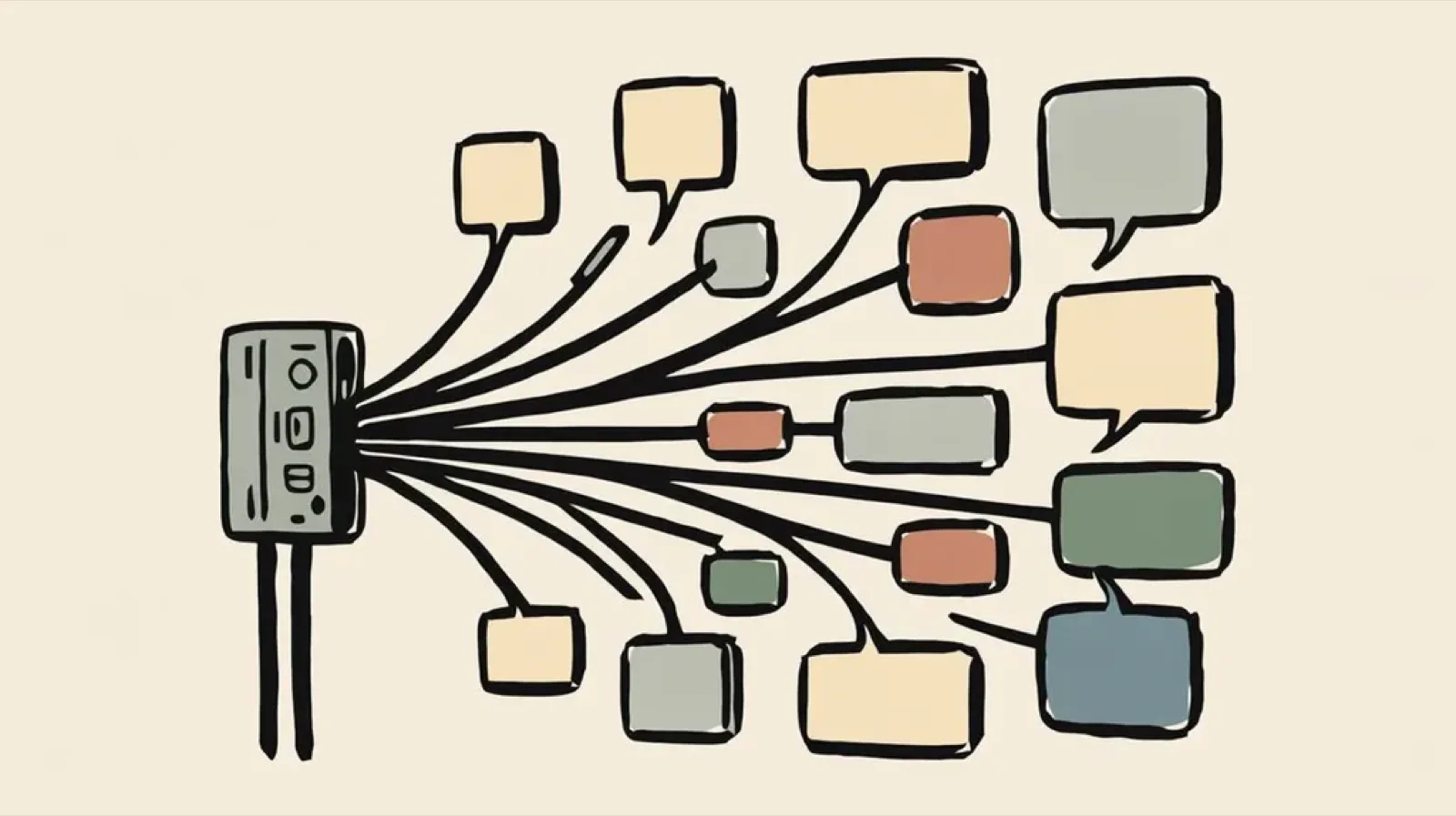
In the past, this meant tens or sometimes thousandsof API calls triggering the same notification over and over. But now, with the release of Courier’s Lists API, you’re able to create lists, subscribe recipient profiles to them, and notify every user on the list with a single Send API call.
Courier handles the message fanout – following user preferences and your channel priorities – to deliver across email, SMS, mobile push, messaging apps, and more.
curl --request POST \
  --url https://api.courier.com/send/list \
  --header 'accept: application/json' \
  --header 'content-type: application/json' \
  --data '{"list":"webapp.new_feature.alpha_users","event":"alpha_access_granted"}'
With the Lists API, you can easily do things like:
- Reach every user in a shared workspace.
- Notify all users who follow a specific project.
- Message users who opt in to select notifications.
Wildcard Sends: Notify subscribed users, across multiple lists, with one API call
The Lists API accepts List IDs with up to four parts. Giving you plenty of flexibility to create lists for almost any use case.
part1part1.part2part1.part2.spart3part1.part2.part3.part4
Following this basic pattern when defining List IDs will enable wildcard sending. This means you can send to multiple list parts within a related pattern using a single API call.
curl --request POST \
  --url https://api.courier.com/send/list \
  --header 'accept: application/json' \
  --header 'content-type: application/json' \
  --data '{"pattern":"webapp.new_feature.*","event":"new_feature_access_granted","brand":"W50NC77P524K14M5300PGPEK4JMJ","data":"{\"name\": \"Jane Doe\",\"age\": 27}"}'
When sending to a Pattern that matches multiple Lists, Courier will send only one notification to any user with multiple matching subscriptions.
Get started with the Lists API
For more details on how to create and send to lists, check out the Lists API reference doc. You can read more about how to name your lists and use wildcards in our Lists API help article.
Read more
Courier Live: First Look at Notifying Multiple Recipients using Lists
Similar resources

Clinical alert and notification systems: how escalation works
A clinical alert is easy to send and hard to close. This is how alerting works inside a hospital: where alerts come from, how routing by role and shift works, and how the acknowledge, timeout, escalate loop is actually built, including what happens when nobody answers.

How to send Slack notifications from your app
Slack is where your customers already work, which makes it a product surface rather than only an internal alerting channel. Posting an approval request or a status change into a customer's own Slack means working in workspaces you don't own, addressing people by email rather than Slack ID, and holding a separate credential for every customer.
How Product Teams Build, Test and Ship Multichannel Notifications in Design Studio
Product teams need to build, test, and ship notifications across multiple channels without filing an engineering ticket every time. Courier's Design Studio is the workspace for that: a template builder, visual channel routing, omnichannel testing, and publishing in one place. This post walks through the traditional template designer paradigm, how it splits effort across too many tools, and outlines a path for product and growth teams to ship transactional, product, and marketing notifications from a single workspace.