The New Courier Inbox for Web — Faster, More Flexible In-App Notifications
 Thomas SchiavoneAugust 19, 2025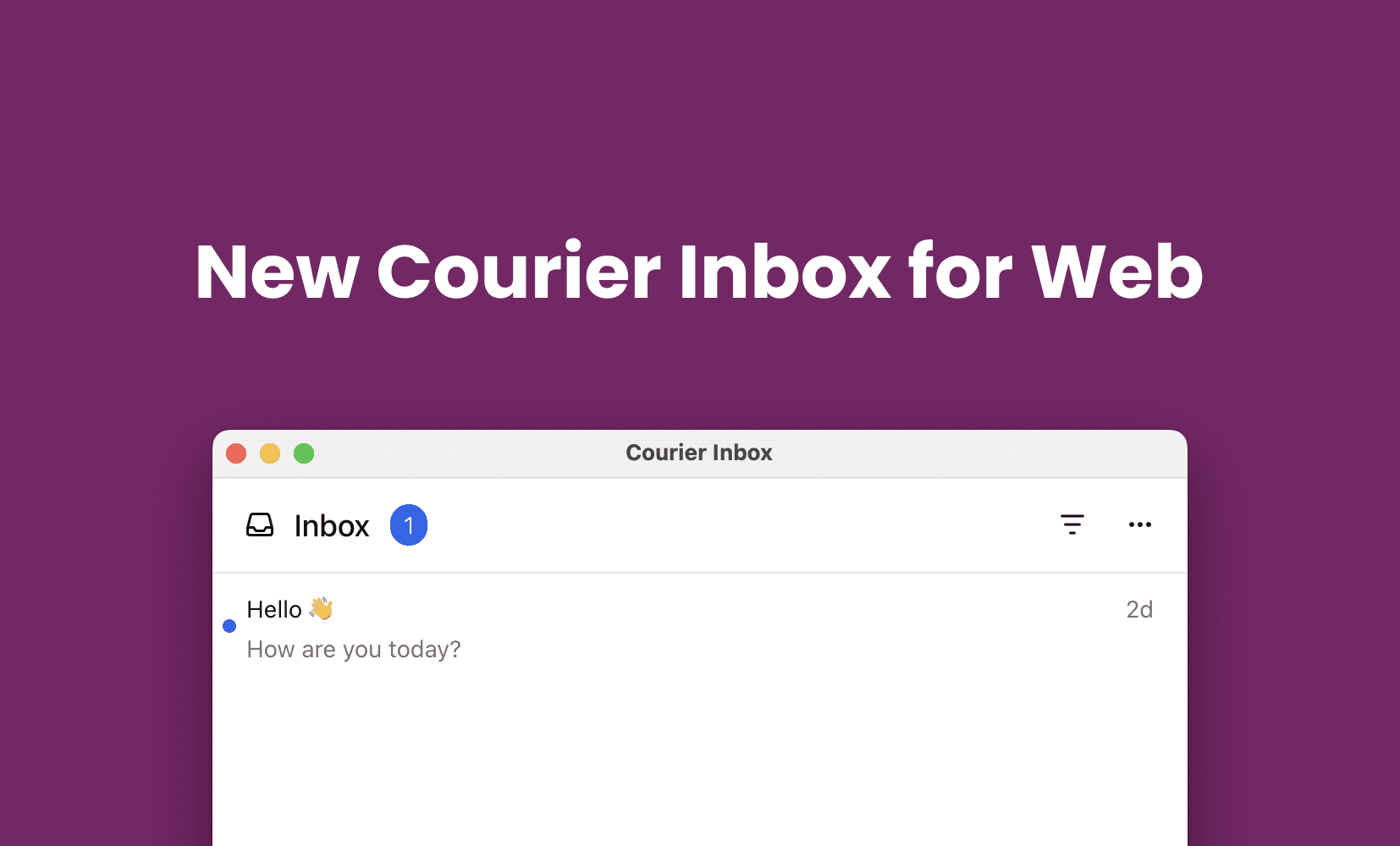
We’re excited to announce a major new version of Courier Inbox for web.
We originally built Inbox over four years ago to solve a simple problem: how do you add a real-time notification center to your app without building everything from scratch? Like most early-stage products, the first version was focused on getting to market fast.
Turns out, Inbox became one of our most popular products. And with that popularity came a lot of feedback. Developers wanted more flexibility, cleaner integration, and better performance. We knew we had a lot we could improve on.
So we took a step back and rebuilt it from the ground up.
Why We Rebuilt Courier Inbox for Web
We didn’t just patch a few things. We built a new foundation for scale and flexibility.
Our goal was to reimagine Inbox as something developers could drop into any app in minutes and rely on as their product evolves. Are three key objectives were
Give you full control
You can use the default UI, but you’re not locked into it. Theme it, extend it, or replace it entirely with your own components.
Make it reliable and invisible
Real-time delivery, cross-device sync, and efficient data loading should just work without extra effort or complexity.
Make it easy to drop in
Developers should be able to add a real-time inbox to any app with minimal setup. No need to wire up sockets, state, or syncing logic by hand.
What’s New
We rebuilt every layer of Courier Inbox from the integration surface to the real-time delivery infrastructure. Here’s what’s new:
Better UI Flexibility
- Support for custom components
- Works as a popup or full-screen view
- Theming with CourierInboxTheme — no CSS overrides required
- Support for custom notification data and dynamic layouts
Improved Performance
- Single WebSocket connection per tab
- Real-time sync across views, tabs, and delivery channels
- Improved backend architecture for enhanced reliability
Easier Integration
- One line of HTML and a few lines of JS or React to install
- New useCourier React hook for direct access to inbox state and events
- All functionality now included in a single package: @trycourier/courier-react
How Easy Is It to Drop In?
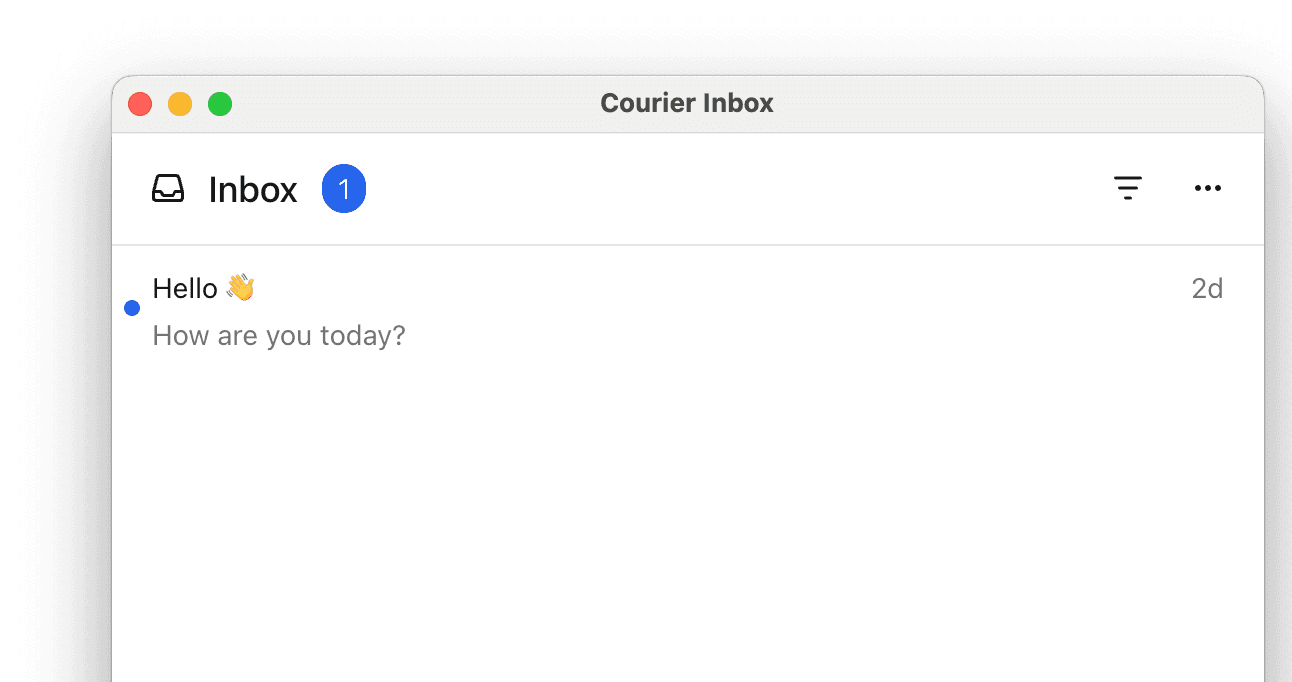
You can install and render Courier Inbox with just a few lines of code. Here’s a basic React setup using the new @trycourier/courier-react package:
npm install @trycourier/courier-react
And here's how easy it is to get standard inbox up and running:
import { useEffect } from 'react';import { CourierInbox, useCourier } from '@trycourier/courier-react';export default function App() {const courier = useCourier();useEffect(() => {// Generate a JWT for your user on your backend serverconst jwt = 'eyJhbGciOiJIUzI1NiIsInR5cCI6IkpXVCJ9...';// Authenticate the user with the inboxcourier.shared.signIn({userId: $YOUR_USER_ID,jwt: jwt,});}, []);return <CourierInbox />;}
Courier handles authentication, sockets, and real-time syncing behind the scenes. You don’t have to worry about managing message state or delivery logic yourself.
Upgrading from a Previous Version of Courier Inbox?
The new version is a complete rebuild, but we’re not deprecating the old one. If you’re happy with your current integration, you don’t need to change anything. That said, if you’re ready for more flexibility, simpler integration, and better performance, upgrading is straightforward.
Here are a few important changes in this release:
The SDK is now a single package: @trycourier/courier-react
Authentication now requires JWTs (no more clientKey or HMAC)
Hooks have been updated — use useCourier() instead of useInbox()
Theming is handled via CourierInboxTheme, not styled-components
Custom components are passed using new render* props
Start Using the New Courier Inbox Today
The new Courier Inbox for web is ready to use today. Whether you’re starting from scratch or upgrading an existing integration, everything has been rebuilt to help you move faster with more control.
Choose the SDK that fits your stack:
📚 Using React? Start here:
🕹 Not using React? Use our web components:
🔄 Migrating from an older version?
Have questions or feedback? Just reach out. We’d love to hear from you
Building for Mobile?
Courier Inbox isn’t just for web. We also offer native SDKs for iOS, Android, Flutter, and React Native. Each one is built with the same principles: real-time sync, flexible theming, and easy drop-in integration so your users stay in the loop across every platform.
Similar resources

Introducing Cross-Device Email Preview: see your email on real devices before you send
Cross-Device Email Preview renders your template on the real clients you pick, from Outlook on Windows to dark mode on iPhone, and returns a screenshot of each one. Pick from 96 clients across 21 apps without leaving Design Studio.

New settings page, easier to use, with new background colors
Courier settings has been redesigned. Workspace pages and developer pages are grouped separately, every page says what it's for, and the app now comes in light or dark with nine background colors.

Broadcasts: send one-time messages to your users, right from Courier
Broadcasts lets you send a one-time message to a group of your users, now or on a schedule, without leaving Courier.