A notification’s design lives in a template: what it says, how it looks, and how it changes per channel.
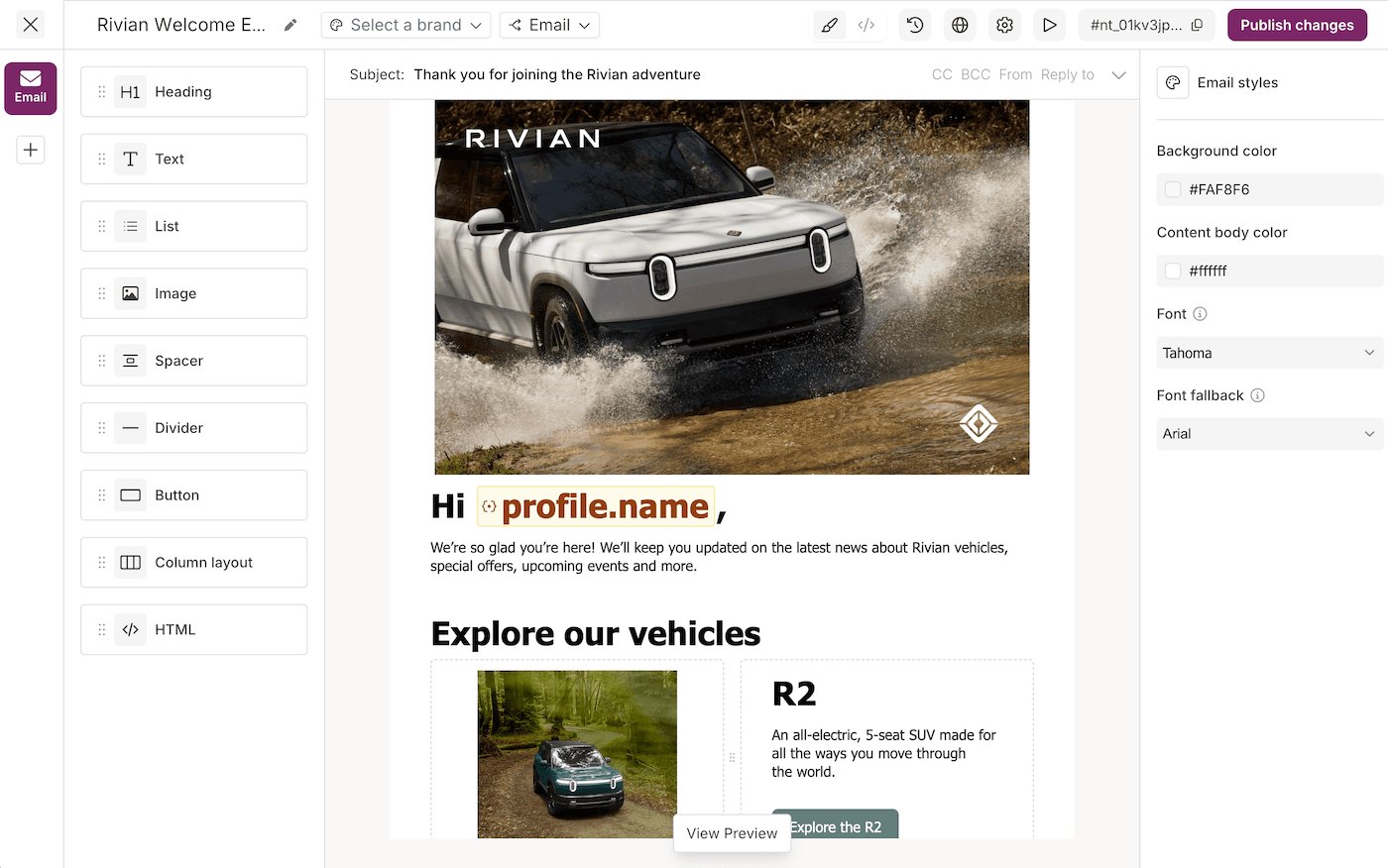
Design Studio: the channel rail and blocks panel on the left, the canvas in the center, and the styles panel on the right

How it works

hold the content and the channel, routing, and brand settings around it. Your team builds one in the or over the . hold the logo, colors, and footer that a template applies, so a styling change lands everywhere at once rather than template by template. is the JSON format underneath. The visual editor writes it for you, and the API takes it directly, so a template is the same object either way.

When your customers design their own

White-label and multi-tenant products often need each customer writing their own messages, not your team writing them all. The mounts the same editor inside your React app. What a customer builds there belongs to their rather than to your workspace.