

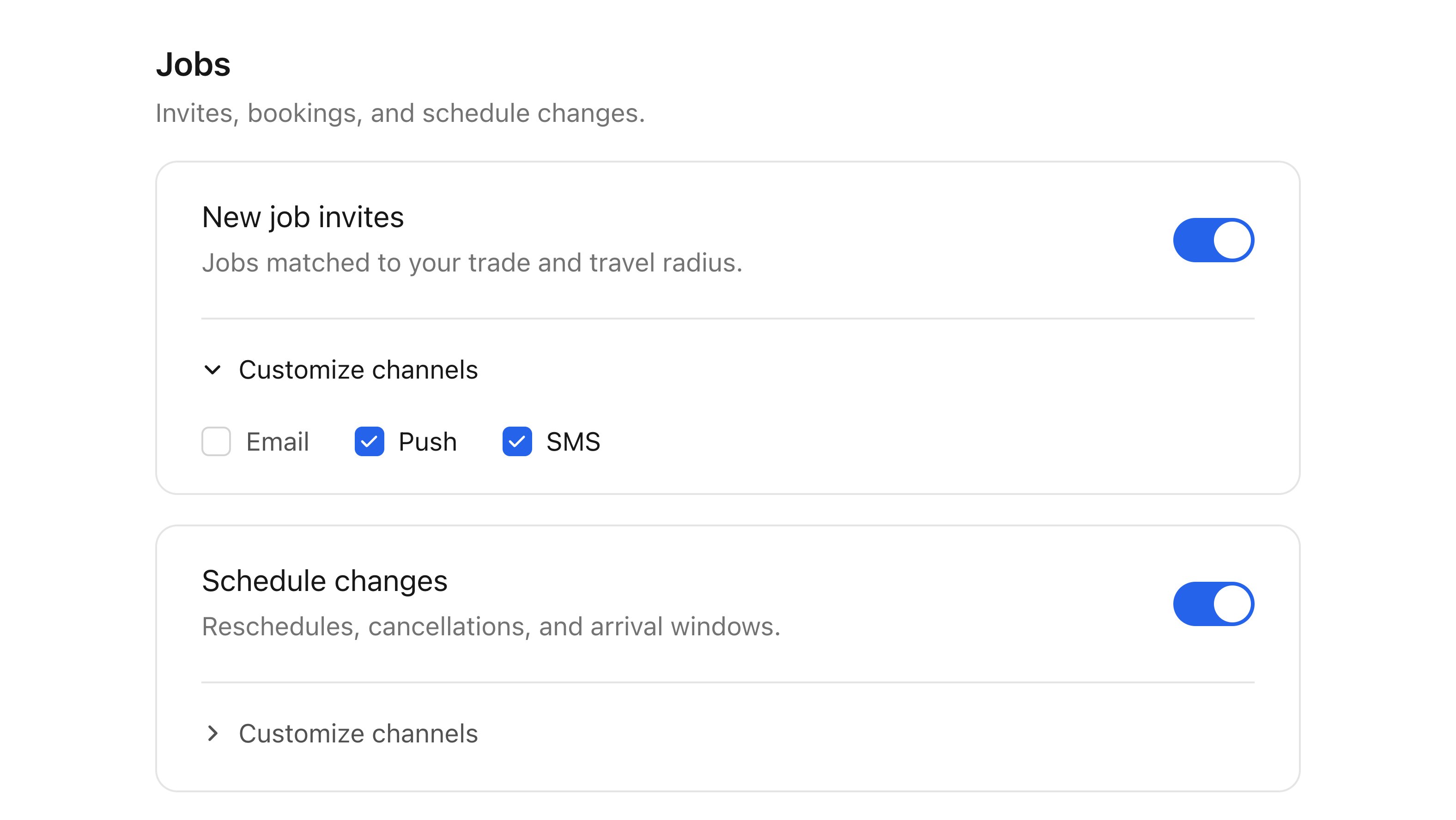
What is a preference center
Users turn notification topics on or off, like product updates or weekly digests, and pick how each one reaches them: email, push, SMS, and more. Courier enforces those choices on every send. When a user opts out of a topic, Courier stops delivering it, across every channel, with no checks in your code.How it works
- Create topics in the Preferences Editor, like Account alerts or Marketing, and set each one’s default.
- Assign each template to a topic with its Subscription Topic setting, so Courier knows which messages each choice covers.
- Show the preference center to users, in your app or on the hosted page.
- Courier checks preferences at send time, and delivers only what each user opted into, on the channels they chose.
Embedded or hosted
Both read and write the same preferences, so a change in one shows up in the other.
A common setup uses both: the component in your settings screen, and the hosted link in email footers so users can update preferences without signing in.
SDKs
Web: React · Vue · Angular · Web Components Mobile: iOS · Android · React Native · Flutter The preference center uses the same SDKs and sign-in as the inbox. If you already have the inbox, it’s one more component.Go further
Customize preferences
Theme the component or build your own UI.
How preferences resolve
What Courier checks at send time.