

Preferences demo
See the preferences center in action.
signIn as the inbox. If you already have the inbox, preferences is one more component.
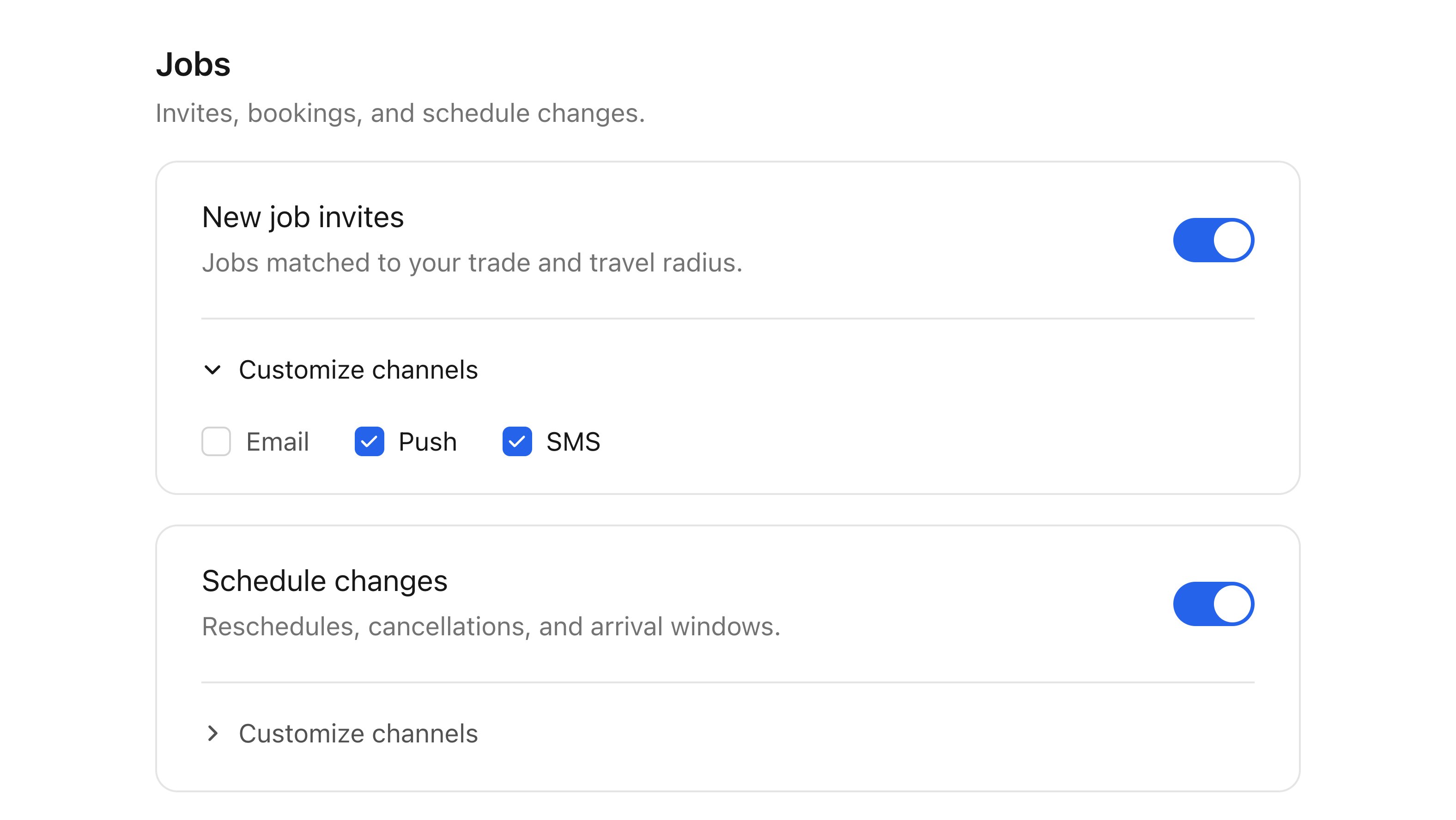
The Courier preferences center with its default styling.
Set up
Install the SDK for your framework:Choose a display mode
The mobile components take amode that sets how much control the user gets:
- Topic mode: one on/off toggle per subscription topic. The simplest option, and the usual choice.
- Channels mode: per-channel controls within each topic, so a user can keep a topic but receive it by email only.
The web components don’t take a display mode. They always render topics with their channel controls. Their
mode prop is the theme mode: "light", "dark", or "system". See .Props
<CourierPreferences /> in React, Vue, and Angular. The web component takes the same
values as kebab-case attributes, and courier-preferences is the element name.
The web component also exposes
setLightTheme, setDarkTheme, setMode,
setChannelLabels, setPreviewData, and setLoading on the element, for hosts that hold a
ref rather than re-rendering with new props.
Channel labels
channelLabels renames a channel wherever the component lists it. Keys you leave out keep
their default label, and a channel with no default shows its key with the first letter
capitalized.
Verify
1
Sign in with preference scopes
Sign in a user whose JWT includes
read:preferences write:preferences.2
Open the preferences screen
Open the screen that renders the preferences component.
3
Confirm topics persist
Your workspace’s preference topics appear, and toggling one persists after a reload.