

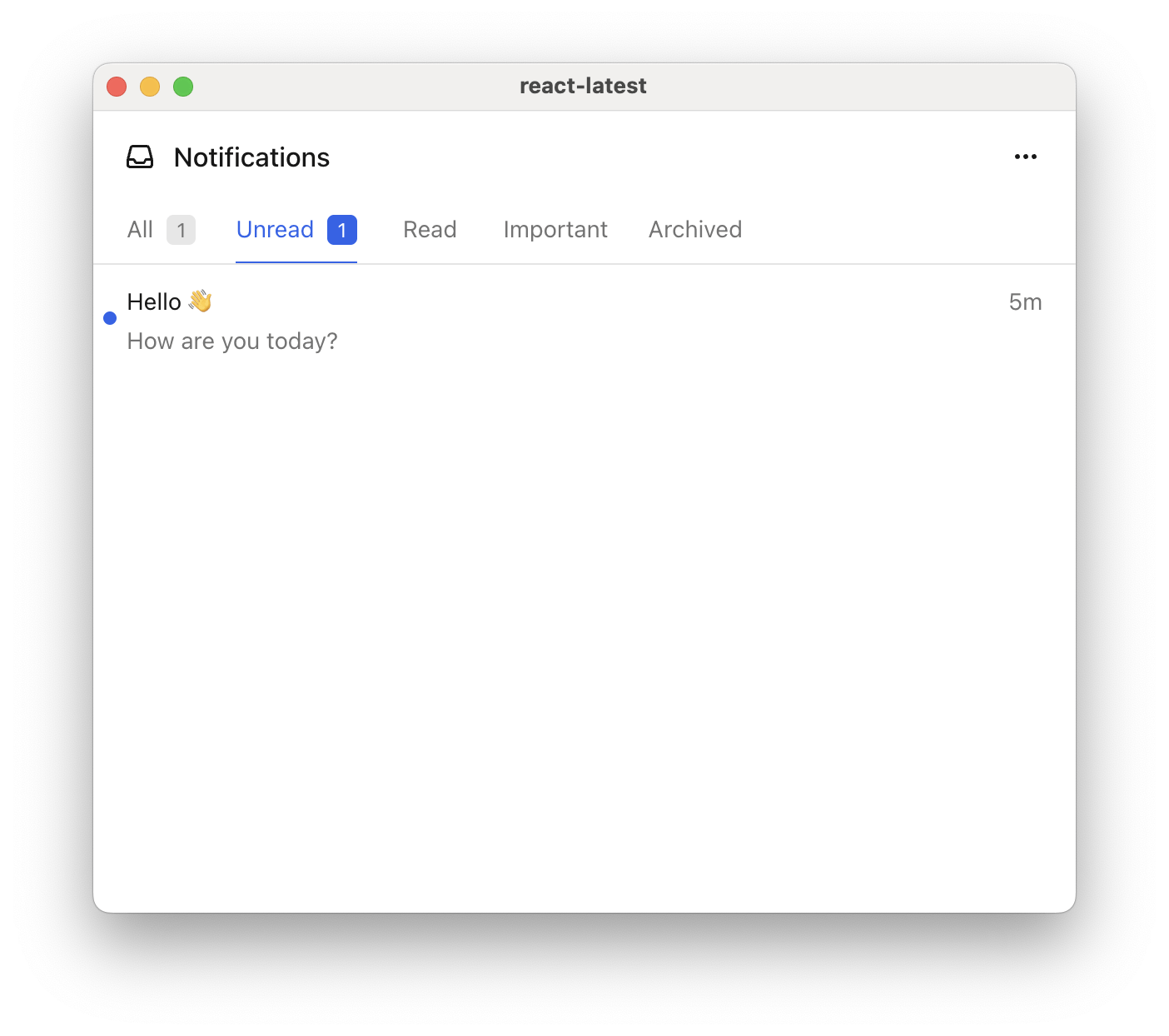
One feed offering five tabs, each a different filter over the same messages.
What each field does
A feed is a container. It creates nothing on its own, and only its tabs load messages.datasetId has to be unique across all feeds, not only within one. Tabs are flattened into one set of datasets when the inbox registers them. Two tabs sharing an ID become a single dataset that both render, showing identical messages under two names. Slugify the title and prefix it with the feed’s, as in jobs-unread.
Filter a tab
Set fields are AND’d together. Severaltags match as OR, so a message carrying any one of them is included.
Tags come from the send side. covers putting them on a message, and a tag has to be on the message before it arrives, because a filter can’t add one later.
from is how you keep an existing user’s backlog out of a newly added tab. Pin it to the moment the tab shipped and the tab starts empty rather than full of history.
Several feeds
Give the inbox more than one feed and the header gains a picker. Each feed brings its own tabs.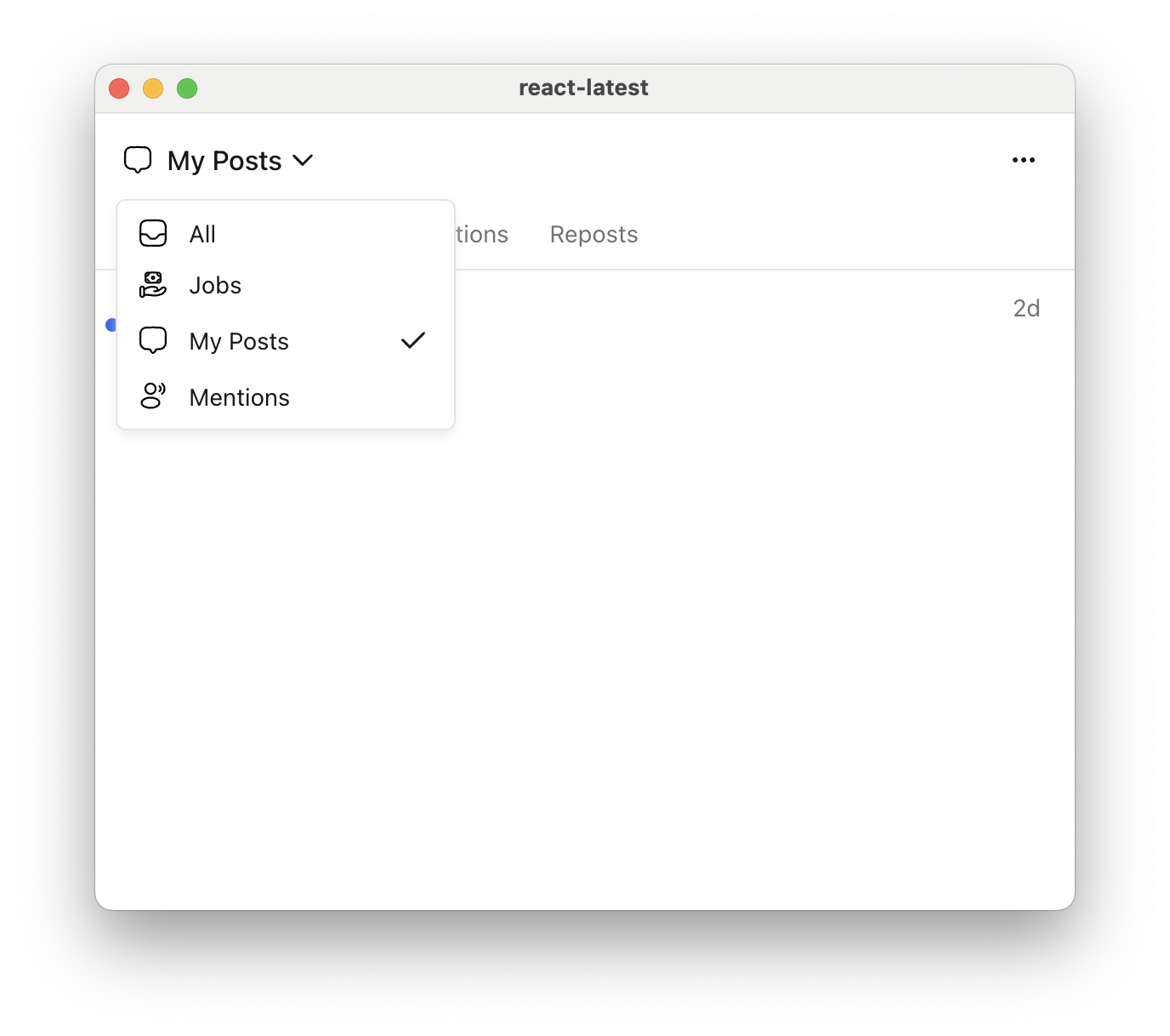
Four feeds in the header picker, each with its own set of tabs.
feeds at all shows.
Select a feed or tab in code
The inbox element exposesselectFeed(feedId) and selectTab(datasetId), and reports changes back through onFeedChange and onTabChange. Both take the ids you defined above.
feeds array and the inbox re-registers.
refresh() refetches from Courier instead of reading the cached copy. Real-time updates already keep the list current, so call it only when you want a fresh copy on demand, such as from a refresh button.
Unread counts
Each tab carries its own unread count, andtotalUnreadCount on the datastore counts every message rather than the selected tab’s. A tab filtered to status: 'unread' empties as the reader works through it, because a message that leaves the filter leaves the tab.