

inbox in its routing channels.
The inbox is a channel like email or push, so the same call delivers to it.
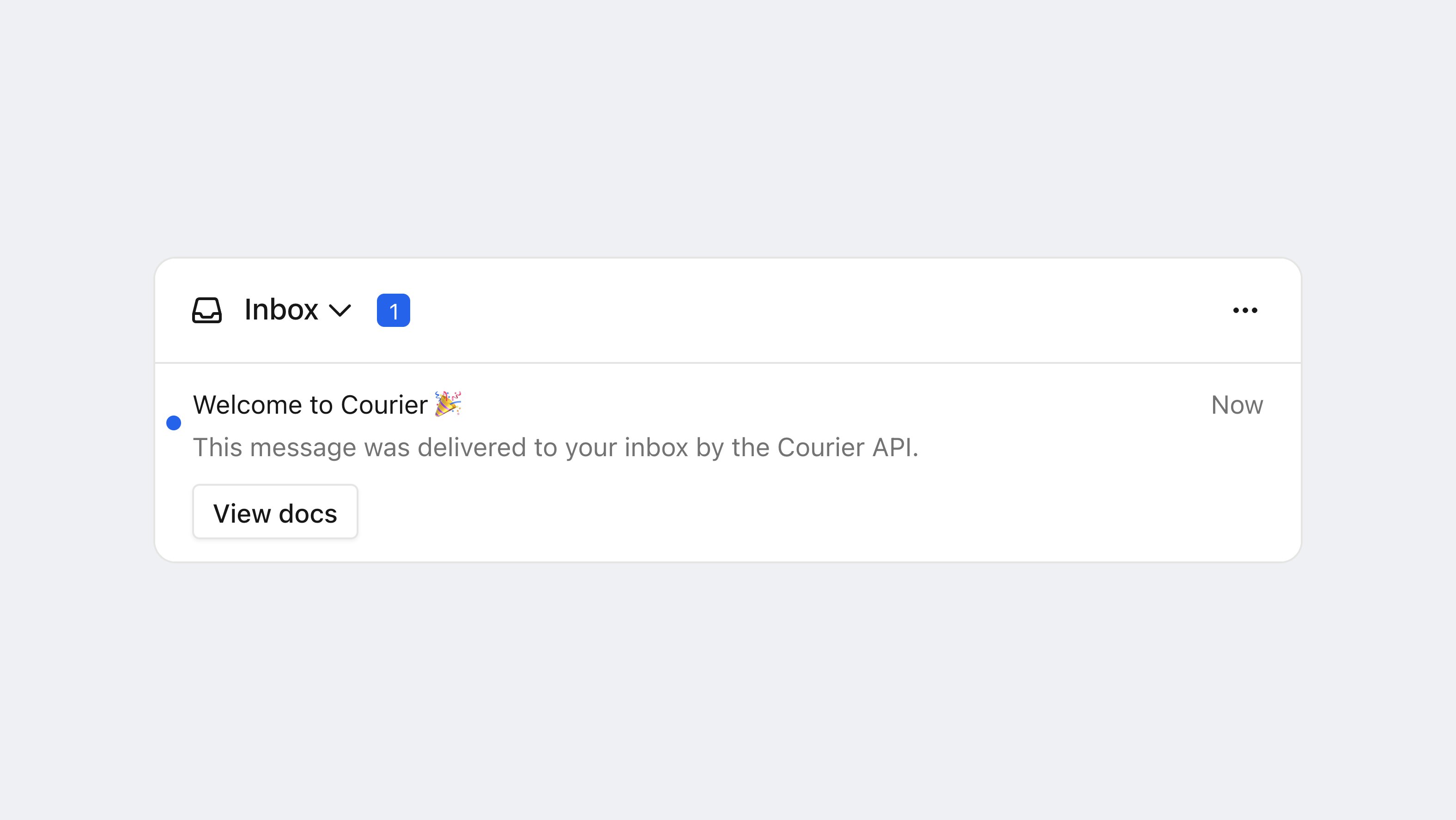
A message delivered to the Courier Inbox after a send.
Route a message to the inbox
This send references a published template with an In-App channel, so create one before you run it.data with the message. Fields your template references (like {{ name }}) are interpolated. The rest passes through untouched, which is useful for deep linking to a screen when the user taps a message.
Inbox messages also drive toasts. Render the toast component and a popup appears for each new message on the feed. See .
Tag a message for a tab
Inbox tabs filter on tags, and a message gets its tags frommetadata.tags on the send. A tab defined with filter: { tags: ["order"] } shows the messages you tag here.
metadata.tags.
Tags reach the client on every inbox message, so a custom UI can read them too. covers defining the tabs that filter on them.
Scope the inbox to a tenant
To show only one ’s messages, passtenantId at sign-in. You set it once on the client, and it applies to every component, every read, and the realtime connection. Without a tenantId, the inbox shows only messages sent without a tenant.
context.tenant_id on the recipient. The message is visible only when the user signs in with the same tenant. (A bare tenant_id in to, with no user_id, fans out to every member of the tenant instead.)
FAQ
Why is my inbox message not arriving?
Why is my inbox message not arriving?
Confirm all three:
- The environment has the Courier Inbox provider. It’s already set up in production and test. Add it only in a custom environment or if it was deleted.
- The message routing includes
channels: ["inbox"]. - The recipient
user_idmatches theuserIdyou .
Do toasts need separate setup from the inbox?
Do toasts need separate setup from the inbox?
Toasts read the same feed and use the same
signIn. Render CourierToast (or <courier-toast>) anywhere in your app after sign-in. See .Can one user see different inboxes per tenant?
Can one user see different inboxes per tenant?
Sign in with a
tenantId to scope the inbox to that tenant. Sign in again with a different tenantId to switch. The scope is client-level, not per-component. See Scope the inbox to a tenant.