
Overview

The GET Profile node fetches a user’s Courier profile and attaches it to the automation run context. After this node runs, profile data is available via refs.profile in subsequent steps. Set the user ID to a dynamic value from the data object, such as refs.data.user_id.

When You Need This Step

Not all trigger types automatically load the user’s stored profile into the automation context. Use a GET Profile step when your workflow relies on profile fields (for example, in If/Switch conditions or template personalization) and the automation is started by one of these triggers:
TriggerProfile auto-loaded?GET Profile needed?
API invoke (/automations or /journeys)YesNo
SegmentYesNo
Audience matchNoYes
ScheduleNoYes
Place the GET Profile node early in your workflow, before any step that reads profile data.
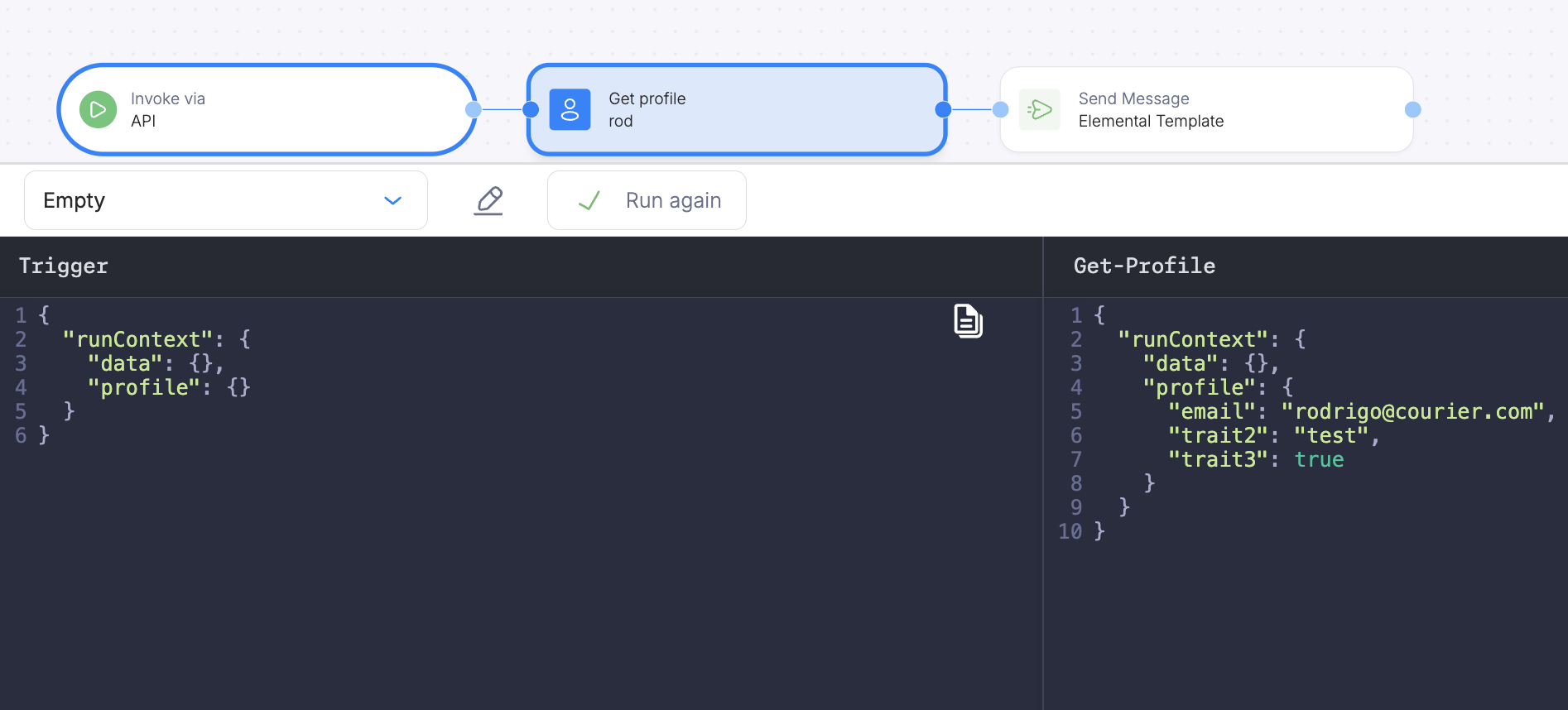
Template expressions in step fields: Many automation fields accept values wrapped in `${...}` so you can reference the run context (for example recipient or fields under refs). See Accessing Dynamic Data for how this works across steps.Audience and Schedule triggers: The user id for the run is on recipient, not in data. In the GET Profile User ID field, use `${recipient}` so this step loads the profile for the user that triggered the run.
GET Profile Node

Ad Hoc Usage

Use the get-profile step in an ad hoc automation to load a user’s profile before sending:
{
  "automation": {
    "steps": [
      {
        "action": "get-profile",
        "user_id": "user_123",
        "merge_strategy": "none"
      },
      {
        "action": "send",
        "template": "order-update",
        "recipient": "user_123"
      }
    ]
  }
}

Merge Strategy

After the get-profile step, the user’s stored profile fields (email, phone, custom attributes) are available in the automation context. The merge_strategy field controls how fetched data combines with existing context data (defaults to soft-merge):
StrategyBehavior
soft-mergeMerge fetched fields into existing context; existing fields are preserved (default)
replaceReplace the entire context path with fetched data
overwriteOverwrite all properties from fetched data
noneDo not modify context if the path already has data
See Fetch Data for more on merge strategies.