

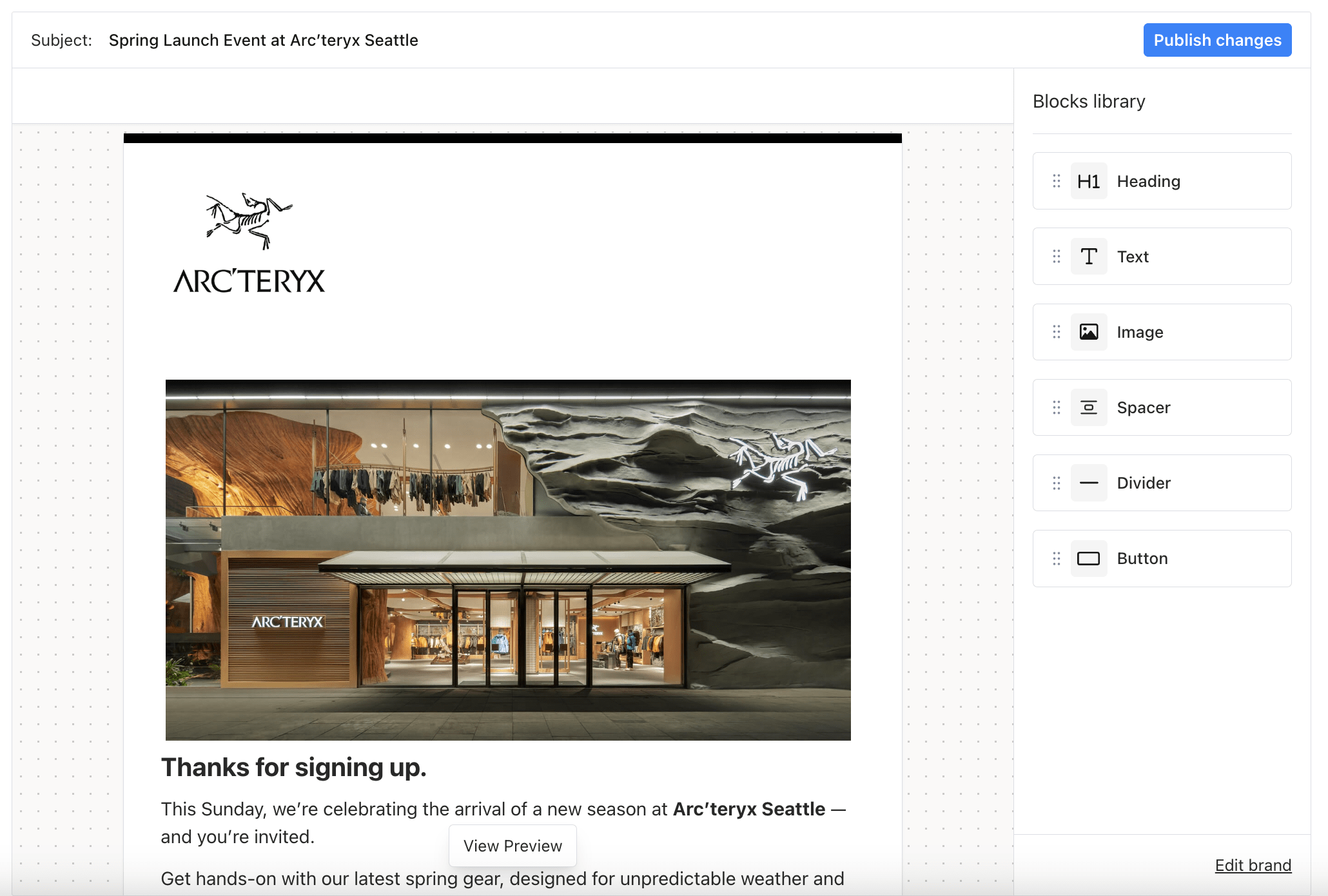
Embeddable Designer Built for React Apps
@trycourier/react-designer package. Courier Create’s flexible theming options, and JWT-based authentication allow teams to maintain control over the editing workflow while ensuring security and consistency across multiple tenants. Users can personalize both templates and brand settings using a unified interface that supports advanced features like variable substitution, custom theming, auto-save toggling, and publishing hooks.
Whether you’re launching new communications or updating tenant-specific branding, Courier Create offers the tools you need to efficiently manage content across clients without compromising on design flexibility or performance.
Key Courier-Create Features
- Embedded React Integration - Easily embed the template and brand editors directly into your existing React application using the
@trycourier/react-designerpackage. - Multi-Tenant Support - Seamlessly manage templates and branding for multiple tenants, with individualized configurations and access controls.
- Embedded Template Editor - Create and edit dynamic, personalized templates using a drag-and-drop interface, with support for nested variables and live preview.
- Brand Editor - Modify tenant-specific branding elements such as logos, colors, and layout styles directly within your app.
- JWT Authentication - Secure access to editing tools via granular JWT scopes, supporting both full and tenant-specific permissions.
- Email Channel Support - Fully supports email template editing with future support planned for additional channels like SMS and push.
- Channel Restriction - Restrict which channels are visible in the editor using the
routing.channelsprop, perfect for email-only or channel-specific workflows.
Subscription Topics
Tenant-scoped templates created through Courier Create do not currently support assigning a subscription topic directly in the editor UI. If your application uses subscription topics to enforce user notification preferences, you can associate a topic at send time by including it in the/send payload:
preferences.subscription_topic_id is present, Courier enforces the user’s preference for that topic before delivering the message — the same behavior as templates with a topic assigned in the Studio UI.