Customer Engagement Orchestration: How to Unify New Messaging Channels in One Platform
 Kyle SeylerJanuary 27, 2026
Customer Engagement Orchestration: How to Unify New Messaging Channels in One Platform
Customer engagement orchestration is a layer that routes notifications across multiple channels (email, SMS, push, WhatsApp, Slack, in-app) through a single API, with built-in logic for user preferences, fallbacks, and provider switching.
Instead of integrating Twilio for SMS, SendGrid for email, and a separate WhatsApp provider, you define your messaging logic once. The orchestration platform handles delivery, retries, and channel selection.
This guide covers why orchestration matters now, compares the UX capabilities of emerging channels, and explains how to evaluate solutions.
TLDR
Your users are already in WhatsApp, Slack, Teams, and your product's own interface. Reaching them there makes your product more relevant and your messages harder to ignore. But supporting multiple channels means multiple integrations, preference syncing, and fallback logic. Orchestration platforms solve this by providing one API for all channels with intelligent routing and automatic failover.
Quick channel comparison:
| Channel | Open Rate | Rich Media | Best For |
|---|---|---|---|
| WhatsApp Business | 90-98% | Yes | Global reach, support conversations |
| Slack/Teams | 90%+ | Yes | B2B users in their work tools |
| In-app Inbox | 100% (when active) | Yes | Keeping users engaged in your product |
| Stream Chat | Real-time | Yes | Marketplace/platform conversations |
| MMS | 98% | Yes (images, video) | Rich SMS without app requirements |
| SMS | 98% | No | Universal reach, fallback |
| 20-30% | Yes | Long-form, documentation |
When to use orchestration: If you're sending notifications across 2+ channels, have users in multiple regions, or need fallback logic, orchestration platforms save months of build time versus DIY integration.
Why New Messaging Channels Matter
Your users aren't waiting in their email inbox. They're in WhatsApp, Slack, Teams, and increasingly inside the apps they use daily. Over 60% of customers prefer messaging for support and service interactions. Meeting them in those channels makes your product feel native to their communication habits.
The opportunity is real:
- WhatsApp Business: 50+ million businesses use it; enterprise API adoption projected at 80%
- Slack/Teams: Where B2B users spend their workday; native integrations mean notifications arrive in context
- MMS: Rich media (images, video, audio) over SMS infrastructure, no app install required
- In-app inboxes: Keep users engaged without sending them elsewhere
- Stream Chat: Real-time messaging for marketplaces and platforms
But reaching users in these channels means supporting all of them. And that's where most companies hit friction: separate integrations for each provider, preferences that don't sync, no automatic fallback when one channel fails, and four dashboards to check when something goes wrong.
This is what orchestration solves.
What Customer Engagement Orchestration Does
Orchestration platforms handle three things:
1. Unified messaging logic Define your notification once. The platform handles channel selection, timing, and retries. You send to a user ID; it figures out how to reach them.
2. Intelligent routing Select channels based on user preferences, message urgency, geographic norms, and engagement history. European users might get WhatsApp first; US users get SMS.
3. Provider flexibility Swap SendGrid for Postmark without code changes. Use multiple SMS providers for redundancy. Add WhatsApp when you expand to new markets.
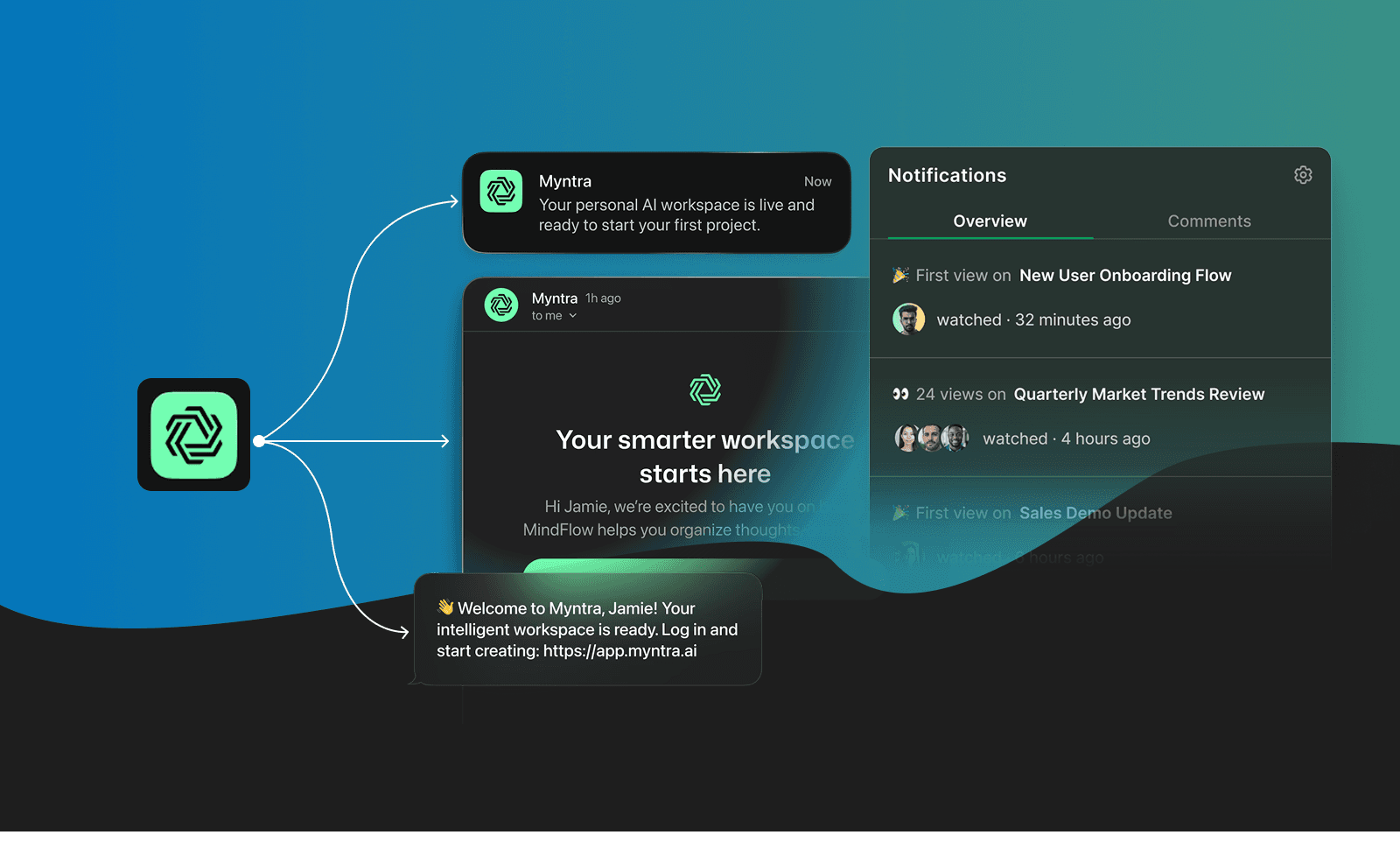
The Channels Your Users Are Already In
WhatsApp Business API
Business spending on WhatsApp reached $3.6 billion in 2024, projected to cross $5 billion in 2025. Open rates hit 90-98%. Click-through rates reach 60% in some cases.
60% of financial institutions have adopted WhatsApp for service and alerts. 53% of retailers automate messaging through the platform.
The catch: WhatsApp requires template approval for outbound messages. You can't blast promotional content. But for transactional notifications and customer service, it's where customers expect to hear from businesses. A rejected template also cannot be patched in production the way an SMS can, so it is worth mocking the template up before it goes to Meta for review.
Slack and Microsoft Teams
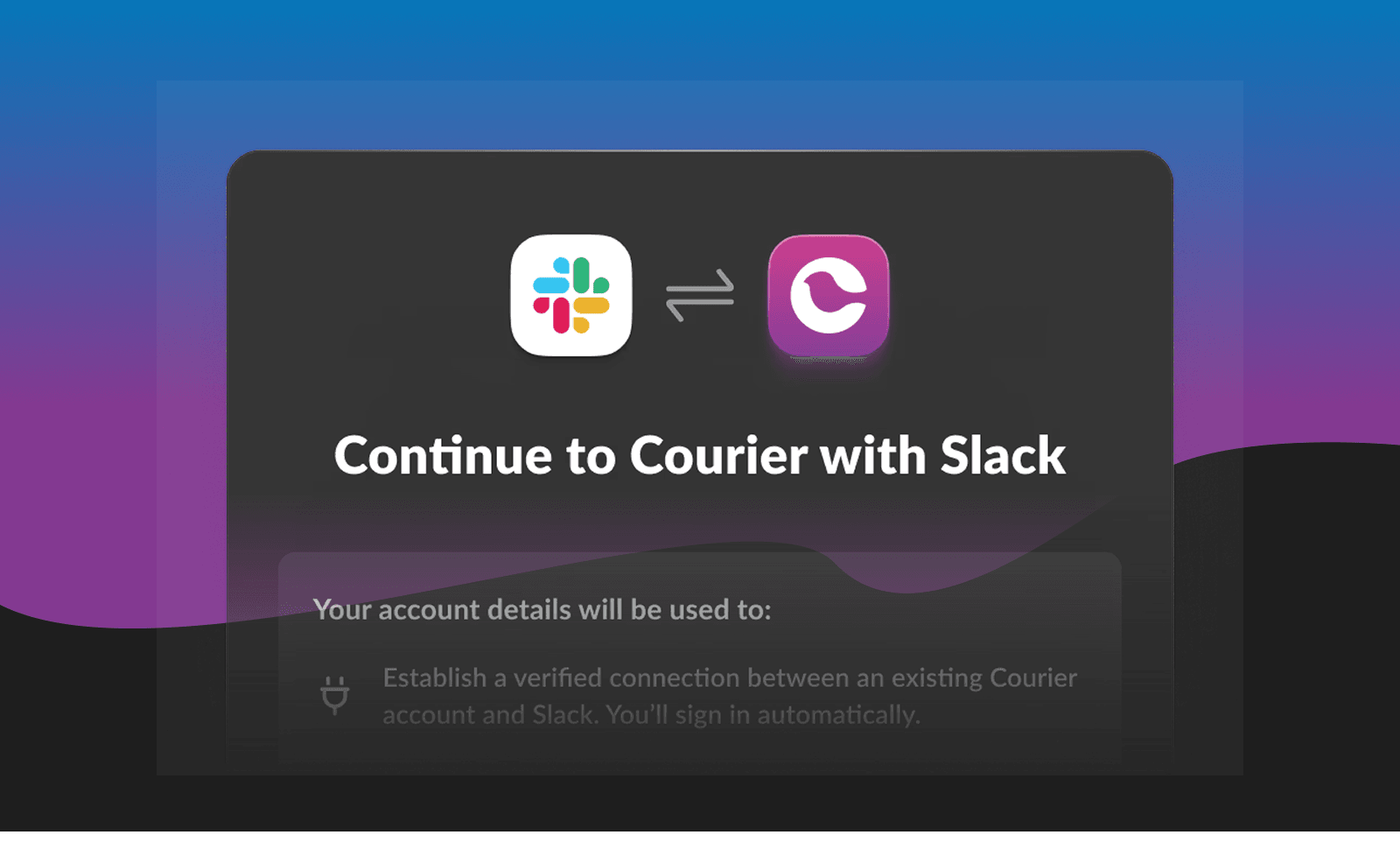
For B2B products, your users spend their workday in Slack or Teams. Email is where messages go to die.
Native Slack and Teams integrations let you send notifications where work actually happens. Enterprise customers on Teams get Teams notifications. Startups on Slack get Slack notifications. Same API call, same template, rendered correctly for each platform's block kit.
This is table stakes for B2B SaaS. If your product sends alerts, updates, or approvals, they should arrive in the collaboration tool your customer already has open.
MMS (Multimedia Messaging)
MMS lets you send images, video, and audio over the same SMS infrastructure. No app install required, works on any phone.
For notifications that benefit from visuals (order confirmations with product images, shipping updates with tracking QR codes, appointment reminders with location maps), MMS delivers richer context than plain text. Open rates stay high (98%) because it arrives in the same place as SMS.
The tradeoff: file size limits (typically 300KB-600KB depending on carrier) and higher per-message cost than SMS. But for high-value notifications where a visual makes the difference, it's worth it.
In-App Notification Centers
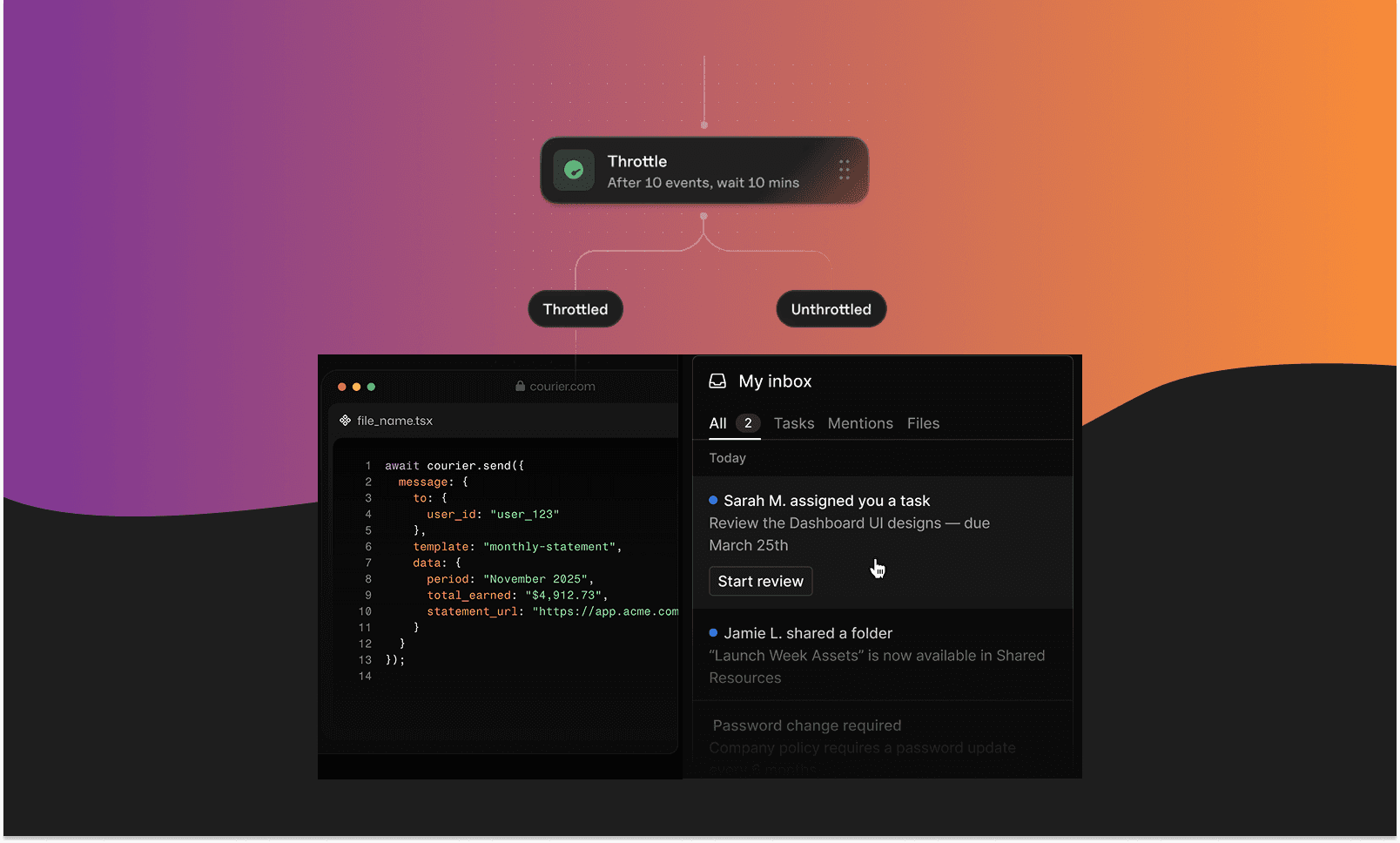
Sometimes the right channel is your own product. A notification center (inbox) inside your app keeps users engaged without leaving.
Building one from scratch means handling real-time updates, read/unread state, cross-device sync, pagination, and preference management. Most teams underestimate the complexity. Drop-in inbox components handle this out of the box, with SDKs for iOS, Android, React Native, Flutter, and web.
Stream Chat (Real-Time Messaging)
For marketplace and platform businesses, Stream Chat enables real-time conversations between users (buyers and sellers, hosts and guests, providers and customers).
The integration with orchestration platforms means you can combine in-app chat with transactional notifications: buyers and sellers negotiate through real-time chat while purchase confirmations, shipping updates, and review requests flow through email, SMS, or push. One system, multiple interaction types.
Why These Channels Make Your Product More Relevant
Reaching users in WhatsApp, Slack, or their in-app inbox isn't just about open rates. It's about showing up where they already spend time, with messages that feel native to those environments.
Rich Interactivity
Plain text SMS works, but it's limited. You send text, maybe a link. The customer has to leave the message, open a browser, navigate a form. Every step loses people.
MMS upgrades this without requiring an app install. Add a product image to an order confirmation, a QR code to a shipping update, or a map to an appointment reminder. Same delivery path as SMS, but richer context.
For even more interactivity, WhatsApp and Slack support carousels, quick-reply buttons, in-chat payments, and one-tap verification. A plain SMS with a link gets maybe 30% follow-through. The same message via WhatsApp with "Confirm" and "Reschedule" buttons? 70%+ action rates.
Persistent Conversation History
Email threads get buried. SMS conversations reset. WhatsApp and Slack maintain history that both sides can reference.
When a customer messages about an order issue, the agent sees everything: the purchase notification, shipping update, previous questions. No "can you give me your order number again."
For automated flows, this persistence enables real dialogue. A customer can reply "actually, change the shipping address" and a workflow can handle it without starting over.
Verified Senders
Spam has trained customers to distrust unknown senders. Email from an unfamiliar domain? Probably phishing. SMS from a random number? Likely a scam.
WhatsApp Business provides verified profiles with green checkmarks, logos, and business names. Customers know immediately this message is actually from their bank or airline.
This verification also means messages don't get filtered to spam or blocked by carrier filtering.
Read Receipts
With email, you're guessing. Did they open it? Did it land in spam?
WhatsApp provides read receipts. You know when the message was delivered and when it was read. If a critical alert was delivered but not read after 30 minutes, trigger a fallback to SMS or push.
Customer Engagement Platforms vs. Notification Infrastructure vs. Raw APIs
| Approach | Examples | Best For | Tradeoffs |
|---|---|---|---|
| Hybrid (Infrastructure + Engagement) | Courier | Product, engineering, and growth teams who need both developer APIs and visual workflow tools | Requires alignment across teams |
| Customer Engagement Platforms | Braze, Iterable, Customer.io | Marketing teams running campaigns with segmentation and journey builders | Expensive; can be overkill for transactional notifications |
| Notification Infrastructure | Knock, OneSignal, Novu | Engineering teams needing reliable multi-channel delivery | May lack visual tools for non-technical users |
| Raw APIs | Twilio, MessageBird, SendGrid direct | Teams wanting maximum control over a single channel | You build all orchestration, fallback, and preference logic yourself |
The hybrid approach bridges the gap: you get developer-friendly APIs for engineering teams and visual workflow builders for product and marketing. Both teams work in the same system instead of maintaining separate tools.
If you're sending notifications across a single channel and want full control, raw APIs work. But most products quickly outgrow this. When you need multi-channel delivery, intelligent routing, and user preference management, platforms that handle orchestration save you from building it yourself.
Evaluating Customer Engagement Orchestration Solutions
Channel breadth: Does it support WhatsApp, Slack, Teams, in-app, and emerging channels, or just email/SMS/push?
Provider flexibility: Can you switch providers without code changes? Use multiple providers for redundancy?
Preference management: Is there a built-in preference center, or are you building that yourself?
Visual workflow design: Can non-engineers modify notification flows without deploys?
Intelligent routing: Can you define fallback logic and channel rules without custom code?
Transparent pricing: Can you predict costs before you scale?
When Orchestration Makes Sense
Orchestration adds value when you want to:
- Reach users in the channels they actually use (not just email)
- Support users in multiple regions with different channel preferences
- Add fallback logic so messages get through (WhatsApp fails, try SMS)
- Let product teams modify flows without engineering deploys
- Add new channels quickly as you expand
If you're genuinely only sending email, a dedicated email provider is simpler. But most products that want to feel relevant to users need to meet them where they are.
Courier combines developer-friendly APIs with visual workflow tools to orchestrate across 50+ providers. Send to email, SMS, push, WhatsApp, Slack, and more through a single platform that works for engineering, product, and growth teams.
Similar resources

Clinical alert and notification systems: how escalation works
A clinical alert is easy to send and hard to close. This is how alerting works inside a hospital: where alerts come from, how routing by role and shift works, and how the acknowledge, timeout, escalate loop is actually built, including what happens when nobody answers.

Courier vs Customer.io: 2026 messaging platform comparison
Courier and Customer.io both send across email, push, SMS, and in-app, but they are not priced or built the same way. Courier bills by the send, puts journeys, experiments, broadcasts, an in-app inbox, preferences, and 50+ delivery providers on one platform, and exposes all of it through an API, a CLI, and an MCP server. Customer.io bills by the number of profiles in your database and fits a marketing team that needs deep behavioral segmentation. This comparison covers pricing, journeys, channels, in-app messaging, localization, and preferences, with every competitor figure linked to Customer.io's own pages.

Email preview tools compared: 6 that render on real devices
Most "email preview" features are simulations. These six open your email in the actual client and send back a screenshot. Here’s what each costs per preview, how much work sits between your template and the result, and which ones you can drive from code.