

<courier-inbox>: inbox for displaying and managing messages<courier-inbox-popup-menu>: popup menu version of the inbox<courier-toast>: toasts for time-sensitive alerts<courier-preferences>: preferences center for topic subscriptions and delivery
Installation
Inbox, Toast, and Preferences are published as separate packages. Install only the ones you need.Using React? The provides React components and hooks built on these Web Components.
Authentication
Courier authenticates with a JWT that your backend mints with your Courier API key, never in client code. covers the token flow, scope strings, reading auth state, signing out, token refresh, and EU-hosted workspaces.Inbox Web Components
<courier-inbox>
!
Default Courier Inbox component
If you’re using , you can scope requests to a particular
tenant by passing its ID to the For the full reference of sign in parameters, see the .
signIn request.<courier-inbox-popup-menu>
!
Default Courier Inbox Popup Menu component
Tabs and feeds
The<courier-inbox> element takes feeds through setFeeds(), or a feeds attribute holding the same array as JSON. The concept, every filter field, and the datasetId uniqueness rule are on .
selectFeed() and selectTab() pick one in code. See below.
Handle clicks and presses
Handle clicks and presses withonMessageClick(), onMessageActionClick(), and onMessageLongPress().
Styles and theming
CallsetLightTheme() / setDarkTheme() with a CourierInboxTheme, or set the light-theme / dark-theme attributes to a JSON string of one. The object is identical on every web SDK, so every field is in .
Popup alignment, position, and dimensions
popup-alignment, popup-width, popup-height, and the top / right / bottom / left offsets position the panel. The nine alignment values and their defaults are in .
Custom elements
Customize parts of the inbox by passing factory functions that return HTML elements.Programmatic control
<courier-inbox> exposes methods to manage feeds, tabs, actions, and data refresh at runtime.
Feed and tab selection
Header actions
Popup menu control (on <courier-inbox-popup-menu>)
Static helper methods
Attribute vs method usage
Most options can be set with HTML attributes or with methods:- HTML attributes: Best for initial, static configuration
- Programmatic methods: Best for dynamic, runtime configuration
selectFeed(), refresh(), getFeeds().
Toast Web Components
Toasts are short-lived notifications that prompt users to act. The Toast component reads the Courier Inbox message feed.<courier-toast>
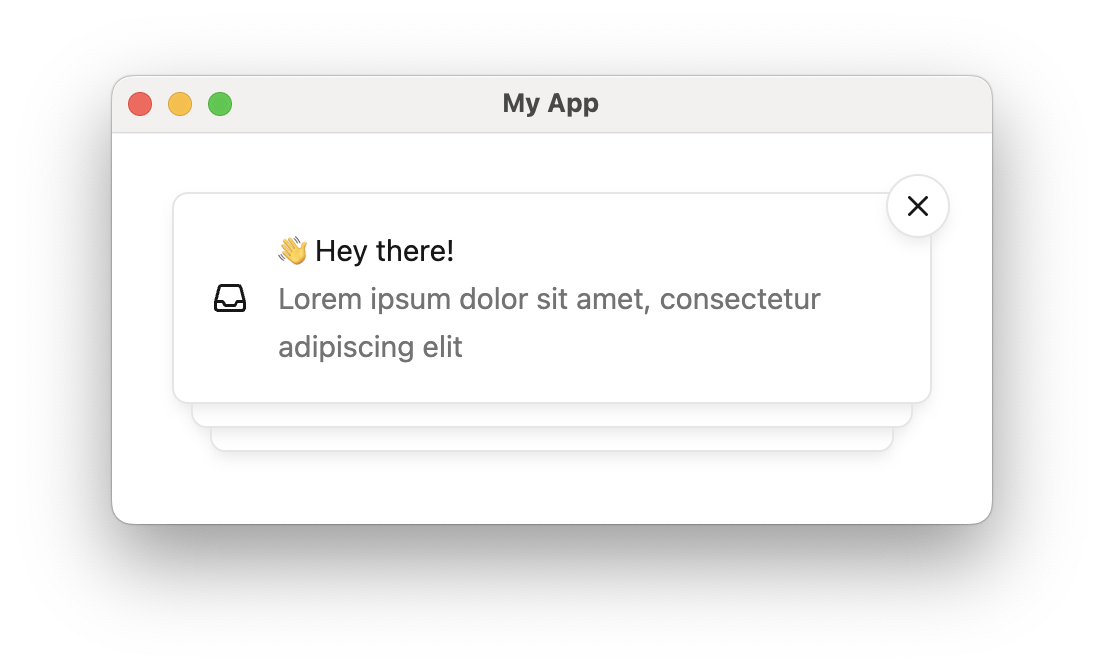
Courier Toast component
HTML attributes
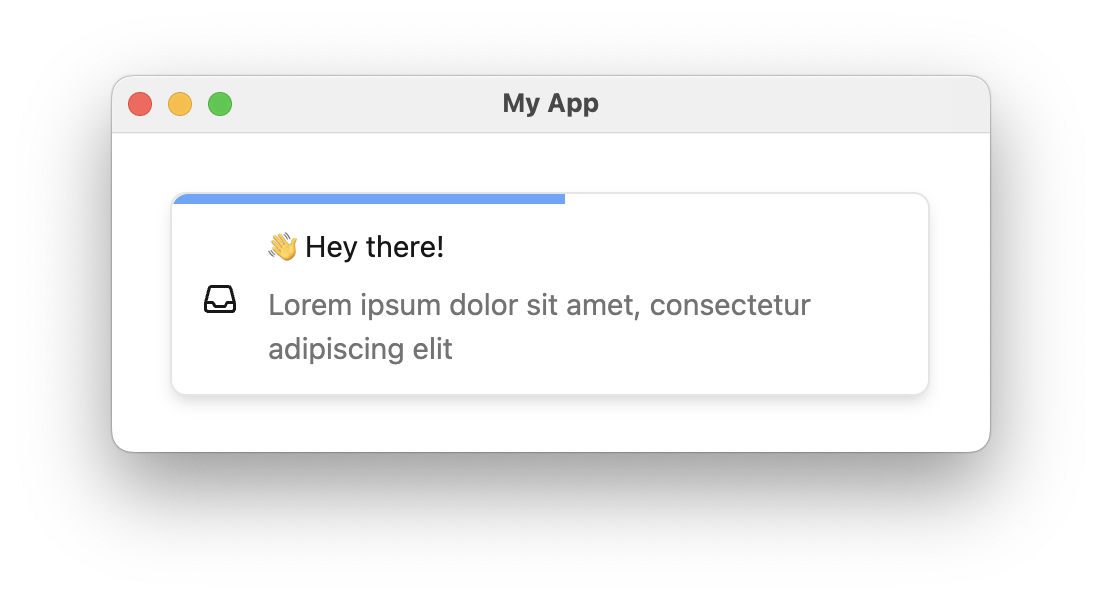
Toast component with auto-dismiss enabled.
auto-dismiss set, the dismiss button (x) appears only on hover and each toast item dismisses itself. A countdown bar shows the time remaining.
Handle clicks
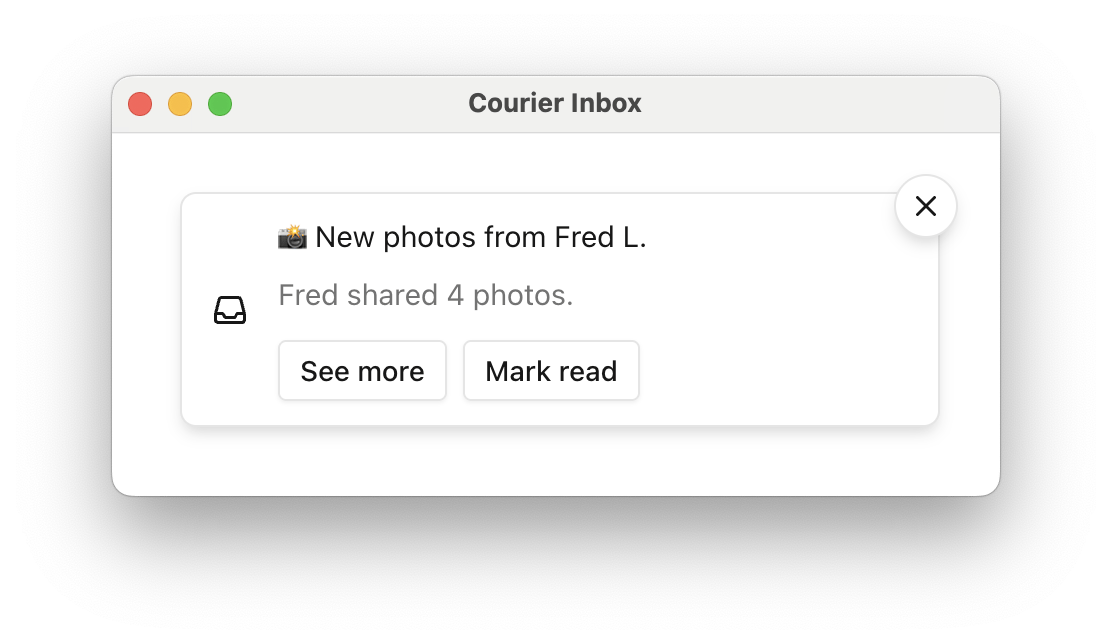
Courier Toast with action buttons
index.html
Styles and theming
CallsetLightTheme() / setDarkTheme() with a CourierToastTheme, or set light-theme / dark-theme to a JSON string of one. Every field, including the per-style action variants, is in .
The theme has no toast wrapper. setLightTheme({ item: { ... } }) is the shape. An object nested under a toast key parses without error and applies nothing.
Custom elements
Show Custom toast content example
Show Custom toast content example
index.html
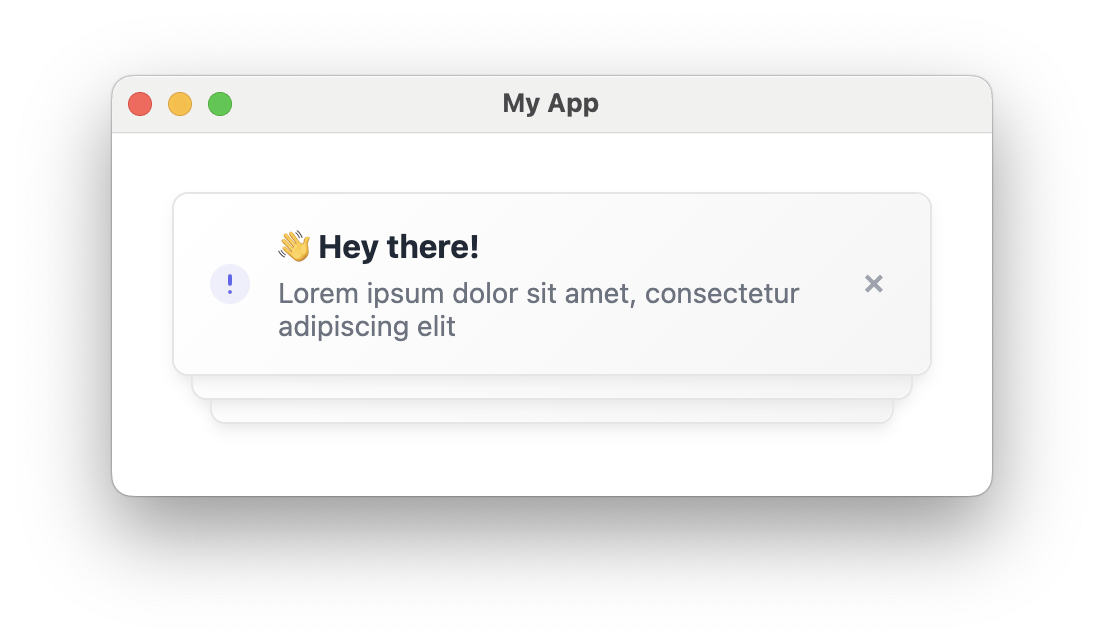
Toast with custom item content
Show Fully custom toast item example
Show Fully custom toast item example
auto-dismiss and auto-dismiss-timeout-ms remain valid when using custom items. If auto-dismiss is true, custom items are automatically removed after the timeout.index.html
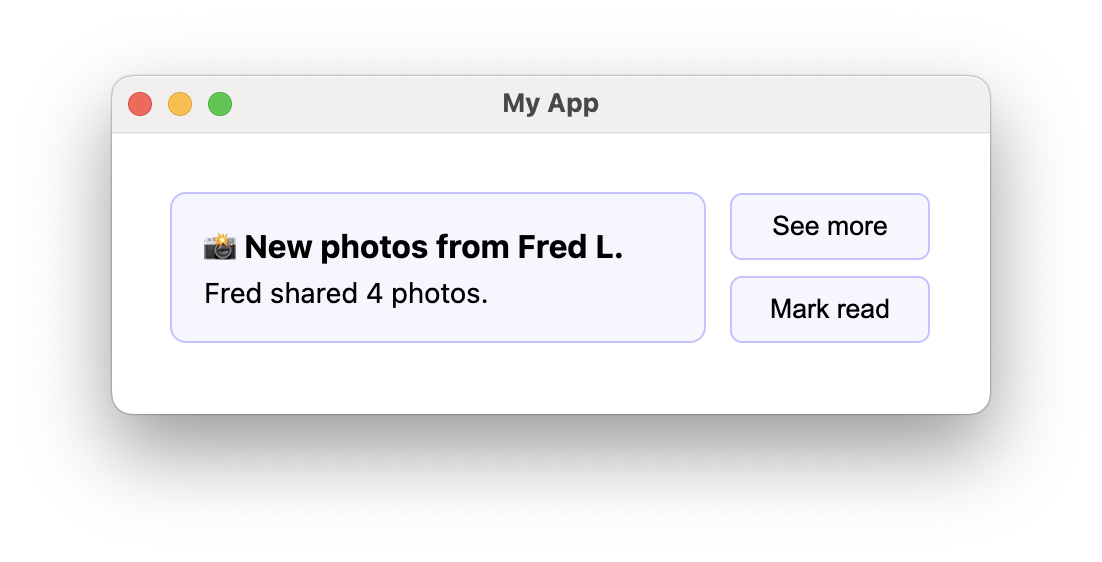
Toast with a fully custom item
Programmatic control
Toast datastore
CourierToastDatastore holds the Inbox messages that <courier-toast> displays and dismisses. It is a singleton, accessed through CourierToastDatastore.shared.
Preferences Web Components
The Preferences component lets users manage their topic subscriptions inside your app. They also control how each topic is delivered, including per-channel routing and digest schedules.<courier-preferences>
Preferences use the same authentication mechanism as the inbox, but the JWT must include the
read:preferences and write:preferences scopes.Preferences HTML attributes
Preferences styling and theming
CallsetLightTheme() / setDarkTheme() with a CourierPreferencesTheme, or set light-theme / dark-theme to a JSON string of one. Setting primaryColor alone carries the accent through the toggles, radios, and chips. Every field is in .
Custom channel labels
Topics can be delivered over multiple channels. UsesetChannelLabels() to rename those channels in the UI.
index.html
EU and regional endpoints
Only needed if your workspace uses the .@trycourier/courier-ui-inbox re-exports EU_COURIER_API_URLS, DEFAULT_COURIER_API_URLS, and getCourierApiUrlsForRegion from @trycourier/courier-js. Pass the result as apiUrls on sign-in. For the hostnames, the helper semantics, and the same-region JWT requirement, see .
Related documentation
React SDK
React components and hooks built on the Web Components.
Inbox Theme Reference
The full CourierInboxTheme type definition for the inbox.