

Channel overview
Channel-specific behavior
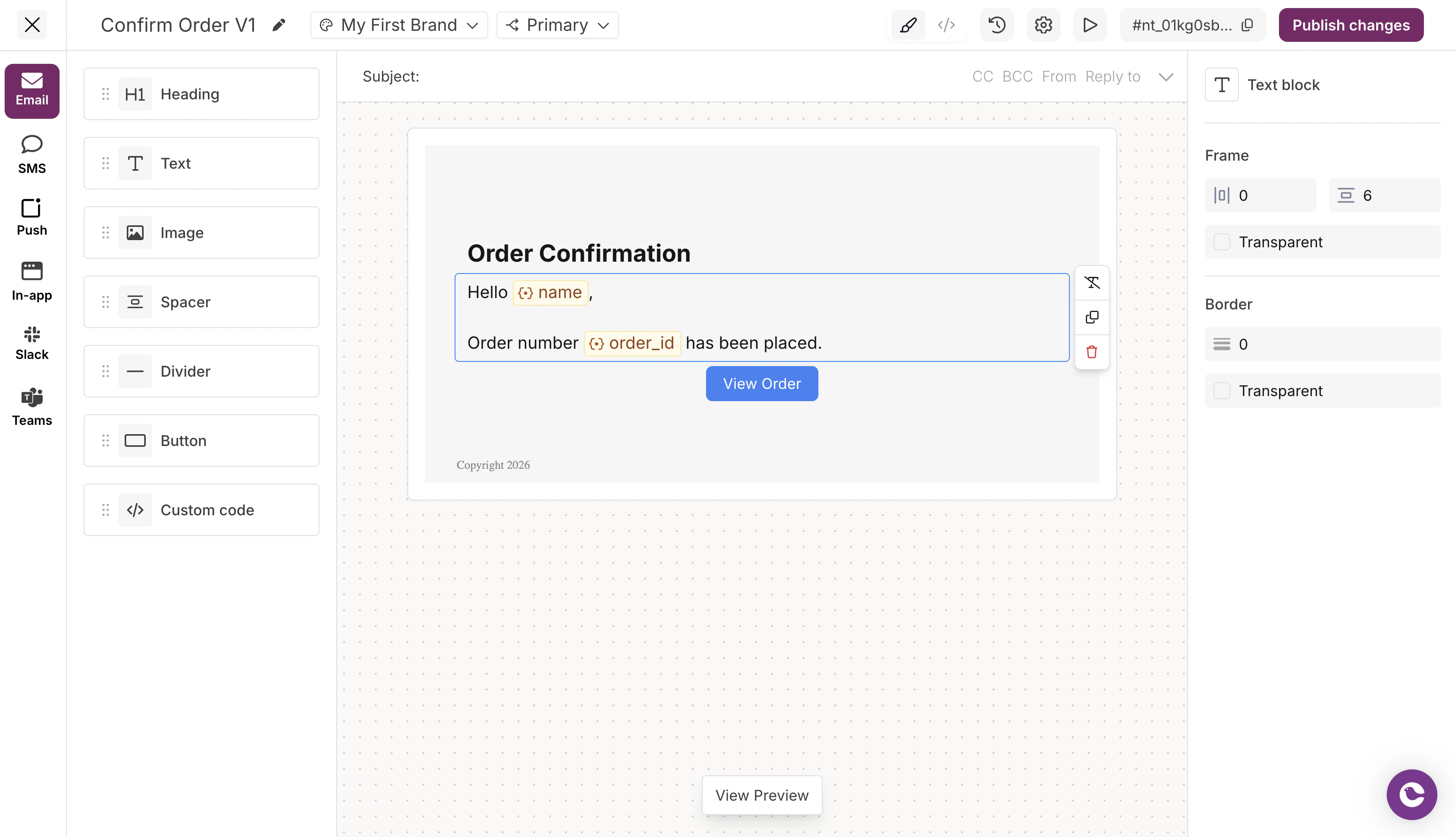
- Full HTML rendering
- All text formatting options (bold, italic, underline, strikethrough, links)
- Image embedding and linking
- Custom markup via HTML blocks
- Brand header and footer support
- Fonts, chosen in the editor sidebar or set with the Elemental
font_familyfield, plus a fallback font for clients that don’t support web fonts
SMS
SMS is plain text only. The Text block is the only supported block type.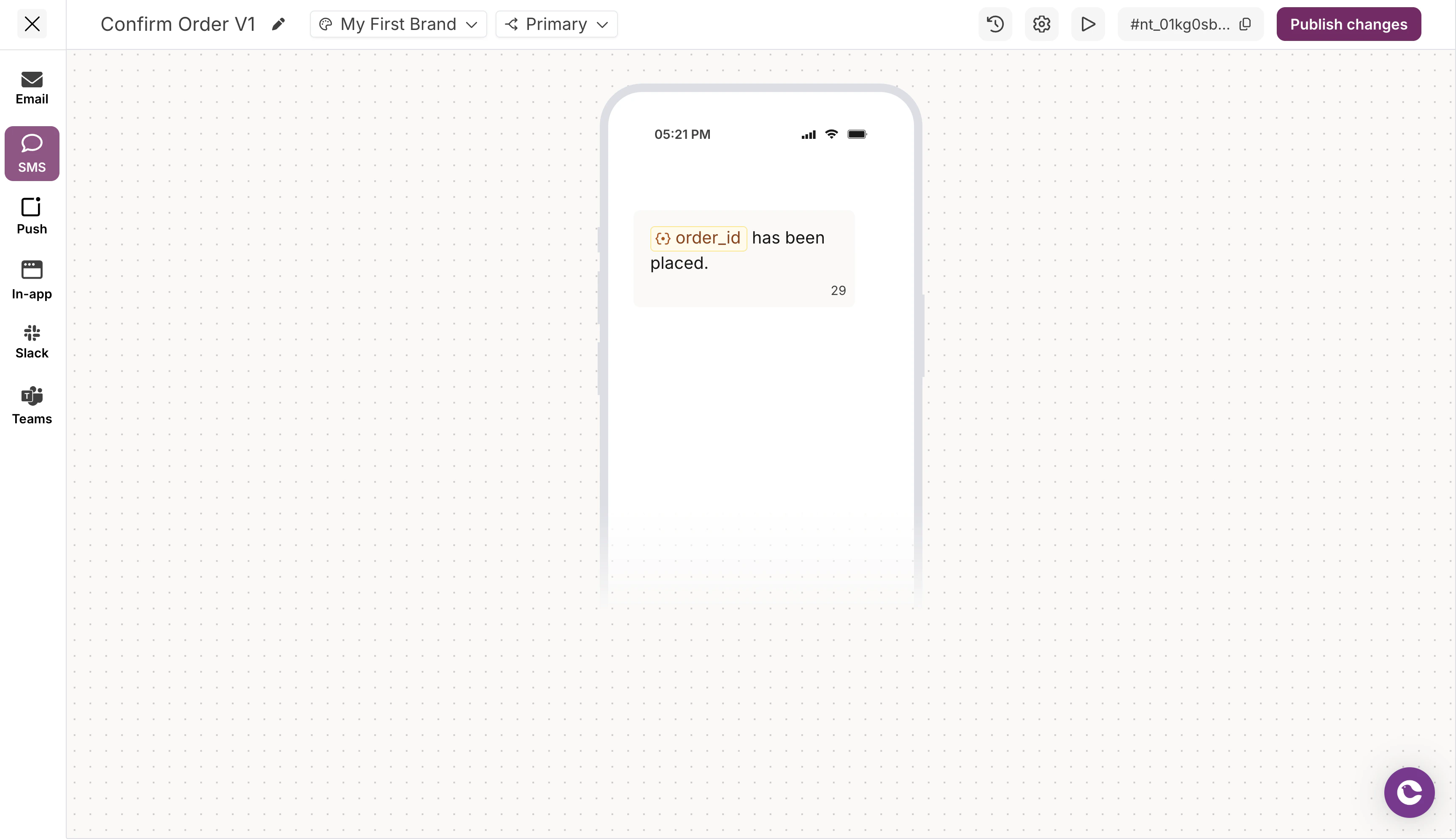
- No formatting (bold, italic, etc.)
- Variables supported via
{{variable}}syntax - Character limits apply based on carrier
- Links are sent as plain URLs
Push
Push notifications have limited content space. Only the Text block is supported.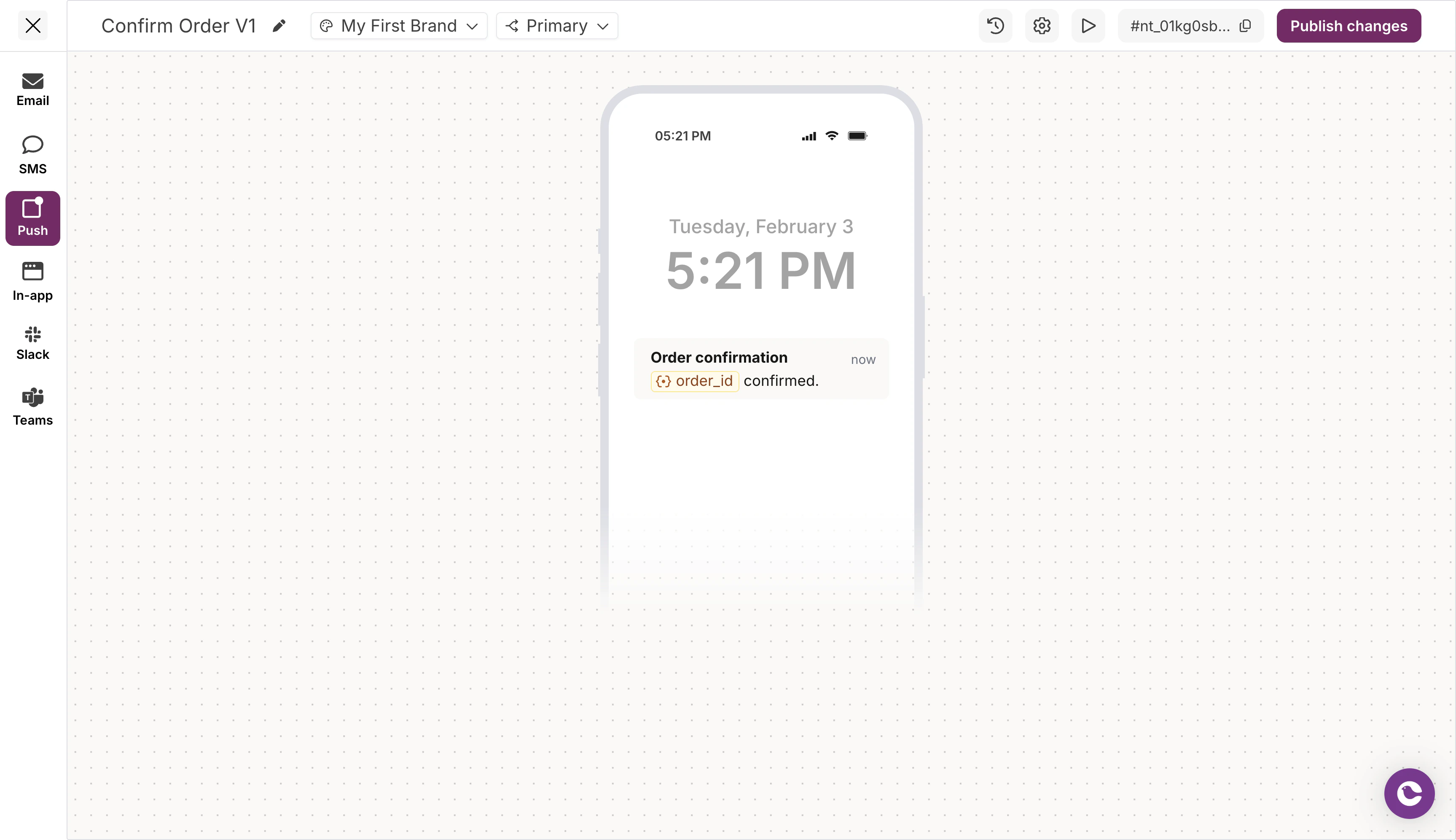
- Title and body text
- Variables supported
- Length limits vary by platform (iOS, Android, Web)
- No rich formatting
In-App (Inbox)
In-App notifications via Courier Inbox support text content.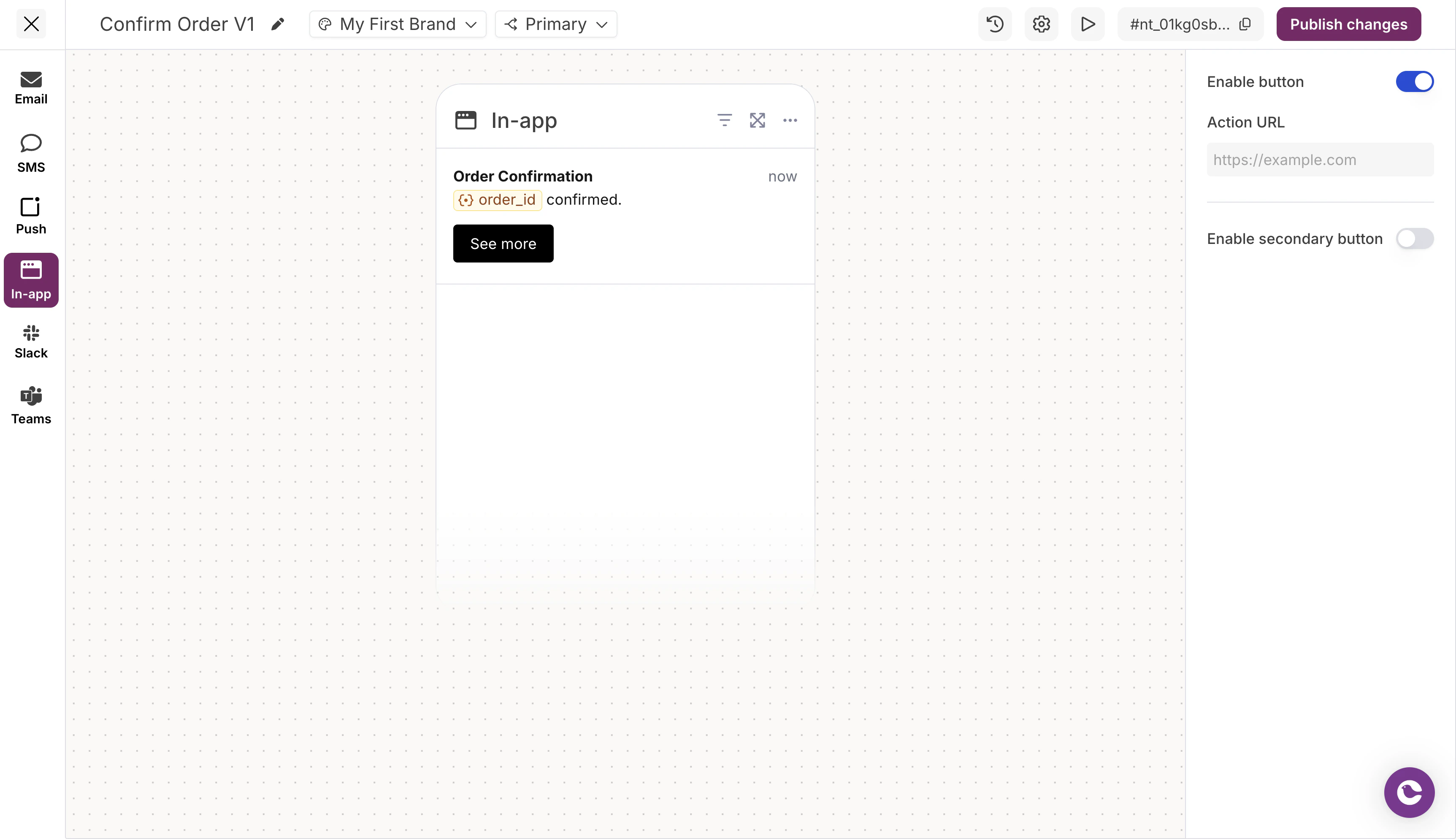
- Title and body text
- Variables supported
- Click actions can be configured (enable button, action URL)
- No rich formatting in the designer
Slack
Slack supports a subset of blocks with Slack-specific formatting.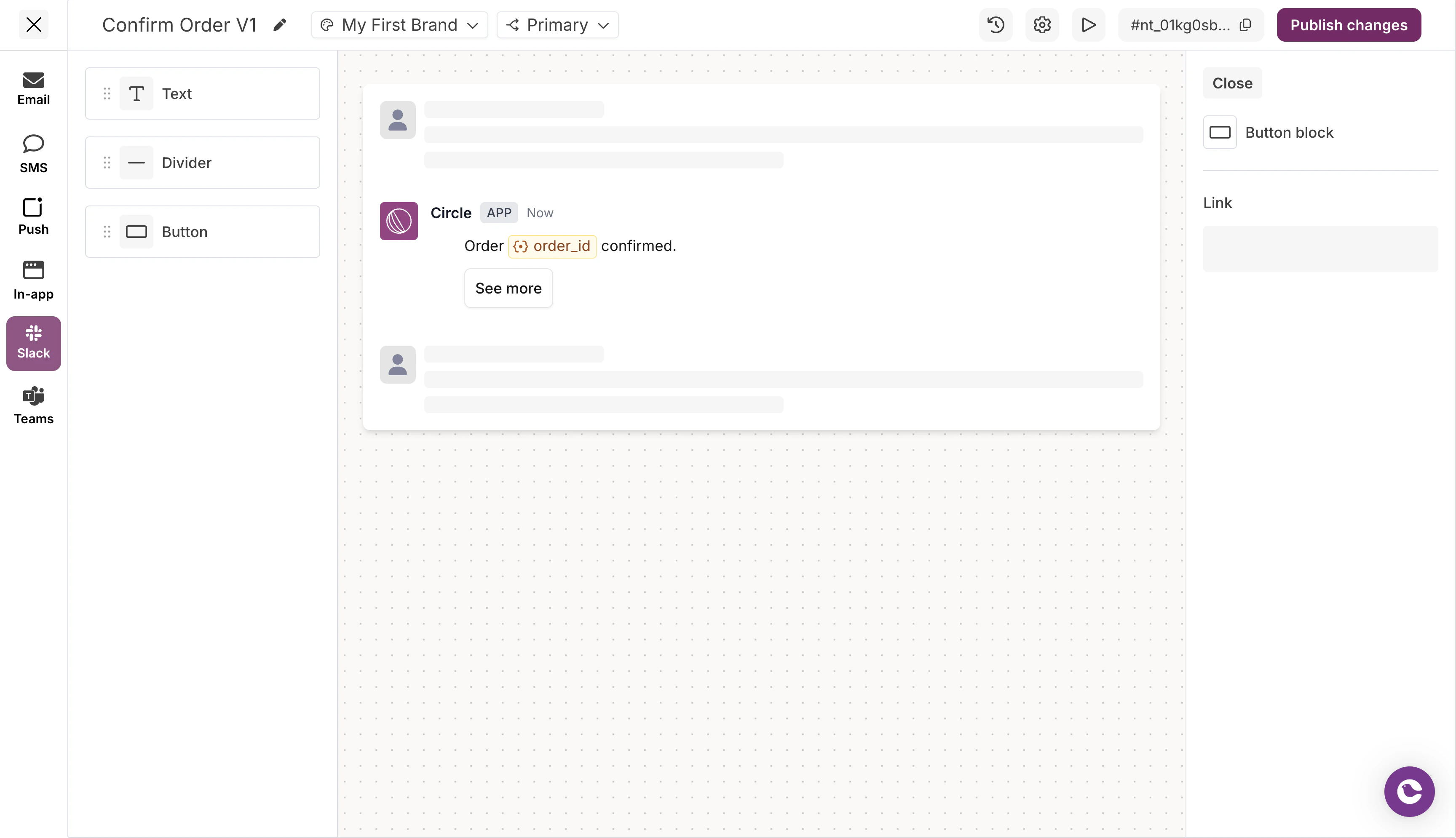
- Text with Slack markdwn formatting (bold, italic, strikethrough, links)
- Buttons as interactive elements
- Dividers between content sections
MS Teams
MS Teams has similar capabilities to Slack with Adaptive Card formatting.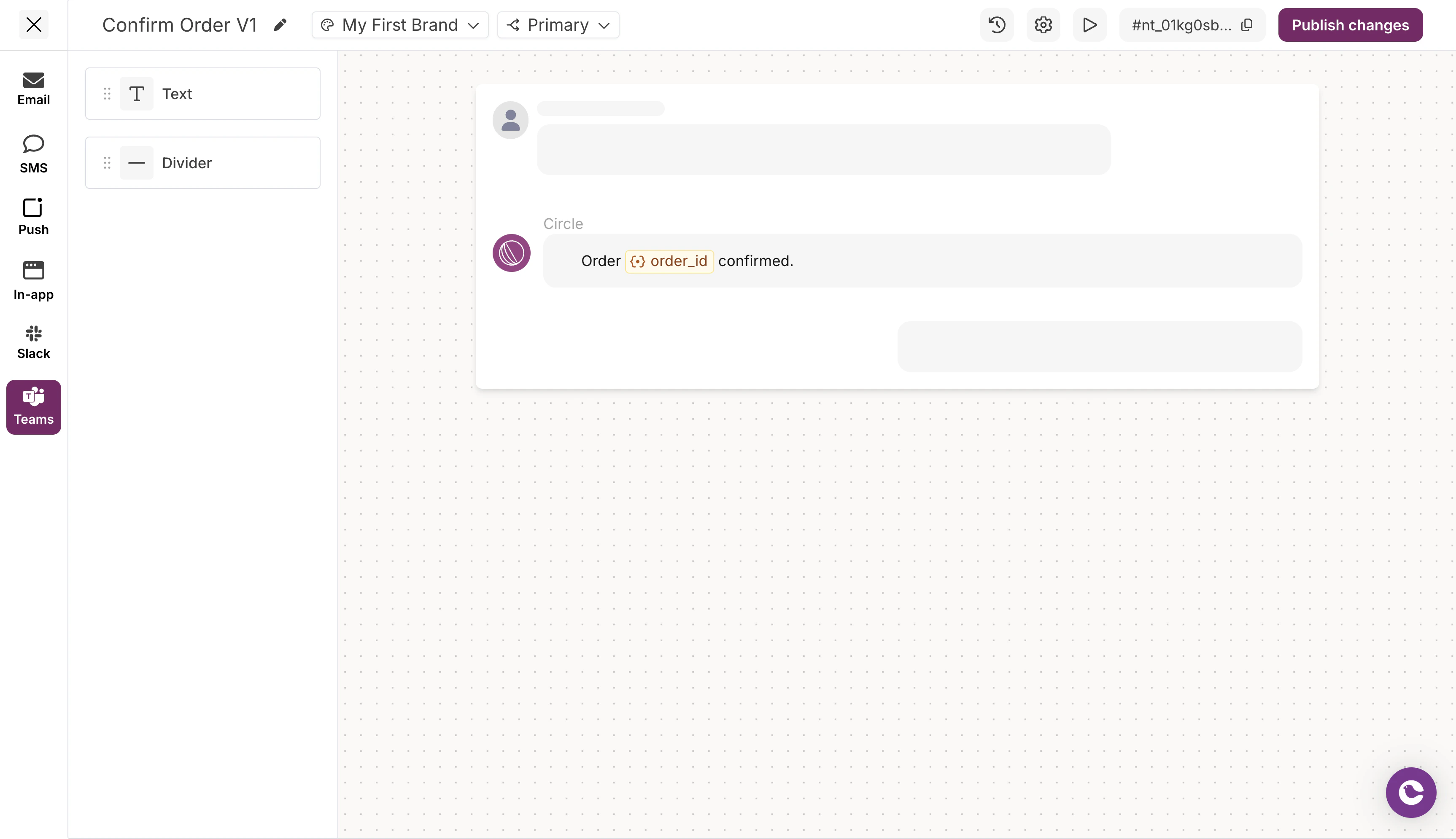
- Text with basic formatting
- Dividers
Switching between channels
In Design Studio, each channel has its own content editor. Channel tabs appear at the top of the editor.- Click a channel tab to edit that channel’s content
- Each channel maintains its own set of blocks
- Content is not automatically synced between channels