How Product Teams Build, Test and Ship Multichannel Notifications in Design Studio
 Kyle SeylerMarch 12, 2026
Product managers and growth teams need to build, test, and ship notifications across multiple channels without filing an engineering ticket every time. Courier's Design Studio is the workspace for that: a template builder, visual channel routing, omnichannel testing, and publishing in one place.
The traditional template designer paradigm
Most customer messaging and engagement tools center on a template builder. You have access to one channel (usually email), drag blocks into a layout, drop in personalization variables, preview, and send. The template builder is a solved problem. Every ESP and notification tool has one, and they all work roughly the same way.
The issue isn't that template builders are bad. It's that users expect messages to arrive on their preferred channel, on specific channels during work hours, other channels during off hours. To make that happen, the design, test, ship cycle has to happen across separate platforms, and someone has to wire up a routing strategy on top of it.
That's just transactional notifications. Once you bring in lifecycle messages or product notifications, things get worse. More platforms, more rounds of review. The actual work of getting a notification out the door is split across five or six tools and the workflows connecting them.
How Design Studio brings it together
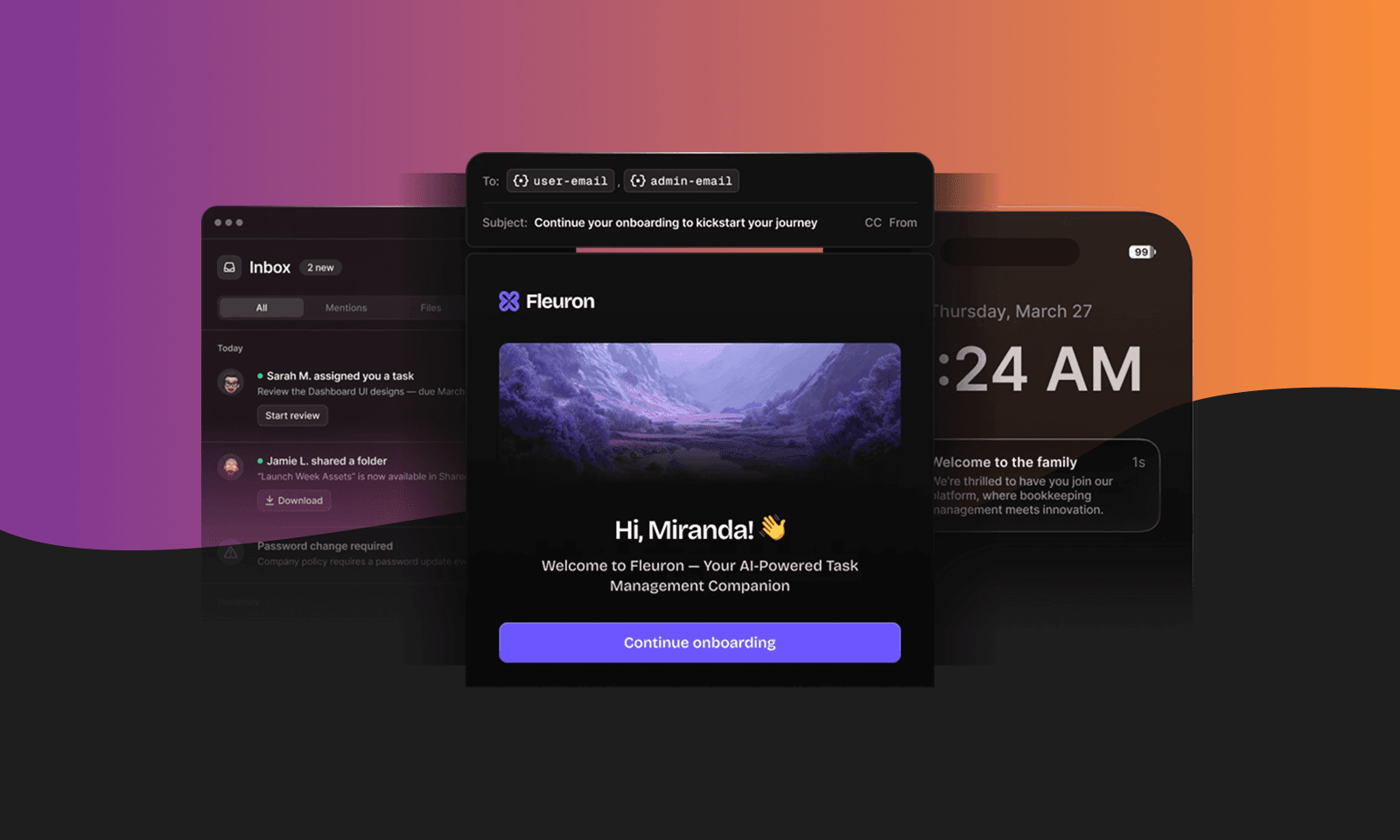
Design Studio puts the full notification workflow in one workspace. Template building is part of it, but so is channel configuration, routing, testing, and publishing.
Every channel in one workspace
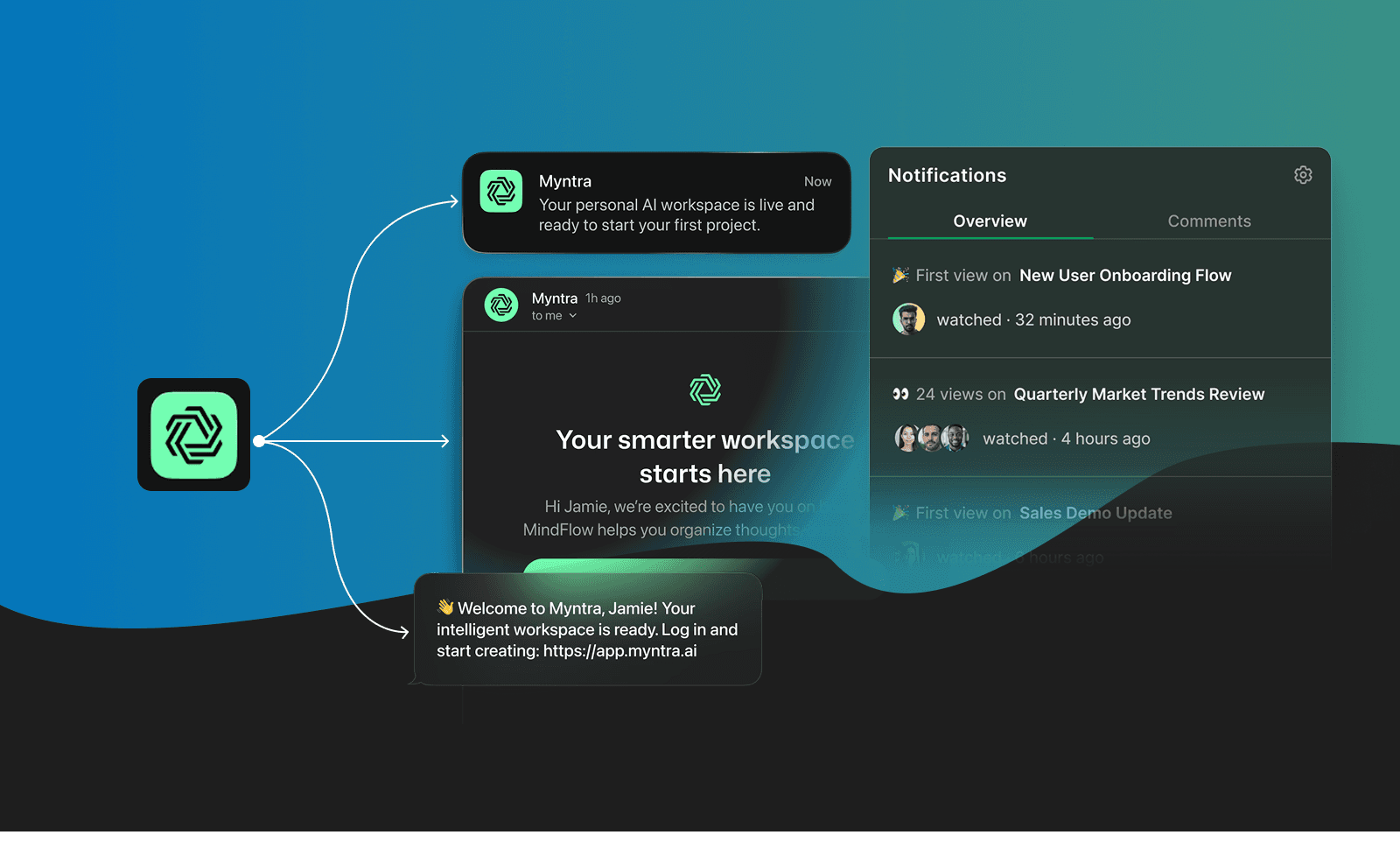
Email, push, SMS, in-app, Slack, Microsoft Teams, and WhatsApp all live inside a single notification. You build the email content first. Then you add a push variant with a shorter message suited to that format. Then an in-app card. Then a Slack message. Each channel gets content tailored to how people actually read it, but they all share the same personalization data and fire from the same event. For the WhatsApp variant you can see how a template renders in a chat, including the footer and quick-reply buttons.
When something needs to change, you change it in one place. When a new channel needs to be added, you add it where everything else already lives. No tool-switching, no separate dashboards per channel.
Visual channel routing
Adding channels is half the job. The other half is deciding how the notification moves through them: which channels fire first, what happens if delivery fails, and when to fall back.
Design Studio handles this with a visual routing map. You add channels, set fallback logic, and the map updates to show the full delivery path:
[Push] AND [In-App]│▼ (If delivery fails or times out)│[Email]│▼ (If undeliverable)│[SMS]
Push and in-app fire together. If push doesn't deliver, Courier falls back to email. If email fails, SMS. You set the priority, the timeouts, and the conditions. Courier handles failover and retries.
A PM can look at this map and understand exactly how a notification reaches users without reading application code. When the routing needs to change, you edit the map and publish. No code change, no deploy.
Omnichannel testing
Design Studio has a preview pane that renders every channel variant with real data.
You provide a test payload with the personalization variables your notification uses: first_name, plan_type, order_items. The preview pane shows the email, the push notification, the in-app card, and the chat message, all populated with that data. You catch the broken variable or the wrong conditional block here, not after a user gets a message that says {{profile.first_name}}.
You can also send a test to yourself across channels. Check the email in your inbox. Check the push on your phone. Open the in-app inbox. Verify the Slack message. All before publishing.
Publish without a deploy
Once the notification is built, previewed, and tested, you publish it from Design Studio. It's live.
Copy change? Edit and publish. New channel variant? Add, preview, publish. Routing priority adjustment? Update the map, publish. The person who understands the user experience handles it directly, without waiting on a deploy cycle.
Design Studio includes version history, so you can track changes, compare versions, and roll back if something breaks.
Shipping transactional, product, and marketing notifications
The notification types that product and growth teams deal with fall into three categories, and Design Studio handles all of them from the same workspace.
Transactional notifications fire on user actions: account confirmations, password resets, receipts, shipping updates. These need to be reliable and immediate. In Design Studio, you build the content, set the routing (email as primary, SMS as fallback), and the notification fires every time the event occurs. Engineering sets up the API trigger once. Content iteration is self-serve after that.
Product notifications are tied to feature adoption and user behavior: onboarding sequences, activation nudges, usage milestones, upgrade prompts. These often span multiple channels (in-app card plus push plus email) and need conditional logic (show different content to free vs. paid users). Design Studio's Handlebars personalization supports conditionals, loops, and data arrays, so you can build these without custom code.
Marketing notifications are campaigns and announcements: feature launches, product updates, event invitations. These are typically less urgent but still benefit from multi-channel delivery and routing logic. Build the content across channels, set the routing, preview, publish.
All three types use the same workspace, the same routing tools, the same preview pane, and the same publish flow. You don't need a different tool for each category.
What still needs engineering
Design Studio is self-serve for content, channels, routing, and publishing. But some things are one-time setup tasks that need engineering:
Provider integrations. Connecting SendGrid, Twilio, Firebase, or other delivery providers.
Data contract. Defining the event payload schema and the personalization variables available in the notification.
API or Segment integration. Configuring the initial connection between your application and Courier, either through the API directly or through a Segment integration.
After that setup, the ongoing work of building, testing, iterating, and shipping notifications is owned by the product and growth teams who are closest to the user experience.

As Adriano Castro, Director of Product at Side, put it: "What felt complex before, adding SMS, push, and in-app, became simple with Courier."
Try Design Studio and build your first multi-channel notification.
Similar resources

Courier vs Customer.io: 2026 messaging platform comparison
Courier and Customer.io both send across email, push, SMS, and in-app, but they are not priced or built the same way. Courier bills by the send, puts journeys, experiments, broadcasts, an in-app inbox, preferences, and 50+ delivery providers on one platform, and exposes all of it through an API, a CLI, and an MCP server. Customer.io bills by the number of profiles in your database and fits a marketing team that needs deep behavioral segmentation. This comparison covers pricing, journeys, channels, in-app messaging, localization, and preferences, with every competitor figure linked to Customer.io's own pages.

Your notification analytics are now available by API
If it's in the Courier dashboard, it's on the API. Analytics was one of the last screens where that wasn't true. GET /notifications/{id}/metrics returns sends, deliveries, opens, clicks, errors, and undeliverable counts per template as a time series, broken out by provider and channel, so the numbers can live in your own product or go straight to an agent.
Top 11 push notification platforms compared for 2026
Push starts as the whole job, then product wants an email fallback, legal wants a preference center, and support wants a searchable log. This guide compares 11 push notification platforms on channels, free tiers, and pricing, and shows why Courier's single API for push, email, SMS, in-app inbox, Slack, and Microsoft Teams fits that arc better than a push-only tool. Includes 2026 opt-in and open-rate benchmarks, a full-stack cost comparison, and what each platform leaves you to build.