The Unsubscribe Paradox: Why Making It Easier to Leave Keeps People Around
 Kyle SeylerFebruary 09, 2026
TLDR
When unsubscribing is hard, people don't stay subscribed. They mark you as spam. Spam complaints damage your sender reputation significantly more than unsubscribes (which have no negative impact). The brands with the lowest unsubscribe rates make unsubscribing easy and give people alternatives (preference centers, frequency controls, pause options). The goal isn't to trap people. It's to make sure the people who stay actually want to be there.
The math that changes everything
Most teams think of unsubscribes as a problem to minimize. So they make the link small. They bury it. They require login to complete the process. They add friction.
This is backwards.
Here's why: when you make unsubscribing hard, frustrated people don't stay subscribed. They click "Report Spam" in their email client instead. That button is always easy to find.
And spam complaints hurt way more than unsubscribes.
The impact breakdown:
| Action | Impact on Sender Reputation |
|---|---|
| Unsubscribe | No negative impact (expected behavior) |
| Spam complaint | Significantly damages reputation |
| Hard bounce | Negative signal |
| Repeated spam complaints | Can get you blocklisted |
Email providers like Gmail and Outlook track complaint rates. If yours exceeds 0.1%, you're in warning territory. Above 0.3%, your emails start landing in spam folders for everyone, not just the people who complained.
A single spam complaint can undo the positive reputation built by thousands of successful deliveries.
What actually reduces unsubscribes
The teams with the lowest unsubscribe rates don't achieve it by hiding the door. They achieve it by making people not want to leave.
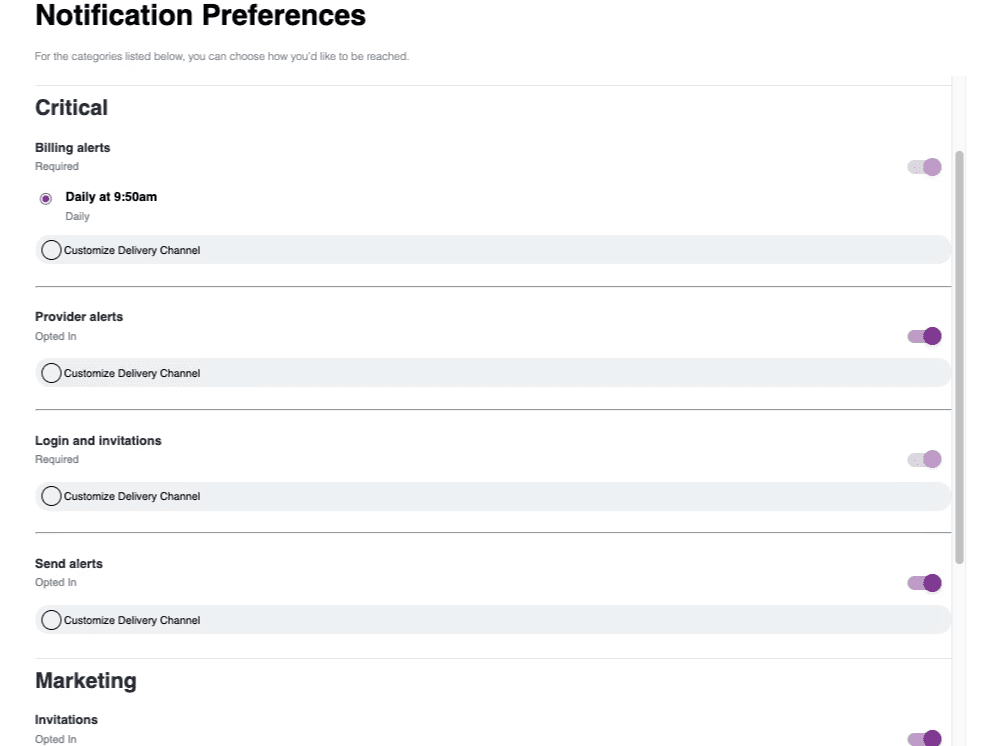
Pattern 1: Preference centers that work
Most preference centers are binary. Subscribe or unsubscribe. All or nothing.
That's a false choice. Many people don't want zero emails from you. They want fewer, or different ones.
A working preference center offers:
- Topic selection. "I want product updates but not marketing promotions."
- Channel selection. "Email me about billing, but use push for feature announcements."
- Frequency control. "Send me the digest weekly instead of daily."
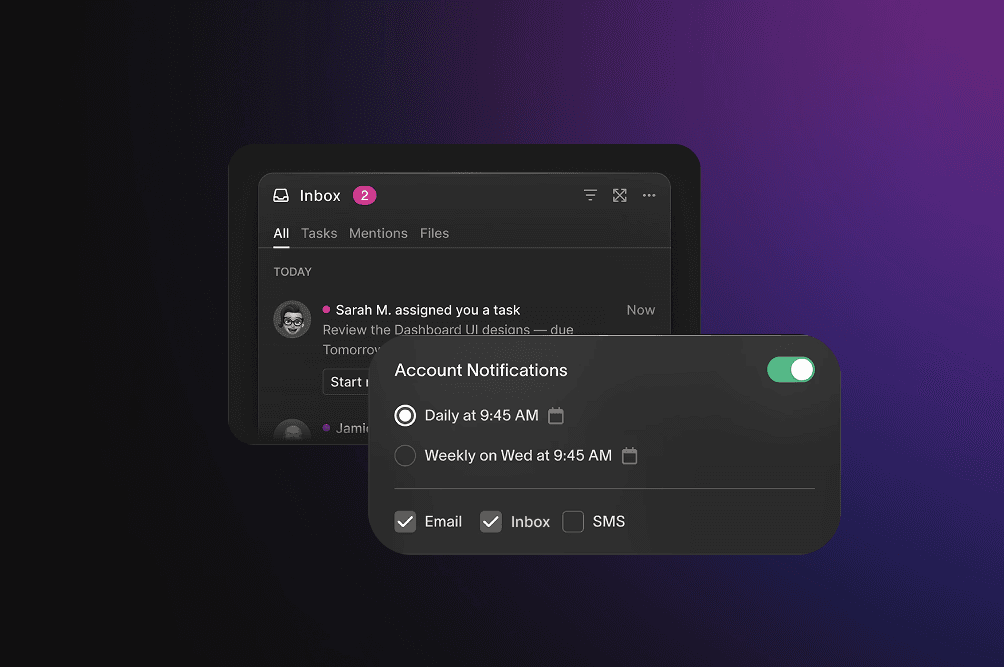
When people can tune their preferences instead of just leaving, many choose to stay. You keep the relationship. They get less noise.
Implementation note: Your notification system needs to actually respect these preferences. A preference center that doesn't connect to your sending logic is worse than useless. It breaks trust.
Platforms like Courier provide drop-in preference centers that connect directly to your notification infrastructure, enforcing topic, channel, and frequency preferences across email, push, SMS, and in-app notifications without custom code.
Pattern 2: Frequency controls
Sometimes the problem isn't what you're sending. It's how often.
Offer options like:
- Daily → Weekly → Monthly
- "Pause for 30 days"
- "Send me the best stuff only"
Example copy: > "Getting too many emails? Switch to our weekly digest and get the highlights without the noise."
People who select a lower frequency unsubscribe at much lower rates than people who only have the binary choice.
Pattern 3: Pause options
Some people unsubscribe because they're overwhelmed right now, not because they never want to hear from you.
A pause option ("Take a break for 30/60/90 days") saves subscribers who would otherwise leave permanently. When the pause ends, many re-engage.
Example implementation:
Options:
[ ] Pause for 30 days
[ ] Pause for 60 days
[ ] Pause for 90 days
[ ] Unsubscribe permanently
This works especially well for seasonal businesses, content creators with heavy publishing schedules, and any product where users have natural busy and slow periods.
Pattern 4: Clear value in every send
The most sustainable way to reduce unsubscribes is to make every email worth opening.
Before each send, ask:
- Would someone forward this?
- Does this help them do something?
- Would they miss this if it stopped?
If you can't answer yes to at least one, reconsider sending it.

The one-click unsubscribe effect
Here's the counterintuitive data: brands that add a visible, one-click unsubscribe link often see unsubscribe rates go down.
Why this happens:
Trust increases. People who see they can easily leave feel less trapped. They're more willing to stay because staying is a choice.
Spam complaints drop. The people who would have clicked "Report Spam" now use the unsubscribe link instead. Your reputation improves.
List quality improves. The people who remain are people who actually want your emails. They engage more, which signals to email providers that you're sending wanted mail.
Deliverability improves. Better reputation means more emails land in inboxes. Higher inbox placement means higher engagement. It's a virtuous cycle.
The technical requirement:
As of 2024, Gmail and Yahoo require one-click unsubscribe (via List-Unsubscribe headers) for bulk senders. This isn't optional anymore. If you're sending more than 5,000 emails per day, you need:
List-Unsubscribeheader with mailto: and/or HTTPS URLList-Unsubscribe-Postheader for one-click functionality
Failing to implement this means your emails increasingly land in spam. Learn how to implement one-click unsubscribe in your email notifications.
What your unsubscribe flow should look like
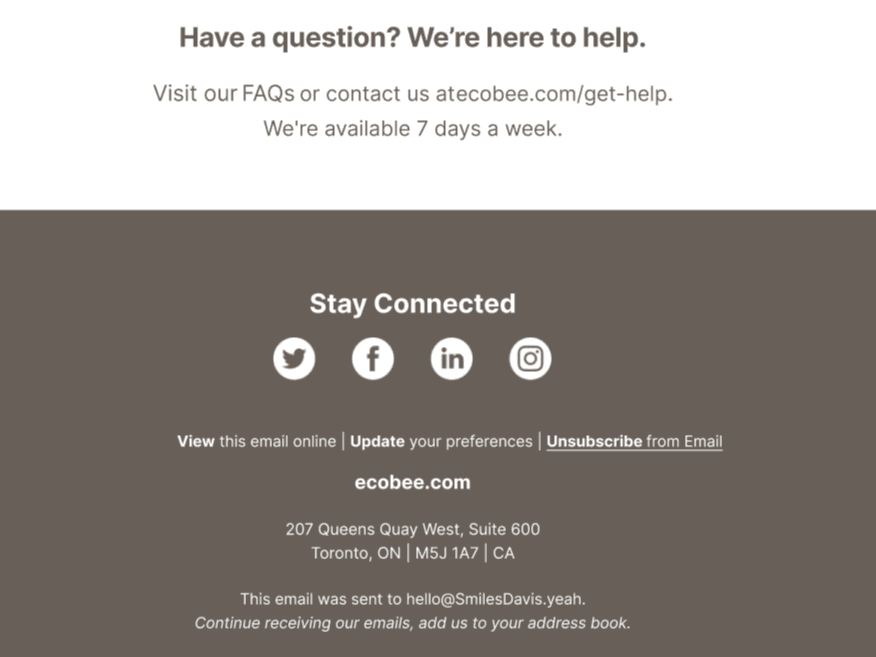
Step 1: The link
Make it visible. Footer is fine, but don't use 6pt gray text on a gray background. You shouldn't need a magnifying glass.
Good: > "Unsubscribe from these emails"
Bad: > "Click here to manage your communication preferences and subscription settings"
Step 2: The confirmation page
One click should complete the unsubscribe. Don't require login. Don't require filling out forms. Don't make them wait for a confirmation email.
After they unsubscribe, show a simple confirmation:
Good: > "You've been unsubscribed. You won't receive any more emails from us. Changed your mind? [Resubscribe]"
Bad: > "We're so sorry to see you go! 😢 Are you sure? You'll miss out on exclusive deals, insider tips, and our amazing community! Please tell us why you're leaving (required): [dropdown] [text field] [submit button]"
The guilt-trip approach feels gross. It doesn't change their mind. It just makes them glad they left.
Step 3: The optional survey
If you want feedback, make it optional and short. One question, not ten.
"Quick question (optional): Why did you unsubscribe?"
- Too many emails
- Content wasn't relevant
- I never signed up
- Other
Don't gate the unsubscribe completion behind the survey. Let them leave first, then ask if they want to share why.
Step 4: The confirmation email
Controversial take: don't send one.
You just confirmed on the web page that they're unsubscribed. Sending an email to confirm that you'll stop emailing them is ironic at best. At worst, it triggers another spam complaint.
If you must send confirmation for legal/compliance reasons, send one email immediately and never again.
When unsubscribes are actually a problem
Not all unsubscribes are equal. Some signals matter more than others.
Watch for:
| Signal | What It Might Mean |
|---|---|
| Unsubscribes spike after a specific campaign | That campaign had a problem (relevance, frequency, targeting) |
| Unsubscribes spike among new subscribers | Your welcome sequence is off-putting |
| Unsubscribes spike among long-time subscribers | You changed something they don't like |
| Steady unsubscribes at expected rate | Normal list hygiene (not a problem) |
The benchmarks:
Average email unsubscribe rate: 0.2-0.9% per campaign (varies by industry)
- Below 0.5%: Good performance
- Above 1%: Investigate what's driving it
- Below 0.1%: Either your content is excellent or your unsubscribe process is broken
If your unsubscribe rate is suspiciously low, check if users can actually find and use the link. A rate close to zero often means a broken process, not happy subscribers.
The real metric: engagement rate among remaining subscribers
Unsubscribe rate alone is misleading. What matters is whether the people who stay are engaged.
Healthy list:
- Moderate unsubscribe rate (people who don't want emails leave)
- High open rates among remaining subscribers
- Low spam complaint rate
- Good click-through rates
Unhealthy list:
- Very low unsubscribe rate (people can't figure out how to leave)
- Declining open rates (people ignore instead of unsubscribing)
- Rising spam complaints (people report instead of unsubscribing)
- Deliverability problems (you've damaged your reputation)
The goal is a list of people who want to hear from you, not a large list of people who are trapped.
Implementation checklist
Immediate fixes:
- Unsubscribe link is visible (not hidden in tiny text)
- One click completes unsubscribe (no login required)
- List-Unsubscribe headers implemented
- Confirmation page is respectful, not guilt-trippy
Preference center improvements:
- Topic preferences available
- Frequency options available
- Pause option available
- Preferences actually enforced in sending logic
Monitoring:
- Track unsubscribe rate per campaign
- Track spam complaint rate
- Track unsubscribe rate by subscriber tenure
- Alert if complaint rate exceeds 0.1%
Track notification metrics and unsubscribe rates across all your channels from a single dashboard.
Building preference centers that actually work
Most teams building preference centers face the same problem: preferences need to sync across multiple providers (SendGrid for email, Twilio for SMS, OneSignal for push). Each provider has different APIs, different data models, and different ways to handle frequency capping.
This is where notification infrastructure platforms help. Courier enforces preferences at the orchestration layer, before messages route to providers. Set a preference once, and it applies across all channels automatically. You get working preference centers, frequency controls, and pause options without building custom logic for each provider.
The bottom line
Unsubscribes aren't failure. They're feedback.
When someone unsubscribes, they're telling you the relationship isn't working. That's useful information. It's also better than the alternative (spam complaints, ignored emails, damaged reputation).
The paradox is real: making it easy to leave makes more people want to stay. The teams with the best retention don't trap users. They give them control and earn their attention with every send.
Don't optimize for keeping people who want to leave. Optimize for making people want to stay.
This post is part of The Ping, a series about building notifications that don't get ignored.
Need to implement preference centers, frequency controls, or one-click unsubscribe across multiple channels? Courier handles orchestration, preferences, and deliverability through a single API. See how it works, view pricing, or request a demo.
Similar resources

HIPAA-compliant notifications: where PHI should live
A practical guide to HIPAA-compliant notifications across SMS, push, email, and an in-app inbox. One rule, applied to every channel and every place PHI gets stored, including the systems most teams forget are in scope.

How to get your logo in Gmail and Apple Mail
BIMI puts your logo next to your emails in Gmail and Apple Mail, but there is no upload form. It is earned by locking your domain down. Here is the whole project: what it costs, how long it takes, and the five ways it fails silently.

Email preview tools compared: 6 that render on real devices
Most "email preview" features are simulations. These six open your email in the actual client and send back a screenshot. Here’s what each costs per preview, how much work sits between your template and the result, and which ones you can drive from code.