Build with AI: let your agent handle notifications end to end
 Kyle SeylerApril 07, 2026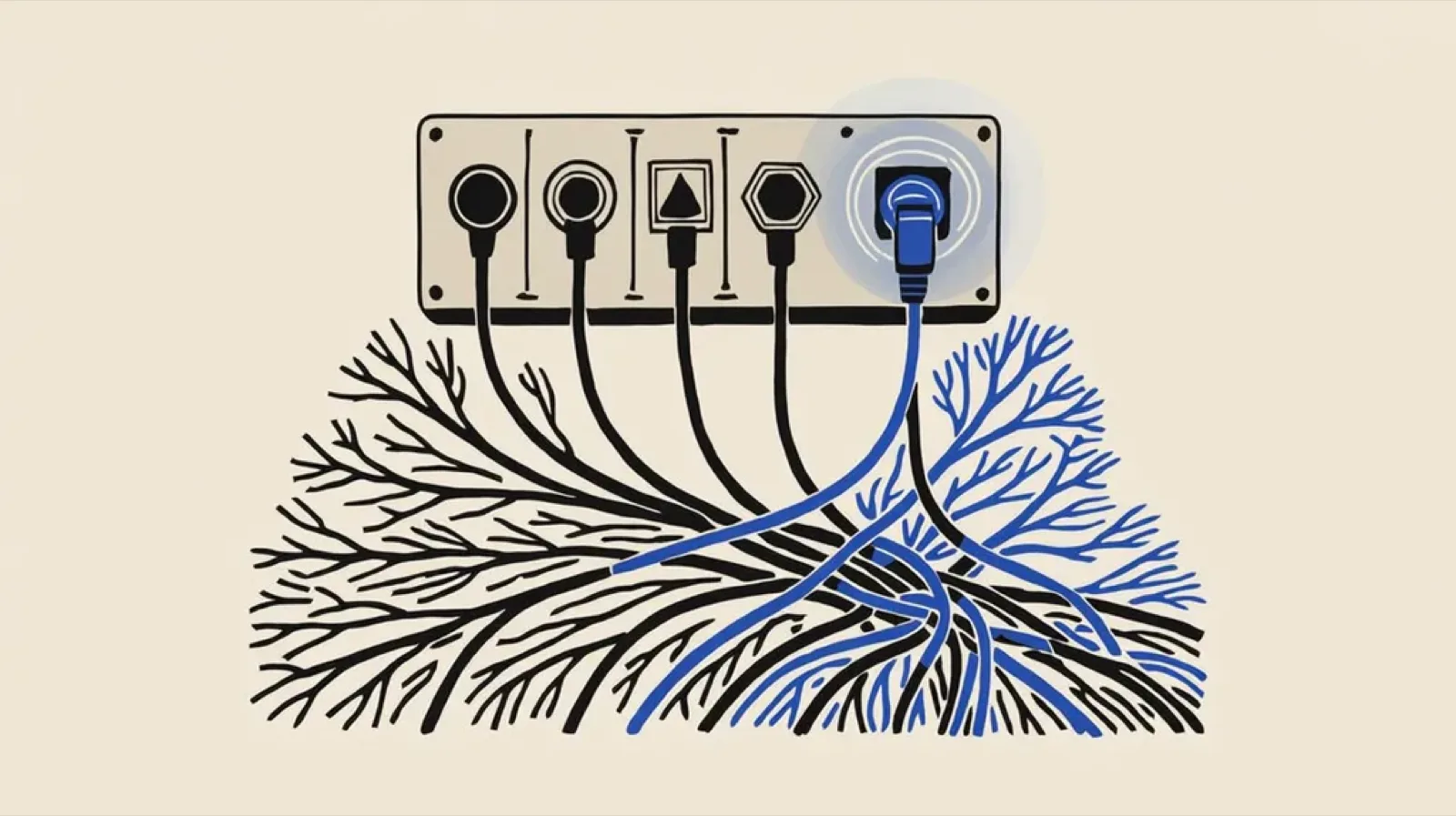
We've been building toward a single idea: your AI coding agent should be able to handle notifications the same way it handles everything else. Set up the connection, describe what you want, and let it build. Today we're shipping the toolkit that makes that work.
Build with AI is four integration points that give AI agents direct access to Courier's notification infrastructure. A CLI, an MCP server, agent skill packs, and machine-readable docs. Each one works standalone. Together, they let an agent go from "send a welcome email" to a production-ready, multi-channel notification flow without leaving your editor.
Docs for agents
We publish Courier's full documentation as machine-readable indexes following the llms.txt standard. Point your agent here and it can discover every CLI command, MCP tool, SDK method, and API endpoint without any other configuration:
https://www.courier.com/docs/llms.txt
There's also a single-file version with the complete docs content at courier.com/docs/llms-full.txt. Agents that support llms.txt pick these up automatically. For everything else, the URL works as a fetch target.
Connect your agent
Pick whichever integration fits your workflow. The MCP server is the fastest path for most editors. The CLI works anywhere an agent can run shell commands.
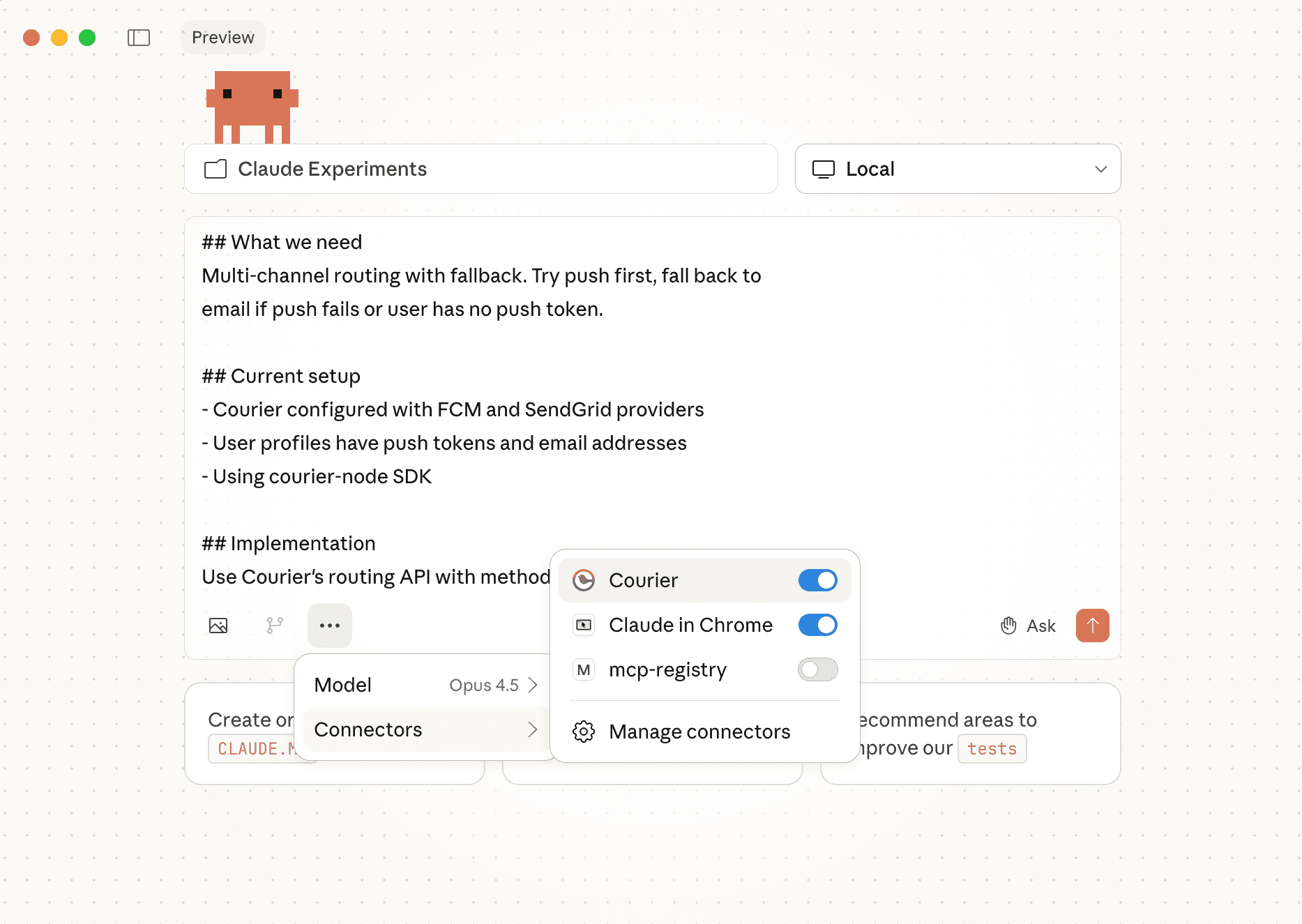
MCP Server connects your agent to Courier with typed tool access. No shell commands, no HTTP client, no SDK setup. Your agent discovers the available tools and starts calling them.
For Cursor, add to your mcp.json:
{"mcpServers": {"courier": {"url": "https://mcp.courier.com","headers": {"api_key": "XXXX"}}}}
For Claude Code:
claude mcp add --transport http courier https://mcp.courier.com --header api_key:XXXX
Also works with Claude Desktop, Windsurf, VSCode, and OpenAI's API. See the MCP Server docs for the full setup list.
CLI gives agents (and you) shell access to all 81 Courier API endpoints. Install it and set your key:
npm install -g @trycourier/cliexport COURIER_API_KEY="your-api-key"
Every command supports --format json for machine-readable output, so agents can send a notification, check its delivery status, and route around a failure in a single workflow loop. See the CLI reference for the full command list.
Teach your agent what good looks like
Connecting your agent to Courier means it can call the API. But calling the API and knowing what to build are different things. That's what Courier Skills are for.
Agent skill packs teach your coding agent notification best practices before it writes a single line of code. Clone the repo into your editor's skills directory:
# Cursor (global)git clone https://github.com/trycourier/courier-skills.git ~/.cursor/skills/courier-skills# Claude Codegit clone https://github.com/trycourier/courier-skills.git ~/.claude/skills/courier-skills
Once installed, your agent gets routing guidance, compliance rules, and code patterns for all 7 channels and 28 notification types. Ask it to "add a password reset notification" and it already knows to use email as the primary channel, include the required security headers, set an appropriate expiration window, and follow deliverability best practices.
The MCP server and CLI give agents access. Skills give them judgment.
Try it
With the toolkit connected, try pasting something like this into your agent:
I'm setting up Courier for the first time. Send a test email to jane@example.com with the subject "Hello from Courier" and body "First notification, sent by an agent." Email should work out of the box in test mode. Once that's confirmed, I want to add another channel. Ask me which one and which provider I'm using, then walk me through getting API keys and configuring the provider in Courier. After the new channel is live, send a multi-channel message to the same user with email as the primary and the new channel as a fallback. Check the delivery status and show me what happened. Then tell me what notifications I should build next based on what my app does.
One prompt. Your agent creates the user profile, sends the test, interviews you on provider choice, configures the channel, routes across both, and comes back with a plan for what to build next.
This works for teams building products with Courier, and it works for teams building AI agents that notify users. An agent that takes actions on behalf of your users needs to tell them what happened. With Build with AI, the same agent that runs the workflow can build and test the notification flow inline, using batch, throttle, and digest primitives so it doesn't train your users to ignore alerts.
Get started
Read the full docs at courier.com/docs/tools/ai-onboarding or jump straight to the Quickstart for Agents.
Similar resources

Test Courier emails end to end with your AI agent
Give your coding agent an AgentMail inbox, and it can test your Courier emails the way a user would: send the change, check what arrives, review how it renders, and fix what it finds before the change reaches Production.

Let your agent check every email before it ships
Courier Device Preview gives your coding agent real screenshots from Outlook, Gmail, and Apple Mail. Here's the prompt and workflow to have it check every email, fix the draft, and check again before you publish.

Courier vs Customer.io: 2026 messaging platform comparison
Courier and Customer.io both send across email, push, SMS, and in-app, but they are not priced or built the same way. Courier bills by the send, puts journeys, experiments, broadcasts, an in-app inbox, preferences, and 50+ delivery providers on one platform, and exposes all of it through an API, a CLI, and an MCP server. Customer.io bills by the number of profiles in your database and fits a marketing team that needs deep behavioral segmentation. This comparison covers pricing, journeys, channels, in-app messaging, localization, and preferences, with every competitor figure linked to Customer.io's own pages.