watchOS 27 Notifications: What Changed and How to Adapt Your Product Sends
 Kyle SeylerJune 09, 2026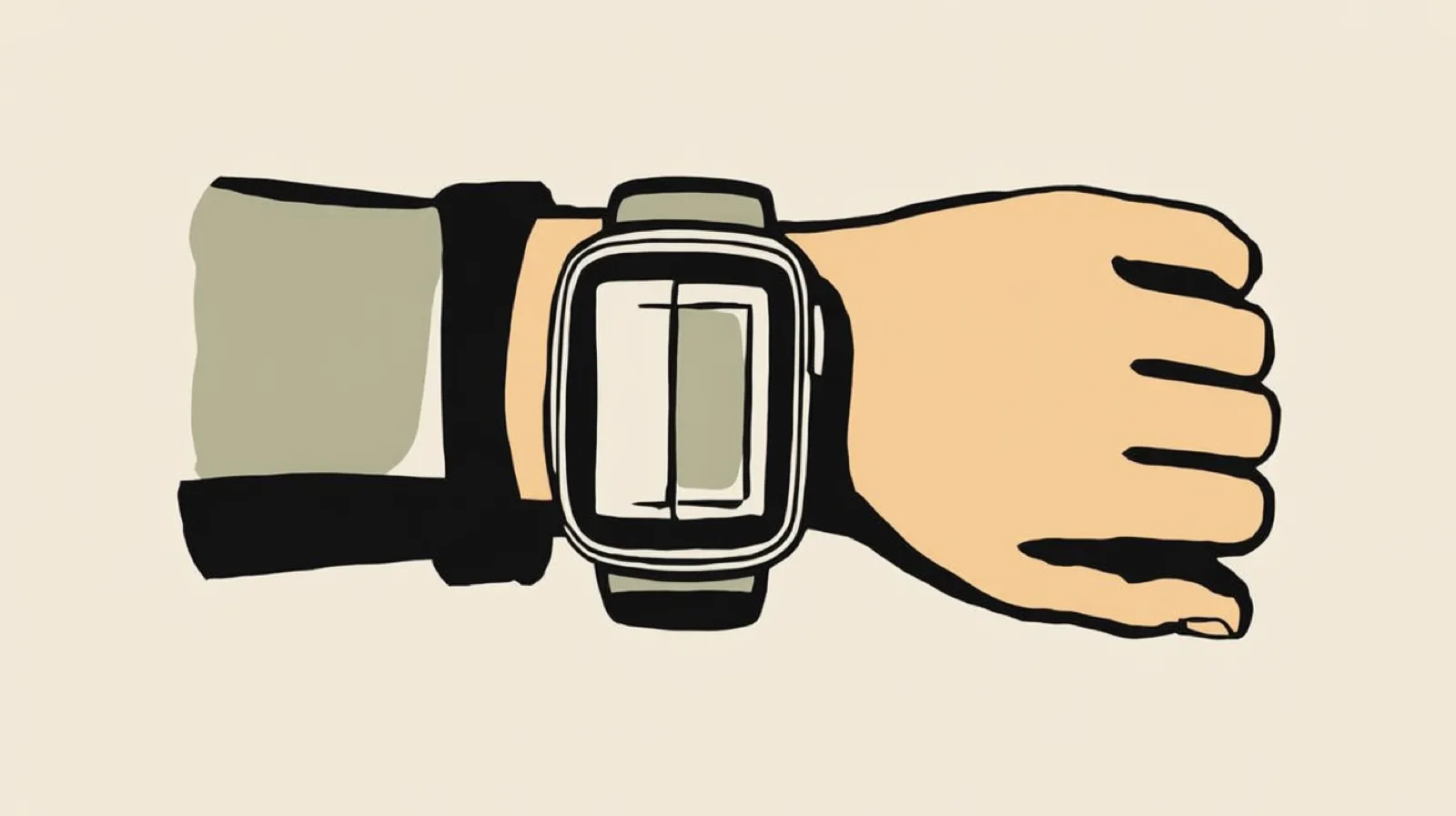
watchOS 27, announced at WWDC 2026 on June 8, pushes the Apple Watch further toward context-driven delivery: notifications surface based on relevance, a Siri-curated app grid replaces the static honeycomb, and the Smart Stack gets smarter about what appears on the wrist and when. If your product sends transactional or B2B notifications (order updates, approvals, security alerts, on-call pages), the rules for getting seen just changed. Here's what's new and what to do about it before the public release this fall.
What changed at WWDC 2026
Four announcements matter for notification teams:
Relevance decides what surfaces. watchOS 27 presents notifications based on relevance, using context to decide what reaches the wrist and when. Your notification is no longer guaranteed placement just because it arrived last.
The Smart Stack gets a new front door. Apple's press release confirms users can now open a Smart Stack widget with a new tap gesture, and the stack surfaces more contextual widgets based on habits and real-world signals: a parked car card, a transit balance at the station. Apple's guidance to developers: if your widget provides relevance cues, it appears right when it's needed.
Dismissal is already a reflex. The wrist flick gesture shipped in watchOS 26 and stays central in 27: one wrist rotation dismisses a notification and silences your app. Combined with relevance ranking, the watch now filters on arrival and lets users delete on instinct.
 One wrist rotation dismisses the notification and silences the app. Image: Apple.
Three watch generations got cut. watchOS 27 drops support for Apple Watch Series 8, Ultra 1, SE 2, and older. A meaningful slice of your audience stays on watchOS 26 behavior for years.
The developer beta is out now, with a public beta in July and general release this fall.
Why this matters for B2B and product notifications
The watch is not a channel you target directly. APNs pushes mirror from the paired iPhone, which means your existing push strategy is your watch strategy, whether you planned one or not. The invoice approval, the failed payment alert, and the deploy notification you send today are already competing for wrist space against Messages and calendar alerts. watchOS 27 makes that competition explicit: a relevance model now scores your message against everything else vying for two seconds of attention.
 The Smart Stack surfaces widgets by relevance, a model watchOS 27 extends to notifications. Image: Apple.
How to optimize product notifications for watchOS 27
Set interruption levels and relevance scores honestly
APNs has supported interruption-level and relevance-score since iOS 15, but most senders mark everything time-sensitive. With watchOS 27 ranking by relevance, those fields are your placement bid. Inflating them backfires: a system built to detect relevance will learn your "urgent" rarely is. Reserve time-sensitive for security alerts, on-call pages, and expiring approvals. Everything else scores lower, on purpose.
Write for the two-second glance
Between relevance filtering and the wrist flick, your notification gets one glance. Put the payload in the first five words: "Invoice #4521 needs your approval" beats "You have a new approval request." If the user has to expand the notification to learn anything, you've lost the interaction.
Route by urgency, not by habit
A relevance-ranked wrist punishes senders who treat push as the default channel for everything. This is the strongest argument yet for real multichannel routing: time-sensitive events go to push, informational updates go to email or an in-app inbox, and digests absorb the low-priority noise. Add fallbacks for the messages that matter, so an unread push escalates to email or SMS instead of being resent to a wrist that already flicked it away. Centralizing this logic is the hard part when notification code is scattered across services. A platform like Courier handles cross-channel routing, preferences, and batching in one place, so tuning your channel mix doesn't mean touching every codebase.
Consider a widget instead of a push
For status-style B2B content (queue depth, build status, account balance, upcoming meetings), a relevance-cued Smart Stack widget beats an interruption. The question for each notification type: does the user need to know now, or find it when they look? Move the second category to the Smart Stack and your remaining pushes carry more weight.
Plan for a split audience
Series 8, Ultra 1, and SE 2 owners stay on watchOS 26, where notifications behave the old way. Segment delivery metrics by OS version once the release ships. Engagement shifts you see this fall may be the new ranking system, not your content.
The bigger pattern
Apple keeps moving attention management from users to the system, and it isn't alone. Relevance ranking on the wrist follows notification summaries on iPhone and Gmail's tabbed inbox: every platform is inserting a model between your send and the user's eyes. The senders who win treat each channel as a cost they're imposing and route accordingly.
Start by auditing what you push today, then move the noise to channels built for it. Courier's platform handles the routing, preferences, and per-channel logic so you can adapt to watchOS 27 without rebuilding your notification stack. Try it free.
Similar resources
WhatsApp Business messages: types, templates, and rules
Every WhatsApp Business message is a template or a free-form message, and the type decides when you can send it and what it can look like. How businesses use each one, the template categories, the formats worth knowing, and the rules that stop messages from arriving.
WhatsApp pricing changes on October 1, 2026
On October 1, 2026, two things become billable on the WhatsApp Business Platform: free-form replies inside the 24-hour customer service window, and utility templates sent in response to a customer. If your WhatsApp volume is conversations rather than campaigns, this is not a rate tweak. It adds a line to your invoice where there used to be a zero. Here is what changes, a worked example of the cost, and what to check.
Clinical alert and notification systems: how escalation works
A clinical alert is easy to send and hard to close. This is how alerting works inside a hospital: where alerts come from, how routing by role and shift works, and how the acknowledge, timeout, escalate loop is actually built, including what happens when nobody answers.