Pushbullet Alternative: How to Build Cross-Device Product Messages
 Kyle SeylerNovember 13, 2025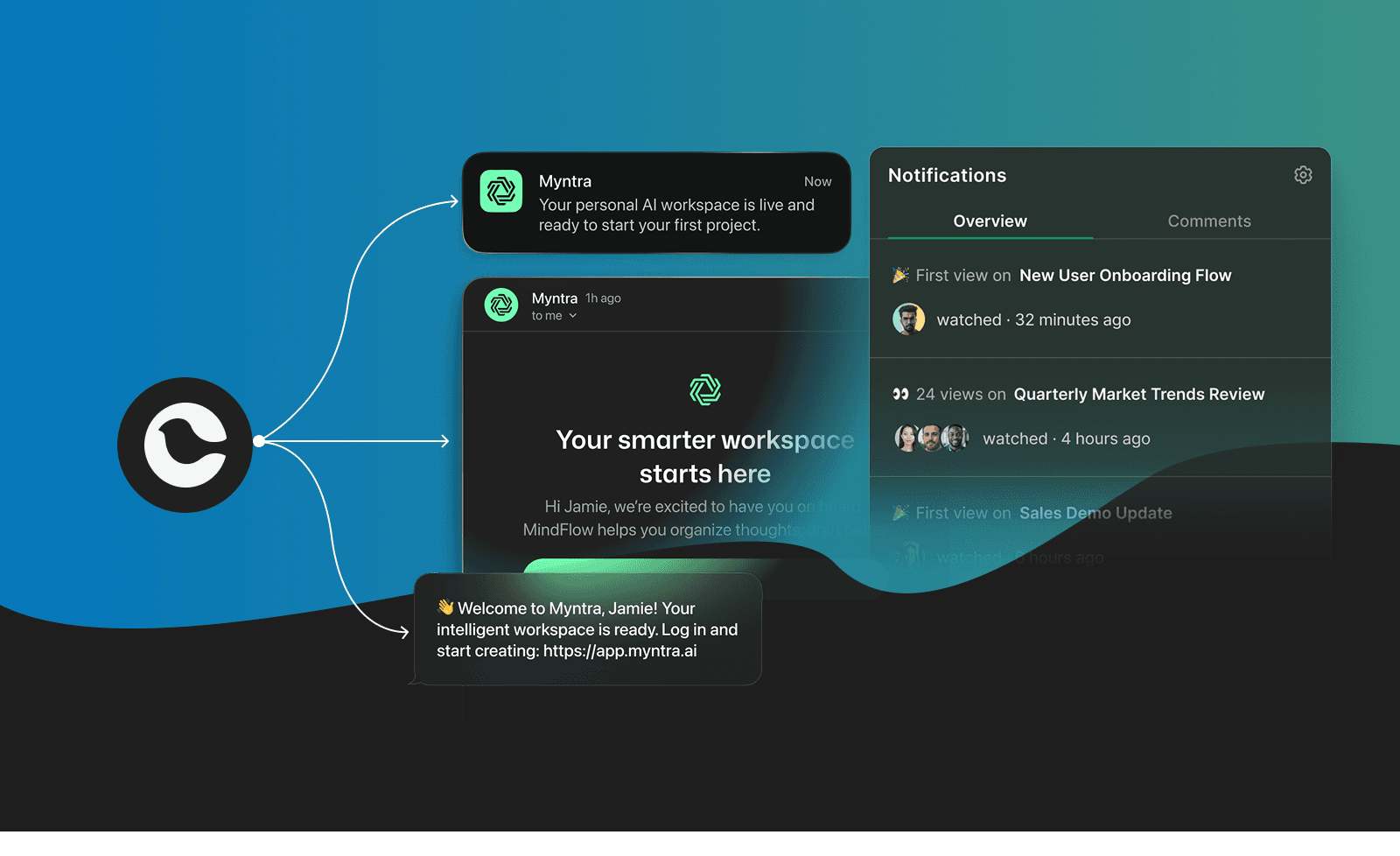
Pushbullet showed us that notifications shouldn't be trapped on a single device. What made it remarkable wasn't just cross-device syncing—it was the promise that important information would reach you through the right channel at the right time. Now developers can embed that same intelligence directly into their applications using Courier's notification infrastructure, creating productivity-boosting experiences that go far beyond what standalone tools could achieve.
What Pushbullet Taught Us About User Expectations
Pushbullet emerged during an era of digital fragmentation. Users would receive critical notifications on their phones while working on laptops. They'd copy-paste links between devices. Important messages lived in silos, forcing constant device switching that destroyed focus and productivity.
Pushbullet demonstrated that users desperately wanted cross-device synchronization. Notifications from phones appeared on computers. Messages moved seamlessly between devices. Files transferred without friction. The tool proved that modern work doesn't happen on a single screen—it flows across phones, tablets, laptops, and desktops throughout the day.
More importantly, Pushbullet revealed a fundamental user expectation: notifications should respect context. Working deeply on a laptop? Notifications should appear there instead of buzzing a phone across the room. In a meeting with just a phone? Everything should stay accessible. Users wanted infrastructure that adapted to human behavior rather than forcing humans to adapt to technology.
Pushbullet's success created a new baseline for what users expect from applications. But as a consumer tool operating outside your product, it left a critical gap. Users now expect every application they use to provide intelligent, cross-device notification experiences natively. Product teams need infrastructure that lets them build these capabilities directly into their applications, not rely on third-party tools that users may or may not have installed.
Meeting the New User Expectations
The insight Pushbullet provided—that users demand cross-device notification intelligence—is now a requirement for modern applications. Courier provides the infrastructure that lets product teams meet these expectations by embedding notification intelligence directly into their applications.
This isn't about replacing Pushbullet for end users. It's about eliminating the need for workarounds by making cross-channel synchronization, intelligent routing, and unified notification management native features of your product.
Cross-Channel Sync That Follows User Context
Modern users work across devices constantly. They start tasks on mobile, continue on desktop, and check updates on tablets. Your application's notifications should follow that flow seamlessly.
Courier's in-app inbox provides persistent notification feeds that automatically sync across web and mobile. When a user reads a notification on their phone, it marks as read on their laptop. Archive something on desktop, and it disappears from mobile. The state management happens automatically through Courier's managed WebSocket infrastructure.
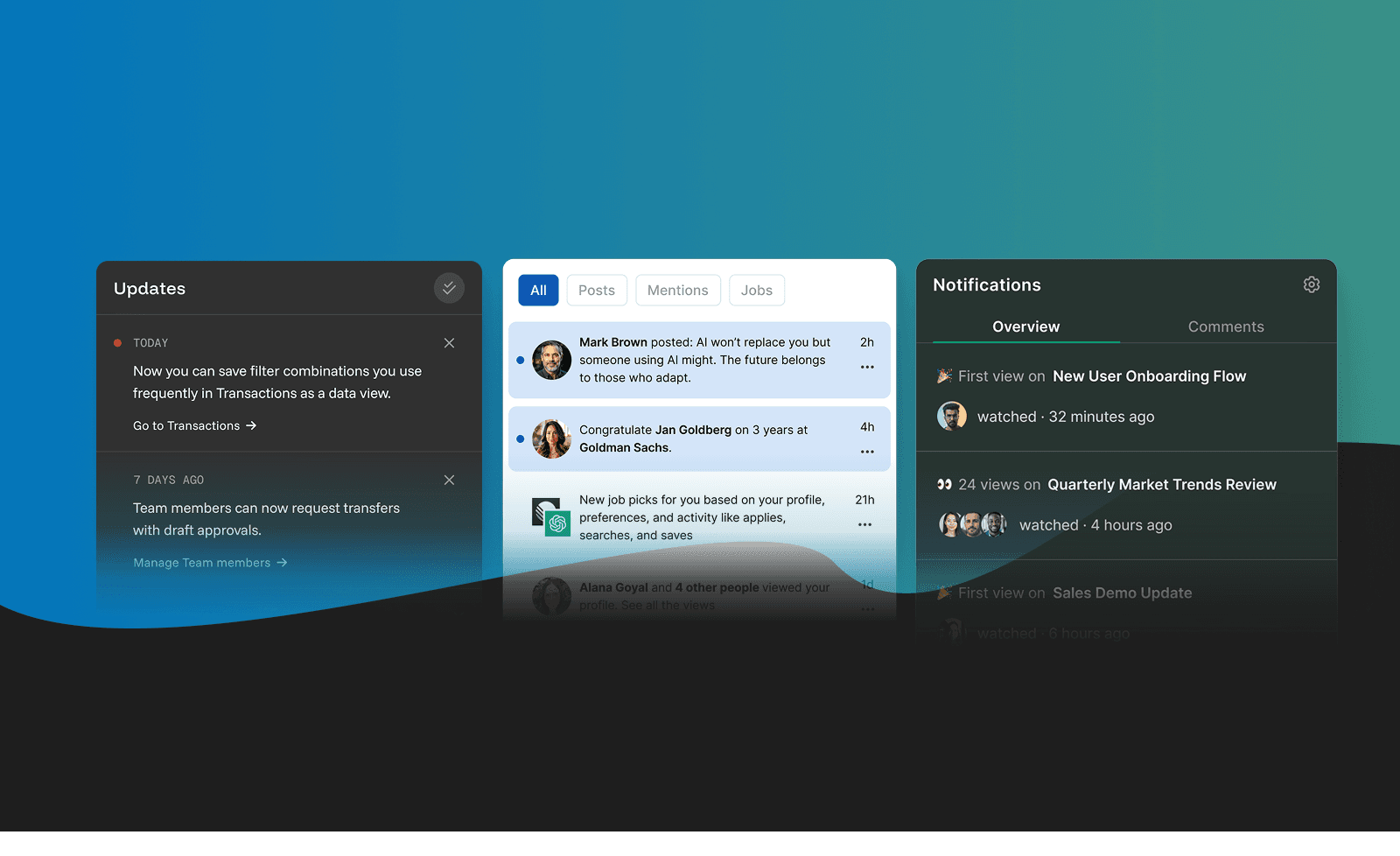
This goes deeper than simple read/unread tracking. Courier synchronizes notification state across every channel. When someone opens an email notification, their in-app inbox reflects that action. Respond to an SMS alert, and the system knows not to send redundant follow-ups through push notifications. The intelligence layer understands user engagement across channels and adapts accordingly.
For developers building collaborative work tools, this means team members stay informed without notification overload. A project update might trigger an in-app notification for active users, an email digest for those offline, and a Slack message for teams using that workflow. Everyone gets the information through their preferred channel, with automatic deduplication preventing the same alert from interrupting them multiple times.
Intelligent Multi-Channel Delivery
Pushbullet demonstrated the value of cross-device delivery. The expectation users now bring to every application is that notifications reach them through appropriate channels based on context. Courier provides the orchestration infrastructure to deliver on this expectation within your product.
The platform integrates with 50+ notification providers through a unified API. Send through email providers like SendGrid, Mailgun, or AWS SES. Deliver mobile push notifications via Firebase, OneSignal, or APNS. Reach users through SMS with Twilio, MessageBird, or Vonage. Post updates to Slack or Microsoft Teams for workplace coordination.
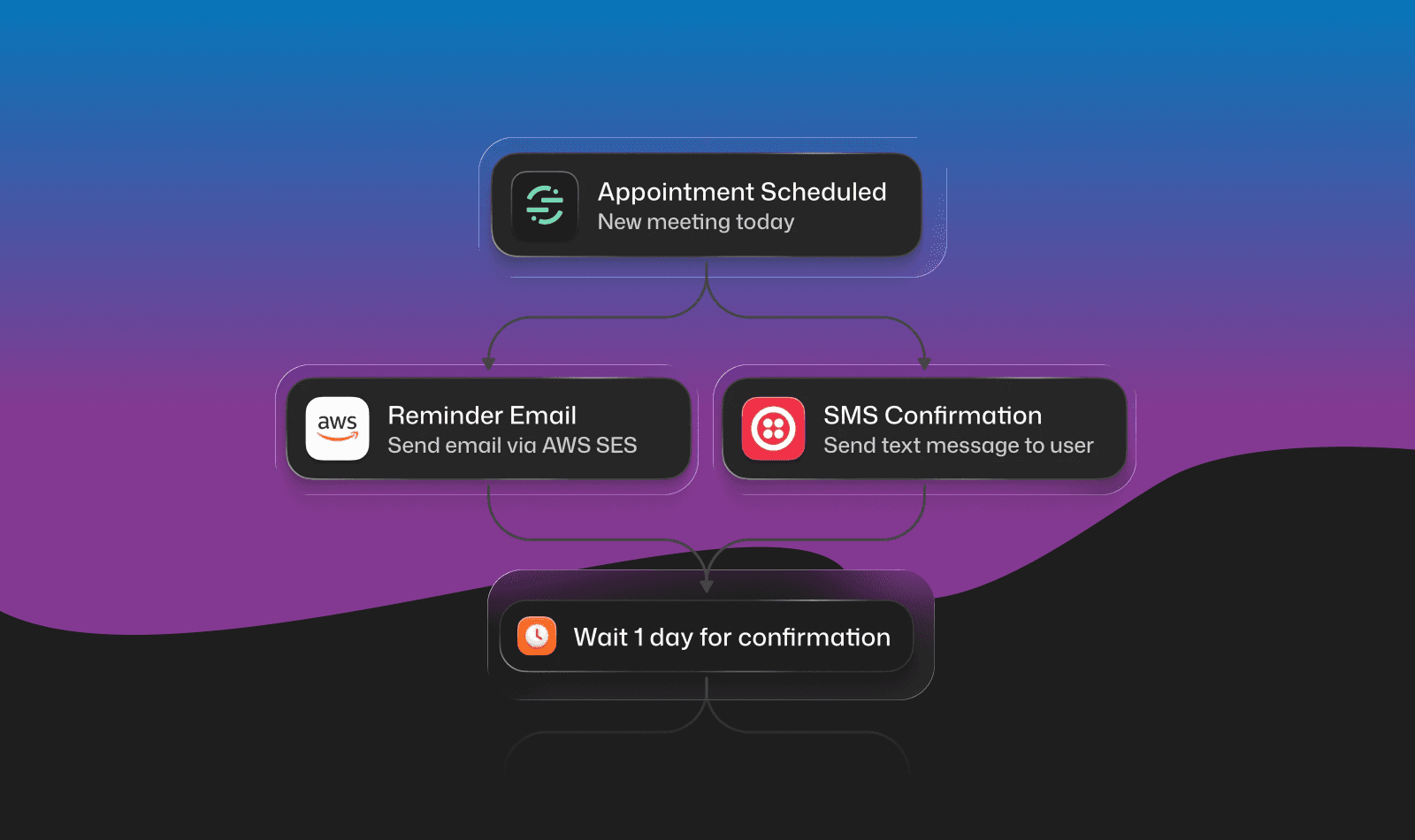
But integration variety is just the foundation. Courier's adaptive channel selection automatically determines the best delivery method for each message. Define routing rules that try push notifications first for time-sensitive alerts, fall back to email after 30 seconds if undelivered, then escalate to SMS for critical messages that require immediate attention.
For healthcare platforms, this means appointment reminders go through SMS for high visibility, routine updates arrive via email, and urgent test results trigger multi-channel delivery with automatic escalation. Developer platforms can send build failures through Slack for teams using that workflow, while individual developers receive notifications in their preferred channels. Marketplace applications deliver purchase confirmations via email for record-keeping while sending time-sensitive shipping updates through push and SMS.
Multi-Provider Switching and Failover
One challenge with consumer notification tools is reliability dependence—if the service goes down, your notification pipeline breaks. Building notification infrastructure into your application means controlling reliability through multi-provider support and automatic failover.
Configure primary and backup providers for each notification type. Send transactional emails through SendGrid with automatic failover to AWS SES if delivery fails. Route marketing emails through one provider while transactional alerts use another for better deliverability. Dedicate specific providers to high-priority notifications that need guaranteed delivery.
This provider flexibility solves real operational challenges. When a provider experiences an outage, your notifications continue flowing through backup channels automatically. You can A/B test provider performance and switch based on delivery rates. Different message types can optimize for different providers—marketing content through one service, transactional alerts through another, and system notifications through a third.
For SaaS platforms, this means billing notifications never fail to reach customers even if your primary email provider has issues. HR applications ensure critical compliance communications always deliver through dedicated, reliable channels with automatic documentation.
Consolidated Digests That Reduce Interruption
While cross-device delivery solves one problem, it can create another: notification overload across multiple screens. The next evolution beyond what Pushbullet offered is intelligent consolidation—delivering the right information at the right frequency through the right channel.
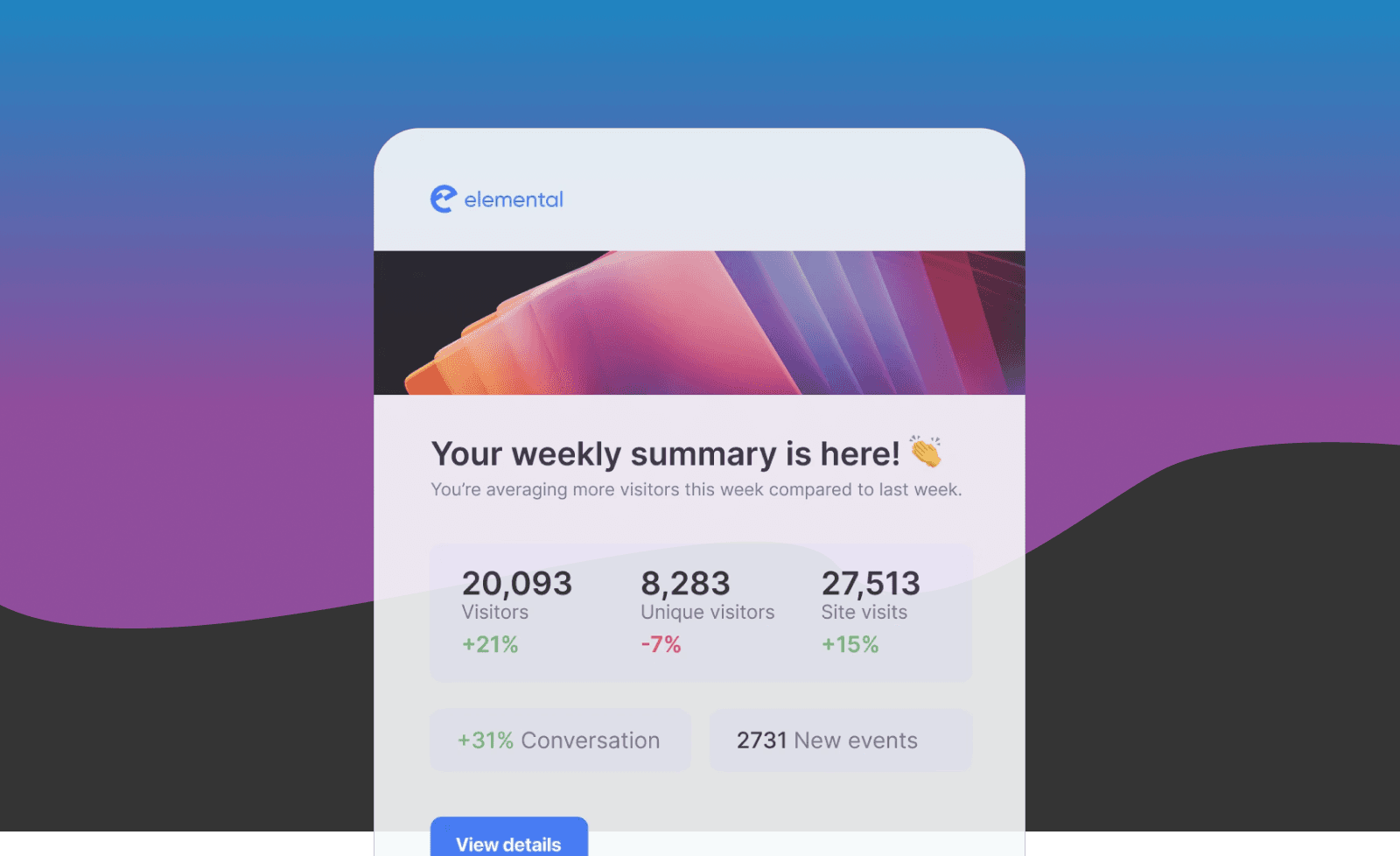
Instead of interrupting users with each individual update, collect notifications and deliver them on a schedule that matches user behavior. Morning digest emails summarize overnight activity. End-of-day rollups capture everything that happened while someone focused on deep work. Activity-triggered digests send after a specific number of events accumulate.
These digests aren't just email. They appear in Courier's drop-in notification center, providing organized, scannable interfaces that let users process multiple updates quickly. The notification center categorizes messages by type, priority, or custom logic you define. Users filter by read/unread status, date ranges, or notification categories. Everything syncs across devices automatically.
For team collaboration tools, this dramatically improves focus. Instead of 47 separate notifications about mentions, comments, and updates, users receive a consolidated digest showing all project activity at once. They process it when context-switching makes sense rather than when each individual event happens. The overall awareness stays high while interruptions drop significantly.
Real-World Applications Across Industries
These user expectations—shaped by tools like Pushbullet—now apply across every industry. Product teams need infrastructure that delivers cross-device, multi-channel notification experiences tailored to their specific use cases:
Healthcare Operations: Clinicians receive critical patient alerts through multiple channels with automatic escalation. Routine updates consolidate into end-of-shift digests. Administrative notifications route through email while urgent messages trigger SMS and in-app alerts. Everything syncs across hospital workstations, mobile devices, and paging systems.
SaaS Platforms: Users receive onboarding sequences through email with in-app tooltips synced to their progress. Feature announcements appear as inbox notifications with email digests for users who weren't active. Billing alerts use multi-channel delivery with automatic escalation for failed payments. System status updates route through appropriate channels based on severity.
Developer Platforms: Build failures post to Slack immediately for team visibility. Deployment successes consolidate into daily digests. Security alerts trigger multi-channel delivery. API usage warnings route through email with in-app notifications for active users. Everything adapts to individual developer preferences and team workflows.
Marketplace Applications: Buyers receive purchase confirmations via email immediately, shipping updates through push notifications, and delivery alerts via SMS. Sellers get consolidated order digests rather than interruptions for each individual sale. Dispute notifications escalate across channels automatically based on urgency and response time.
HR Platforms: Employees receive benefits updates through personal email, schedule changes via SMS, and general announcements in consolidated digests. Managers get escalated alerts for time-sensitive approvals. Compliance communications use dedicated providers with delivery tracking and automatic failover.
Team Collaboration Tools: Mentions and direct messages trigger immediate notifications through user-preferred channels. General activity consolidates into digests. Priority flags enable multi-channel delivery for urgent communications. Everything syncs across web, mobile, and workplace chat integrations.
Implementation: Infrastructure Ready to Deploy
Building cross-device notification intelligence from scratch takes months of engineering work. Courier provides production-ready infrastructure that developers integrate in days. The implementation follows a straightforward pattern:
First, integrate Courier's SDKs into your application. The platform provides comprehensive SDK libraries for JavaScript, Python, Ruby, Go, PHP, and more. Add the notification center component to your web and mobile interfaces using pre-built React, iOS, and Android components.
Second, connect your notification providers through Courier's dashboard. Configure SendGrid for transactional emails, Firebase for mobile push, Twilio for SMS, and Slack for team notifications. Set up routing rules that define which messages go through which channels based on urgency and user preference.
Third, implement notification state tracking. Courier's APIs handle the synchronization automatically—you just call the appropriate methods when users interact with notifications. Read states, archive actions, and preference updates propagate across all channels and devices.
Here's what basic implementation looks like:
import Courier from "@trycourier/courier";const courier = new Courier({ apiKey: 'your-api-key' });// Send a notification with intelligent routingawait courier.send.message({message: {to: { user_id: 'user-123' },content: {title: 'Project Update: Design Review Complete',body: 'The design team has approved the mockups and is ready for development.',url: '/projects/abc-123/design-review'},routing: {method: "single",channels: ["inbox", "push", "email"]},timeout: {provider: 60000, // Try push for 60 secondschannel: 300000 // Escalate to email after 5 minutes}}});// Create consolidated digestsawait courier.automations.invoke({automation: 'daily-digest',data: {user_id: 'user-123',notifications: recentNotifications,unread_count: unreadCount}});// Sync read state across channelsawait courier.inbox.markAsRead({message_id: 'msg-456'});
The user journey builder lets product teams create complex notification sequences without code. Define triggers, conditions, delays, and channel routing through a visual interface. Marketing can launch email campaigns. Product can test notification strategies. Customer success can build onboarding flows. Everyone works with the same infrastructure without engineering bottlenecks.
AI-Powered Implementation and Optimization
Courier's new Model Context Protocol (MCP) server accelerates development even further. Using AI coding agents in tools like Cursor, VS Code, or Windsurf, developers simply describe the notification behavior they need and the MCP handles implementation details.
Available now for Cursor, Claude Code, VS Code, Windsurf, OpenAI API, and more.
Want to add multi-channel notifications with automatic failover? Tell your AI assistant to "Set up push notifications with email fallback after 30 seconds and SMS escalation for critical alerts." The MCP generates accurate code, configures providers, and creates routing rules based on Courier's actual API documentation.
Need to consolidate notifications into daily digests? Describe the consolidation logic and delivery schedule. The AI implements the automation workflow, sets up the digest template, and adds the necessary API calls to your codebase.
This isn't generic code generation that might work. It's integration support backed by Courier's complete API documentation, examples, and best practices. The AI agent understands how Courier's features fit together and guides you through implementation patterns that match your specific use case.
Enterprise Infrastructure for Every Team
Building notification capabilities into your application rather than relying on external consumer tools means controlling reliability, security, and scalability. Courier provides enterprise-grade infrastructure that scales from startup to enterprise:
Global Delivery Network: Notifications reach users worldwide with low latency through Courier's distributed infrastructure. Regional providers ensure compliance with data residency requirements.
Security and Compliance: SOC2 Type II certification, GDPR compliance, and HIPAA readiness come standard. Healthcare, financial services, and enterprises with strict security requirements can trust the platform.
Analytics and Monitoring: Detailed dashboards track delivery rates, engagement metrics, and channel performance. Identify which notifications users engage with, which channels perform best, and where improvements increase effectiveness.
Provider Management: Switch providers without code changes. Test new services. Optimize costs by routing different message types through different providers. Everything happens through configuration rather than redeployment.
Scalability Without Limits: Courier handles millions of notifications daily with automatic scaling. Start with hundreds of users and grow to millions without infrastructure changes or performance degradation.
From Consumer Workaround to Product Foundation
Pushbullet succeeded because it recognized a fundamental truth: notification management isn't a luxury—it's infrastructure that determines whether people can work effectively in a multi-device world. The tool proved that users desperately wanted cross-device sync, intelligent routing, and consolidated information across all their applications.
That success created a new standard. Users now expect every application to provide these capabilities natively. Standalone tools were a necessary workaround when applications didn't provide adequate notification experiences. But they also highlighted the limitation of external solutions—users had to install separate software, configure integrations, and hope everything connected properly.
The opportunity for product teams is clear: build notification intelligence directly into your application. Give users the cross-device experience they expect without requiring third-party tools. Make notification management a core feature rather than an external dependency.
Courier provides the infrastructure layer that makes this possible. Teams building productivity tools, collaboration platforms, SaaS applications, marketplaces, healthcare systems, or any product where timely information drives user value can implement these capabilities in days rather than months.
The result is applications that respect user context, reduce interruption, deliver information through appropriate channels, and synchronize state automatically across every device and platform. These capabilities used to require external consumer tools or months of custom development. Now they're features your product provides natively, giving you full control over the user experience.
Start Building Today
Ready to embed notification intelligence into your application? Sign up for Courier and get started with 10,000 free messages per month. Explore our 50+ provider integrations, implement the drop-in notification center, and create automated workflows that deliver the right message through the right channel at the right time.
For enterprise needs, request a demo to discuss custom requirements, dedicated support, and scaling strategies that match your growth.
Want to move even faster? Install Courier's MCP server and let AI coding agents handle the integration details directly in your IDE. Describe what you need, and your AI assistant generates accurate implementation code backed by Courier's complete documentation.
The applications winning today's market don't just push notifications—they deliver information intelligently across channels, sync state automatically, and adapt to user context. That infrastructure is available now, without the months of custom development that previously made it accessible only to the largest engineering teams.
Build the notification experience your users deserve. Start with Courier today.
Similar resources

HIPAA-compliant notifications: where PHI should live
A practical guide to HIPAA-compliant notifications across SMS, push, email, and an in-app inbox. One rule, applied to every channel and every place PHI gets stored, including the systems most teams forget are in scope.

How to get your logo in Gmail and Apple Mail
BIMI puts your logo next to your emails in Gmail and Apple Mail, but there is no upload form. It is earned by locking your domain down. Here is the whole project: what it costs, how long it takes, and the five ways it fails silently.

Email preview tools compared: 6 that render on real devices
Most "email preview" features are simulations. These six open your email in the actual client and send back a screenshot. Here’s what each costs per preview, how much work sits between your template and the result, and which ones you can drive from code.