Slack & Microsoft Teams: Notifications Have Entered the Chat
Kyle Seyler
July 29, 2025
Notifications are getting better
Modern technology has made it easy to reach anyone, on any device, at any time. That doesn’t mean we should.
Email was the communication innovation of an entire generation, but has become a difficult place to punch through the noise. Push notifications and SMS grab attention from a mobile device, but they can pull people out of the flow of work, if sent at the wrong time.
Enter Slack and Microsoft Teams. These platforms aren't just chat tools, they're information hubs where teams collaborate and make decisions. Instead of burying alerts in email threads, deliver them directly into the flow of work. Both platforms offer users control over what gets immediate attention and what can wait.
But here’s the tradeoff. If your notifications are noisy or poorly timed, they’ll get silenced. If they’re thoughtful and relevant, they’ll become a welcome part of a user's workflow.
We can help you build a notification strategy that fits the rhythm of teams actually work.
Why add chat to your notification stack?
Push notifications and SMS are useful for on-the-go moments like a critical system alert when you're commuting or a quick nudge about a meeting while you're grabbing coffee. But let's be honest, most of our collaborative work happens in chat tools. Slack has been proven to boost productivity by 47% and Microsoft Teams is used by 93 of the Fortune 100 companies.
Interesting note: 66% of surveyed companies reported using both Slack and Microsoft Teams.
Just as AOL’s “You’ve Got Mail” ushered in a new era of productivity with email, so too will Slack and Teams notifications change the way people work. Why? Because:
- Context is king: Notifications land where the action happens. A project update in Slack shouldn't pull you out of your workflow – it should enhance it.
- Relevance boosts engagement: Users are more likely to engage with notifications that are relevant to the work they're currently doing.
- Scale for modern work: Hybrid and remote teams thrive on real-time collaboration, and integrated notifications keep everyone in sync.
Adding chat notifications to your channel mix isn't just about flipping a switch; like everything else in this world, it’s about timing.
The spam trap: how notifications can backfire
Everyone knows what happens when you flood people with irrelevant pings: they mute the channel or unsubscribe. If your Slack or Teams alerts feel like spam, they’re not helping, they’re hurting. Here are three common pitfalls:
- Notification Blasts: Sending the same message to everyone, regardless of role, need, or context.
- Bad Timing: Interrupting focused work or delivering messages during off-hours.
- No user control: Offering no way to opt in, opt out, or customize preferences. The result? Frustration and disengagement.
This leads to notification fatigue where even the important stuff gets ignored. It’s like yelling into a void. So how do you actually get noticed?
Building a multichannel strategy
Here's the good news. You can make Slack and Teams notifications feel helpful instead of intrusive. The solution: behavior-based triggers and user-based routing that ensures every alert is timely, relevant, and user-approved.
Focus on these elements:
- Multichannel Routing: Route urgent notifications to the right place at the right time. If a user is active in Slack during work hours, send it there. If they're away, fall back to push or SMS.
- In-App Preference Management: Let users control their experience with granular preferences like "only critical updates in Teams" or "no notifications after 6 PM."
- Native Integrations: Centralized setup across all channels eliminates complex conditional logic.
- Event Tracker: Tie notifications to user behavior data. This provides context for why they're receiving the message and creates a sense of utility rather than spam.
- Workflow Builder: Create multistep workflows that control how and when users receive messages. A dev team gets Slack pings about code reviews only when it's their turn, or sales reps receive Teams alerts on hot leads based on engagement patterns.
The future is chat-based
Slack and Teams aren't just communication tools; they're how we stay informed at work. By adding chat channels to your notification mix, you meet users where they do their work.
Success requires prioritizing relevance and user control to avoid the spam trap. With the right multichannel routing, preference management, and workflow tools, you can build notifications that feel like natural extensions of work rather than interruptions.
Ready to level up your notification game? Send up to 10,000 notifications a month for free. Your customers (and their inboxes) will thank you.
Similar resources
Your Notification Center, Your Competitive Edge
The in-app inbox is the most valuable notification surface you own. Every other channel has a gatekeeper: push, email, and SMS all run through someone else's filters. The inbox is the one surface where you set the rules. Courier Inbox ships as a drop-in component backed by a hosted API that stores messages, syncs read state across devices in real time, and integrates with your other channels. SDKs for React, Web Components, React Native, Flutter, iOS, and Android. Install it with an AI coding agent or a few lines of code. Theme it, customize the renderers, or go fully headless.
By Kyle Seyler
April 22, 2026

5 Best Platforms for Product Messages in 2026
Product messages are a requirement for every SaaS product, but most teams outgrow their initial setup fast. You start with one email provider, add push, then SMS, and suddenly you're maintaining multiple integrations with no shared routing, no preference management, and every copy change requires a deploy. This guide compares five platforms that solve different versions of this problem: Courier for cross-channel messaging with AI tooling, Resend for developer-friendly transactional email, Customer.io for marketing-adjacent journeys, Supabase for built-in auth emails, and Novu for open-source self-hosted infrastructure.
By Kyle Seyler
April 15, 2026
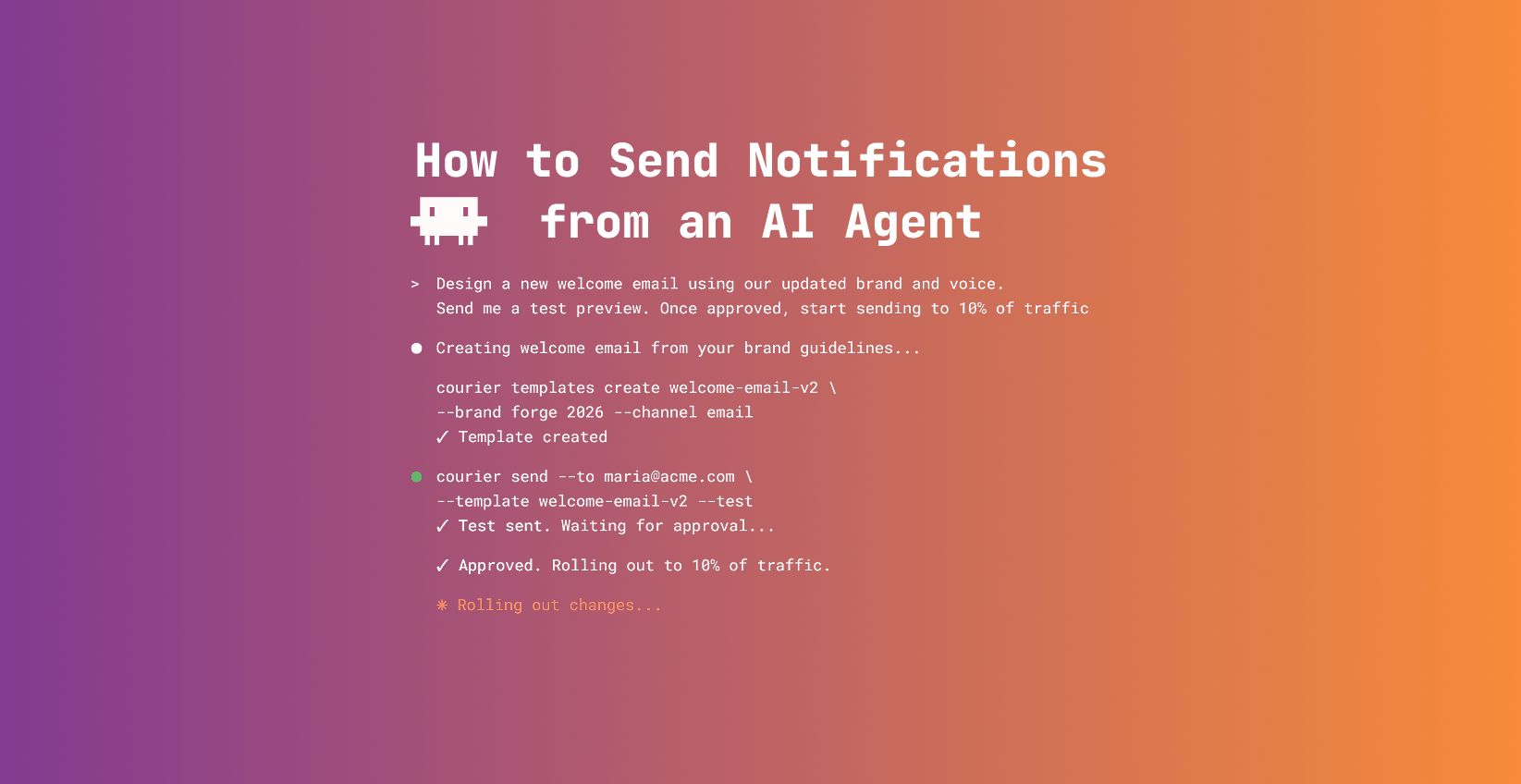
How to Send Notifications from an AI Agent with Courier's MCP Server
AI agents handle support tickets, monitor pipelines, run onboarding flows, and sync CRM data. When they do, someone needs to know what happened. Courier's MCP server gives agents direct access to the full notification API: send across email, push, SMS, Slack, and in-app. Check user preferences before sending. Trigger batch and digest Journeys so high-volume agents don't spam users. This guide covers MCP server setup, CLI tooling, Courier Skills for your IDE, and five real-world patterns with starter prompts.
By Kyle Seyler
April 10, 2026
© 2026 Courier. All rights reserved.