Video Tutorial: Getting Started with the New Courier Inbox for React
 Dana SilverAugust 20, 2025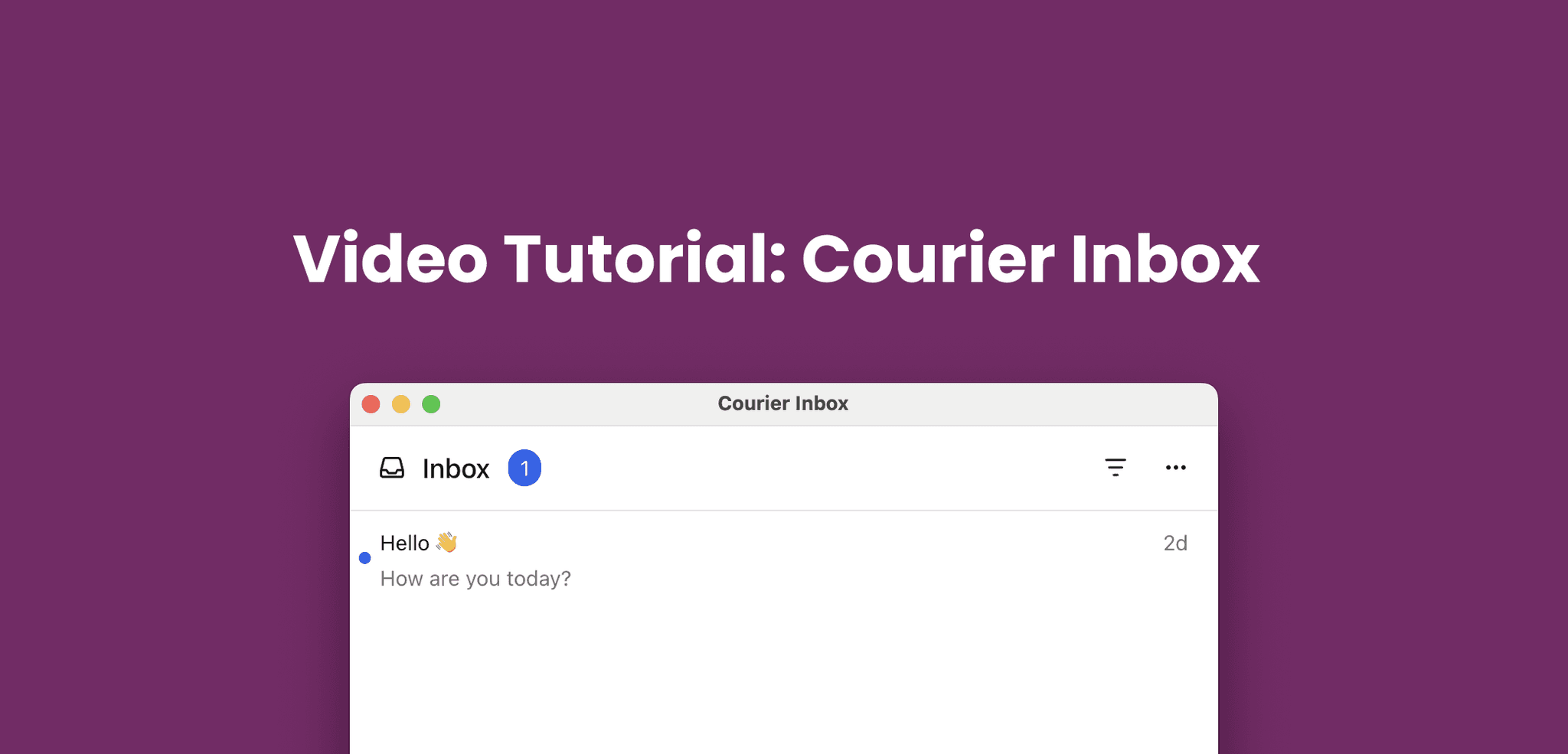
Yesterday, we announced the new Courier Inbox for Web — completely rebuilt from the ground up for better performance, flexibility, and seamless developer integration. Today, we’ll show you just how easy it is to get started with Courier Inbox in a React app so you can add a Notification Center to your app.
Highlights
- Faster performance: optimized WebSocket connections and real-time sync across tabs and devices
- Flexible UI: theme it, embed it, or launch it as a popup — all without CSS overrides
- Simple setup: one package, one SDK, and a few lines of code to get started
- React-first design: includes a new
useCourierhook for direct inbox state and event access - Fully customizable: support for custom components, layouts, and notification data
Get Started with the New Courier Inbox
The new Inbox is available today. Whether you’re starting fresh or upgrading, everything has been rebuilt to help you move faster with more control.
Choose the SDK that fits your stack:
- React: Courier React SDK Docs
- Not using React? Courier UI Inbox Web Docs
- Migrating from older version? React Inbox Migration Guide
Similar resources

HIPAA-compliant notifications: where PHI should live
A practical guide to HIPAA-compliant notifications across SMS, push, email, and an in-app inbox. One rule, applied to every channel and every place PHI gets stored, including the systems most teams forget are in scope.

How to get your logo in Gmail and Apple Mail
BIMI puts your logo next to your emails in Gmail and Apple Mail, but there is no upload form. It is earned by locking your domain down. Here is the whole project: what it costs, how long it takes, and the five ways it fails silently.

Email preview tools compared: 6 that render on real devices
Most "email preview" features are simulations. These six open your email in the actual client and send back a screenshot. Here’s what each costs per preview, how much work sits between your template and the result, and which ones you can drive from code.