Customer Communication Platforms: What to Look for in 2026
 Kyle SeylerDecember 23, 2025
TL;DR
Customer engagement platforms help product, growth, and marketing teams send the right message through the right channel at the right time. The best platforms in 2026 combine visual journey orchestration, smart channel routing, drop-in components, real-time CDP integration, and robust analytics.
Quick framework
- Need broadcast campaigns and marketing automation only? Look at Customer.io or Braze
- Need product notifications only with developer-friendly infrastructure? Look at Knock or Novu
- Need both product and marketing messages in one platform? Courier handles the full spectrum with visual Journeys, infrastructure-grade delivery, and native business messaging
The shift from campaigns to context
Customer communication used to mean batch campaigns. Upload a list, write an email, schedule the send, check open rates.
That model is breaking down.
Users expect messages that respond to what they just did, not what your marketing calendar says. They want control over which channels you use. They want coherence across email, SMS, push, in-app, and the Slack workspace where they actually work.
McKinsey research shows companies that excel at personalization generate 40% more revenue than those that don't. Gartner predicts 60% of B2B sales organizations will transition to data-driven selling by 2025. The message is clear: context-aware communication isn't optional anymore.
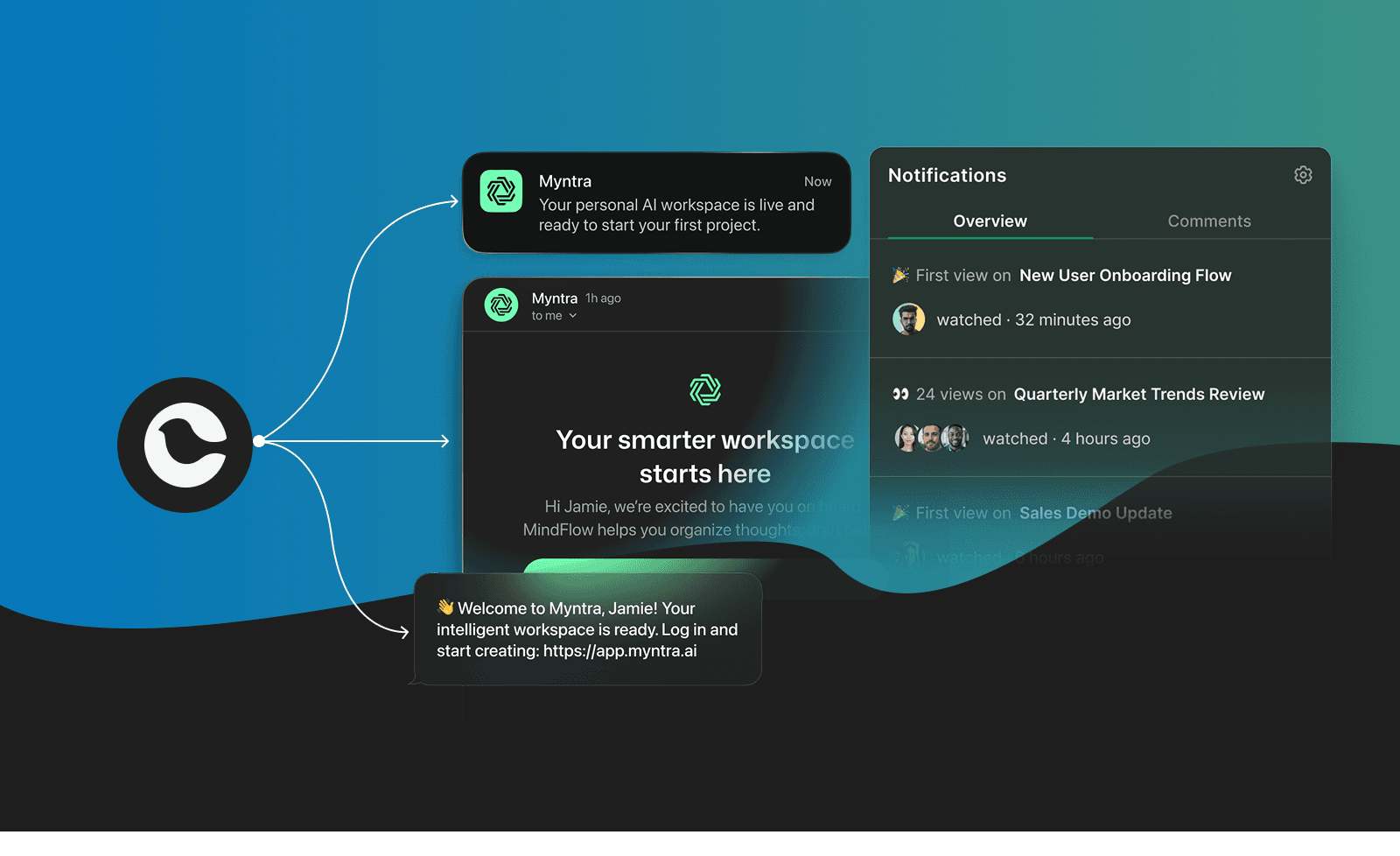
What does this mean for platform selection? You need tools that can:
- Trigger messages based on real-time events, not just scheduled sends
- Route smartly across channels based on user preferences and behavior
- Let non-engineers iterate on flows without filing tickets
- Connect to your data stack for real-time personalization
- Respect user preferences while maintaining compliance
Seven capabilities to evaluate
1. B2B customer journeys
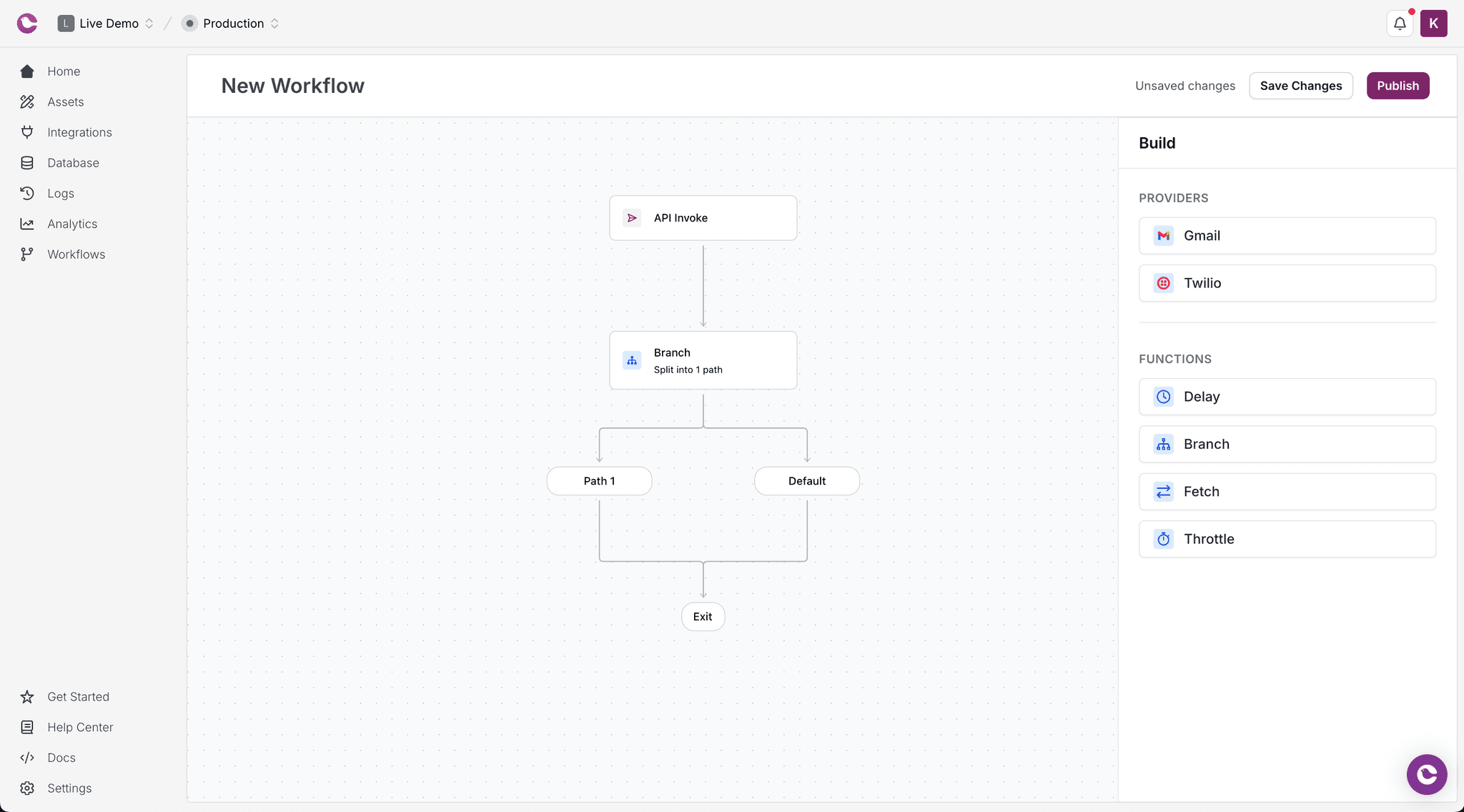
The difference between basic automation and real orchestration is branching logic, delays, conditional paths, and data fetching mid-flow.
Questions to ask:
- Can you build multi-step sequences with if/then branching?
- Can the platform fetch data from external APIs during a journey?
- Can you set delays based on user behavior, not just time?
- Can non-technical team members modify journeys without code?
Why it matters
A good journey builder means product managers can test messaging strategies, marketing can iterate on timing, and support can adjust onboarding sequences based on ticket patterns. All without waiting for engineering.
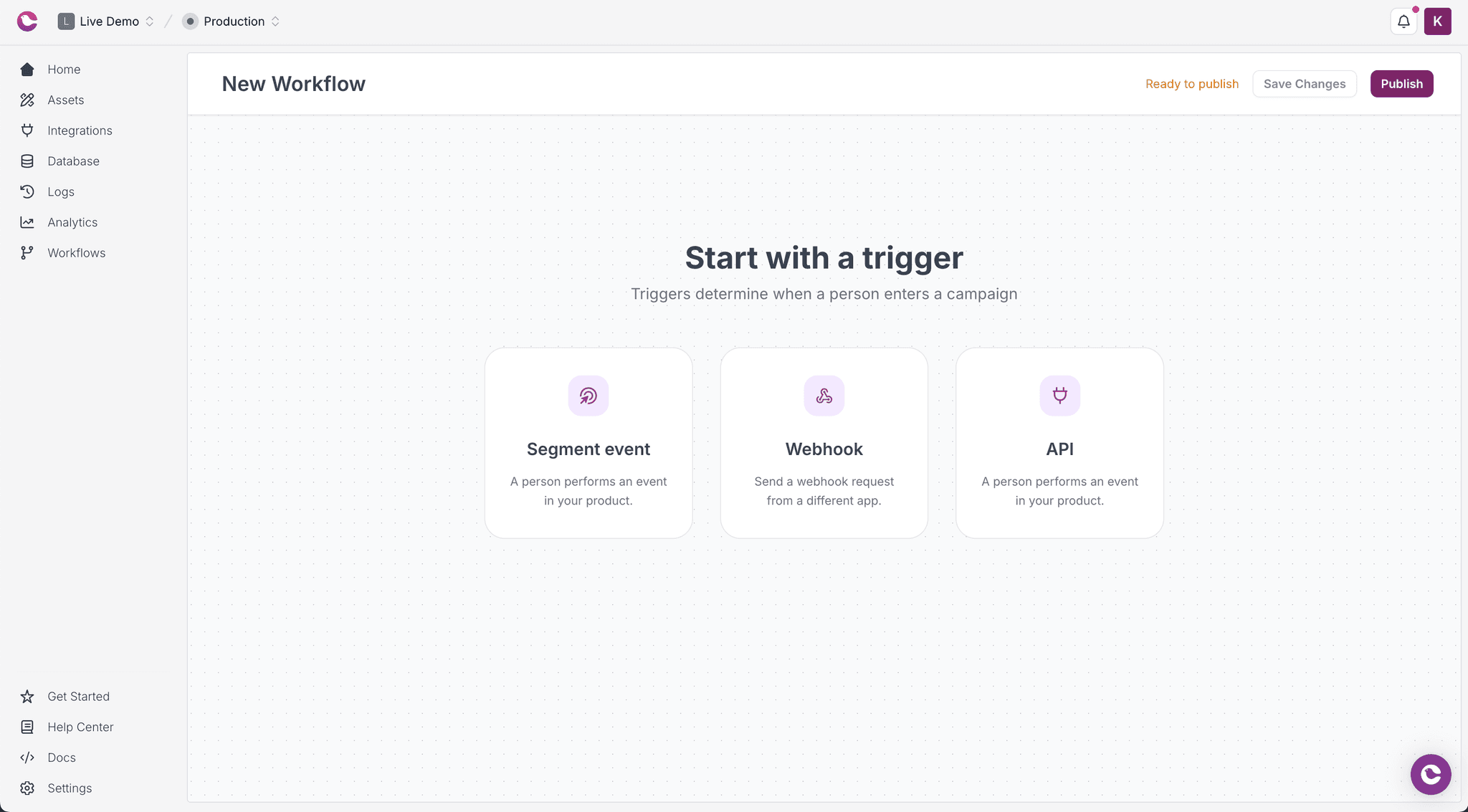
Courier's Journeys handles this through a visual builder with product events integrated and multi-channel routing. Send push first, wait an hour, check if opened, then fall back to email. Fetch current user state mid-journey. Tag users based on how they interact with notifications. Learn more in our guide on how to build customer journeys.
2. Channel routing
Simple "send to all channels" logic creates noise. Smart routing selects optimal channels based on user preferences, message urgency, historical engagement, and real-time context.
Questions to ask:
- Can you set channel priority with automatic fallback?
- Does the platform respect individual user preferences?
- Can you configure rate limiting to prevent notification fatigue?
- Is there geographic routing for optimal delivery?
Why it matters
The difference between a useful notification system and an annoying one often comes down to routing logic. Bombarding users across every channel kills engagement.
Courier's routing engine lets you establish channel priority, respect user preferences, and set limits at the notification, user, or channel level.
3. Workplace communication & collaboration software
Email and SMS are table stakes. B2B products need Slack and Microsoft Teams. Consumer products may need WhatsApp.
Questions to ask:
- Does the platform support Slack and Teams natively, or through workarounds?
- Can you send rich, interactive messages (buttons, blocks) to these channels?
- How does preference management work across business messaging channels?
Why it matters
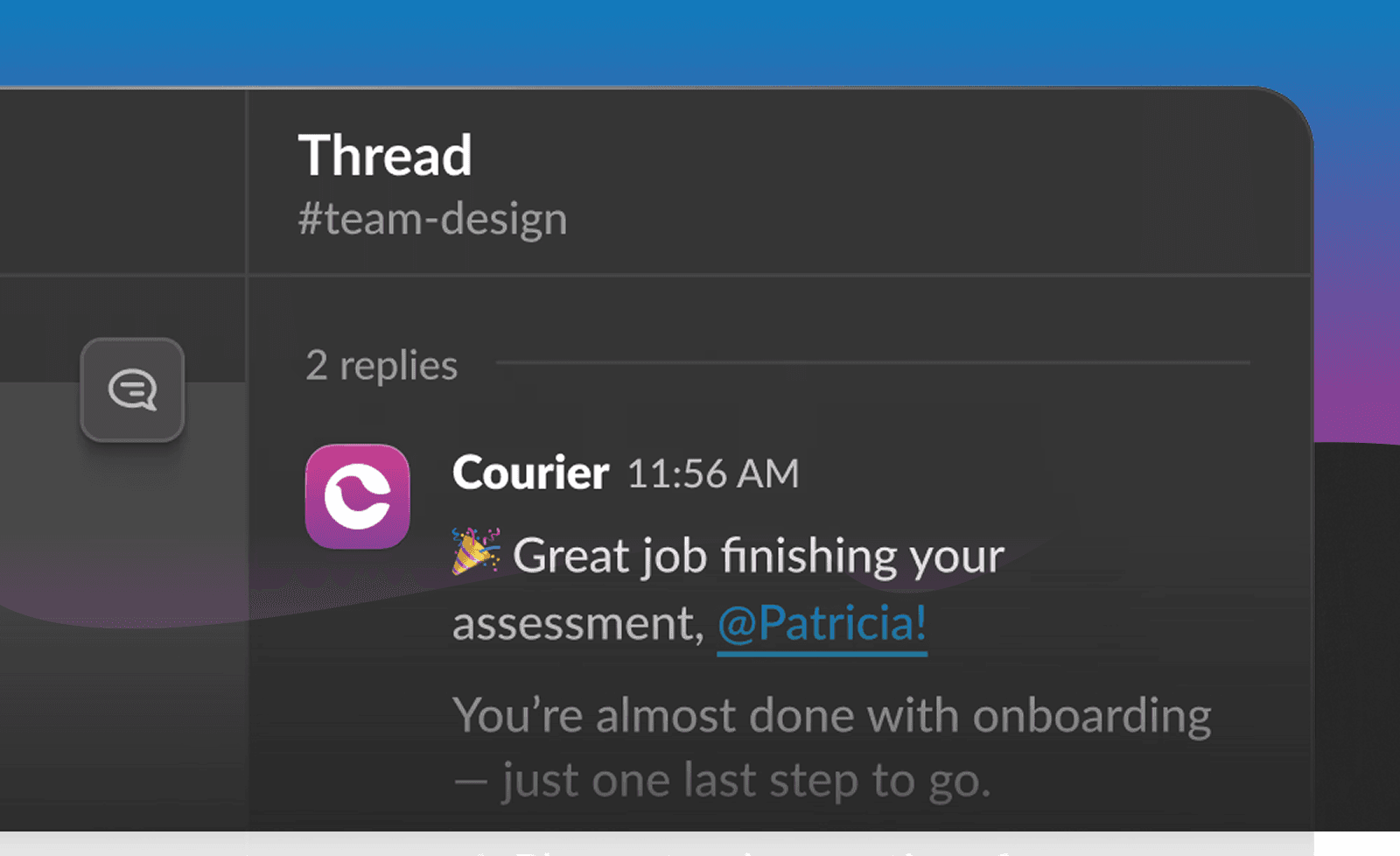
Your enterprise customers live in Slack and Teams. If important notifications only go to email, they get buried. Native business messaging support is a real competitive advantage for B2B products.
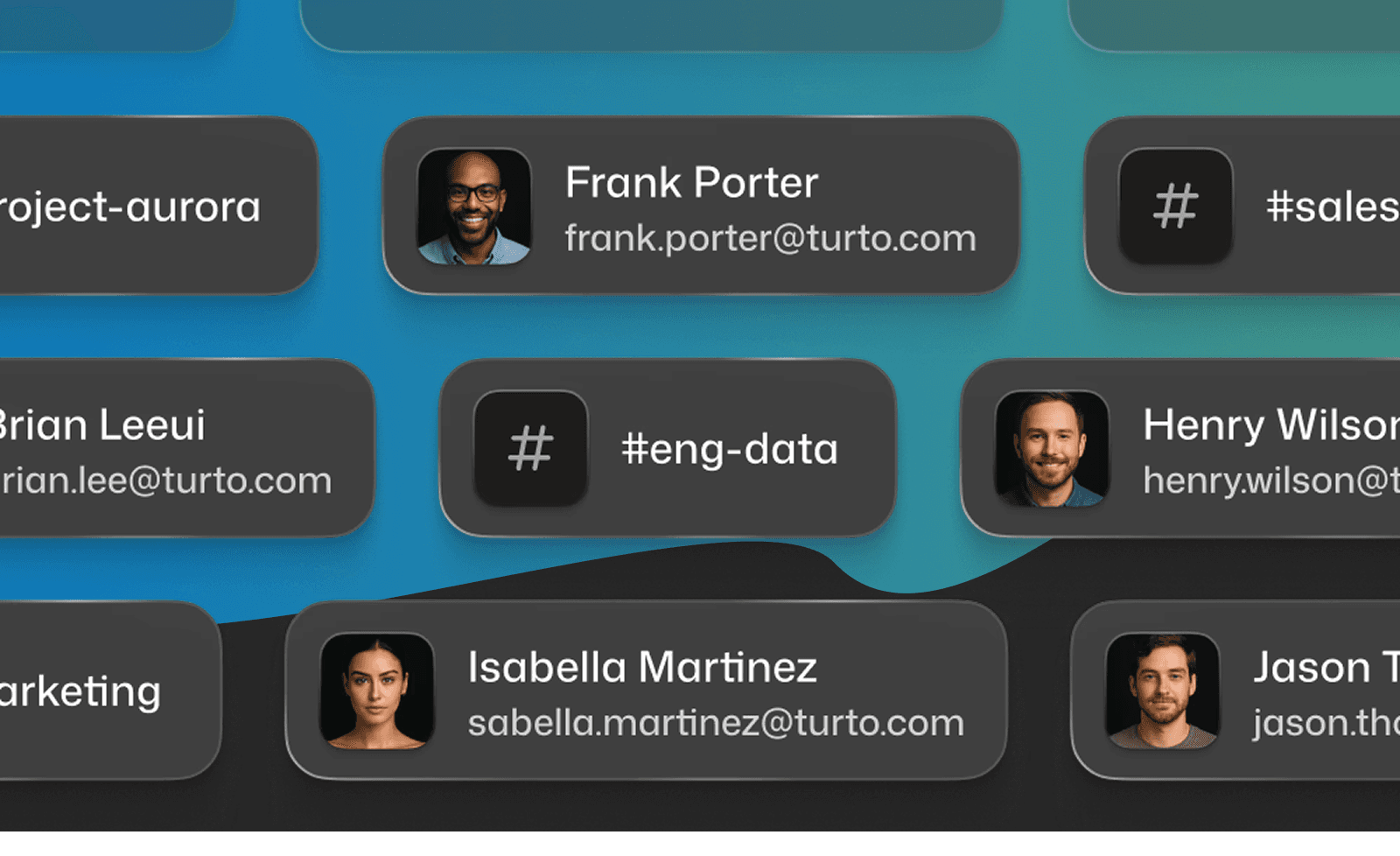
Courier supports Slack, Microsoft Teams, WhatsApp, and Discord with native integration, not workarounds. See our guide on building Slack and Teams notifications.
4. Drop-in components
In-app notification centers, preference management UIs, and toast notifications take months to build well. The best platforms provide drop-in components that are production-ready.
Questions to ask:
- Does the platform offer a drop-in notification inbox?
- Is there a hosted preference center, or do you build your own?
- How customizable are the components (styling, behavior)?
- Do components work across web and mobile?
Why it matters
These components are harder to build than they look. Syncing state across devices, handling real-time updates, managing read/unread status, styling to match your brand. It's weeks of work that could go toward your core product.
Courier provides Inbox, Preferences, and Toasts as drop-in React components. They're what companies like Twilio and LaunchDarkly use in production. Check out the Inbox documentation and our guide on how to build a notification center.
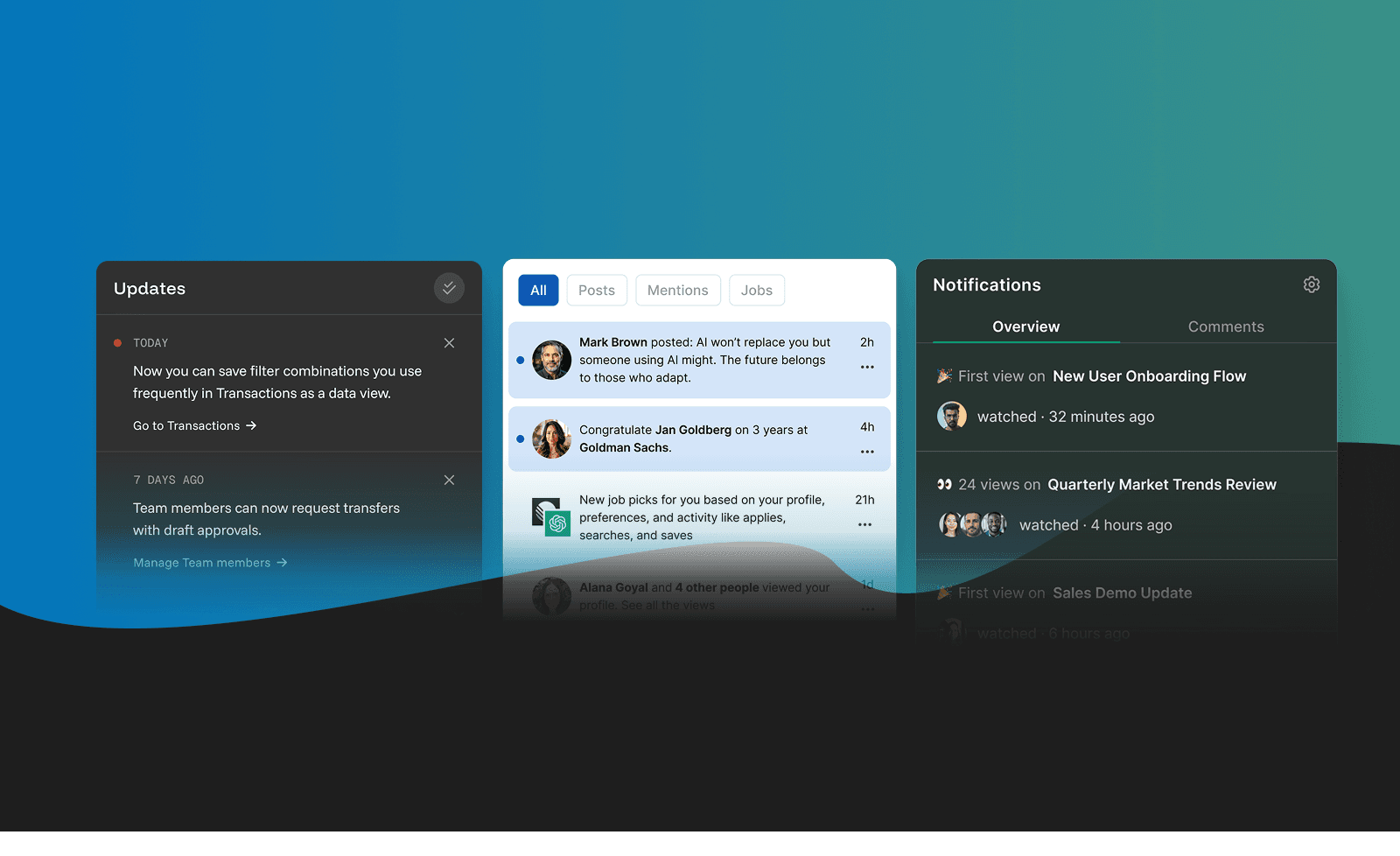
Courier's MCP server also lets developers work with notification infrastructure directly from AI code editors like Cursor or Claude Code, using natural language to send messages, manage users, and set up integrations.
5. Data integration and activation
Customer communication platforms need data to personalize effectively. The question is whether that data flows in real time or requires batch imports.
Questions to ask:
- Does the platform integrate with your CDP (Segment, RudderStack)?
- Can it pull from your data warehouse (Snowflake, BigQuery)?
- Is data activation real-time or scheduled?
- Can you use reverse ETL tools (Hightouch, Polytomic)?
Why it matters
Sending a discount code to someone who just purchased is embarrassing. Real-time data integration prevents these gaps.
Courier integrates with Segment, RudderStack, Hightouch, and other CDP/reverse ETL tools. Event data flows in, notification data flows back out for analytics.
6. Analytics and observability
You can't improve what you can't measure. The best platforms provide cross-channel analytics, not just per-message stats.
Questions to ask:
- Can you compare delivery and engagement across channels?
- Is there journey-level analytics, not just message-level?
- Can you export data to your analytics warehouse?
- Are there real-time monitoring and alerting capabilities?
Why it matters
Knowing that email open rates dropped is useful. Knowing that they dropped specifically in the onboarding journey for users who signed up via mobile is actionable.
7. Compliance and preference management
GDPR, CAN-SPAM, TCPA. Compliance requirements multiply as you add channels and geographies.
Questions to ask:
- Does the platform enforce subscription preferences automatically?
- Can users control notifications at the topic and channel level?
- Are there audit logs for compliance documentation?
- What data residency options exist?
Why it matters
73% of users unsubscribe from poorly targeted notifications. Preference management protects your deliverability reputation and keeps you compliant.
Courier's Preferences system lets users control channel and topic preferences, with automatic enforcement across all sends.
Platform types: know what you're buying
Customer communication tools fall into distinct categories. Understanding them helps you avoid square-peg-round-hole situations.
Customer communication platforms
(Both transactional & marketing messages)
Leader: Courier
Built for product, engineering, and growth teams who need both. Combines infrastructure-grade delivery with visual journey orchestration. Handles everything from password resets to onboarding sequences to re-engagement campaigns. Drop-in components, native workplace collaboration, and developer-friendly APIs.
Best for: Teams that don't want to maintain separate systems for product and marketing messages.
Notification infrastructure platforms
Examples: Knock, Novu
Built for engineering teams. API-first, developer-friendly, focused on transactional and product notifications. Strong on delivery reliability and provider abstraction. Limited or no marketing message capabilities.
Best for: Product notifications and transactional messages only.
Customer engagement platforms
Examples: Customer.io, Iterable, Braze
Built for marketing and growth teams. Visual campaign builders, segment management, lifecycle automation. Strong on marketing workflows and audience targeting. Less developer-friendly, limited product notification features.
Best for: Marketing campaigns, lifecycle messaging, segment-based communications.
All-in-one suites
Examples: HubSpot, Salesforce Marketing Cloud
CRM plus marketing automation plus email plus everything else. Convenient if you want one vendor. Less flexible if you have specific technical requirements.
Best for: Companies prioritizing vendor consolidation over best-of-breed capabilities.
Courier vs Customer.io
Customer.io is a strong platform for marketing-led lifecycle messaging. It excels at event-triggered campaigns and visual workflow building for marketers.
| Capability | Courier | Customer.io |
|---|---|---|
| Primary audience | Product, Engineering, Growth | Marketing, Growth |
| Message types | Product + Marketing (hybrid) | Marketing-focused |
| Channels | Email, SMS, Push, In-app, Slack, Teams, WhatsApp, Discord | Email, SMS, Push, In-app |
| Microsoft Teams | Native integration | Not supported |
| Slack | Native, rich messages with blocks | Limited |
| B2B customer journeys | Visual Journeys with product events, multi-channel routing | Visual workflows, campaign-focused |
| Drop-in components | Inbox, Preferences, Toasts | In-app messaging (less flexible) |
| Developer experience | API-first, comprehensive SDKs, MCP server | Good API, more marketer-focused |
| Provider abstraction | 50+ integrations with failover | Uses own delivery infrastructure |
The bottom line: Customer.io works well for marketing teams focused on lifecycle campaigns who don't need product notifications. Courier makes more sense for teams who need both product and marketing messages in one platform, with infrastructure-grade delivery, drop-in components, and native business messaging (especially Slack and Teams).
Courier vs Braze
Braze is enterprise marketing automation with a focus on mobile engagement and real-time personalization.
| Capability | Courier | Braze |
|---|---|---|
| Primary audience | Product, Engineering, Growth | Enterprise Marketing |
| Message types | Product + Marketing (hybrid) | Marketing-focused |
| Channels | Email, SMS, Push, In-app, Slack, Teams, WhatsApp, Discord | Email, SMS, Push, In-app, WhatsApp |
| Microsoft Teams | Native integration | Not supported |
| Slack | Native integration | Limited |
| Pricing | Transparent, usage-based | Enterprise contracts |
| Implementation | Days to weeks | Weeks to months |
| Drop-in components | Production-ready, minimal setup | Requires more configuration |
| Flexibility | High (provider abstraction) | Moderate (their stack) |
The bottom line: Braze is built for large marketing organizations with dedicated teams who don't need product notification infrastructure. Courier is built for product companies who need both product and marketing messages without the enterprise overhead, plus better channel coverage for B2B use cases.
Red flags when evaluating platforms
Watch out for these warning signs:
"Unlimited" anything without clear pricing
There's always a limit. Get specifics on notification volume, user count, and channel usage.
No clear SDK documentation
If you can't find code examples in your language within 5 minutes, that's a signal. Check out Courier's SDK overview to see what good looks like.
Business messaging as an "integration"
If Slack and Teams are listed alongside 50 other integrations rather than as core channels, support is probably thin.
Preference management as an afterthought
If the platform can't enforce user preferences automatically, you'll end up building it yourself.
No real-time debugging
If you can't see exactly what happened with a failed notification, troubleshooting becomes painful.
Who needs a customer communication platform (and when)?
Startups (0-20 employees)
Move fast without building infrastructure. Pick something developer-friendly with a generous free tier. Time to value matters more than enterprise features.
Courier's free tier includes 10,000 notifications monthly across all channels.
Scaleups (20-200 employees)
Complexity increases. You're layering lifecycle messaging onto transactional notifications, supporting multiple user segments, coordinating across product and growth teams. B2B customer journeys start mattering. So does analytics.
Enterprise (200+ employees)
Multiple products, brands, or business units need unified infrastructure. Compliance demands audit logs, role-based access, and data residency controls. SLAs become non-negotiable.
Getting started
When evaluating customer communication platforms, start with these questions:
- Who needs to modify communication flows? Just engineers, or product/growth too?
- Which channels do you need today? Twelve months from now?
- Do your enterprise customers expect Slack or Microsoft Teams notifications?
- What compliance requirements affect your messaging?
- How important are drop-in components versus API-only delivery?
Check out our API reference and SDK documentation to see the developer experience firsthand.
Ready to evaluate Courier? Start free with 10,000 notifications monthly, or book a demo to see Journeys and drop-in components in action.
FAQ
What is the difference between a customer communication platform and a CDP?
A CDP (customer data platform) collects, unifies, and stores customer data from multiple sources. A customer communication platform uses that data to send messages across channels like email, SMS, push, and Slack. They're complementary. Courier integrates with CDPs like Segment and RudderStack to activate your customer data in real-time notifications.
What is the difference between transactional and marketing notifications?
Transactional notifications are triggered by user actions: password resets, order confirmations, security alerts. Marketing notifications are triggered by business goals: onboarding sequences, re-engagement campaigns, feature announcements. Most platforms specialize in one or the other. Courier is a hybrid that handles both product and marketing messages in one platform.
How do I send notifications to Slack and Microsoft Teams?
You need to integrate with each platform's API, handle OAuth, manage workspace connections, and format messages for their respective block kits. Most customer communication platforms have limited or no support for business messaging. Courier provides native Slack and Teams integration through a single API with rich message formatting built in.
Omnichannel vs. Multichannel: What is the difference?
Multichannel means sending messages across multiple channels like email, SMS, push, and Slack. Omnichannel adds coordination. Messages are aware of each other, respect user preferences, and route based on behavior. A user who responds to your SMS doesn't also get the follow-up email. Channels work together based on context rather than operating independently.
What is the difference between a customer engagement platform and a customer communication platform?
Customer engagement platforms like Braze and Customer.io focus on marketing campaigns, audience segmentation, and lifecycle messaging for marketers. Customer communication platforms include those capabilities but also handle product notifications, transactional messages, and developer-friendly infrastructure. Courier is a hybrid that handles both product and marketing messages in one platform.
How do I build a customer journey for B2B SaaS?
B2B customer journeys require multi-step sequences with branching based on user behavior and product events. For example: trigger onboarding when a user signs up, wait for them to complete setup, branch based on whether they invited teammates. Courier's visual Journeys builder lets product and growth teams create these flows without engineering involvement.
What is the difference between in-app messaging and push notifications?
In-app messaging appears inside your product while users are active. Push notifications appear on devices when users aren't in your app. Both are important for different use cases. Courier supports both channels with drop-in components for in-app (Inbox, Toasts) and native integration with APNs, FCM, and other push providers.
How do I create a notification preference center?
A preference center lets users control which notifications they receive and through which channels. Building one requires UI components, backend storage, enforcement logic, and compliance handling. Courier provides a drop-in Preferences component that handles the UI and automatically enforces user choices across all sends.
How do I integrate customer notifications with Segment?
Connect Segment as both a source and destination. Events from Segment trigger notifications in Courier. Notification events (sent, delivered, opened, clicked) flow back to Segment for analytics. This creates a complete picture of how users engage with your product and your messages.
Sources
- The Value of Getting Personalization Right—or Wrong—is Multiplying — McKinsey & Company
- Gartner Says 60% of B2B Sales Organizations Will Transition to Data-Driven Selling by 2025 — Gartner
- Nextiva Customer Service Statistics 2026 — Nextiva
- Customer Case Studies — Courier
- Platform Documentation — Courier
Similar resources

Courier vs Customer.io: 2026 messaging platform comparison
Courier and Customer.io both send across email, push, SMS, and in-app, but they are not priced or built the same way. Courier bills by the send, puts journeys, experiments, broadcasts, an in-app inbox, preferences, and 50+ delivery providers on one platform, and exposes all of it through an API, a CLI, and an MCP server. Customer.io bills by the number of profiles in your database and fits a marketing team that needs deep behavioral segmentation. This comparison covers pricing, journeys, channels, in-app messaging, localization, and preferences, with every competitor figure linked to Customer.io's own pages.

Your notification analytics are now available by API
If it's in the Courier dashboard, it's on the API. Analytics was one of the last screens where that wasn't true. GET /notifications/{id}/metrics returns sends, deliveries, opens, clicks, errors, and undeliverable counts per template as a time series, broken out by provider and channel, so the numbers can live in your own product or go straight to an agent.
Top 11 push notification platforms compared for 2026
Push starts as the whole job, then product wants an email fallback, legal wants a preference center, and support wants a searchable log. This guide compares 11 push notification platforms on channels, free tiers, and pricing, and shows why Courier's single API for push, email, SMS, in-app inbox, Slack, and Microsoft Teams fits that arc better than a push-only tool. Includes 2026 opt-in and open-rate benchmarks, a full-stack cost comparison, and what each platform leaves you to build.