Automations debugger, validation, and GET profile node

Emily Lane
October 08, 2024
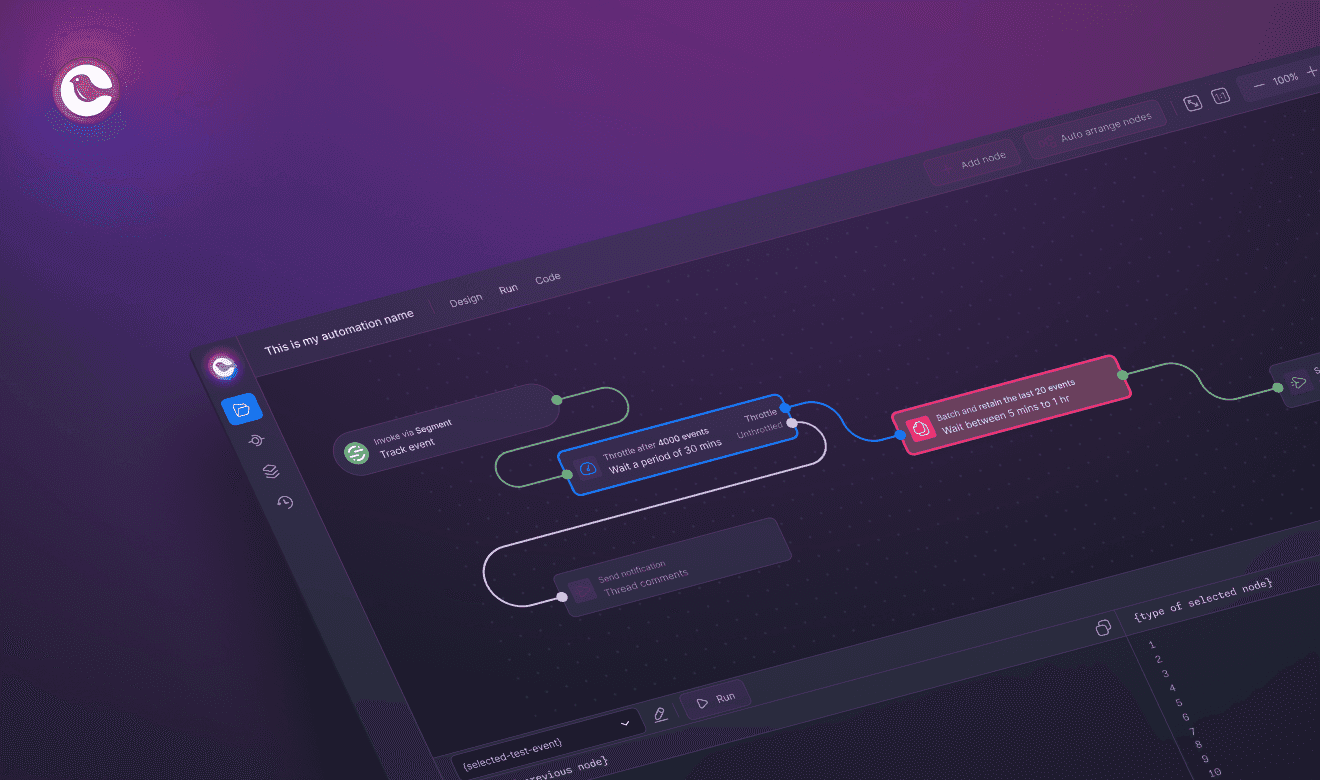
Automations debugger is live!
Open the new ‘Debug’ tab in Automations. Create or load a test event to view the diff panel. Review the data differences between nodes and quickly validate any issues.
When selecting a node, the previous node in the sequence, based on the test event, will also be selected.
Create or load as many test events as you need to run.
Node will highlight red when encountering an error to see where the run stopped.
Node validation
Node will now highlight red when:
Checking for incorrect input types.
Validating empty fields after interaction.
Nodes with missing or invalid info are highlighted directly on the canvas. This can help quickly identify problems.
New GET Profile node
Dynamically fetch any Courier profile and attach it to the automation run. Added to the list of available nodes in Automations.
Learn more: Read the Automation Debugger docs
More updates
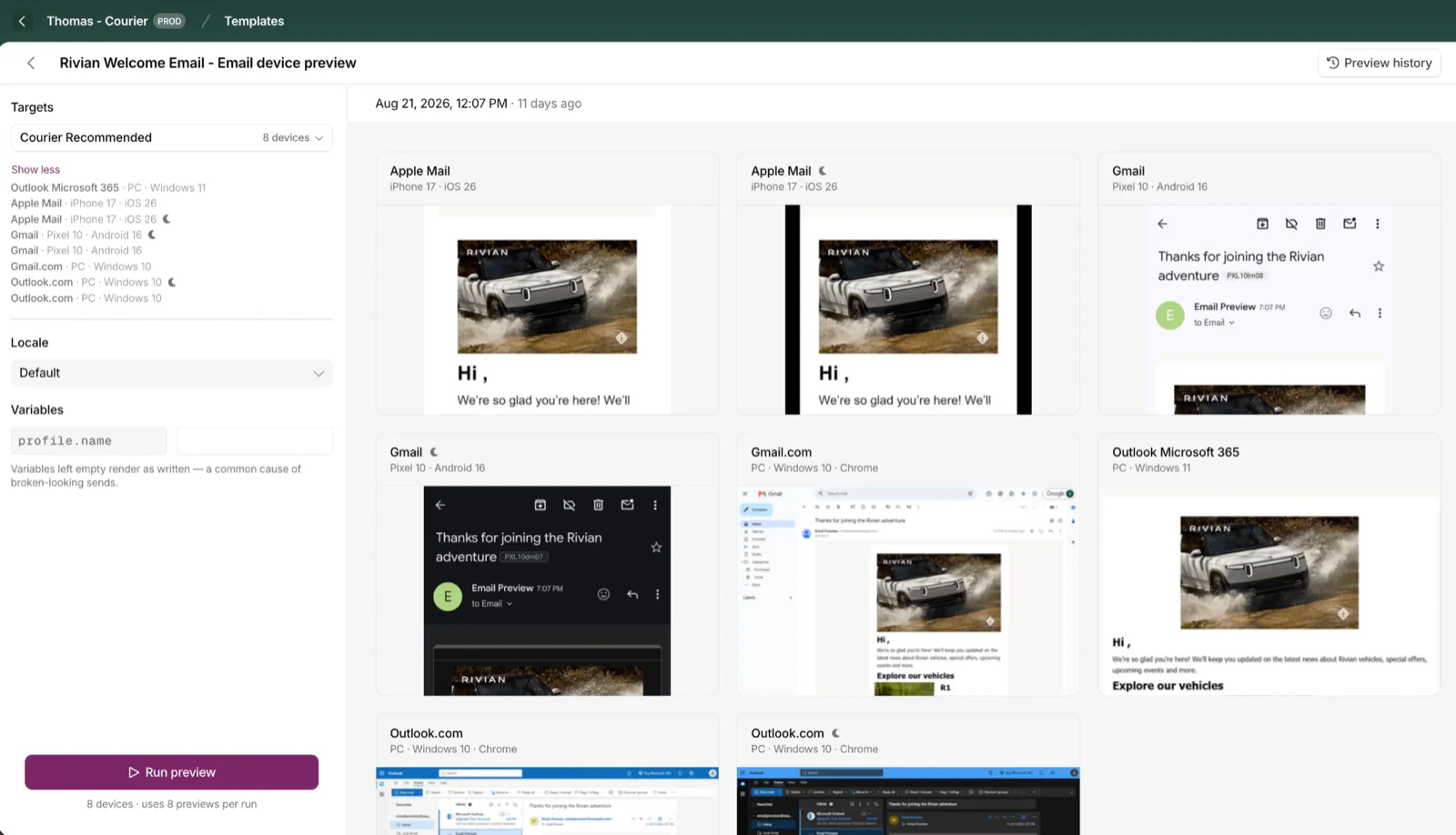
Cross-Device Email Preview
Preview email templates on real devices, 96 clients across 21 apps, right from Design Studio.
By Emily Lane
September 01, 2026
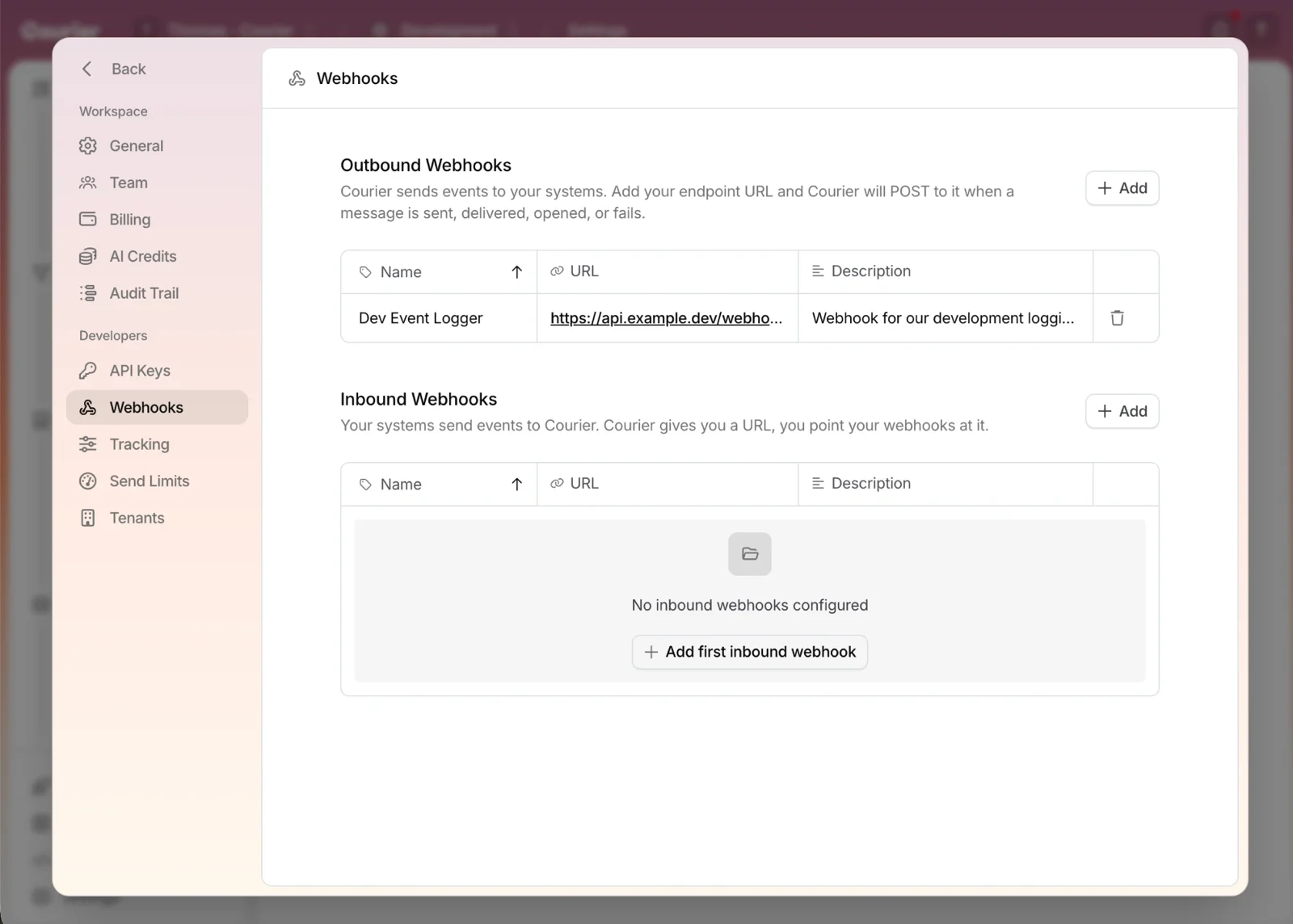
Redesigned Settings Page
Settings is redesigned, with workspace and developer pages in separate sections and nine background colors.
By Emily Lane
August 18, 2026
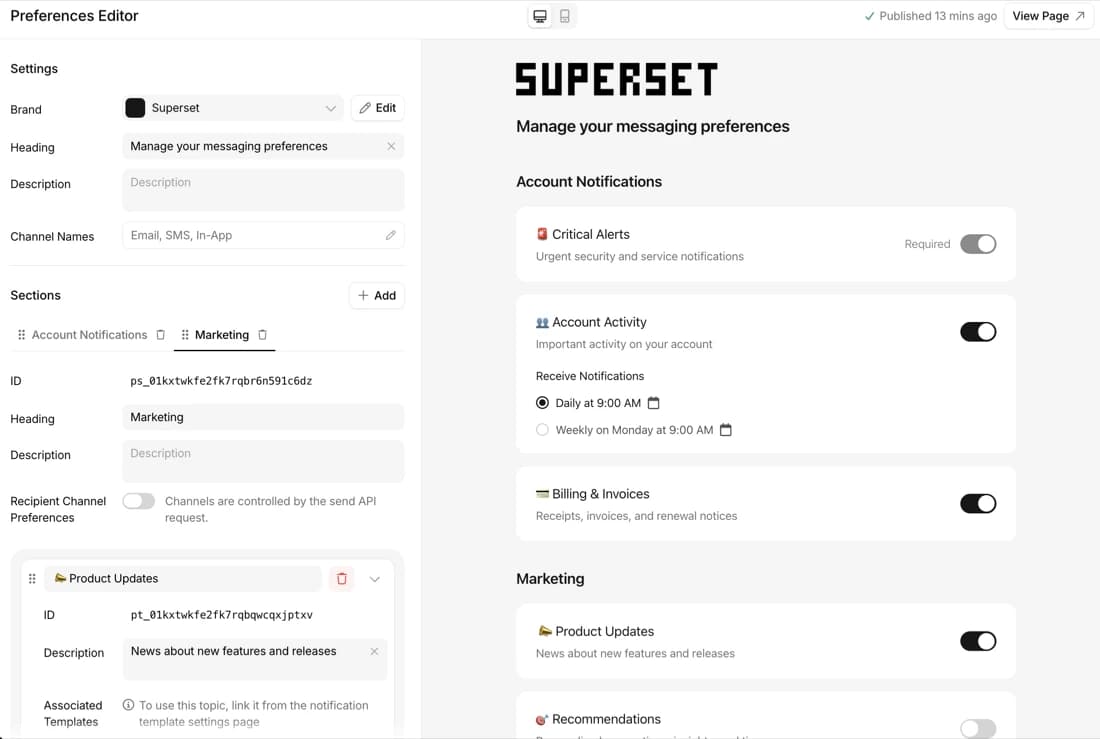
Redesigned Preferences Editor and hosted preference center
Build, preview, and launch a branded notification preference center with no frontend code.
By Emily Lane
July 18, 2026