‹ Changelog
Send rate limits for providers
Emily Lane
October 21, 2026
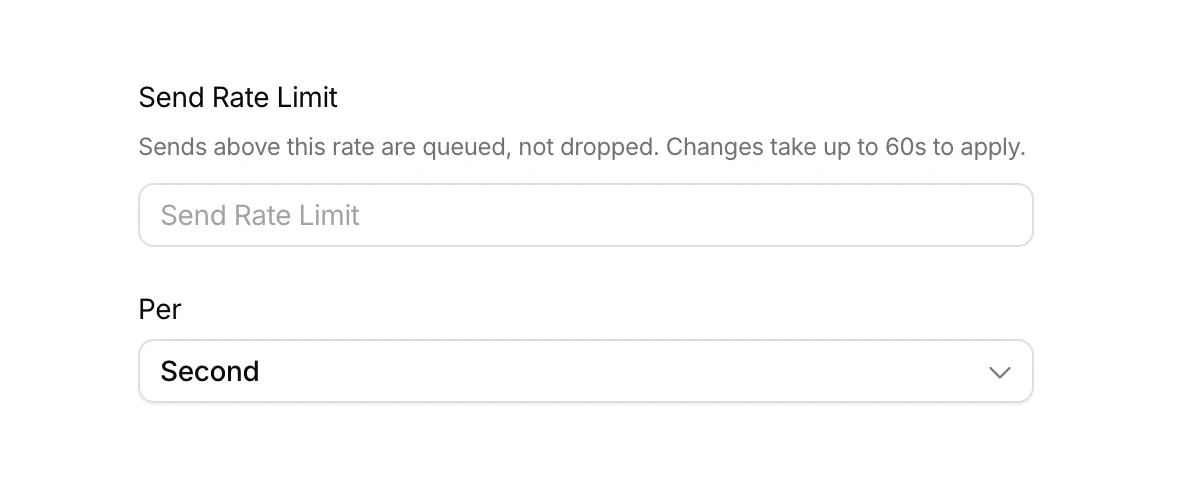
You can now set a send rate limit on any provider.
Send to Courier at any rate, and Courier sends your notifications to the provider at the rate your account allows. Without a limit, Courier sends as fast as possible.
- Set it in the Courier console: open Integrations, click the provider, then Settings, and set Send Rate Limit per second, minute, or hour.
- Sends above the limit are queued, not dropped.
- Each provider you connect has its own limit, and Test and Production are set separately.
- Set it with the API by sending
settings.rate_limittoPATCH /providers/{id}.
More updates
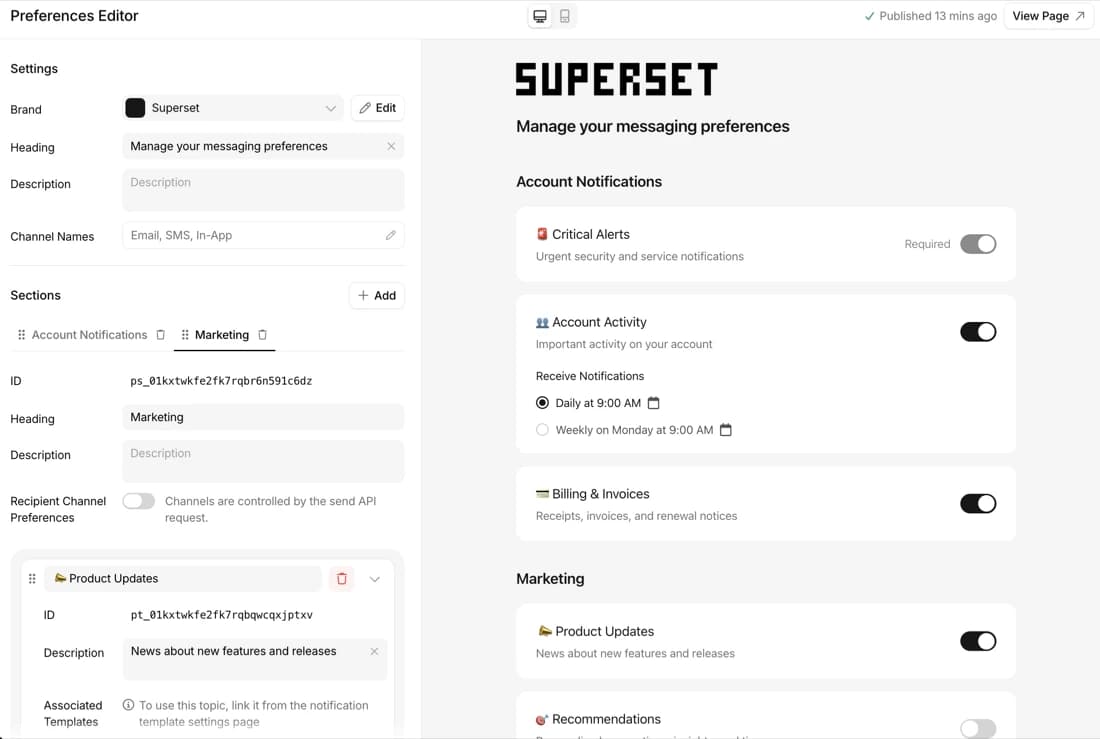
Preference webhooks and change history API
Get every preference change as a webhook, and read the full history by API.
By Emily Lane
October 14, 2026
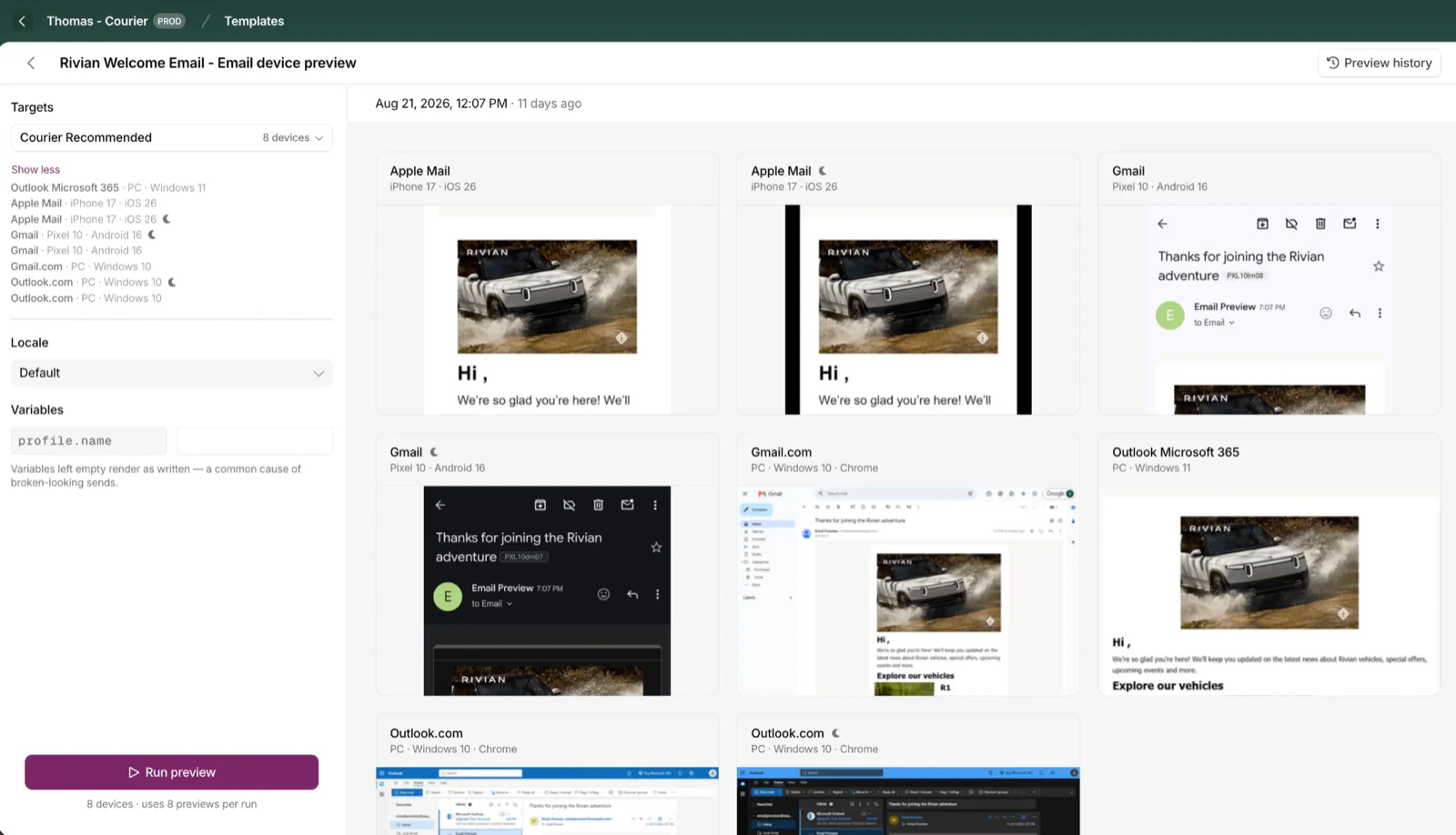
Cross-Device Email Preview
Preview email templates on real devices, 96 clients across 21 apps, right from Design Studio.
By Emily Lane
September 01, 2026
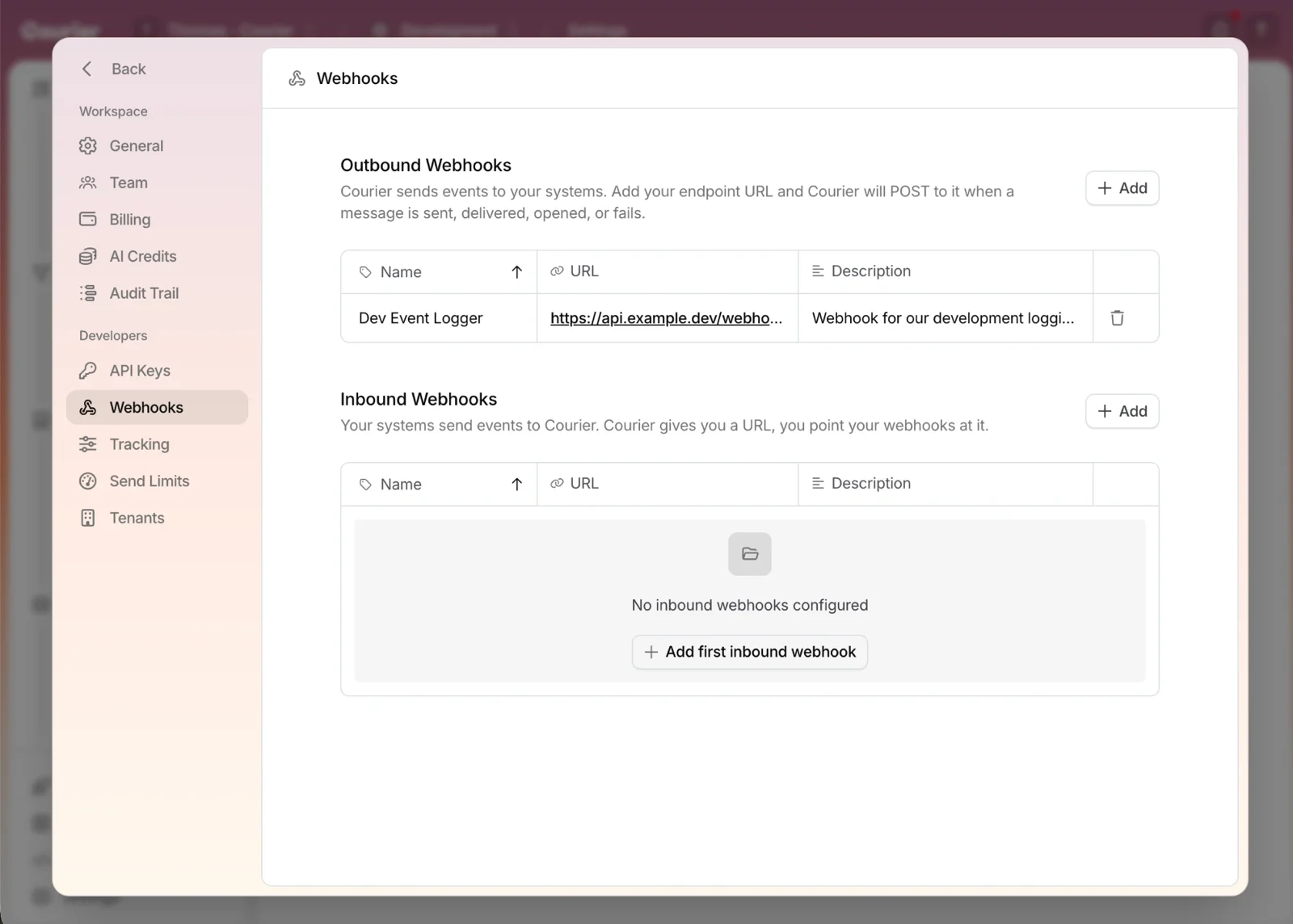
Redesigned Settings Page
Settings is redesigned, with workspace and developer pages in separate sections and nine background colors.
By Emily Lane
August 18, 2026