Redesigned Settings Page

Emily Lane
August 18, 2026
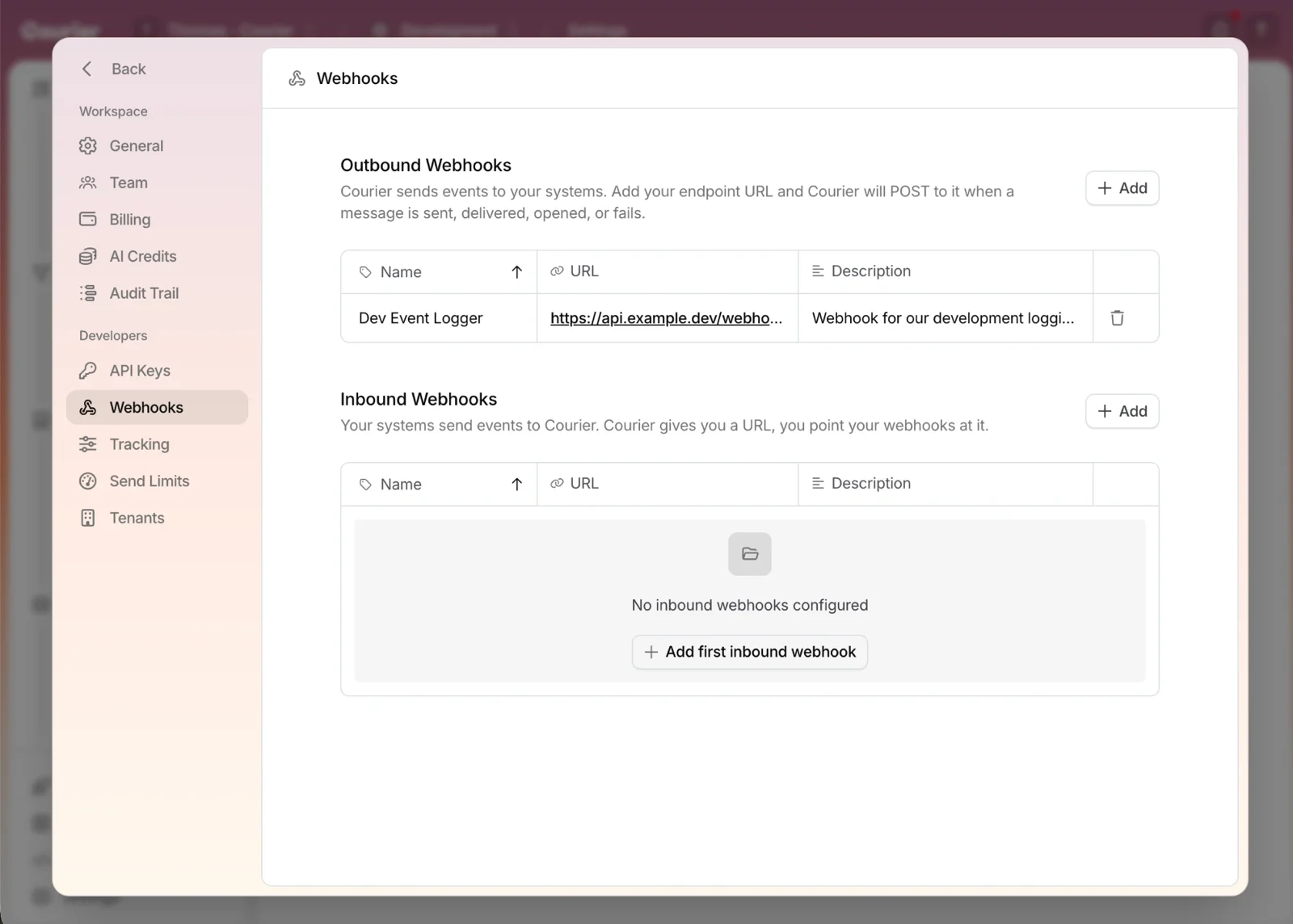
Settings has been redesigned. It opens over your work, and the pages inside are grouped by what they're for: Workspace for your account, and Developers for the keys, webhooks, and limits behind your sends.
Workspace
- General. Name the workspace and set how the app looks while you work in it.
- Team. Invite the people who need access, and remove them when they move on.
- Billing. See your plan and how much of it you've used.
- AI Credits. Check what's left of the credits behind Courier's AI features.
- Audit Trail. See who changed a template, a provider, or a setting, and when.
Developers
- API Keys. Grab the key your code authenticates with, scoped to the environment you're in.
- Webhooks. Push Courier's delivery events to your systems with outbound webhooks, or get a URL another system can call to start a send with inbound webhooks.
- Tracking. Turn click-through and email-open tracking on when you want engagement data.
- Send Limits. Cap what the workspace can send so a bug can't reach your users thousands of times.
- Tenants. Set how Courier decides which tenant a user belongs to.
Learn more: Blog post
More updates
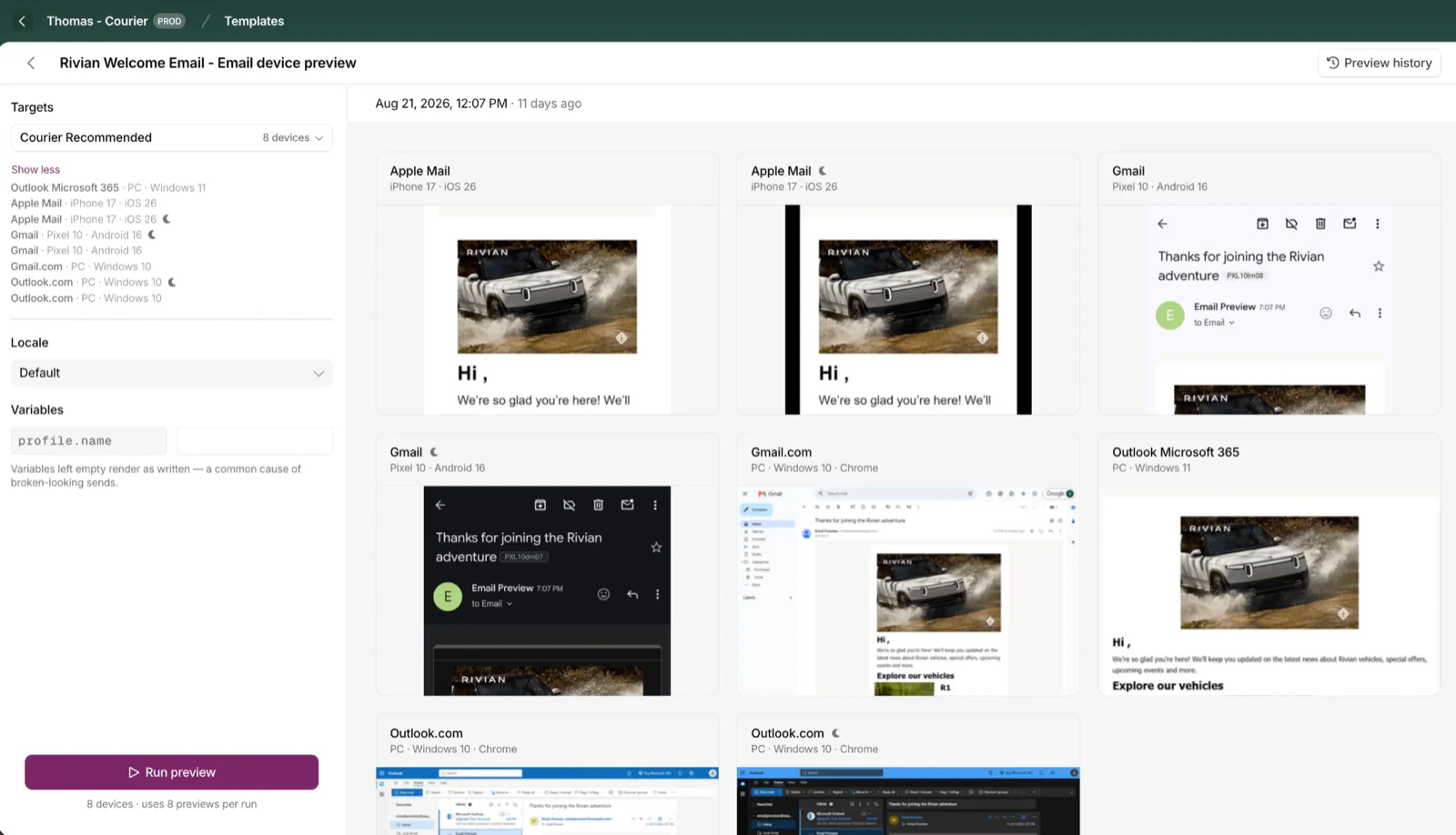
Cross-Device Email Preview
Preview email templates on real devices, 96 clients across 21 apps, right from Design Studio.
By Emily Lane
September 01, 2026
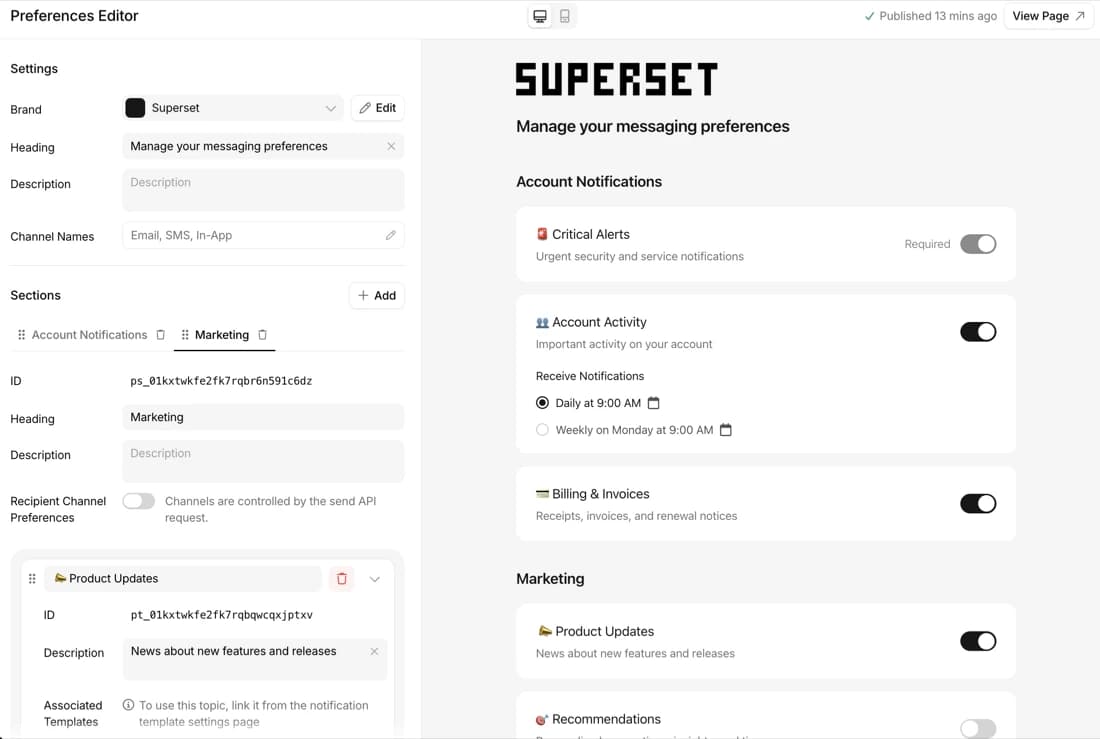
Redesigned Preferences Editor and hosted preference center
Build, preview, and launch a branded notification preference center with no frontend code.
By Emily Lane
July 18, 2026
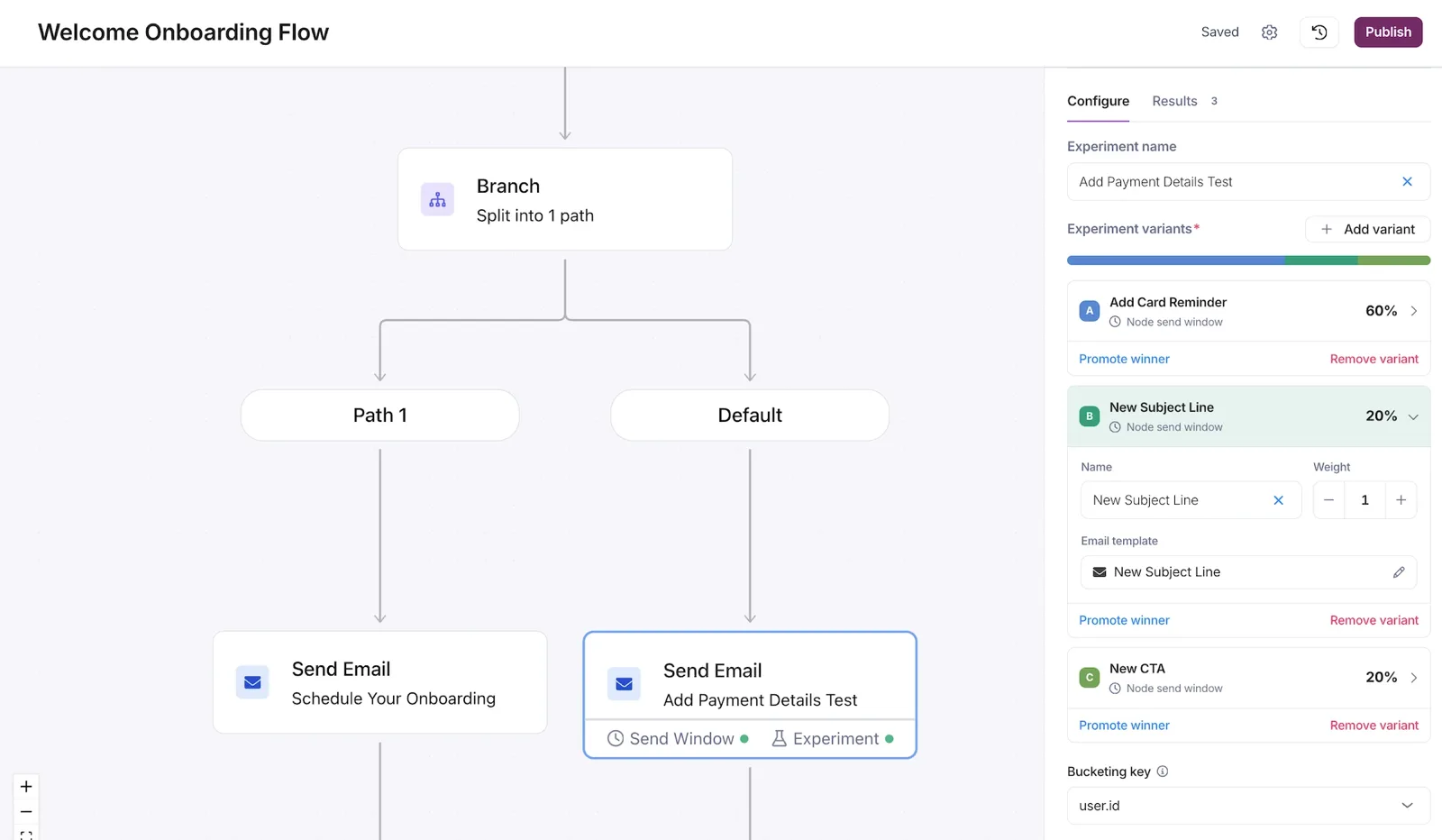
Experiments: A/B Testing in Journeys
Run 2 to 10 message variants on a single send node in a journey, split live traffic by weight, compare per-variant results, and promote the one you want.
By Emily Lane
July 09, 2026