New settings page, easier to use, with new background colors
 Emily LaneAugust 18, 2026
Part of the ongoing redesign of the Courier app.
Settings has been redesigned. It opens over your work, and the pages inside are grouped by what they're for: Workspace for your account, and Developers for the keys, webhooks, and limits behind your sends.
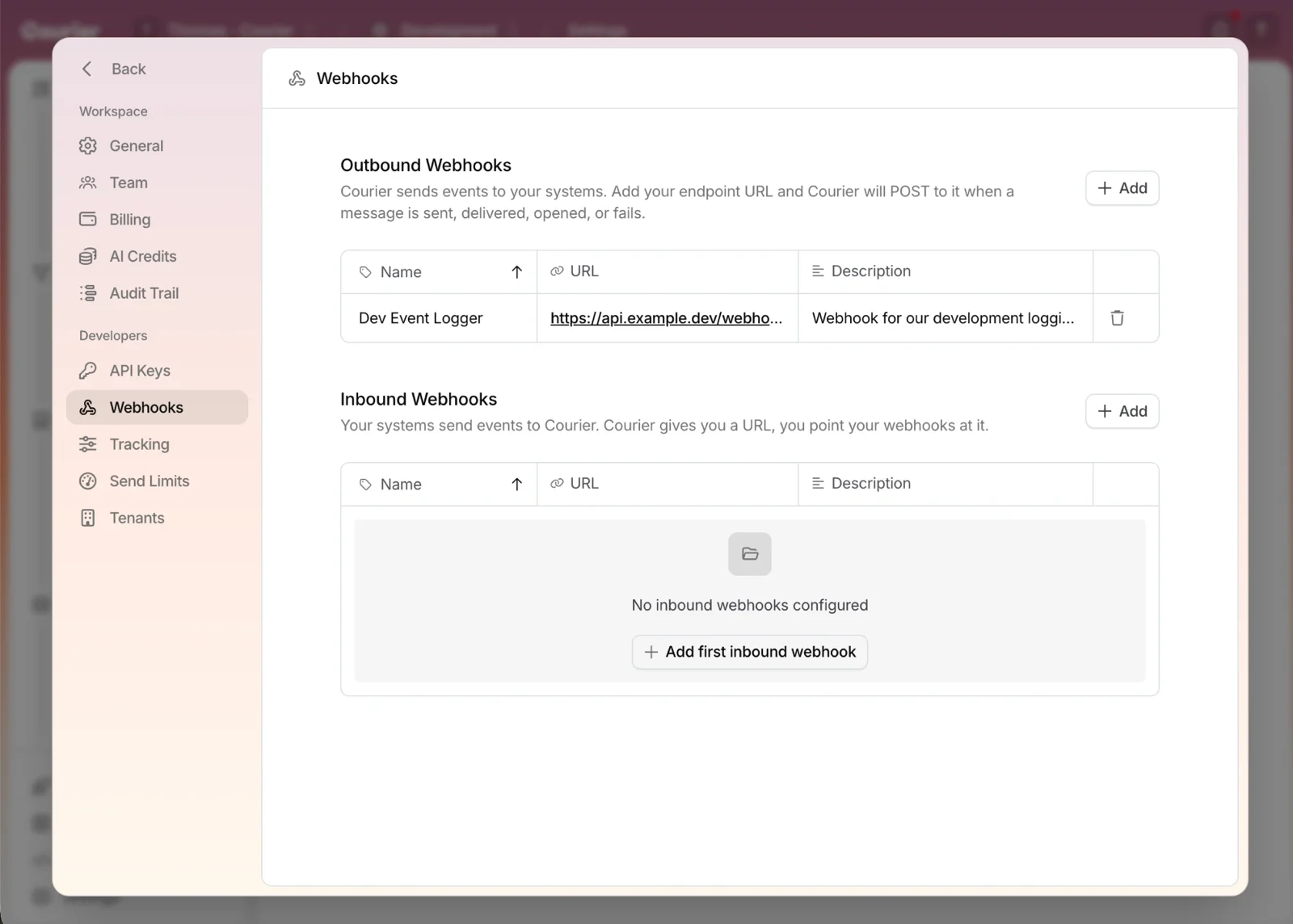 The new look, on the Webhooks page.
Workspace
- General. Name the workspace and set how the app looks while you work in it.
- Team. Invite the people who need access, and remove them when they move on.
- Billing. See your plan and how much of it you've used.
- AI Credits. Check what's left of the credits behind Courier's AI features.
- Audit Trail. See who changed a template, a provider, or a setting, and when.
Developers
- API Keys. Grab the key your code authenticates with, scoped to the environment you're in.
- Webhooks. Push Courier's delivery events to your systems with outbound webhooks, or get a URL another system can call to start a send with inbound webhooks.
- Tracking. Turn click-through and email-open tracking on when you want engagement data.
- Send Limits. Cap what the workspace can send so a bug can't reach your users thousands of times.
- Tenants. Set how Courier decides which tenant a user belongs to.
Light, dark, and nine background colors
Under General, Theme switches the app between Light, Dark, and System. Below it, Background color sets the tint the app sits on.
 Nine background colors. Sunset is the default, and the other eight are one click away.
Sunset, the warm orange gradient, is the default and the first swatch. The other eight run through pink, green, blue, purple, teal, near-black, and warm gray. Pick one and it carries across the app.
Take a look
Open settings and the new layout is already there. More of the app is getting the same treatment, so watch the changelog as the rest lands.
Similar resources
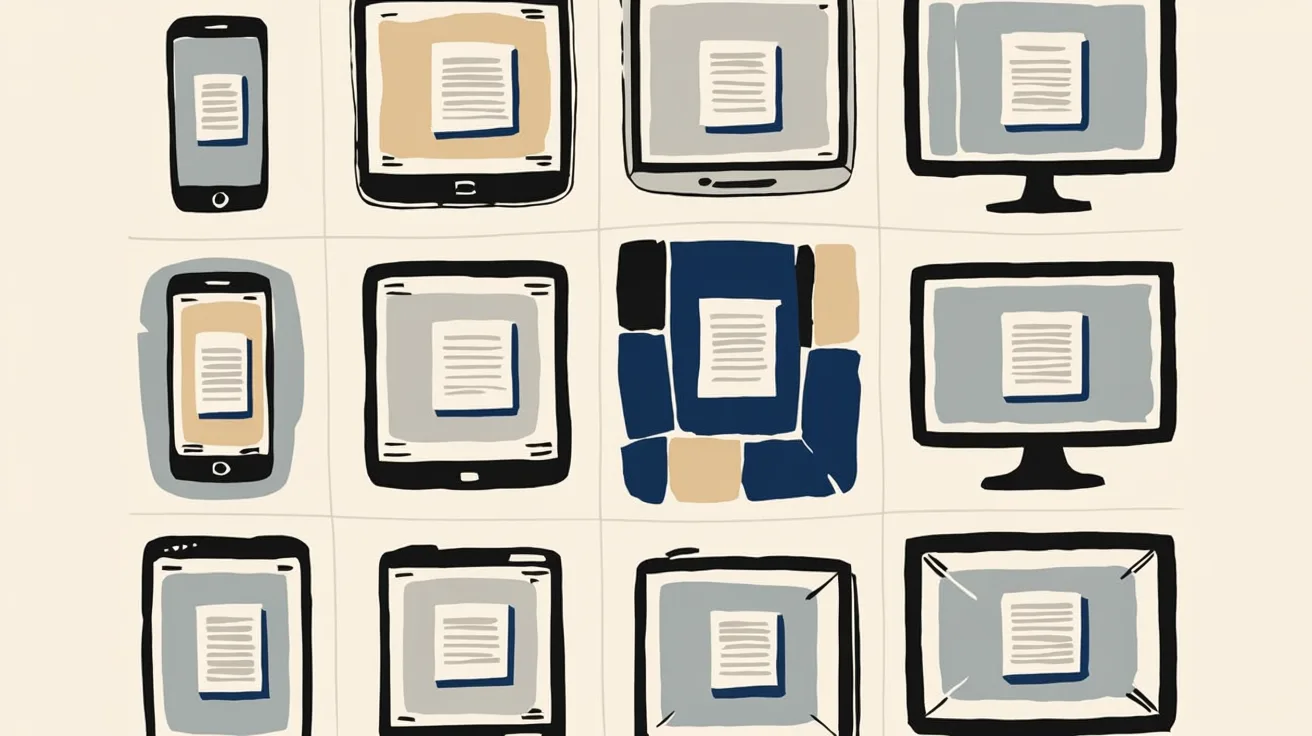
Introducing Cross-Device Email Preview: see your email on real devices before you send
Cross-Device Email Preview renders your template on the real clients you pick, from Outlook on Windows to dark mode on iPhone, and returns a screenshot of each one. Pick from 96 clients across 21 apps without leaving Design Studio.

Broadcasts: send one-time messages to your users, right from Courier
Broadcasts lets you send a one-time message to a group of your users, now or on a schedule, without leaving Courier.
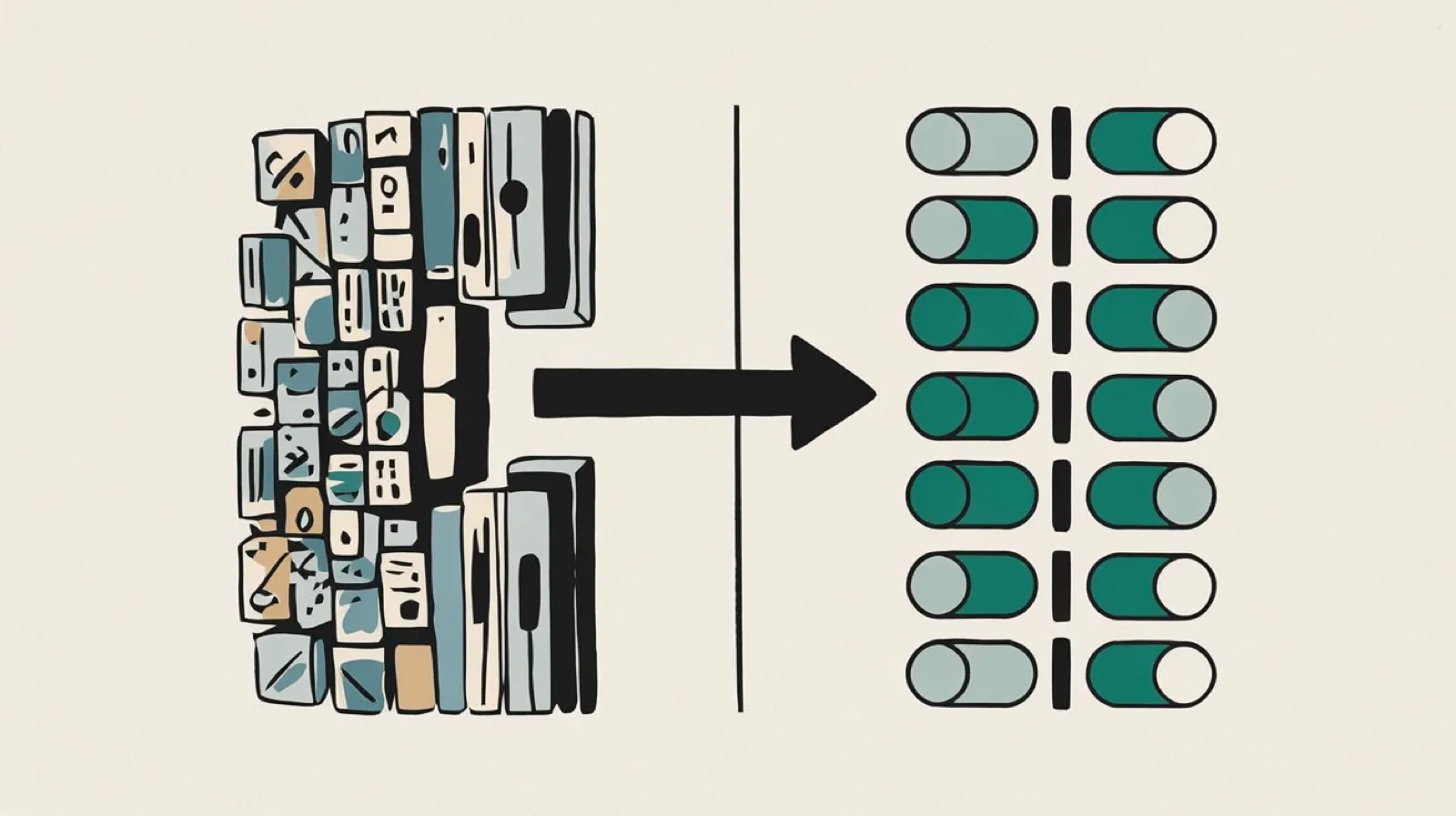
Build and launch a hosted preference center that looks great on web and mobile
Courier's redesigned Preferences Editor and hosted preference center let you build, preview, and launch a branded notification preference center with no frontend code, plus new bulk APIs to migrate preferences.