Documentation Index

Fetch the complete documentation index at: https://www.courier.com/docs/llms.txt

Use this file to discover all available pages before exploring further.

If you’re building onboarding flows, re-engagement sequences, or multi-step messaging workflows, you can define and manage them entirely through code. Courier’s Journeys API gives you full control over the journey lifecycle without touching the UI. This page covers everything from creating a journey shell to invoking a live run. For a visual overview of how journeys work in the UI, see the Journeys overview.

Journey management endpoints

Journeys API requests are authenticated by passing your workspace API key as a Bearer token in the Authorization header: Authorization: Bearer <your-api-key>. Requests without this header are rejected.
EndpointPurpose
GET /journeysList journeys (paginated).
POST /journeysCreate a journey.
GET /journeys/{templateId}Fetch a journey by ID.
PUT /journeys/{templateId}Replace a journey draft.
DELETE /journeys/{templateId}Archive a journey.
GET /journeys/{templateId}/versionsList published versions.
POST /journeys/{templateId}/publishPublish the current draft.
POST /journeys/{templateId}/invokeInvoke a journey (start a run).

Journey-scoped notification template endpoints

Each journey manages its own notification templates, created and managed exclusively within that journey’s scope. These endpoints mirror the workspace-level /notifications endpoints but are nested under a specific journey.

Journey structure: triggers, nodes, and the DAG

A journey is a directed acyclic graph (DAG) of nodes. Each node performs one action (send a notification, wait, branch, fetch data, etc.), and the sequence defines execution order.

Triggers

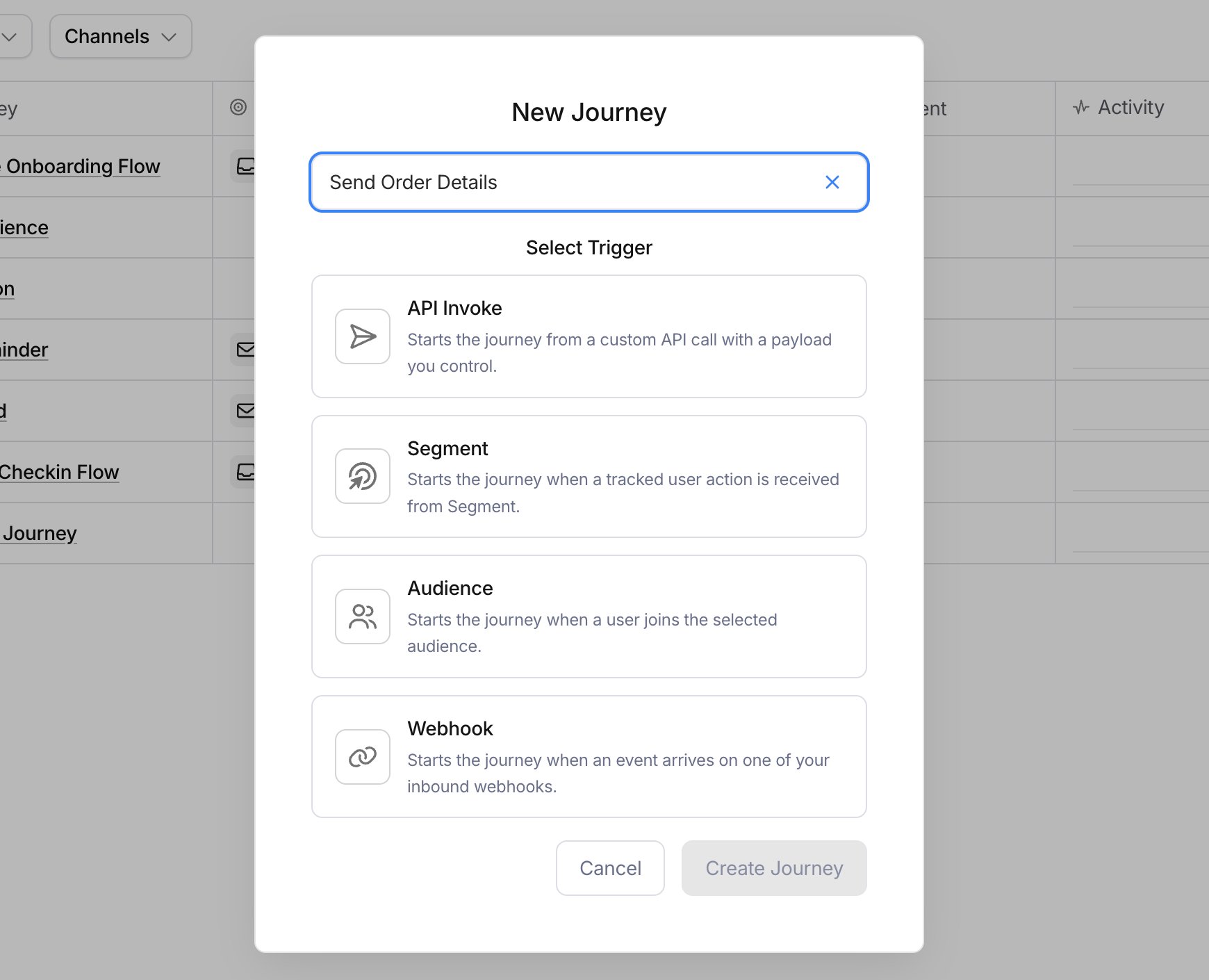
Every journey starts with a trigger node that determines how runs begin. You’ve got two options:
  • API invoke (trigger_type: "api-invoke"): Starts a run when you call POST /journeys/{templateId}/invoke. You can optionally attach a JSON Schema to the trigger via the schema field. Courier validates the data payload against it when the trigger node executes.
  • Segment (trigger_type: "segment"): Starts a run when a matching Segment event arrives. Requires request_type (identify, group, or track) and optionally an event_id.

Node types

Nodes are the building blocks of your journey. Each node has a type field that determines its behavior, and some node types have a secondary discriminator. Here’s the full set:
Node typeDescription
triggerEntry point. Discriminated by trigger_type: api-invoke or segment.
sendSend a notification using a journey-scoped template. References the template via message.template.
delayPause the run. Discriminated by mode: duration (e.g., "PT1H" for one hour) or until (a specific timestamp).
fetchMake an HTTP request and merge the response into run state. Discriminated by method: get, delete, post, or put.
branchConditional routing. Evaluates paths[] in order and routes to the first match, with a default fallback.
throttleRate-limit runs. Discriminated by scope: user, global, or dynamic.
aiRun an LLM prompt with optional web search. Returns structured output per output_schema.
exitEnd the run immediately.

Conditions

Several node types support a conditions field for conditional execution. Conditions are expressed as tuples:
  • Binary (3 elements): [path, operator, value], for example ["data.plan", "is equal", "pro"]
  • Unary (2 elements): [path, operator], for example ["data.email", "exists"]
Available operators for binary conditions: is equal, is not equal, contains, does not contain, starts with, ends with, greater than, greater than or equal, less than, less than or equal. Available operators for unary conditions: exists, does not exist. Conditions can be grouped with AND / OR logic, and groups can be nested for complex expressions.

Standard workflow: create → template → wire → publish → invoke

Here’s the typical process for building a journey programmatically. Each step builds on the previous one, so follow them in order:
  1. Create the journey shell with POST /journeys. Pass a name and at least one node (typically a trigger). This gives you a journey ID and a draft you can build on.
  2. Create journey-scoped templates with POST /journeys/{id}/templates. These are the notification templates your send nodes will reference. Define the content using Elemental format and specify the channel (email, sms, push, etc.).
  3. Wire templates into the journey with PUT /journeys/{id}. Replace the draft with your full node graph, including send nodes that reference the template IDs you created in step 2.
  4. Publish with POST /journeys/{id}/publish. This locks in the current draft as a versioned snapshot. All new runs execute against the published version.
  5. Invoke with POST /journeys/{id}/invoke. Pass a user_id (or profile with contact info) and optional data payload. Courier starts a run that walks through the DAG.

Example: building a welcome journey

Let’s walk through creating a “Welcome Journey” that sends a welcome email when invoked via the API.

Step 1: Create the journey shell

curl -sS -X POST "https://api.courier.com/journeys" \
  -H "Authorization: Bearer $COURIER_API_KEY" \
  -H "Content-Type: application/json" \
  -d '{
    "name": "Welcome Journey",
    "nodes": [
      {
        "id": "trigger-1",
        "type": "trigger",
        "trigger_type": "api-invoke",
        "schema": {
          "type": "object",
          "properties": {
            "first_name": { "type": "string" },
            "company_name": { "type": "string" },
            "dashboard_url": { "type": "string" }
          },
          "required": ["first_name"]
        }
      }
    ],
    "enabled": true
  }'
Save the id from the response. You’ll use it in every subsequent request.

Step 2: Create a scoped email template

curl -sS -X POST "https://api.courier.com/journeys/$JOURNEY_ID/templates" \
  -H "Authorization: Bearer $COURIER_API_KEY" \
  -H "Content-Type: application/json" \
  -d '{
    "channel": "email",
    "notification": {
      "name": "Welcome Email",
      "tags": [],
      "brand": null,
      "subscription": null,
      "content": {
        "version": "2022-01-01",
        "elements": [
          { "type": "meta", "title": "Welcome to {{company_name}}, {{first_name}}!" },
          { "type": "text", "content": "Hi {{first_name}}, thanks for signing up. We are excited to have you on board." },
          { "type": "text", "content": "Here are a few things to get you started:" },
          { "type": "action", "content": "Go to your dashboard", "href": "{{dashboard_url}}" }
        ]
      }
    }
  }'
Save the id from the response as your template ID.

Step 3: Wire the template into the journey

curl -sS -X PUT "https://api.courier.com/journeys/$JOURNEY_ID" \
  -H "Authorization: Bearer $COURIER_API_KEY" \
  -H "Content-Type: application/json" \
  -d "$(jq -n --arg tmpl "$TEMPLATE_ID" '{
    "name": "Welcome Journey",
    "nodes": [
      {
        "id": "trigger-1",
        "type": "trigger",
        "trigger_type": "api-invoke",
        "schema": {
          "type": "object",
          "properties": {
            "first_name": { "type": "string" },
            "company_name": { "type": "string" },
            "dashboard_url": { "type": "string" }
          },
          "required": ["first_name"]
        }
      },
      {
        "id": "send-welcome",
        "type": "send",
        "message": {
          "template": $tmpl
        }
      }
    ],
    "enabled": true
  }')"

Step 4: Publish the journey

curl -sS -X POST "https://api.courier.com/journeys/$JOURNEY_ID/publish" \
  -H "Authorization: Bearer $COURIER_API_KEY" \
  -H "Content-Type: application/json"

Step 5: Invoke the journey

curl -sS -X POST "https://api.courier.com/journeys/$JOURNEY_ID/invoke" \
  -H "Authorization: Bearer $COURIER_API_KEY" \
  -H "Content-Type: application/json" \
  -d '{
    "user_id": "user_abc123",
    "profile": {
      "email": "alice@example.com"
    },
    "data": {
      "first_name": "Alice",
      "company_name": "Acme Corp",
      "dashboard_url": "https://app.acme.com/dashboard"
    }
  }'
The invoke call returns a runId immediately (HTTP 202). Courier processes the run asynchronously, validating data against the trigger’s JSON Schema and walking through the DAG.

Journey-scoped templates vs. workspace templates

These two template types serve different purposes and are managed differently. Journey-scoped templates are created under POST /journeys/{id}/templates and live exclusively within that journey. They use Elemental format for content, can’t be shared across journeys, and can’t be referenced from the Send API. They’re published either alongside the journey (when you publish the journey itself) or independently via their own publish endpoint. Workspace templates are the ones you create at POST /notifications or in Design Studio. They live at the workspace level, can be used from the Send API, and aren’t tied to any specific journey. If you need a template that’s reusable across multiple journeys or callable from the Send API, use a workspace template. If the template is specific to one journey’s logic, keep it scoped to the journey.

Node types reference

Here’s a detailed reference for each node type with their discriminator fields and required properties.
TypeDiscriminatorRequired fields
Trigger (API)type: "trigger", trigger_type: "api-invoke"None beyond discriminators. Optional: id, schema, conditions.
Trigger (Segment)type: "trigger", trigger_type: "segment"request_type (identify, group, or track). Optional: event_id, conditions.
Sendtype: "send"message.template (journey-scoped template ID). Optional: message.to (overrides), message.delay, message.data, conditions.
Delay (duration)type: "delay", mode: "duration"duration (ISO 8601 duration string, e.g. "PT30M"). Optional: conditions.
Delay (until)type: "delay", mode: "until"until (ISO 8601 timestamp or context reference). Optional: conditions.
Fetch (GET/DELETE)type: "fetch", method: "get" or "delete"url, merge_strategy. Optional: headers, query_params, response_schema, conditions.
Fetch (POST/PUT)type: "fetch", method: "post" or "put"url, merge_strategy. Optional: body, headers, query_params, response_schema, conditions.
Branchtype: "branch"paths[] (each with conditions and nodes[]), default (with nodes[]). Optional: paths[].label, default.label.
Throttle (static)type: "throttle", scope: "user" or "global"max_allowed, period. Optional: conditions.
Throttle (dynamic)type: "throttle", scope: "dynamic"max_allowed, period, throttle_key. Optional: conditions.
AItype: "ai"output_schema. Optional: model, user_prompt, web_search, conditions.
Exittype: "exit"None. Optional: id.

Merge strategies for fetch nodes

When a fetch node receives a response, the merge_strategy field determines how it’s incorporated into the journey run state:
StrategyBehavior
overwriteDeep-merges response into state. Response values overwrite existing fields.
soft-mergeAdds new fields from the response without overwriting existing values.
replaceReplaces the entire run state with the response.
noneDiscards the response body. Useful for fire-and-forget requests.

What’s next

Building Journeys via UI

Compose journeys visually with the canvas editor

Run Inspection

Debug journey runs node by node