

Canvas Basics
The journey editor is a visual canvas. Nodes are connected by edges that define execution order. You build a journey by dragging nodes from the Build panel, dropping them onto edges, and configuring each node in its side panel. Execution flows top-to-bottom. When the trigger fires, the journey evaluates each node in sequence. Branch nodes can split execution into multiple paths; all other nodes have a single output.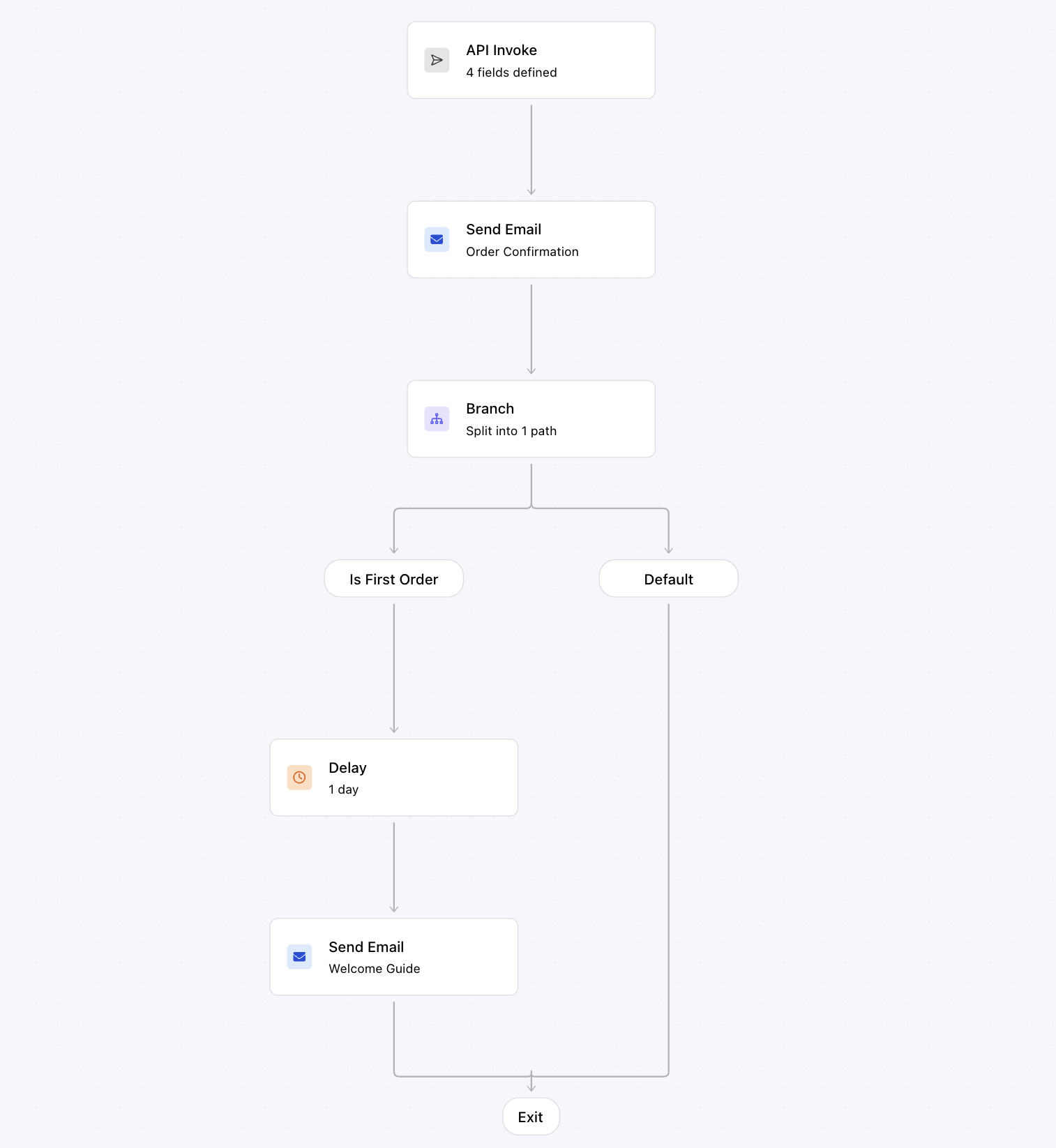
An order confirmation journey on the canvas: API trigger, throttle, send, branch on is_first_order, delay, and a welcome guide email on the default path
Node Types
The Build panel groups nodes into channels (one send node per channel you have an integration for) and functions (logic and orchestration).Channel Nodes
Channel nodes deliver messages on email, SMS, push, inbox, Slack, and Microsoft Teams. Each one targets a single channel and is linked to a journey template. For most channels Courier fills the recipient in from the user who entered the journey. Slack and Microsoft Teams are addressed on the node itself, by channel or by direct message. See Send node for configuration details.Function Nodes
Data Flow
Understanding how data flows through a journey helps you build reliable workflows:- Trigger data: fields from the trigger, meaning your schema fields on an API invocation, the inbound webhook payload, Twilio Segment event properties, or the audience ID. Available everywhere.
- Profile data: loaded from the user’s stored profile and any
profileoverrides in the invocation. Available everywhere. - Tenant data: properties on the tenant, loaded when the invocation carries a
tenant_id. Useful for per-customer settings like a channel ID or an access token. - Fetch responses: merged into the journey context using the configured merge strategy. Available in all downstream nodes.
- AI output: structured JSON returned by AI nodes, merged into the journey context. Available in all downstream nodes.