

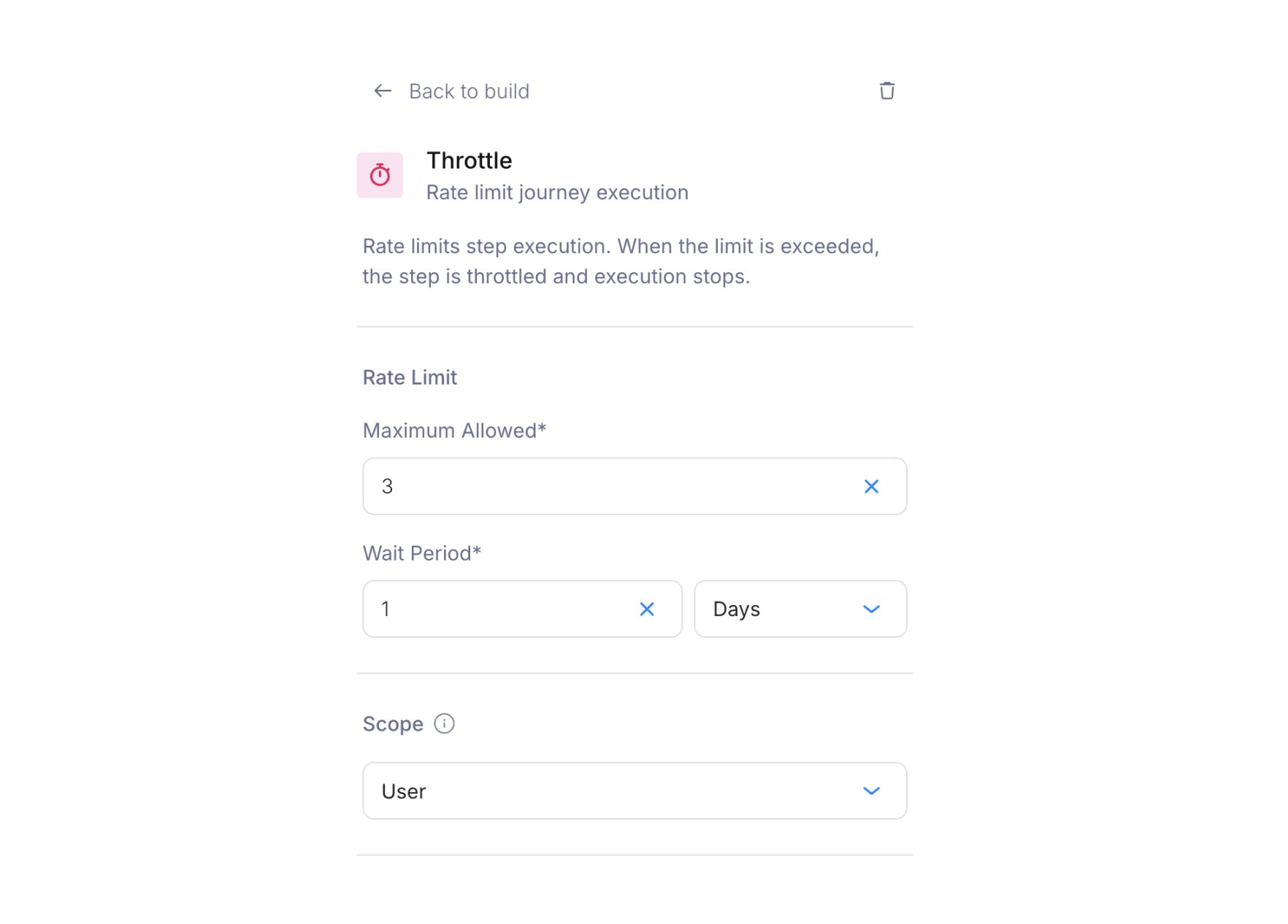
Throttle configuration panel with max allowed, period, and scope settings
Configuration
When a run hits a throttled node and the limit is reached, Courier skips the node and continues the run to the next node without sending that message.
Example
Set “max 3 per 24 hours, per user” and the journey can be invoked 10 times that day. Only the first 3 send nodes downstream of the throttle fire.Global throttle
Set the scope to Global instead of Per user to apply a single limit across all users. Use it to cap the total volume of a notification type, whoever receives it. A global throttle of “max 1000 per hour” on a promotional journey keeps a marketing event from flooding your email provider with thousands of invocations.Combining with other nodes
Throttle nodes combine with other logic:- Throttle + : Throttle first, then branch on priority. Only messages that pass the throttle are evaluated.
- Throttle + : Place the throttle before a delay to prevent too many delayed messages from queuing up.