Top 10 Email Testing Tools Compared
Discover the best email testing tools for seamless email campaigns. This guide compares the top 10 email testing tools, including features, pricing, & more.
Updated Aug 21, 2026
How to Choose the Right Email Testing Tools?
Email testing tools help you catch rendering errors, broken links, and deliverability issues before they reach your customers, protecting your brand reputation and revenue. Courier provides an orchestration layer between each email provider to test deliverability and reputation, all from one platform.
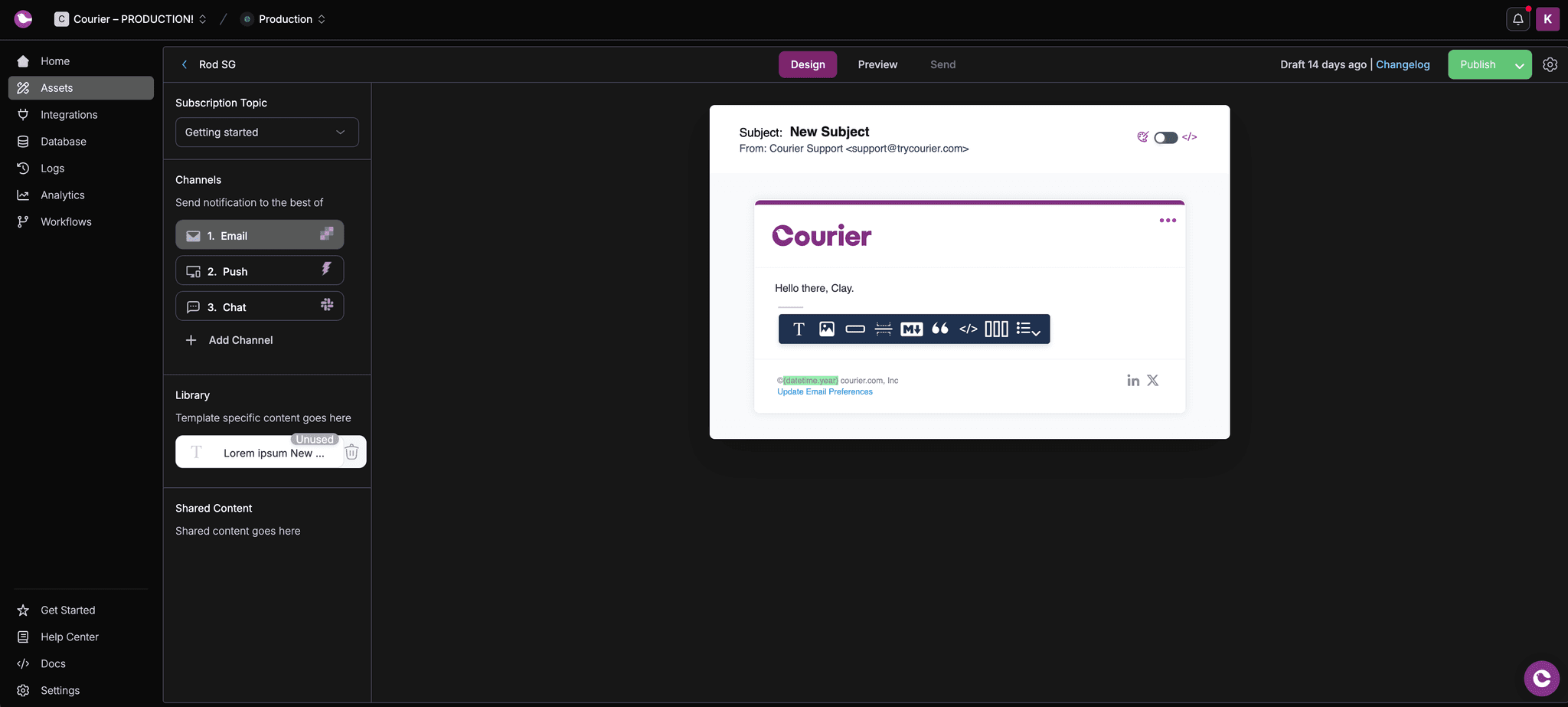
Test send notification templates in Courier
Why Email Testing Matters More Than Ever
An email lands in your inbox from a company you trust. You open it. The images are broken. The call-to-action button doesn't work. There are typos in the subject line. What does that do to your confidence in that company?
Now imagine that email is a password reset notification. Or a payment confirmation. Or a credit card expiration warning. The stakes just got higher.
Email rendering complexity is growing at an alarming rate. According to Oracle Marketing Cloud research, the number of potential email client variations continues to expand, making it harder than ever to ensure your transactional emails display correctly across every device and platform your customers use.
Dark mode is the sharpest version of that problem. Over a quarter of opens now happen in dark mode, and the client does more than darken the background around your email, it rewrites the colors inside it. Apple Mail will not apply your dark styles until the HTML opts in with color-scheme, Gmail ignores them entirely and inverts on its own, and classic Outlook on Windows recolors the message with no way for you to intervene. One HTML file can come back light from one client and dark from another. Our guide to dark mode email design breaks down what each client does to your CSS.
One thing to keep in mind as you compare the tools below: preview renders lag real client builds, so a tool can pass an email that fails on an actual phone. Treat previews as the first pass and confirm dark mode on a real device.
The cost of getting it wrong is real. Email marketing delivers an ROI of up to 40:1, but untested emails leave massive amounts of that revenue on the table. Consider this: you send a promotional campaign to 10,000 subscribers for a $500 product with a strong 5% conversion rate. That's $250,000 in potential revenue. But if 80% of businesses don't optimize for mobile devices and 20% of your audience sees a broken mobile experience, you just lost $50,000 from a single email.
For product-driven transactional notifications, the damage extends beyond lost revenue. A broken password reset email means a frustrated user who can't access your product. A malformed order confirmation creates support tickets and erodes trust. An undelivered security alert becomes a compliance issue.
Testing your emails before they reach customers isn't optional anymore. It's risk management.
How Courier's Testing Environment Fits Your Email Testing Strategy
Modern notification systems need testing at multiple levels. You test for rendering issues, deliverability problems, spam filter triggers, and broken personalization logic. Email testing tools address different parts of this challenge.
Courier is an omnichannel message and notification platform with customer journey builder, notification center, and multichannel testing environments including email. The built-in testing environment lets you validate templates before production. You can test send notifications through any channel - email, SMS, push, Slack, Teams - from the same interface where you design them. The platform includes an AI-powered editor integrated into the templating tool using ChatGPT to refine message content and optimize for different channels.
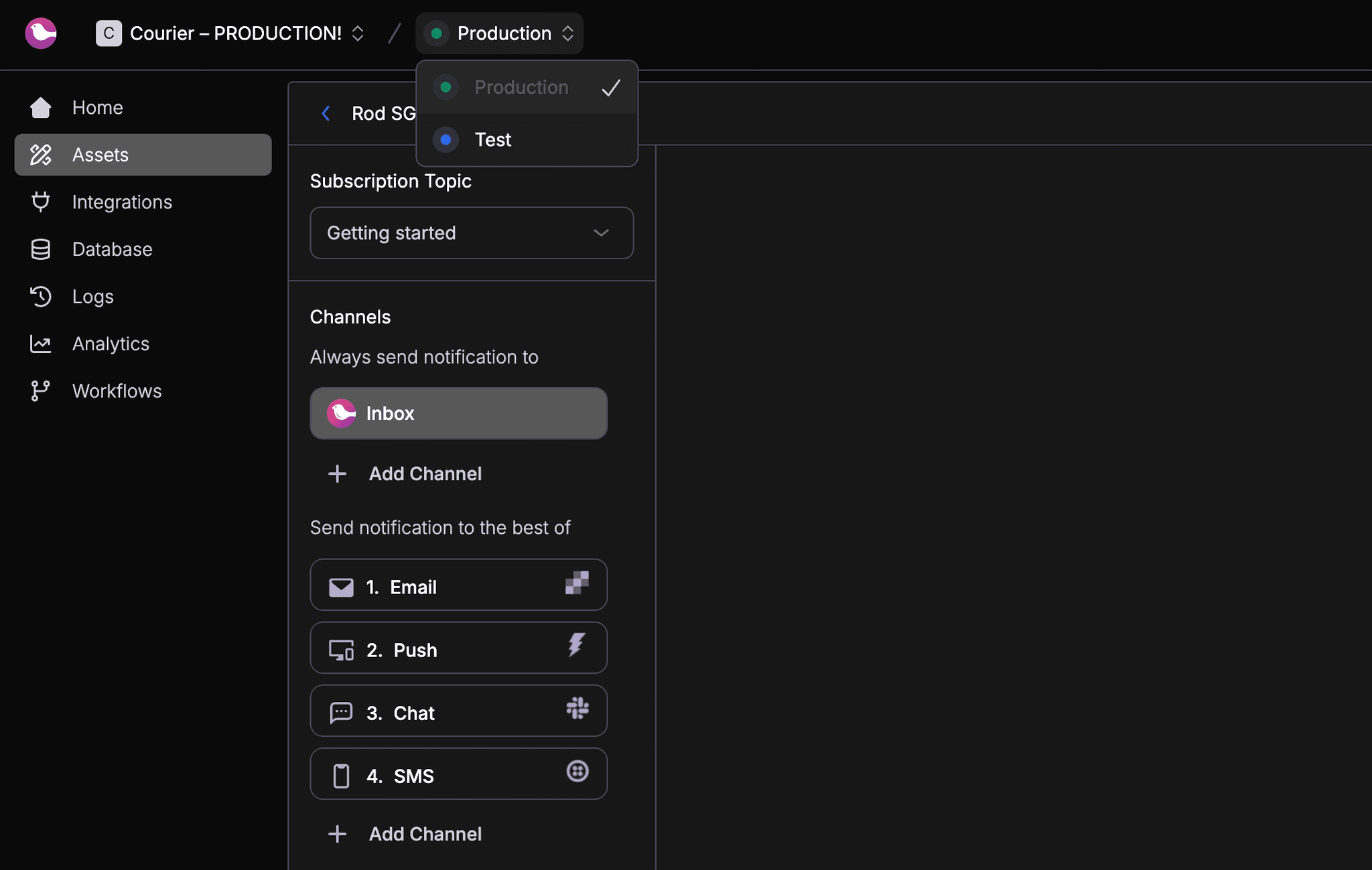
Create a test environment in Courier
For a faster check that needs no account, the mobile inbox preview generator renders your sender name, subject line, and preheader the way the Gmail app shows them on a phone, including where the subject gets cut around 35 characters.
But comprehensive email testing requires specialized tools beyond basic template testing. You need to verify rendering across 100+ email clients, check spam score predictions, validate HTML/CSS compatibility, and catch deliverability issues before they impact your sender reputation. That's where dedicated email testing tools come in.
This guide covers the top email testing tools that complement Courier's testing capabilities or work standalone for teams managing email infrastructure themselves. You'll discover tools for different testing needs - from developer-focused SMTP servers that catch emails during development, to enterprise platforms that preview your emails across every major email client and predict spam filter behavior.
What This Guide Covers
We'll explore 10 email testing tools across different categories:
Enterprise Testing Platforms - Full-featured rendering and deliverability testing:
- Mailtrap Email Sandbox
- Modern email testing with HTML/CSS analysis
- Litmus
- All-in-one email marketing platform with 100+ client previews
- Email on Acid
- Comprehensive pre-deployment testing
- GlockApps
- Deliverability and spam testing focus
Development Testing Tools - Local SMTP servers that catch emails during development:
- MailHog
- Lightweight open source SMTP testing
- MailCatcher
- Self-hosted email capture tool
- MailSlurper
- Easy setup SMTP server
Developer API Tools - Programmable email testing for automation:
- MailSlurp
- API-first disposable email addresses
- Mailinator
- Simple disposable email for flow testing
Optimization Platforms - A/B testing and conversion optimization:
- Optimizely
- Email campaign experimentation at scale
For each tool, we'll cover when to use it, what it does well, where it falls short, and how much it costs. By the end, you'll know which email testing tools fit your specific needs and budget.
Comparing Email Testing Tools: Features and Pricing
Before diving into each tool, here are comparison tables showing features and pricing at a glance.
Email Testing Tool Feature Comparison
| Tool | SDKs Available | Launched | Actively Maintained | Open Source | GitHub Stars | Hosted Service | Self-host |
|---|---|---|---|---|---|---|---|
| Mailtrap | Node.js, Ruby | 2011 | Yes | No | ✗ | Yes | No |
| Litmus | ✗ | 2005 | Yes | No | ✗ | Yes | No |
| Email on Acid | ✗ | 2009 | Yes | No | ✗ | Yes | No |
| GlockApps | ✗ | 2009 | Yes | No | ✗ | Yes | No |
| MailHog | ✗ | 2014 | No | Yes | 11.4K | Yes | No |
| MailCatcher | ✗ | 2018 | No | Yes | 5.8K | No | Yes |
| MailSlurper | ✗ | 2015 | No | Yes | 1.2K | Yes | No |
| MailSlurp | C#, Go, Node.js, JS, TS, PHP, Python, Java, Ruby | 2017 | Yes | No | ✗ | Yes | Yes |
| Mailinator | ✗ | 2007 | Yes | No | ✗ | Yes | No |
| Optimizely | JavaScript | 2010 | Yes | No | ✗ | Yes | No |
Email Testing Tool Pricing (Monthly)
| Tool | Free Plan | Paid Plan | Enterprise Plan |
|---|---|---|---|
| Mailtrap | ✔ | $14.99-$399.99 | ✗ |
| Litmus | ✗ | $99-$199 | ✔ |
| Email on Acid | ✗ | $99-$599 | ✔ |
| GlockApps | ✔ | $79-$199 | ✔ |
| MailHog | ✔ | ✗ | ✗ |
| MailCatcher | ✔ | ✗ | ✗ |
| MailSlurper | ✔ | ✗ | ✗ |
| MailSlurp | ✔ | $30-$451 | ✗ |
| Mailinator | ✔ | $99-$594 | ✗ |
| Optimizely | ✗ | Non-disclosed | Contact Sales |
Mailtrap Email Sandbox: Developer-Focused Email Testing
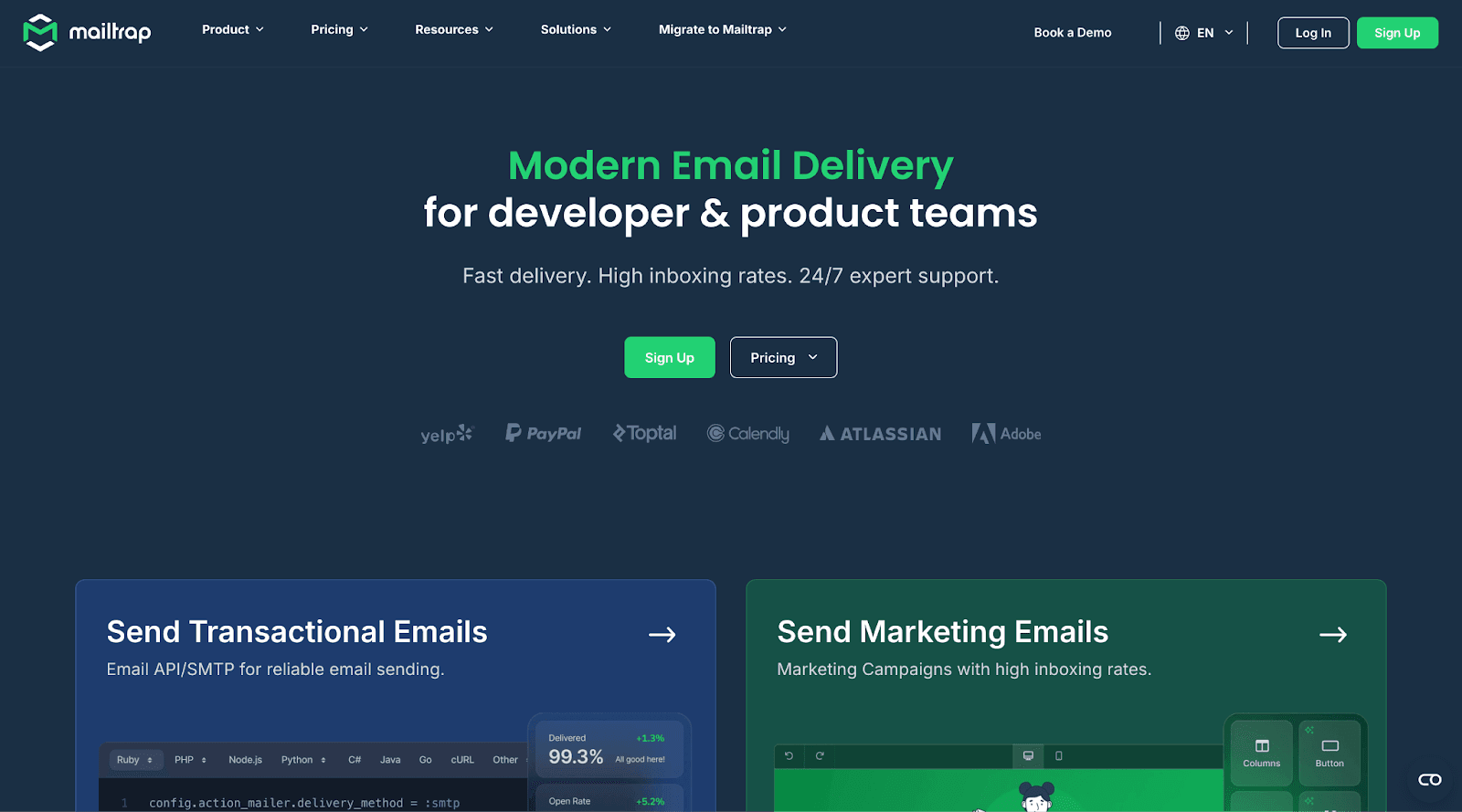
Mailtrap is a modern email platform built for developer and product teams. It combines a RESTful email API and SMTP service with high deliverability rates and expert support. The Email Sandbox environment is where the testing happens.
Email Sandbox sends your test emails to a fake server, eliminating any risk of accidentally emailing customers during development. After quick setup, every test email lands in a safe inbox where you can inspect it thoroughly.
The platform analyzes your HTML and CSS code to identify rendering issues across popular email clients like Gmail, Outlook, Apple Mail, and Yahoo Mail. It provides a weighted market support score and pinpoints exactly which code elements need fixing. This code-first approach helps developers catch compatibility issues proactively, though teams wanting visual screenshots across 90+ client variations may prefer dedicated preview tools like Litmus or Email on Acid.
Pros
- Email Sandbox offers HTML and CSS testing to find rendering errors in your emails
- Spam analysis feature ensures your email campaigns don't end up in spam folders
- Email forwarding testing feature with support for multiple inboxes
- Trusted by organizations like PayPal and Adobe
- Unlike competitors, Email Sandbox supports forwarded email testing
Cons
- Very limited testing volume on the free plan
- Email support only Monday-Friday on starter plans
When to Use Mailtrap Email Sandbox
Email Sandbox works well when you need a developer-centric approach to email testing during development and QA phases. You can then seamlessly switch to Mailtrap's email API or SMTP to send production emails with high deliverability rates.
MailHog

MailHog is an open source email testing tool designed to let developers test their emails during the development phase of a project.
The tool uses a fake SMTP server underneath to catch your emails and show them to you in a comfortable web interface. Alternatively, you can retrieve them using the tool’s JSON API.
Despite not being actively maintained, MailHog counts over 11K stars on GitHub. The project enjoys great popularity in the dev community, which praises it for its simplicity and small size. When built and run using Go, the tool doesn’t even require installation.
Pros
- MailHog is free and open source.
- It’s lightweight and has no need for installation.
- It provides a web interface to check your emails during the development phase.
- It saves your emails in a MongoDB database.
Cons
- The tool accommodates basic situations when you need to test your app’s email-sending capabilities during development, but it doesn’t support more complex features like HTML testing or spam filter pre-checks.
- You need to configure the tool before you can use it.
- The project hasn’t received new updates and commits in months.
When to Use MailHog
MailHog is a great option if you’re a developer looking for a free overview of what your app emails look like plus a basic capacity for debugging your email-sending flows.
MailCatcher

MailCatcher runs a simple SMTP server, displaying in a web interface any message you forward to the tool.
Once received, you can further analyze each message you sent to MailCatcher. You can double-check its body and HTML code, test the links, and view any attachments.
MailCatcher is not a web service, so you’ll need to host it somewhere. While that might be complicated in terms of setup for some individuals, the tool allows its users freedom to work with any tech stack they want, all the while ensuring that their tested emails will never reach real users.
Pros
- MailCatcher is free and open source.
- It supports email attachments.
- It allows you access to the HTML code of your emails.
- Working on localhost, it prevents you from spamming real users.
- It works with any tech stack.
- It updates in real time when new emails arrive.
- It purges emails when you stop the process running the tool.
Cons
- The tool is not actively maintained, with the latest release dated to March 2022.
- Since MailCatcher is not a web service, you need to take care of hosting it somewhere, which might require some skills in setting it up.
- Since the tool works only on localhost, it mainly accommodates the need for individuals rather than organizations who want to share their testing results.
When to Use MailCatcher
MailCatcher is a great option when you want to individually test your emails inside your project, regardless of your tech stack.
Litmus

Litmus is an all-in-one email marketing platform that provides the tools needed by every department in your organization to create successful email campaigns.
Trusted by large companies like Ford and J.P. Morgan, Litmus empowers your company to create email campaigns that are optimized from the start. The platform provides an editor to build your emails and get actionable AI insights about how to convert more users, with no coding required.
Before hitting send, Litmus will show you a checklist of strategic areas you can optimize to increase your email performance and delivery. Plus, you can test the appearance of your emails on over 100+ email clients and, once your campaign starts, Litmus will connect into your marketing stack to analyze your marketing results.
Pros
- Litmus is an all-in-one platform, with tools accommodating the needs of every department in even large companies, from marketing to R&D.
- It allows you to test your emails on over 100 email providers.
- It integrates with your marketing team apps.
- It offers pre-send spam testing.
- It provides AI suggestions to refine your emails and an actionable checklist of improvements before you hit send.
Cons
- Even the basic plan of Litmus can be quite pricey for smaller companies.
- This solution could be overkill if you just want to check the look of your emails once they’re sent.
- Reviews of this tool suggest its UI is not intuitive, and it might take a while before you get the hang of the platform.
When to Use Litmus
Litmus is a great option when you’re managing a medium-to-large organization that wants to optimize and analyze every step of its marketing campaigns from start to finish.
Mailinator
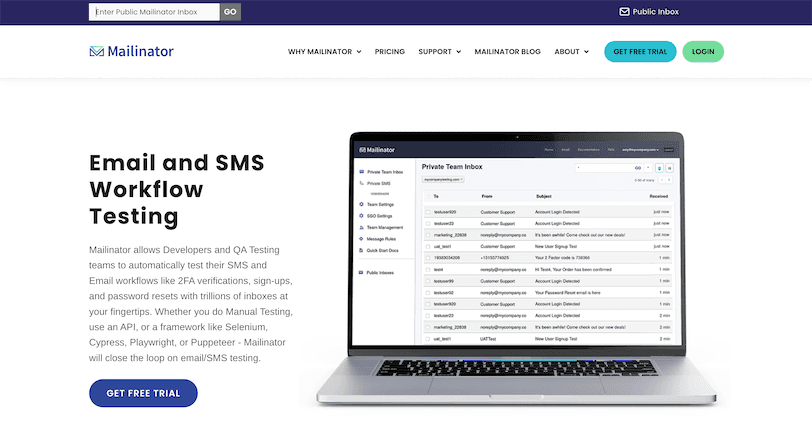
Mailinator is a free, online disposable email service. You can use it to test emails you send at any Mailinator domain address, without the need to sign up for the service.
To use Mailinator, you visit the tool’s page and enter an email name of your choosing, as long as it’s composed of Roman characters and numbers. Once you click enter, you will access the inbox of that disposable address, and you will see any email you send to it.
While this offering is incredibly helpful if you just want to test a basic email in your app, keep in mind that the inbox is public, so everybody will see the content of your email—even data you may not want to show to the world.
Pros
- Mailinator is very effective for devs and QA testers to check simple flows in your app, like a sign-up flow, or when you want to test different email copy personalizations, such as including the customer’s name in the subject line.
- It’s a free tool and requires no sign-up.
- It offers a free private inbox for verified devs and QA specialists.
Cons
- Emails on the free plan are visible to everybody, which could potentially expose private company information.
- The emails you send disappear within a few hours.
- The basic plan is quite pricey and doesn’t offer much in terms of email appearance testing on different email providers.
- There’s no support for email attachments on the basic plan.
- Sending emails to low-engagement addresses from your company’s email can damage your email domain.
When to Use Mailinator
Mailinator is a great option when you want a free and simple tool to test basic email flows in your app, like a new user sign-up or password reset flow.
Email on Acid
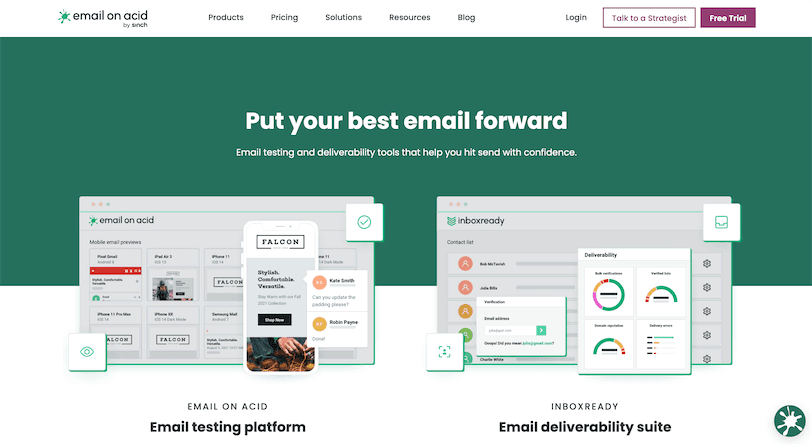
If you’re managing a large email campaign and you want it to look flawless, Email on Acid provides you with dozens of tools to achieve just that.
This platform lets you test your emails across different browsers, mobile devices, and email providers, making sure your emails look good across the board.
Email on Acid also provides a comprehensive pre-deployment workflow, verifying your emails' HTML and performing placement testing and reputation monitoring—everything you need to create a successful email campaign.
Pros
- Email on Acid is trusted by large companies like IBM and Toyota.
- It allows for collaboration, commenting, and editing between team members.
- It supports spam testing and automated testing.
- It provides the ability to test your email campaigns on an enormous variety of devices and email providers.
Cons
- No free plan is available.
- If you want to enjoy the collaboration tools of Email on Acid, you will need to purchase a premium plan, which is quite expensive compared to other tools.
- Even the single-user seat is more expensive compared to other alternatives.
When to Use Email on Acid
Email on Acid is a great option when your business runs email campaigns targeted to a large audience and you want to make sure your result will look flawless across a great variety of devices and conditions.
MailSlurp
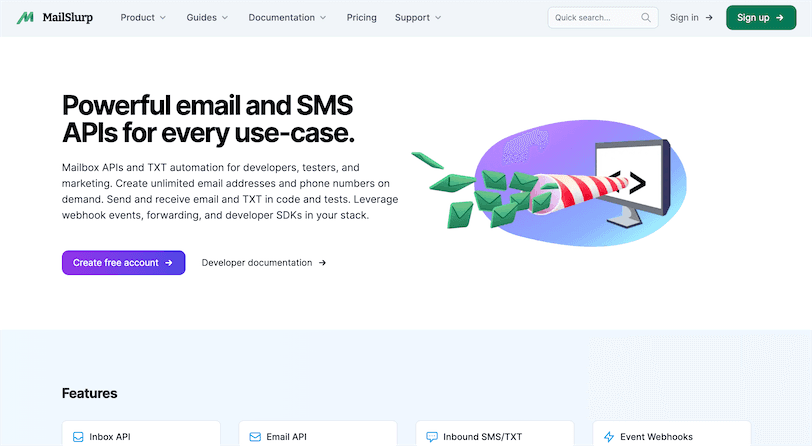
MailSlurp is not a tool dedicated solely to testing emails for devs. Yet, it provides you with an API you can plug in to your project to create disposable email addresses and receive emails for testing purposes.
The tool also gives you the ability to create permanent email inboxes with custom domains, and any email sent to these inboxes will be received by MailSlurp and stored.
You can then fetch these received emails in your code, attach webhook listeners, search emails with pattern matching, and manage email accounts programmatically.
MailSlurp poses itself as a more complete tool for devs to test email flows like user sign-up and email verification. It allows you to test your email, check the HTML code, and perform spam analysis, all independently from your tech stack of choice.
Pros
- MailSlurp is trusted by many high authority companies like Panasonic and Ring.
- It’s a more complete solution for devs to test their email flows.
- The tool offers a no-code visual dashboard to manage your email inboxes.
- It integrates with any tech stack.
- It has great documentation.
- It supports multiple email protocols like MTP, IMAP, and POP.
- It’s available both as a cloud-based solution or as self-hosted.
Cons
- It has pretty limited sending limits for free accounts.
- You need to set up the API before you can start using it.
When to Use MailSlurp
MailSlurp is a great option when you want a more complete tool to test your app email flows, independently of your tech stack of choice.
GlockApps
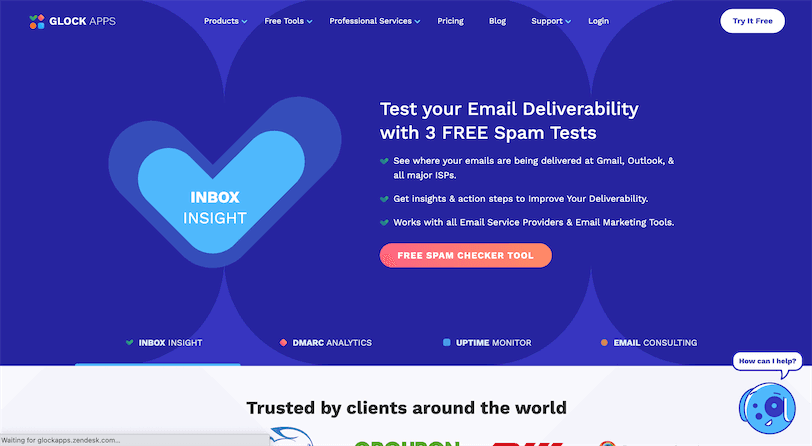
Contrary to other tools on this list, GlockApps’ goal is not related to the appearance of your emails. Rather, it’s all about making sure they get delivered across a variety of email providers your audience might use, as well as identifying potential issues that might let your emails slip into a spam inbox or get them blocked along the way.
Pros
- GlockApps supplies great deliverability testing across popular email providers like Gmail and Outlook.
- It offers domain protection against spoofing and phishing attacks.
- It provides sending IP monitoring against 50+ industry blacklists.
- It offers spam testing.
Cons
- It’s limited only to deliverability testing.
When to Use GlockApps
GlockApps is a great choice when you want insights into your email campaign deliverability and want to make sure your audience is receiving your messages from multiple providers.
MailSlurper

MailSlurper is a small SMTP server designed to let developers “slurp” and test their emails during the development phase. It promotes itself as an easy-to-use tool, removing the burden derived from setting up a full-blown email server for your testing purposes.
Just set up your app to send its emails to MailSlurper, and the tool will do the rest.
Pros
- MailSlurper is free and open source.
- It offers easy set up.
- It provides a web-based interface to check your emails.
- It’s configurable to run or any address or port.
- Its server runs on Windows, Linux, and OSX.
Cons
- The latest release dates back to May 2018.
- It offers only very basic support for email testing and offers no other features, like deliverability checks.
When to Use MailSlurper
MailSlurper is a great option if you’re a developer who wants to test an app's email sending flows without the hassle of setting up a full-blown email server.
Optimizely
A/B testing is the practice of running experimentations on different versions of a web page, email, or landing page in order to find the one that performs better in terms of conversion. If you’re part of a larger organization that wants to use email marketing campaigns at maximum capacity, an A/B testing tool like Optimizely can make the difference in your potential revenue.
Pros
- Optimizely helps you run experiments at scale to find the best email combinations for your business.
Cons
- This solution can be overkill for teams who simply want to test their emails or don’t have an audience large enough to perform A/B testing.
- Not all prices are disclosed on the website; you must contact the sales team to receive them.
When to Use Optimizely
Optimizely is a great option when you run large email campaigns and want to optimize their open rate and conversions by running A/B testing.
Conclusion
From poor design and typos to broken images and links, the details make a big difference when it comes to email campaigns. In this article, you learned the consequences of not testing your emails and how much revenue loss may be at stake from a simple variation error. Then you explored ten of the top email testing tools currently available to get a better idea of which may be of use to you. If you want to manage all your product-driven communications like emails, web and mobile push, SMS, in-app inbox, and chat, Courier is the one-stop development platform for your team. Courier provides a powerful API for developers and a web studio for non-technical users to design notifications and automated sequences and to view cross-channel analytics. It integrates with over fifty communication providers and can automate testing with the tools listed above in a dedicated testing environment—making it possible to develop, scale, and manage notifications faster and with fewer resources.
Keep exploring
More guides
One API, every channel
Ship notifications without the boilerplate
Courier gives you one API for email, SMS, push, and chat, with templates, routing, retries, and delivery logs built in.
Last updated Aug 21, 2026. Code samples are illustrative; provider APIs and pricing change over time, so check each provider’s docs before relying on them.