Transactional vs. Marketing Notifications: Email, Push Notifications, and SMS
What's the difference between transactional and marketing notifications? Learn how the distinction applies across email, push notifications, & SMS with examples
Updated Feb 17, 2026
Transactional notifications confirm actions users have already taken. Marketing notifications drive actions you want them to take. The distinction matters for legal compliance, deliverability, and user trust — and it applies differently across email, push notifications, and SMS.
In this guide, we'll introduce both notification types, compare them across each channel, and explain how to manage both effectively without sacrificing deliverability or user preferences.
Understanding Transactional Notifications
What Are Transactional Notifications?
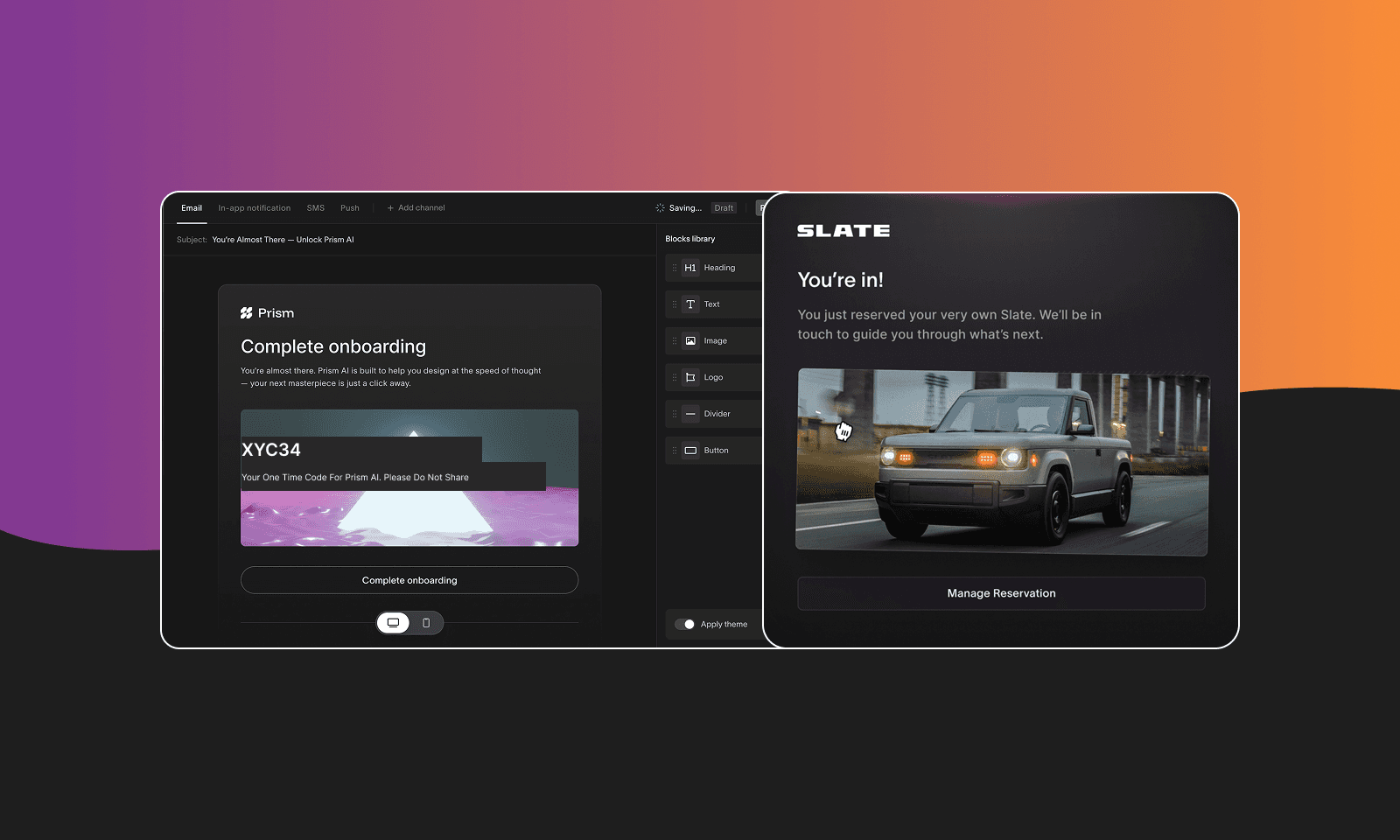
Transactional notifications are automated messages triggered by a specific user action or system event. Their primary purpose is to inform — not to promote. A user does something, or something happens to their account, and a notification follows.
Common examples include password resets, order confirmations, payment receipts, shipping updates, security alerts, and two-factor authentication codes.
How Do Transactional Notifications Work?
- A user action or system event triggers the notification (a purchase, a login attempt, a failed payment).
- The system generates a message with details specific to that event and that user.
- The message is sent through the appropriate channel — email, SMS, or push — in real time.
- The user receives information they were expecting and likely waiting for.
Transactional notifications are sent one-to-one. Each message is unique to the recipient and the event that triggered it.
Advantages of Transactional Notifications
- High open rates because users expect and need this information — often 40–70% for email, close to 98% for SMS.
- No opt-in required for email under CAN-SPAM, since they're necessary for service delivery.
- Build trust by keeping users informed about their account and activity.
- Reduce support volume by proactively confirming actions and surfacing issues.
- Prioritized by email providers for inbox delivery over promotional messages.
Disadvantages of Transactional Notifications
- Must be sent through reliable infrastructure — a failed password reset or missed payment alert directly harms the user experience.
- Cannot include promotional content without risking reclassification as a marketing message under CAN-SPAM.
- Require careful error handling and delivery monitoring at scale.
- Push notification delivery still requires opt-in on iOS and Android, even for transactional messages.
Understanding Marketing Notifications
What Are Marketing Notifications?
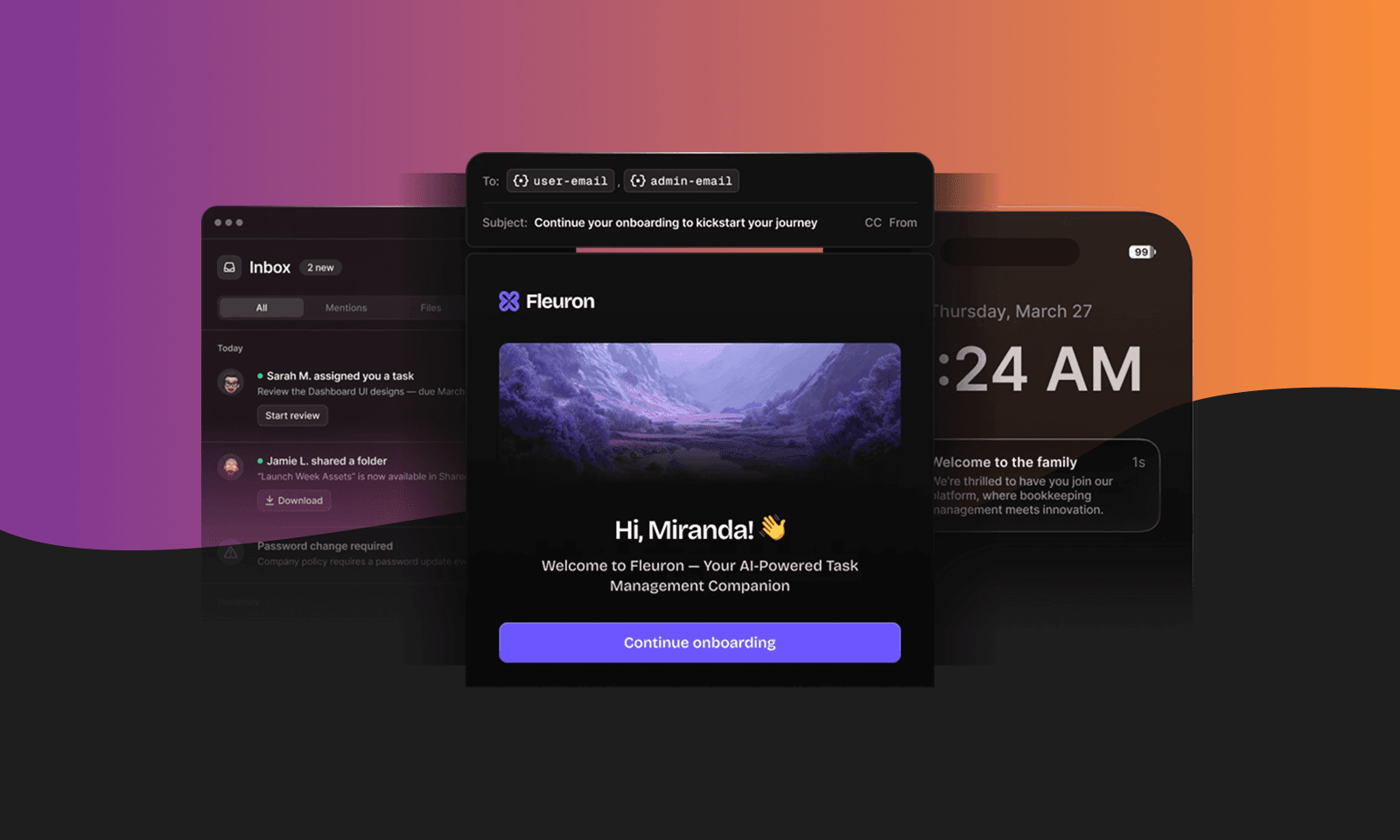
Marketing notifications are messages sent to promote a product, offer, or event. They're sent to segments of opted-in users based on campaign goals or schedules — not triggered by individual user actions.
Common examples include promotional discounts, product announcements, newsletters, re-engagement campaigns, and feature launch announcements.
How Do Marketing Notifications Work?
- A marketing team defines a campaign goal (a sale, a feature launch, a re-engagement push).
- A target segment is selected from opted-in users.
- Messages are scheduled and sent through email, SMS, or push at the chosen time.
- Results are measured against engagement and conversion goals.
Marketing notifications are sent one-to-many. The same message — or a personalized variant of it — goes to a list of recipients rather than a single user responding to an event.
Advantages of Marketing Notifications
- Direct path to driving revenue, sign-ups, and product adoption.
- Can be A/B tested and optimized for engagement over time.
- Effective for re-engaging users who haven't been active recently.
- Can be highly personalized based on user segments and behavior data.
Disadvantages of Marketing Notifications
- Require explicit opt-in across all channels and jurisdictions — no exceptions.
- Lower engagement rates than transactional messages: typically 15–25% open rates for email.
- Risk of opt-outs and spam complaints if frequency is too high or content isn't relevant.
- Poor deliverability from underperforming campaigns can affect other messages if not managed properly.
Transactional vs. Marketing Notifications: Key Differences
| Transactional | Marketing | |
|---|---|---|
| Trigger | User action or system event | Campaign schedule or business goal |
| Purpose | Inform | Promote or convert |
| Recipient | Individual | Segment or list |
| Email opt-in required | No (CAN-SPAM exemption) | Yes |
| Push opt-in required | Yes (iOS and Android) | Yes |
| SMS opt-in required | Yes (TCPA and most global regs) | Yes |
| Promotional content allowed | No | Yes |
| Typical email open rate | 40–70% | 15–25% |
Transactional vs. Marketing Email
Transactional emails are exempt from opt-in requirements under CAN-SPAM as long as their primary purpose is informational. Add a discount code or upsell and you risk reclassifying the message as marketing, which requires consent. Under GDPR, transactional emails are covered by legitimate interest — you can send them without explicit consent if they're necessary for service delivery.
Marketing emails require opt-in, must include an unsubscribe option, and are regulated under CAN-SPAM, GDPR, and CASL depending on where your users are located.
Transactional vs. Marketing Push Notifications
Push is where the transactional exemption disappears entirely. iOS and Android both require explicit opt-in for all push notifications — transactional or marketing. A user who hasn't opted in can't receive a critical payment failure alert via push. This is why products that rely on push for transactional delivery need fallback channels: if push isn't available, the message needs another route.
Marketing push follows the same opt-in requirement, with the added risk of opt-outs if campaigns are too frequent or too promotional.
Transactional vs. Marketing SMS
SMS has the strictest consent requirements of any channel. TCPA in the US requires prior written consent for most SMS messages, including many that would qualify as transactional under email rules. The broad exemptions that exist for transactional email don't apply to SMS in most jurisdictions. GDPR, CASL, and PDPA all have their own requirements on top of that.
Marketing SMS follows the same consent rules as transactional SMS, with the additional requirement that every message includes opt-out instructions.
The Gray Areas
Some messages don't fit cleanly into either category:
Welcome emails are triggered by a signup (transactional trigger) but often contain feature highlights and marketing copy. Generally treated as transactional in the US, but adding heavy promotional content shifts the classification.
Abandoned cart messages can go either way. "Your cart expires in 24 hours" with no promo is arguably transactional. "Complete your purchase and save 15%" is marketing and requires opt-in.
Renewal reminders are transactional when they inform a user about an upcoming charge. Add an upgrade prompt and they become marketing.
When in doubt: if the primary purpose is to inform a user about something that already happened or is about to happen to their account, it's transactional. If it's to persuade them toward a commercial action, it's marketing.
Managing Transactional and Marketing Notifications Together
The compliance distinction between transactional and marketing doesn't mean you need two separate platforms. It means you need one platform with proper preference controls and sending architecture that keeps the two types cleanly separated.
When transactional and marketing notifications live in separate systems, you lose the ability to coordinate across them. A user who opts out of marketing email should still receive their payment receipts. A user who disables marketing push should still get security alerts. That kind of nuance only works with a shared preference layer that understands the difference between message types and respects user choices accordingly.
Courier manages transactional and marketing notifications from a single platform, with preference management that lets users control what they receive without blocking messages they actually need. Multi-tenant architecture keeps sending streams cleanly separated for deliverability, while the preference layer handles the user-facing controls. You can explore how Courier handles transactional notifications, read about how sending works, or request a demo to see the preference management in action.
For a broader look at how transactional, product, and marketing notifications fit together, see Transactional, product, and marketing notifications: what are the differences? And for examples of what good notification design looks like across both types, the top 20 notification examples are worth a look.
Conclusion
Transactional notifications inform users about actions and events. Marketing notifications drive users toward commercial goals. The legal and deliverability implications differ across email, push, and SMS — but the underlying distinction is the same across all three.
Managing both types well doesn't require two platforms. It requires one platform that understands the difference, separates sending streams appropriately, and gives users real control over what they receive.
FAQ
Frequently asked questions
Keep exploring
More guides
One API, every channel
Ship notifications without the boilerplate
Courier gives you one API for email, SMS, push, and chat, with templates, routing, retries, and delivery logs built in.
Last updated Feb 17, 2026. Code samples are illustrative; provider APIs and pricing change over time, so check each provider’s docs before relying on them.