Top 10 Tools to Check Your Email IP & Domain Reputation | Free & Paid
Learn how email domain reputation is calculated and explore 10 top tools to check your IP and domain reputation. Improve deliverability and avoid blacklists.
Updated Jun 30, 2026
Introduction
Email sender reputation is one of the most important factors affecting email deliverability. Whether you’re sending transactional messages or marketing campaigns, a strong sender reputation helps ensure your emails land in the inbox — not the spam folder.
Sender reputation is determined by both your IP and domain reputation. Monitoring these signals regularly is key to maintaining high deliverability, spotting issues early, and optimizing your email program over time.
In this guide, we’ll break down the difference between IP and domain reputation, explain how domain reputation is calculated, and share 10 reliable tools you can use to check — and protect — your sender reputation.
📬 Managing your email provider shouldn’t be a deliverability gamble.
Courier helps you route messages through trusted providers like SendGrid, Mailgun, and Amazon SES — while staying compliant and reputation-safe.
👉 Learn more at courier.com
Understanding IP vs Domain Reputation
An email sender's reputation is essentially a score given by an Internet Service Provider (ISP). It assesses your email sending habits and analyzes whether you have adhered to the ISP's guidelines using complicated statistics that consider several reputations and govern how emails are delivered.
First, let's look at the two primary factors that affect sender reputation: IP reputation and domain reputation.
IP Reputation
An Email Service Provider (ESP) has a pool of IP addresses used to send emails. Although buying private IPs is a choice, most senders use IP addresses shared across a diverse group of sender accounts since it's expensive.
IP reputation is associated with the IP address used to send the email, which indicates whether email servers can accept emails sent from that specific address. If your IP address is a dedicated address, the IP reputation solely depends on how you use it. However, when you're using a shared IP, the behavior of all other senders who have the same IP impact your reputation. For example, some mailbox providers opt to blacklist you as well if they find a faulty mailing done by your shared IP.
IP reputation measures bounce rates, spam, and Unwanted Bulk Email (UBE) to determine the number of users who accept emails from a specific IP address. An important fact to remember is that IP reputations can be reset by changing the IP address of the domain.
Domain Reputation
Domain reputation defines the standing and ranking of your email sending domain by looking at past email sending patterns and the rate of interaction on the emails. Unlike IP reputation, Domain reputation is attached to the domain name and cannot be reset easily. Therefore, domain reputation is much more permanent than IP reputation.
There are three types of domains to consider when sending emails: From Address, Return-Path domain, and DomainKeys Identified Mail (DKIM) signing domain. Even though it's crucial to know which one of the above domains ISPs employ to verify domain reputation, it is affected by all three kinds of domains. As a result, maintaining a positive domain reputation necessitates careful control of all three domains.
Understanding How Your Email Domain Reputation Is Calculated
Recipients maintain records of each time a domain is used in an email and how that message appears inside the inbox to evaluate domain reputation. Most ISPs employ extensive algorithms to "rate" (on a scale of 0-100) a domain relying on the said information, then verify that score while processing future emails to create a level of reliability. The higher the domain reputation score at a specific recipient is, the more unlikely subsequent emails will be rejected or filtered as spam.
The sender domain's reputation is also linked to the IP reputation. So if your domain is renowned on the internet for delivering unwanted emails, using a reliable and effective IP via the finest ESPs won't work.
For reliable delivery and customizable routing logic across providers, Courier’s email API helps you control both IP and domain behavior.
10 Tools to Check Your Email IP & Domain Reputation
Now, let's go through some readily available tools that you can use to check your email server IP and domain reputation.
1) SenderScore.org
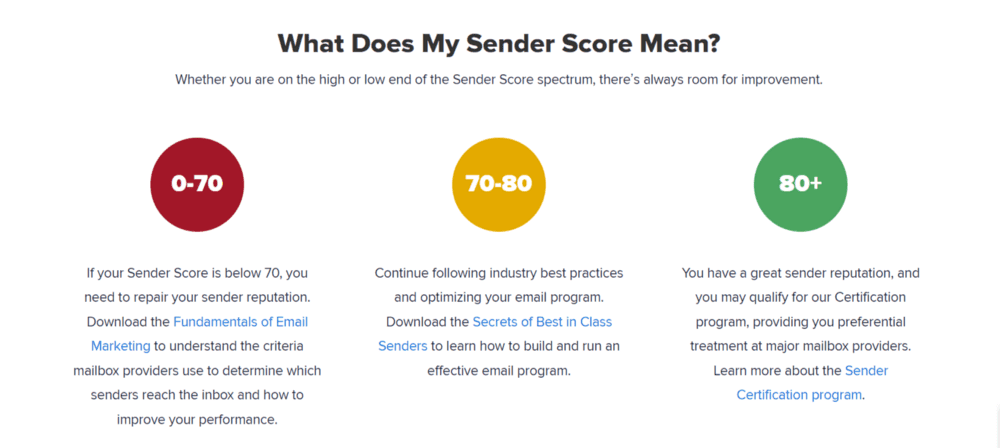
SenderScore is a free email reputation evaluation service provided by Validity. The Sender Score gives you an idea of how trustworthy an email sender's IP address is.
Source: https://senderscore.org/
The Sender Score is similar to a credit score that assesses your reliability and evaluates the quality of your email program. It is a score between 0 and 100 that describes how mailbox providers perceive your IP address and identifies the strength of your sender reputation. The higher your score, the more reputable you are and the more likely your emails will be delivered. The calculations are based on a rotating 30-day average and show where your IP address stands compared to other IP addresses.
2) TrustedSource
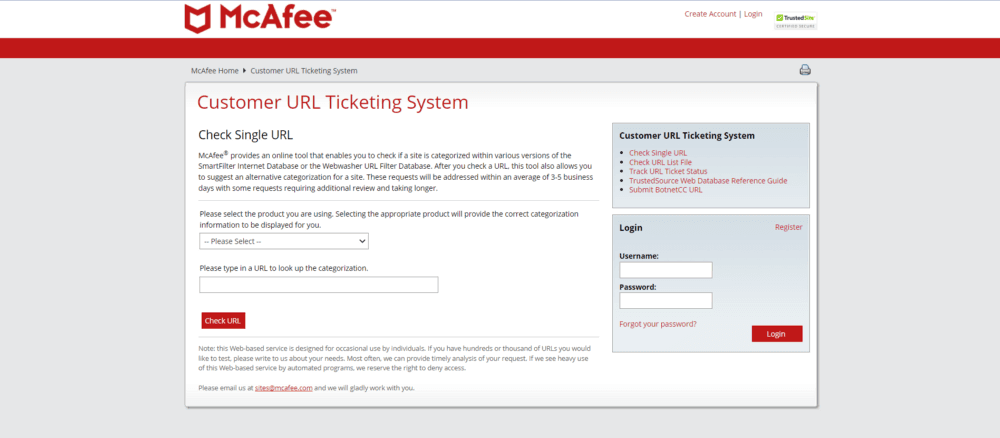
TrustedSource is an online Internet reputation system by McAfee. It offers reputation scores for Internet identities like IP addresses, URLs, domains, and email/web content.
The TrustedSource.org portal site can be used to examine reputation data and content categories and global email, web, and other network traffic patterns observed by the TrustedSource ecosystem for any IP address, domain, or URL. It also contains historical data, activation, and interconnections of your domain.
Source: https://www.trustedsource.org/
The reputation data are obtained by monitoring McAfee's global security devices and hosted services in real-time. The resulting numerical scores are then coupled with the local filtering policies of devices and services that use TrustedSource to make accept/deny/traffic-shaping judgments on the network connectivity linked with those Internet identities.
3) BarracudaCentral
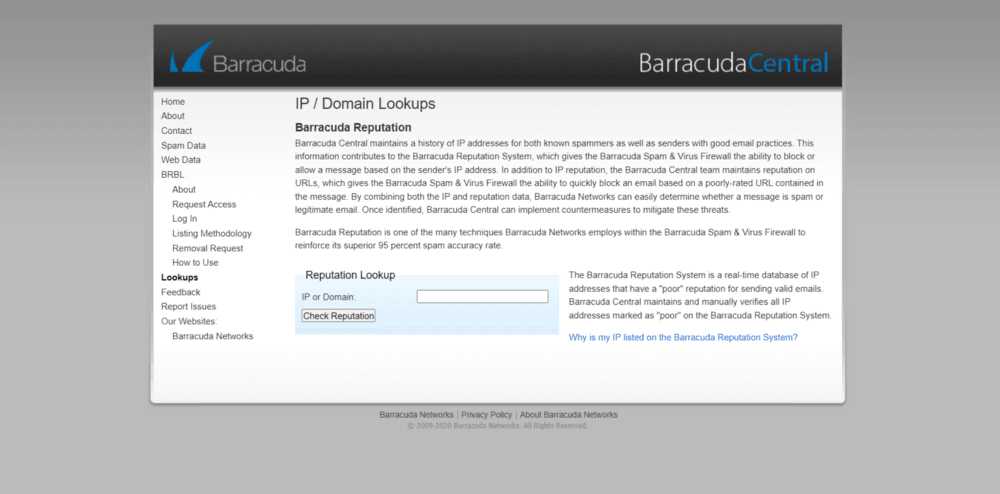
Barracuda Reputation System can check both IP and domain reputations. It uses a real-time database to classify IP addresses as either having a 'good' or 'bad' reputation. Then, the sending histories linked with all sending mail servers' IP addresses are examined to estimate the possibility of legit messages coming from those addresses. The Barracuda Spam and Virus Firewall can deny or enable an email depending on the sender's IP address.
Source: https://www.barracudacentral.org/lookups
The system promotes URL reputations by quickly banning emails that contain a low-rated URL. As a result, the mix of IP and reputation data of Barracuda Networks aids in determining if a message is a spam or a valid email.
4) MxToolbox
MxToolbox tells you who is sending email alleging from your domain, what reputation your senders' IPs have, and the sender's location. In addition, this tool displays if there are any issues with your domain according to Blacklists, Mailserver, Web Server, and DNS, and you'll also be notified right away if your email reputation varies.
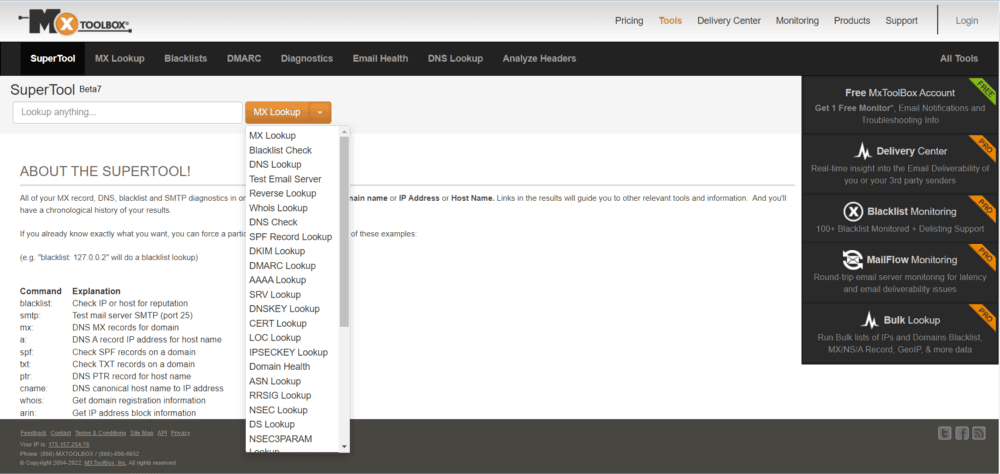
Source: https://mxtoolbox.com/SuperTool.aspx
It offers both free and paid packages. Users who sign up for a free account get one free monitoring run and accessibility to the top 30 blacklists. In addition, if you wish to repair any errors with the domain listing, you can see the comprehensive details.
5) Google Postmaster Tools
Google has a plethora of data on which emails get delivered and which are not. With the aid of these data, Google discloses how they handle particular domains when an email from them arrives, with the rest of the globe via a free set of tools named Google Postmaster Tools.
IP reputation, domain reputation, Gmail delivery issues, and other helpful information are among the data they share. Google also provides you with information on how you are doing in terms of authentications, spam reports, and email encryption.

Source: https://www.gmail.com/postmaster/
These tools provide a simplistic overview of how Google views your domain, which is only available to senders with a high sending volume. It will necessitate the addition of a custom record to your DNS. You'll be able to examine how your reputation changes on a 4-step scale.
6) Talos
Talos Intelligence by Cisco correlates your "web reputation" with messages delivered across numerous IPs. If any major issues could affect delivery, you'll most certainly notice them here. You can verify the reputation of both your email server IP and your domain by entering them both.
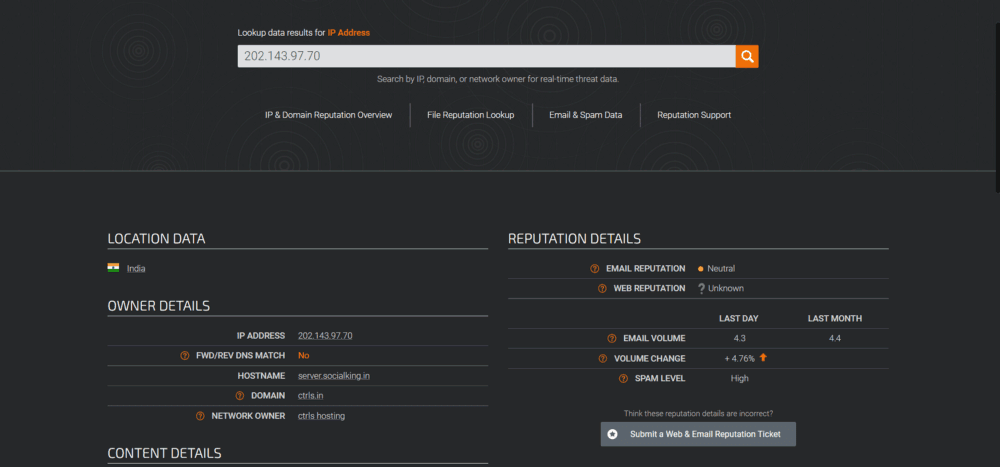
Source: https://talosintelligence.com/
It will tell you whether other email service providers rate your domain or IP as Good, Neutral, or Poor. While Good depicts nothing to be concerned about, Poor signifies that most of your emails are not arriving into the inbox, and Neutral implies room for growth which usually suggests that there isn't much information on your domain (low volume).
7) MailTester
MailTester examines your content, mail server, and sender IP address and provides a full report detailing what is and is not adequately configured. It's a low-cost, straightforward, and effective approach to analyze your emails' quality easily.
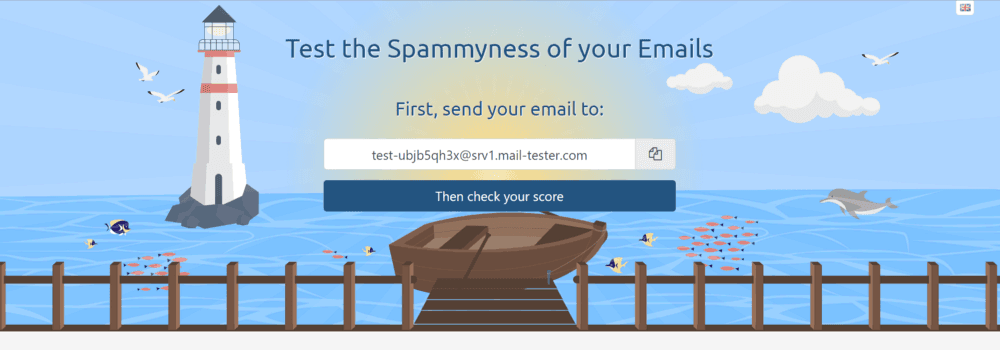
Source: https://www.mail-tester.com/
This tool has both free and paid versions. If you use the free edition, your results will be available for seven days. On the other hand, the results can be saved for 30 days if you upgrade to a paid version. Furthermore, the web interface of MainTester allows you to do tests manually regularly without having to create an account.
8) Ipvoid
Ipvoid is an application developed using APIVoid's Domain Reputation API, which evaluates your domain reputation and compares your IP address with blacklisting engines. Various well-known domain blacklists, such as ThreatLog, PhishTank, OpenPhish, and others, will let you know if a domain name is categorized as possibly malicious or phishing.
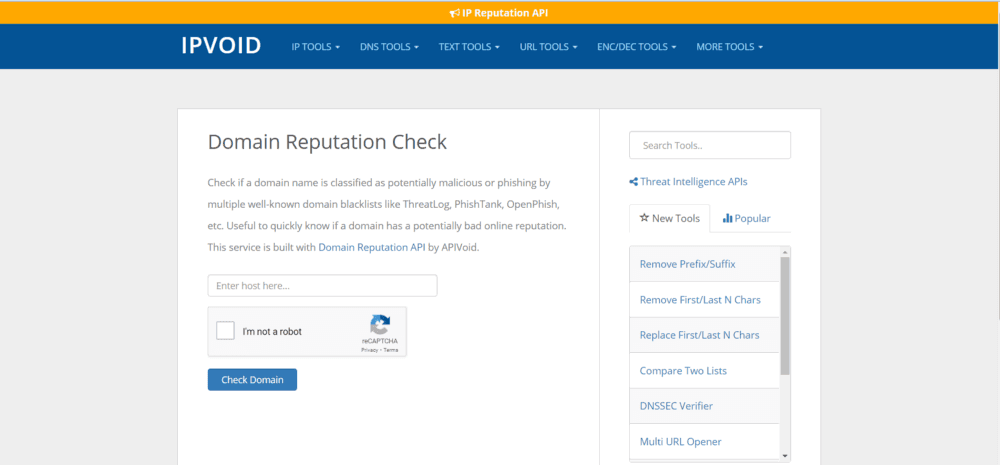
Source: https://www.ipvoid.com/domain-reputation-check/
This tool is handy for rapidly analyzing whether a domain has a poor online reputation.
9) SendForensics
SendForensics is far more reliable than the previous options on this list. In addition, it emphasizes the idea of deliverability as a whole and compares you to other organizations on their list of clients, including Oracle and Cisco.
To evaluate your reputation, write an email and send it to your personal account. After that, the site will evaluate its numerous components and assign you a score for each. Then, you can compare yourself to other businesses in the same industry or a certain country.
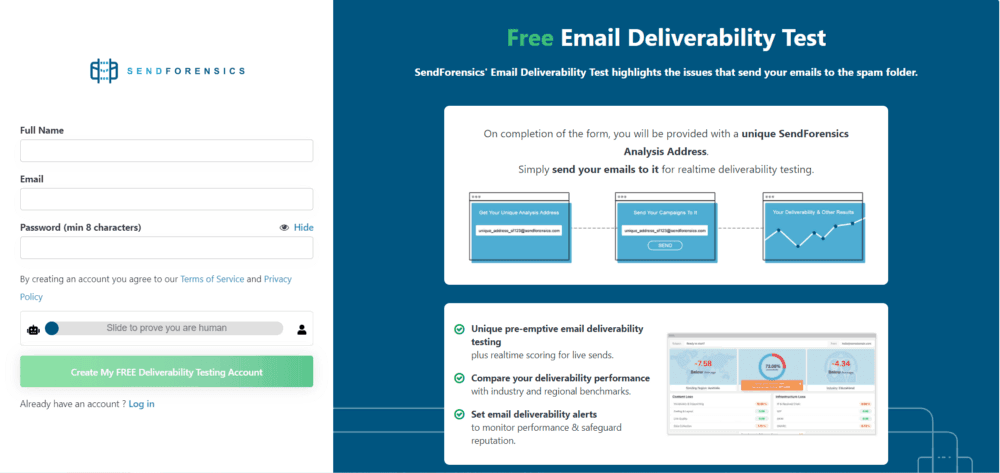
Source: https://www.sendforensics.com/email-deliverability-test
The main benefit of SendForensics is that it splits down your email account into separate parts and gives you a path to follow to improve your reputation.
10) Cyren IP Reputation Checker
Cyren IP Reputation Checker is a basic IP reputation checker that lets you analyze how mailbox providers see your IP address. Every email is sent from a specific IP address. Cyren's global system recognizes, tracks, and ranks these addresses based on their reputation. This website also offers a brief explanation of what the risk level means, in addition to the reputation/risk level.
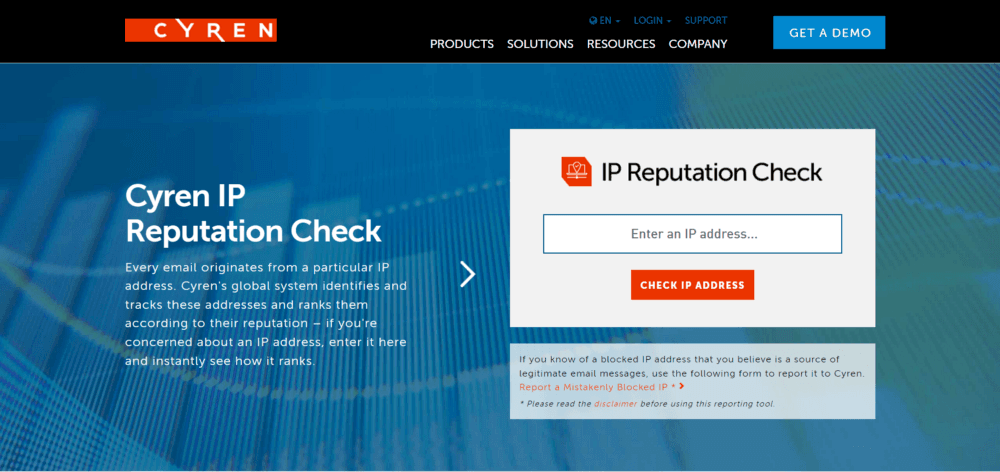
Source: https://data443.com/cyren-ip-reputation-check-gate/
It's a nice place to start monitoring your reputation, even though it's not very effective in enhancing it.
Final Thoughts on Managing Sender Reputation
Managing email server IP and domain reputation is complex — but essential to maintaining deliverability and inbox trust. These tools give you visibility into how ISPs view your domain, but true improvement comes from consistent, compliant sending practices.
Courier helps you do just that. With built-in support for provider failover, smart routing, and user preferences, you can send email — and other channel messages — with confidence.
👉 Explore Courier to take the guesswork out of reputation management.
FAQ
Frequently asked questions
dig, nslookup, or Python libraries like dnspython to automate reputation checks against DNSBLs.Authentication-Results. Alternatively, use dig or nslookup to inspect DNS records for SPF and DMARC. Developers can automate validation using open-source libraries (like dkimpy in Python) or Postfix/Exim log analyzers to ensure every outgoing message has valid signatures and alignment. Misalignment between Return-Path and From domains is a common failure cause.dig or online validators.Keep exploring
More guides
One API, every channel
Ship notifications without the boilerplate
Courier gives you one API for email, SMS, push, and chat, with templates, routing, retries, and delivery logs built in.
Last updated Jun 30, 2026. Code samples are illustrative; provider APIs and pricing change over time, so check each provider’s docs before relying on them.