What Is Notification Infrastructure?
Notification infrastructure turns product events into messages across email, SMS, push, in-app, and chat. Here's what it includes, and when to build vs buy.
Updated Jul 1, 2026
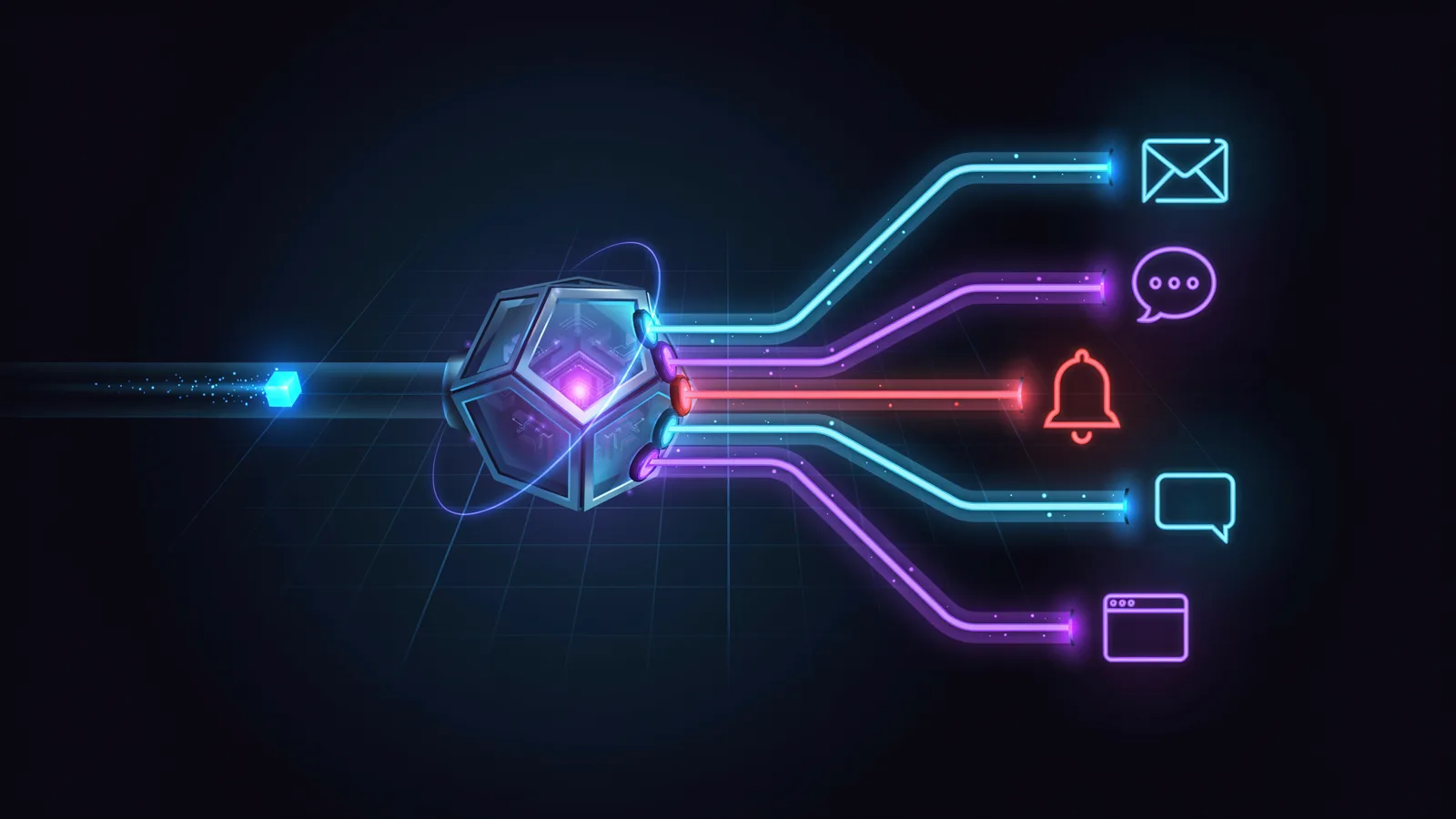
Notification infrastructure is the software layer that turns product events into messages and delivers them to users across channels like email, SMS, push, in-app, and chat. It handles the work that sits between your application and your users: routing, user preferences, templating, retries, provider failover, and delivery tracking. You can build it yourself or use a notification platform that provides it as one managed API.
Every product that talks to its users runs on notification infrastructure, whether you call it that or not. The moment you send a password reset, a payment receipt, an in-app alert, or a "your report is ready" ping, something has to decide what to send, which channel to send it on, whether the user even wants it, and what to do when a provider goes down. This guide explains what notification infrastructure is, breaks down the components it's made of, shows how it differs from a raw send API and from a marketing platform, and helps you decide whether to build it or buy it.
What does notification infrastructure include?
A complete notification system is made of a handful of components. You can build each one yourself or get them bundled in a platform, but they all have to exist somewhere:
- Channel integrations. Connections to the providers that actually deliver messages: email (SendGrid, Mailgun, SES), SMS (Twilio, Vonage), push (APNs, Firebase), chat (Slack, Microsoft Teams), and in-app inboxes.
- Routing and orchestration. The logic that decides which channel a given notification goes out on, in what order, and under what conditions.
- User preferences. A model for what each user wants to receive and where, plus enforcement of those choices at send time.
- Templating. Reusable content with variables, so the same notification renders correctly across channels without copy-pasting markup.
- Retries and failover. Automatic retries on transient errors and the ability to fall back to a second provider when the first one is down.
- Delivery tracking and observability. A record of what was sent, what was delivered, what bounced or failed, and how users engaged, all in one place.
Miss one of these and you feel it later. Skip preferences and users drown in notifications they didn't ask for. Skip failover and an outage at a single provider takes your notifications offline. Skip observability and you find out about delivery problems from angry support tickets.
It helps to be clear about what sits where. SendGrid, Twilio, Firebase Cloud Messaging, and APNs are delivery channels: each one knows how to put a message on the wire for email, SMS, or push. Notification infrastructure sits above them and coordinates them. A single line of code like "notify the user that their invoice is ready" hides a lot of decisions, and notification infrastructure is where those decisions live, so they don't end up scattered across your application code.
What is notification orchestration?
Notification orchestration is the decision-making layer that turns a single event into the right set of messages. When an event fires, orchestration figures out who should be notified, which channels to use, the order and timing to use them in, and which preferences and rules apply, then hands the actual delivery off to the channel providers.
Orchestration is what separates real infrastructure from a thin wrapper around a send API. A simple wrapper sends an email when you tell it to. Orchestration can send an in-app notification first, wait to see if the user reads it, fall back to email after fifteen minutes if they don't, suppress the whole thing during the user's quiet hours, and never send on a channel the user has turned off. That branching, timing, and preference logic is the orchestration layer, and it's usually the most valuable and the most painful part to build yourself.
Notification infrastructure vs a send API
A send API delivers one message on one channel when you tell it to. Notification infrastructure decides what to send, where, and when, then uses send APIs to deliver it. The send API is a tool; the infrastructure is the system that coordinates those tools and adds the logic around them.
Here's how the two compare across the capabilities a production notification system needs, with a marketing platform added for contrast:
| Capability | Send API (Twilio, SendGrid) | Notification infrastructure | Marketing platform (Braze, Customer.io) |
|---|---|---|---|
| Channels | One per integration | Many, through one API | Many, marketing-oriented |
| Cross-channel routing | You build it | Built in | Campaign-oriented |
| User preferences | You build it | Built in | Subscription and list management |
| Templating | Basic, per channel | Cross-channel, reusable | Rich, marketing-focused |
| Retries and failover | Limited | Built in | Varies |
| Delivery observability | Per provider | Unified across channels | Campaign analytics |
| Who operates it | You | The platform | The platform |
| Primary use case | Sending one message | Product and transactional notifications | Marketing campaigns and lifecycle |
The short version: a send API is a building block, and notification infrastructure is the building. If you only need to put one type of message on one channel, the send API alone is fine. The moment you need coordination across channels, preferences, and reliability, you're either buying infrastructure or building it on top of those APIs yourself.
Notification infrastructure vs a marketing platform
Notification infrastructure powers product and transactional notifications triggered by what's happening in your application: a password reset, an order shipped, a teammate mentioned you. Marketing platforms power campaigns and lifecycle messaging aimed at growth: newsletters, promotions, re-engagement sequences. The classic split is who owns the system and what triggers a send. Product notifications are triggered by code, expected by the user, and usually can't be turned off entirely (you can't opt out of a security alert). Marketing messages are triggered by campaigns, optional by law in most regions, and owned by a growth or marketing team.
That line is blurring, though, especially for B2B. Notification infrastructure has moved into lifecycle and product messaging: most platforms now ship visual journey builders, behavioral triggers, and a shared preference model, so the same event-driven system can run onboarding sequences and re-engagement alongside transactional sends. The old "transactional vs lifecycle vs product" separation turns out to be mostly artificial, since it's the same product event driving a message with different intent. For B2B and product-led companies, that means one orchestration layer can increasingly cover transactional, product, and lifecycle messaging, with shared user profiles, preferences, and delivery logs, instead of two parallel stacks that fragment preferences and let messages collide.
Where the line still holds is high-volume B2C marketing. If your core job is broadcast promotional campaigns, deep audience segmentation, and the large-scale email marketing that e-commerce runs on, a dedicated marketing platform is still built for that. A rough rule of thumb: if messaging is driven by product events and owned by engineering and product, notification infrastructure fits; if it's driven by marketing campaigns and owned by a growth team, a marketing platform fits; and a growing share of B2B products sit in the middle and consolidate on infrastructure. We cover this distinction in more depth in our guide to notification infrastructure vs marketing platforms.
One reason that consolidation works is that notification infrastructure is developer-centric. It's API-first, defined in code and source control rather than a marketing UI, typically usage-priced, and provider-agnostic, so it works across the providers you already use. That gives you far more flexibility to wire notifications into your product exactly how you want, and it's the same property that lets AI agents send notifications directly, which we get into below.
What problems does notification infrastructure solve?
Notification infrastructure exists because doing this yourself, channel by channel, gets expensive and brittle fast. The specific problems it solves:
- Multi-provider sprawl. Every channel is its own SDK, auth model, and quirks. Infrastructure gives you one API and lets you swap providers without rewriting your application.
- Preference management. Tracking what each user wants, on which channel, and enforcing it everywhere is its own subsystem. Infrastructure handles the model and the enforcement.
- Reliability. Retries on transient failures and failover to a backup provider keep notifications flowing during an outage, instead of silently dropping them.
- Notification logic creep. Without a dedicated layer, routing and channel rules end up tangled through your feature code. Infrastructure keeps that logic in one place.
- No visibility. When sends are spread across providers, nobody can answer "did this user get notified?" Infrastructure unifies delivery tracking so you can.
None of these problems show up on day one. They show up at the second channel, the first provider outage, and the first time a user complains about notification overload. Infrastructure is what you wish you'd had before those moments, not after.
Build vs buy: notifications as a service
Once you know what notification infrastructure includes, the real question is who builds and operates it: you, or a platform.
Building it yourself means building and operating every component above: channel integrations, routing, a preference model, templating, retries and failover, and observability, plus the orchestration that connects them. The first version always looks small. Send an email, add SMS, wire up push. The cost lands later. Each provider has its own failure modes and rate limits. Preferences turn out to need per-channel and per-type granularity. Someone asks for quiet hours, then digests, then per-tenant branding. A provider has an outage and you discover you have no failover. Support can't tell whether a notification was delivered, so you build tracking. That ongoing burden, more than the initial build, is the part that's easy to underestimate.
Building it yourself makes sense when notifications are core to your product in a way no platform can match, when you have one narrow and stable need (a single channel, a handful of message types, no preferences), or when regulatory, data-residency, or security constraints force you to own the entire stack. If you're in one of those cases, build with eyes open: you're signing up for the ongoing operations, not only the first release.
Buying makes sense for most teams, because notifications are necessary but not the differentiator, and time spent building and operating the system is time not spent on the actual product. Notifications-as-a-service gives you the whole stack behind one API, with the maintenance handled for you. The trade-off in plain terms:
| Build in-house | Buy (notifications-as-a-service) | |
|---|---|---|
| Time to first send | Weeks to months | Minutes to integrate |
| New channels | Another integration each time | One integration covers all |
| Reliability | You build retries and failover | Built-in redundancy |
| Preferences | You design and maintain the model | Included |
| Observability | You build delivery tracking | Unified out of the box |
| Ongoing maintenance | Yours, indefinitely | Handled by the platform |
How AI agents and AI IDEs change the build-vs-buy math
The classic build-vs-buy choice was a genuine trade-off: build it yourself for full control and pay in maintenance, or buy a turnkey product for speed and give up flexibility. A developer platform already softened that, because you build your integration on top of managed infrastructure and get the flexibility of code without operating the plumbing. AI agents and AI-native IDEs push it further. When an AI IDE like Cursor or a coding agent can scaffold the integration for you, the main cost of the build path (writing and wiring the code) drops sharply, while the platform still handles delivery, failover, and scale. Building on a developer platform starts to look like the best of both worlds: close to the speed of buying, with the flexibility of building, and none of the ongoing operations.
That reframes the spectrum. A marketing platform is the traditional buy: you configure in a UI instead of writing code, which is fast but boxes you into what the UI exposes, and it usually puts ownership with a growth team rather than engineering. For product and transactional notifications, building on a developer platform increasingly wins, because AI has made the building part cheap while the managed infrastructure removes the operations.
Notification infrastructure for AI agents
AI agents are a newer reason notification infrastructure matters, and one most category definitions skip. An agent that takes actions on a user's behalf still has to tell someone what it did, and that's a notification problem. The agent decides what happened; the notification layer decides how the user finds out, on the right channel, at the right time, with the user's preferences respected. Those are two different jobs. This is where the developer-centric nature of notification infrastructure pays off: because it's API-first and provider-agnostic, an agent can call it the same way your application code does, without a marketing UI in the loop.
An agent that triages support tickets, monitors a system, or runs a workflow generates events constantly: a task finished, an anomaly detected, an approval needed, a decision made. Each of those is a notification waiting to happen. Without infrastructure, every agent has to learn how to send email, respect quiet hours, fall back across channels, and not spam the user, which is exactly the work notification infrastructure already does. There's also a tooling angle: agents increasingly act through protocols like MCP, which means the notification layer can be a tool the agent calls directly ("notify this user that their report is ready"), routed and delivered according to that user's preferences, without the agent knowing which channel wins. For a deeper look at the agent side, see our guide to notifications for AI agents.
Ship notifications with Courier
By now the shape of notification infrastructure should be clear: a layer that turns events into messages, routes them across email, SMS, push, in-app, and chat, respects user preferences, retries and fails over when providers misbehave, and tells you what actually happened. You can build and operate all of that yourself, or you can get it as one API.
That's what Courier is. It gives you a single API across every channel, orchestration and preferences built in, templating your non-engineers can edit, automatic failover across 50+ providers, and end-to-end delivery tracking, whether the sender is your application code or an AI agent. You write "notify this user," and the infrastructure handles routing, preferences, reliability, and observability. If notifications matter to your product but you'd rather not spend the next quarter building the layer that powers them, that's the trade Courier is built to make.
FAQ
Frequently asked questions
Keep exploring
More guides
One API, every channel
Ship notifications without the boilerplate
Courier gives you one API for email, SMS, push, and chat, with templates, routing, retries, and delivery logs built in.
Last updated Jul 1, 2026. Code samples are illustrative; provider APIs and pricing change over time, so check each provider’s docs before relying on them.