New Courier CLI

Emily Lane
March 12, 2026

The new Courier CLI brings your notification infrastructure directly into AI agent workflows like Cursor and Claude Code. Developers can send messages, debug issues, and manage notifications straight from the terminal, enabling faster iteration and automation.
With support for both CLI commands and MCP integrations, teams can choose how agents interact with Courier in structured or flexible ways. It’s the fastest way to build, test, and manage notifications alongside your code.
Read more about the new CLI here.
Learn more: See how to manage templates from the CLI and MCP · Model Context Protocol (MCP) docs · Read more on terminal-first notification development
More updates
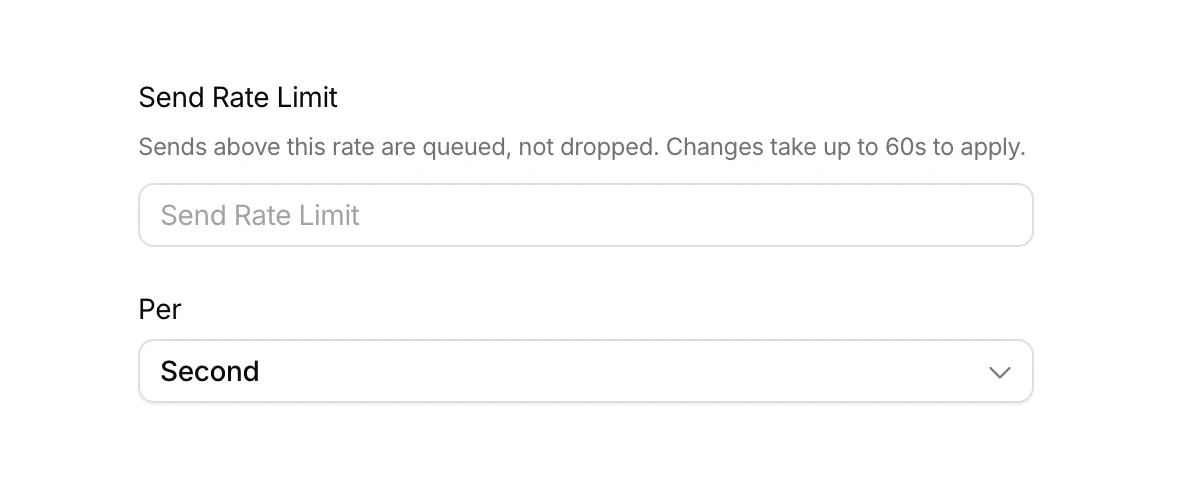
Send rate limits for providers
Send to Courier at any rate. Courier sends to each provider at the rate you set.
By Emily Lane
October 21, 2026
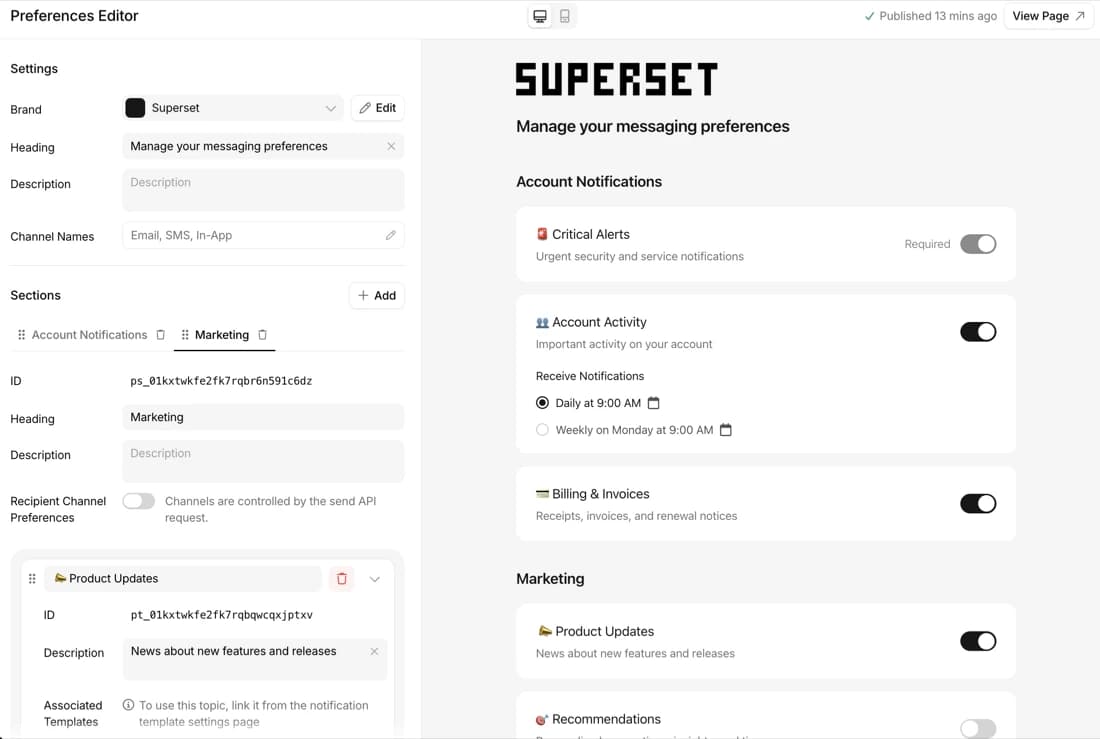
Preference webhooks and change history API
Get every preference change as a webhook, and read the full history by API.
By Emily Lane
October 14, 2026
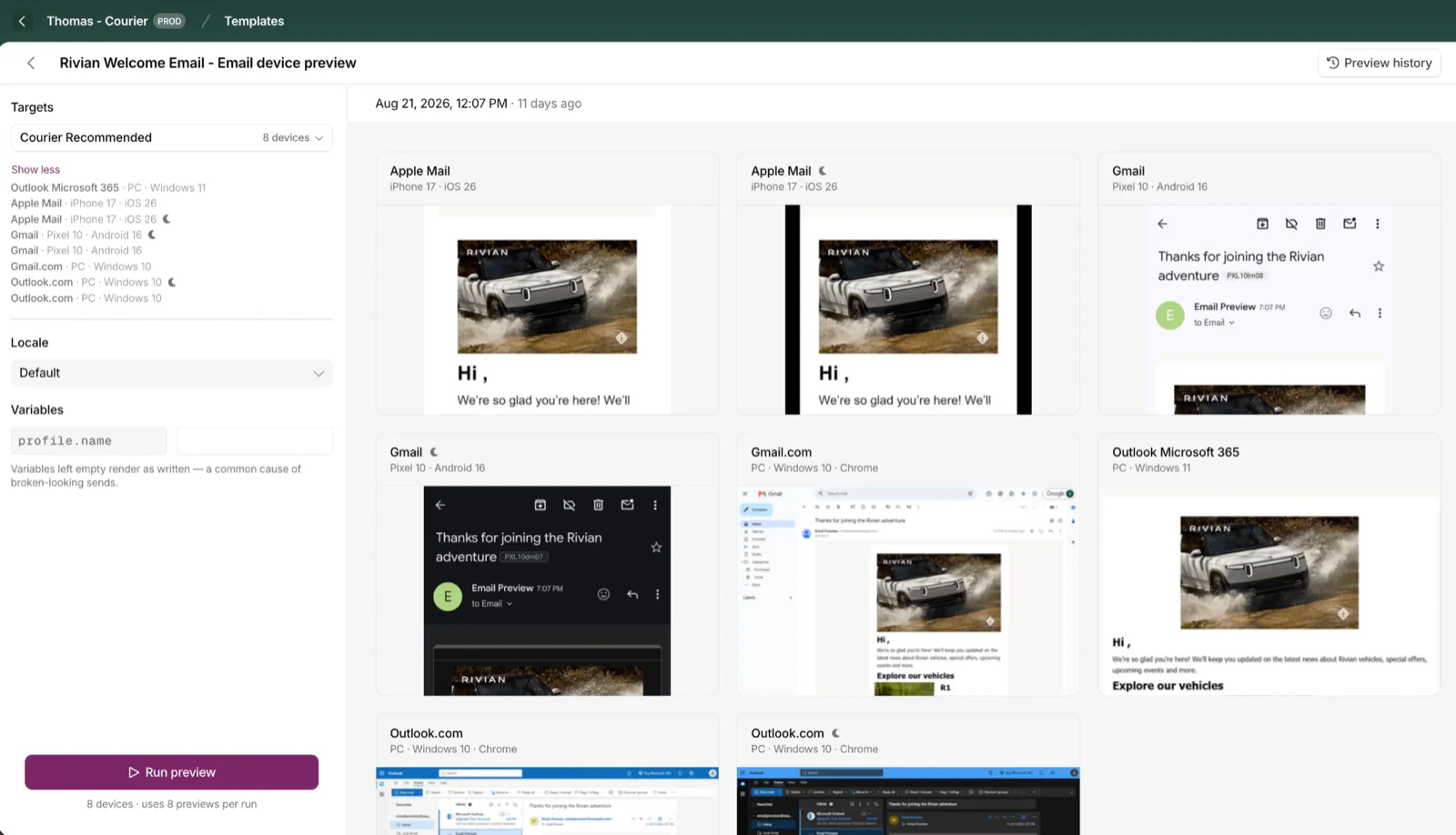
Cross-Device Email Preview
Preview email templates on real devices, 96 clients across 21 apps, right from Design Studio.
By Emily Lane
September 01, 2026