

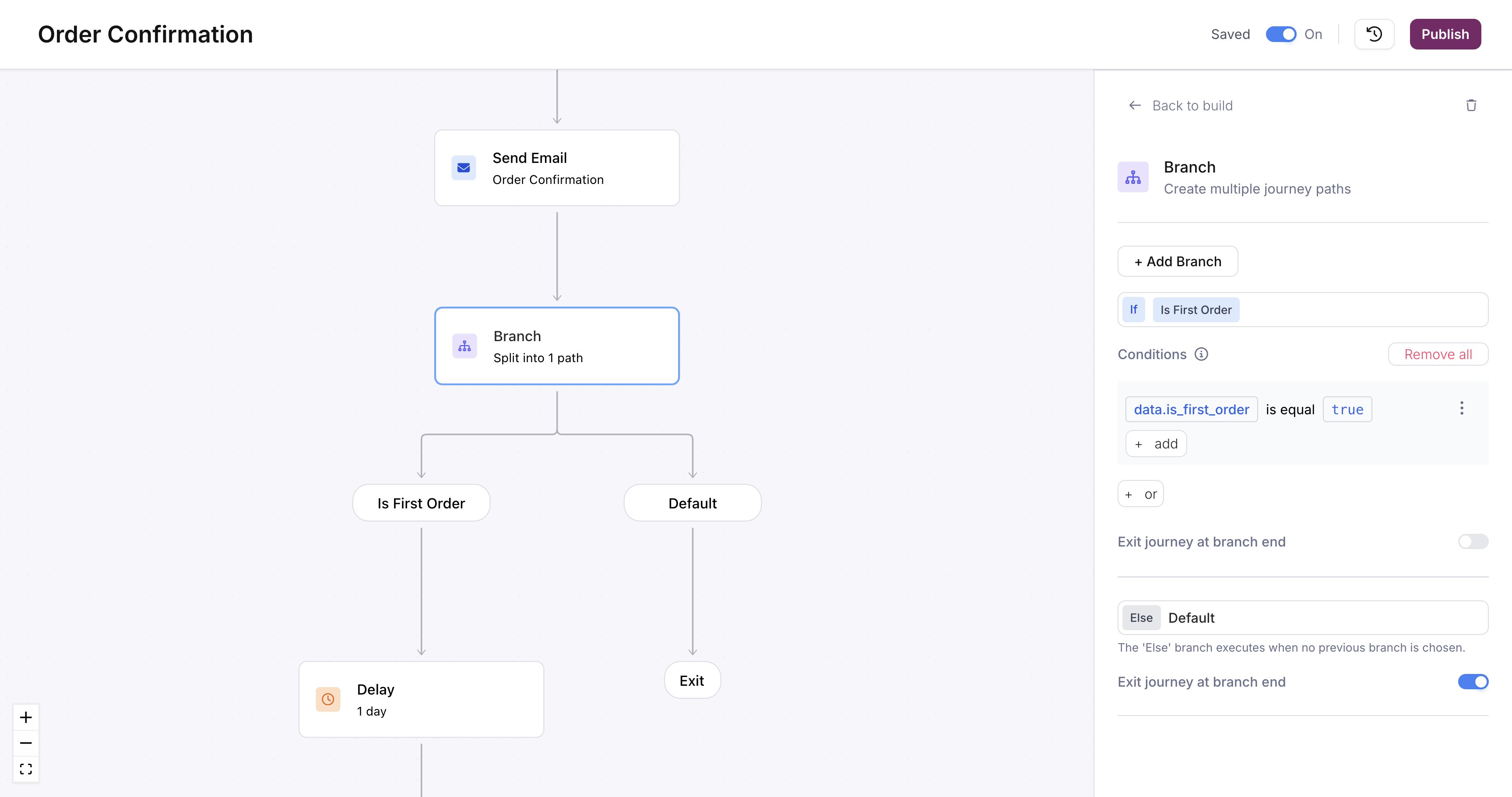
A branch node on the canvas with a conditional path and a Default path
Configuring conditions
Click the branch node to open the condition editor. Each path takes one or more conditions, and each condition has three parts:- Field: a value from the journey context (trigger schema, profile, or fetch response)
- Operator: the comparison
- Value: what to compare against
Write the root on every field. No
user. root exists, so read a profile field as profile.tier, not user.tier. Creating or replacing a journey through the API checks every condition, on branch paths and on any node’s own conditions:
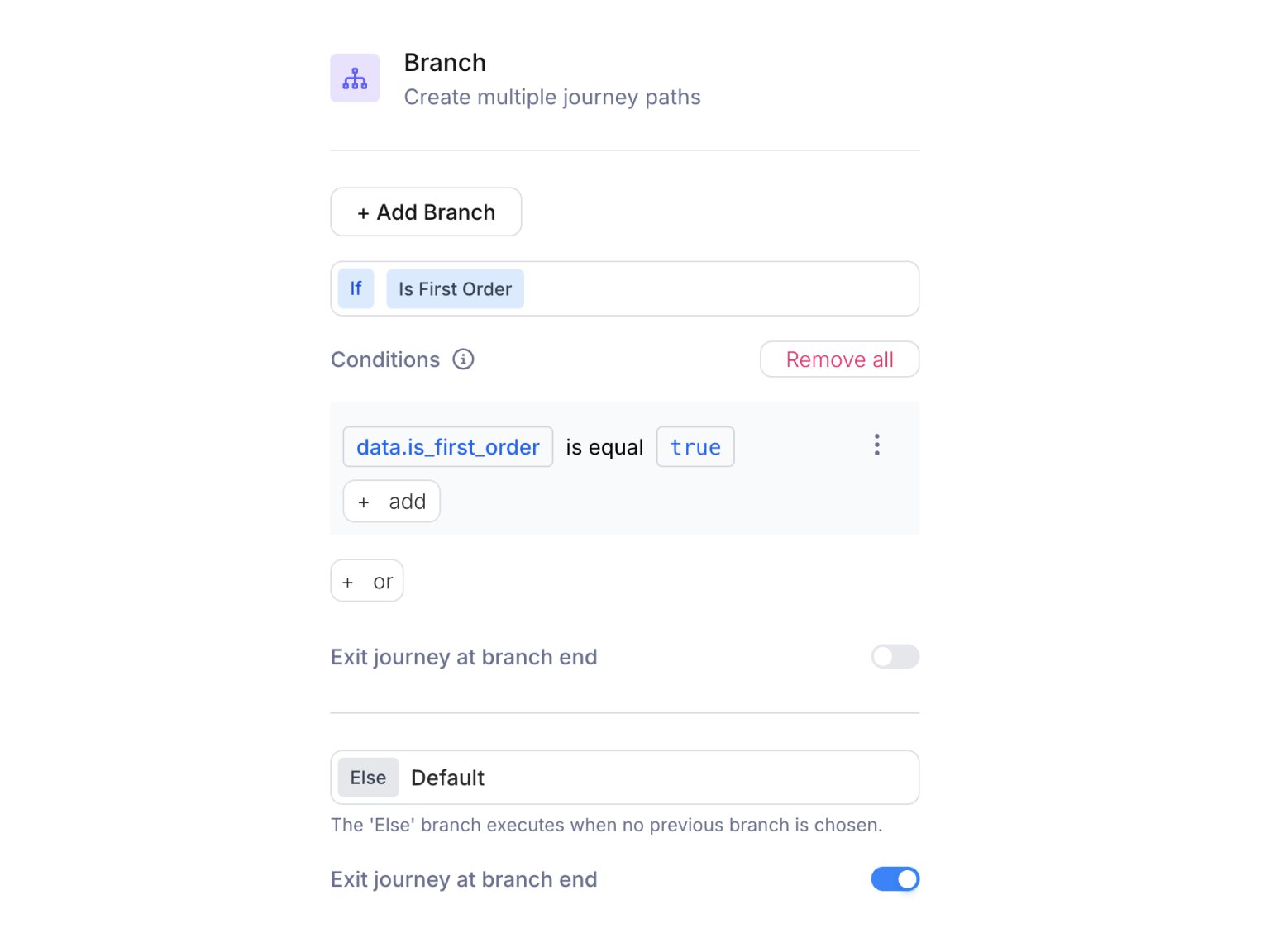
Branch configuration panel showing condition groups with field, operator, and value selectors
Multiple conditions per path
A path supports both AND and OR logic. Click + add inside a condition group to add another condition. All conditions in the same group must be true (AND). Click + or at the bottom to add a separate group. The path executes if any group is satisfied (OR). For example, route to a VIP path for a first-time buyer with a high-value order, or a returning buyer who has spent more:- Group 1:
data.is_first_orderis equaltrueANDdata.order_totalgreater than50 - Group 2:
data.is_first_orderis equalfalseANDdata.order_totalgreater than200
Common patterns
Tiered notifications: Branch on a numeric field (e.g.,data.priority) to send urgent messages via SMS and lower-priority messages via email.
Feature gating: Branch on a boolean field (e.g., data.is_premium) to send premium users richer content.
Fallback handling: Use the Default path to catch unexpected values and send a generic message or skip sending entirely.