

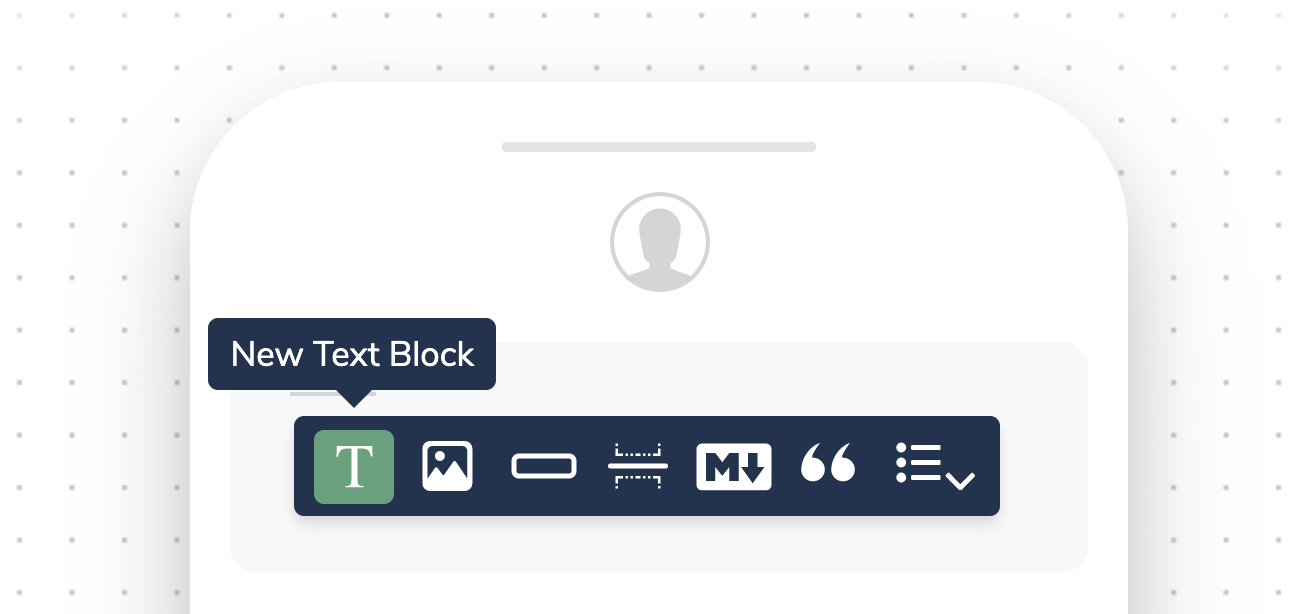
New Text Block
Text Block Options
- Variables: Customize text across all channels and integrations using variables.
- Background Color: Adjust the background color to enhance the text block’s appearance.
- Insert Bulleted List: For static bulleted lists, use this option. For dynamic content, refer to list blocks.
- Hyperlink: Add hyperlinks to text in any channel to create interactive notifications.
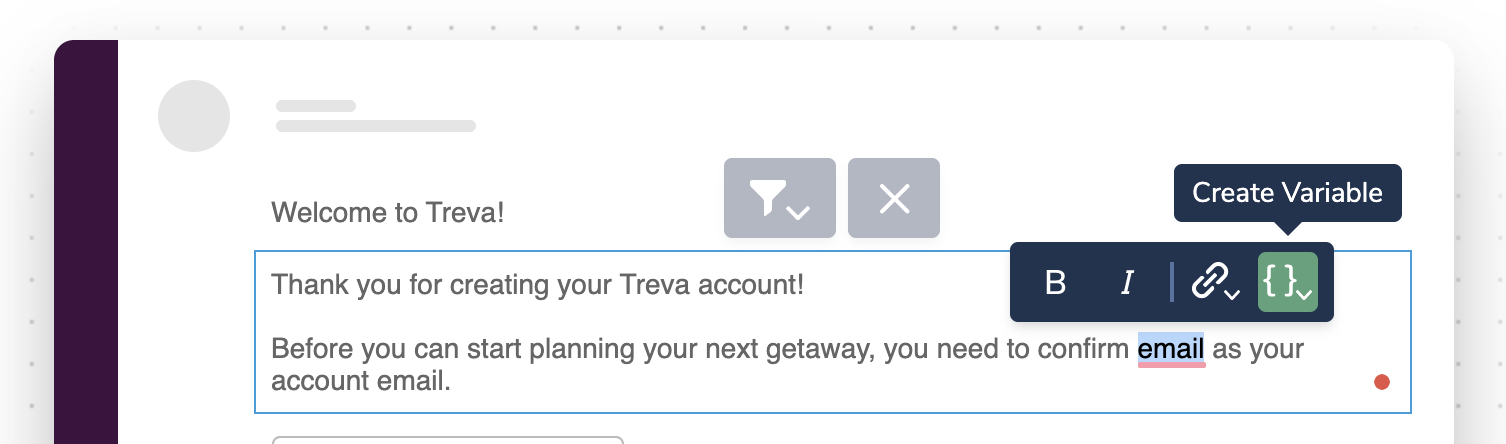
Create a New Variable
Show or Hide Text With Inline Conditions
Conditional text allows you to control the visibility of text within a Text Block across different channels. You can use filters to dynamically show or hide text based on data from the profile or data objects sent with the Send API.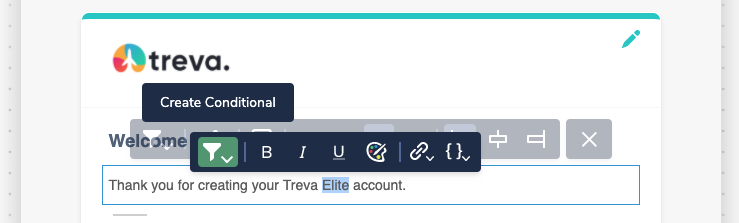
Conditionally Render Text
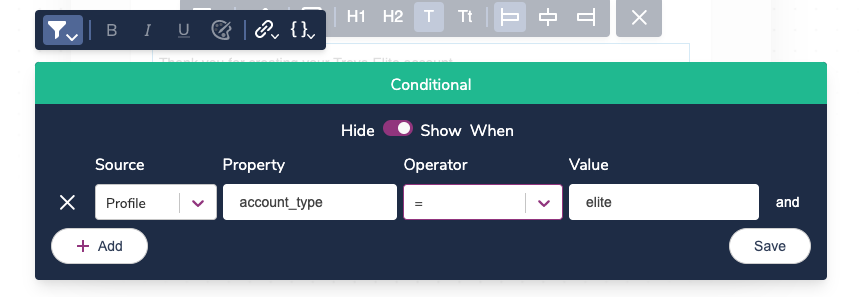
Choose Your Rendering Conditions
profile.name variable in your template and set a condition to hide it when the name property is empty. Then, add fallback text (e.g., “there”) with a condition to display when profile.name is not present, resulting in a message like “Hi there,” instead of “Hi {profile.name},”.
Cross-Channel Formatting Behaviors
Courier automatically adjusts text formatting to suit the limitations of each channel and integration when using text blocks from the shared content library.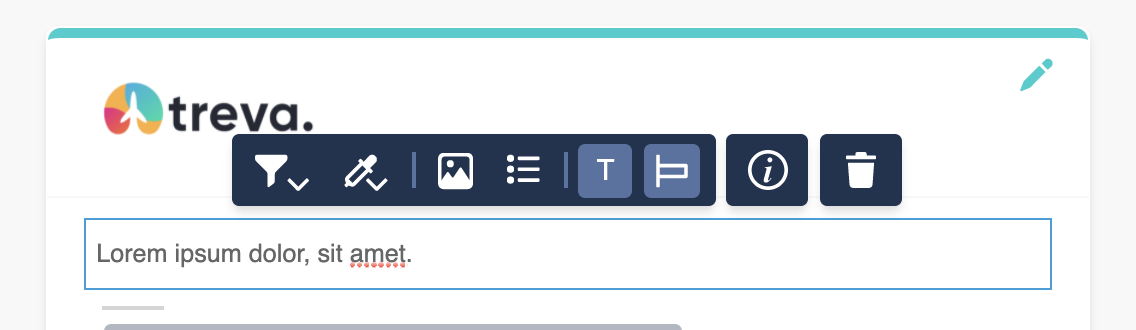
Email Text Formatting
- Text blocks in emails offer advanced formatting options, such as inline images, bulleted lists, headers (H1, H2), subtext, text color, and alignment. These features are not available in SMS, push notifications, or Slack.
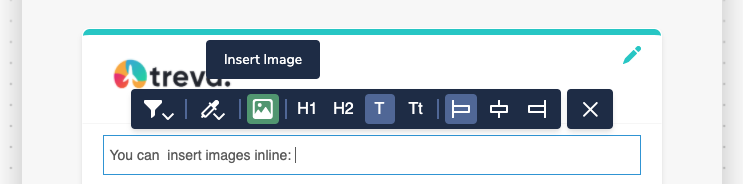
- You can also embed images inline:
Inline Image
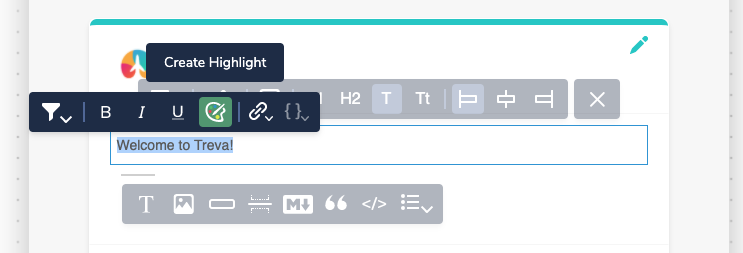
- Highlight important text:
Highlight Text
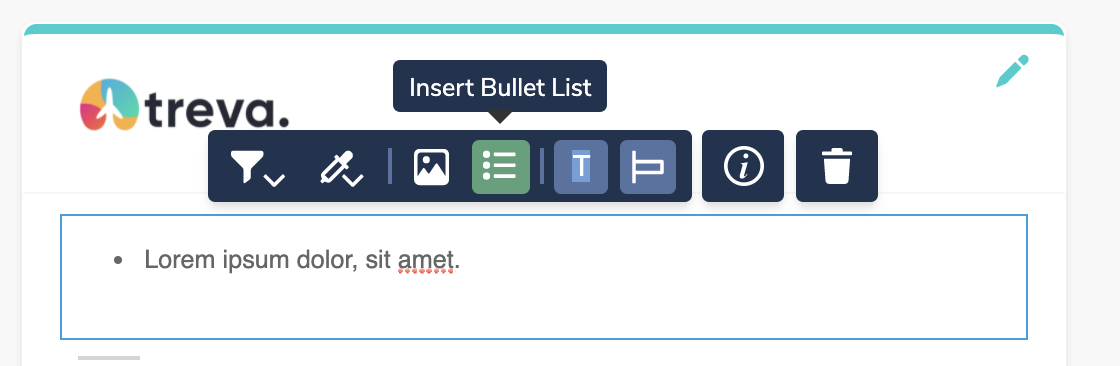
- Add static bulleted lists (use list blocks for dynamic content):
Unordered List
Direct Message
- Formatting options such as bold and italic are available in certain direct message text blocks.
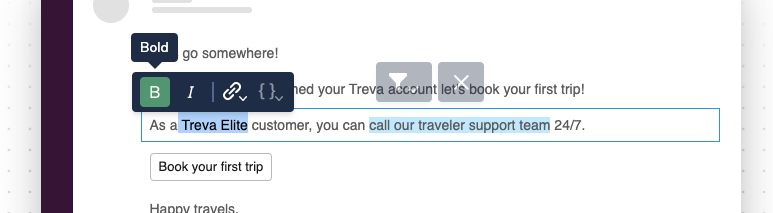
Bold Formatting
SMS
- SMS does not support text formatting. Bold, italic, headers, subtext, background colors, and alignment will revert to plain text.
- Hyperlinks formatted as anchor links will appear as URL hyperlinks in SMS.
Conditional Rendering
Like with any content block, Text Blocks can be hidden using a conditions filter.Content Block Basics
Adding, reordering, and filtering blocks
Action Blocks
Add buttons and links to your notifications
List Blocks
Render dynamic arrays as styled lists
Variables
Insert dynamic data into text content