Preview generators
WhatsApp message preview generator
Build WhatsApp Business template mockups: image header, message, footer and quick-reply buttons. A template is what you send outside the 24-hour window.
 Image set
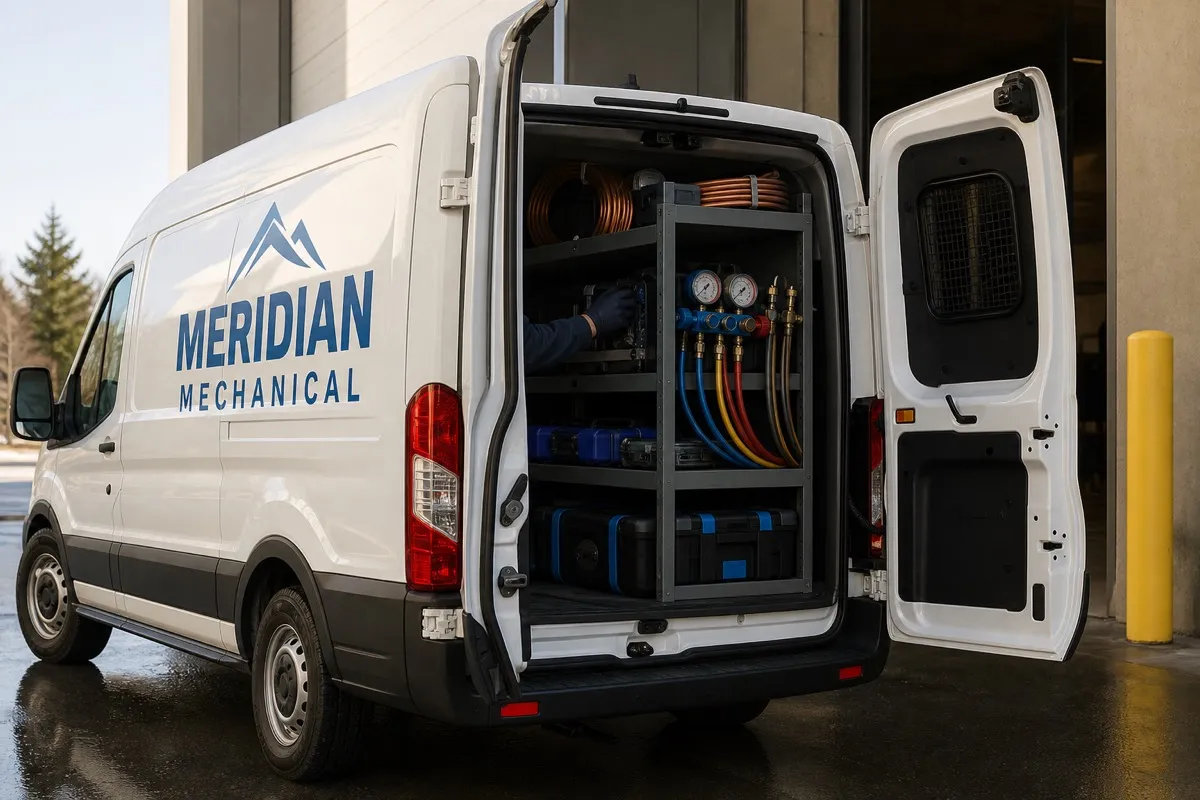 Image setMeridian Mechanical✓
Drawn on an iPhone 17 running iOS 27 or a Pixel 10, using WhatsApp's current Business template layout.
Instructions
How to use this tool
- 01Enter your business name and optionally upload the profile photo recipients see.
- 02Toggle the verified badge to match your WhatsApp Business account status.
- 03Build the template: an optional image header, the message body, an optional footer, and up to two quick-reply buttons. Leave a button empty to drop it.
- 04Add any follow-up messages as their own rows, marking who sent each one.
- 05Toggle iPhone or Android, then click Download PNG to export the mockup.
Background
How WhatsApp business messaging works
Businesses message customers through the WhatsApp Business Platform, and the rule that shapes everything else is the customer service window. A customer messaging you opens 24 hours in which you can reply with anything, including plain text. Once it closes, the only thing you can send is a template Meta has already approved.
That approval loop is what makes a mockup useful here. Unlike SMS, you cannot iterate copy in production: a template goes to Meta as APPROVED, PENDING or REJECTED, and a rejection is usually a judgment about which category it belongs to rather than a typo you can quickly fix.
Background
The limits a template has to fit
Meta caps each component: 60 characters in the header, 1,024 in the body, 60 in the footer. A template can carry up to 10 buttons in total, and the types have their own ceilings: up to 10 quick replies, at most two buttons that open a URL, one that dials a number, and one copy-code button. This tool draws up to two quick replies, which is the common shape for a utility message, not the platform's limit.
Inside those limits the fundamentals of chat still decide whether the message reads well. Bold with asterisks and italics with underscores both render, short bubbles beat paragraphs, and each bubble should carry one idea. Conversations are threaded and persistent, so write like a person in a chat rather than an email blast.
Background
What each category costs you
Categories are a billing decision as much as a review one. Marketing templates are charged whenever they are delivered. Utility and authentication templates are free inside an open customer service window and charged outside it, which is why a receipt sent as a reply costs nothing and the same receipt sent a day later does not. Non-template messages are always free inside the window.
One more window is worth knowing: replying to someone who reached you through a Click to WhatsApp ad or a call-to-action button opens 72 hours in which any message type is free. Rates themselves move on a fixed calendar. Meta only changes pricing on the first day of a quarter, so January 1, April 1, July 1 and October 1 are the only dates your WhatsApp costs can shift.
FAQ
Frequently asked questions
What is the 24-hour window in WhatsApp business messaging?
A customer messaging you opens 24 hours, called the customer service window, in which you can reply with anything, including plain text, at no cost. Outside it you can only send a pre-approved template, which is why transactional notifications almost always ship as templates.
How many buttons can a WhatsApp template have?
Up to 10 in total, with per-type ceilings: as many as 10 quick replies, at most two buttons that open a URL, one that dials a phone number, and one copy-code button. This tool draws up to two quick replies.
What are the character limits for a WhatsApp template?
60 characters in the header, 1,024 in the body, and 60 in the footer. The body limit is generous enough that chat readability, not the cap, is usually what should shorten a message.
Why was my template rejected?
Most often because Meta read it as a different category than you chose. A template submitted as utility but carrying promotional or persuasive intent gets reclassified as marketing, and mixed content is treated as marketing too. You can request a review within 60 days of the template's creation date, edit the category and resubmit, or create a new template.
What does the verified badge next to a business name mean?
It marks an Official Business Account. Meta grants it on its own criteria: the account must comply with the WhatsApp Business Messaging Policy and have been registered on the platform for at least 30 days. Meta Verified is a separate paid subscription and not the same thing.
More tools
Browse more free tools
Add WhatsApp to your notification stack
Courier sends WhatsApp messages through the Business Platform alongside SMS fallback, so customers get the message in the channel they actually read.
Explore the WhatsApp integration