The Complete Guide to B2B Customer Engagement
 Kyle SeylerJanuary 20, 2026
The Complete Guide to B2B Customer Engagement
TL;DR
Customer engagement in B2B is how your product talks to users throughout their lifecycle. It's the infrastructure that sends the right message, through the right channel, at the right moment. This guide covers what customer engagement means for B2B teams, why it drives retention and expansion, how to measure it, and the tools that make it work at scale.
What Is Customer Engagement?
Customer engagement is every interaction between your product and your customers. The welcome email after signup. The Slack alert when their trial is about to expire. The in-app notification when a teammate comments on their work.
For B2B companies, engagement isn't just marketing campaigns. It's also transactional messages, product alerts, onboarding sequences, and real-time updates. The complexity comes from B2B dynamics: multiple users per account, different roles with different notification needs, and channels like Slack and Teams where work actually happens.
There are two flavors of engagement worth understanding:
Campaign-driven engagement is scheduled messages to segments. Welcome series, re-engagement campaigns, feature announcements. You decide when they go out.
Event-driven engagement is triggered by product behavior. Payment failed, usage threshold hit, new team member joined. The product decides when they go out.
Both matter. The best B2B companies do both well. The difference between good and great is whether your infrastructure can handle both without duct tape.
What Is a Customer Engagement Platform?
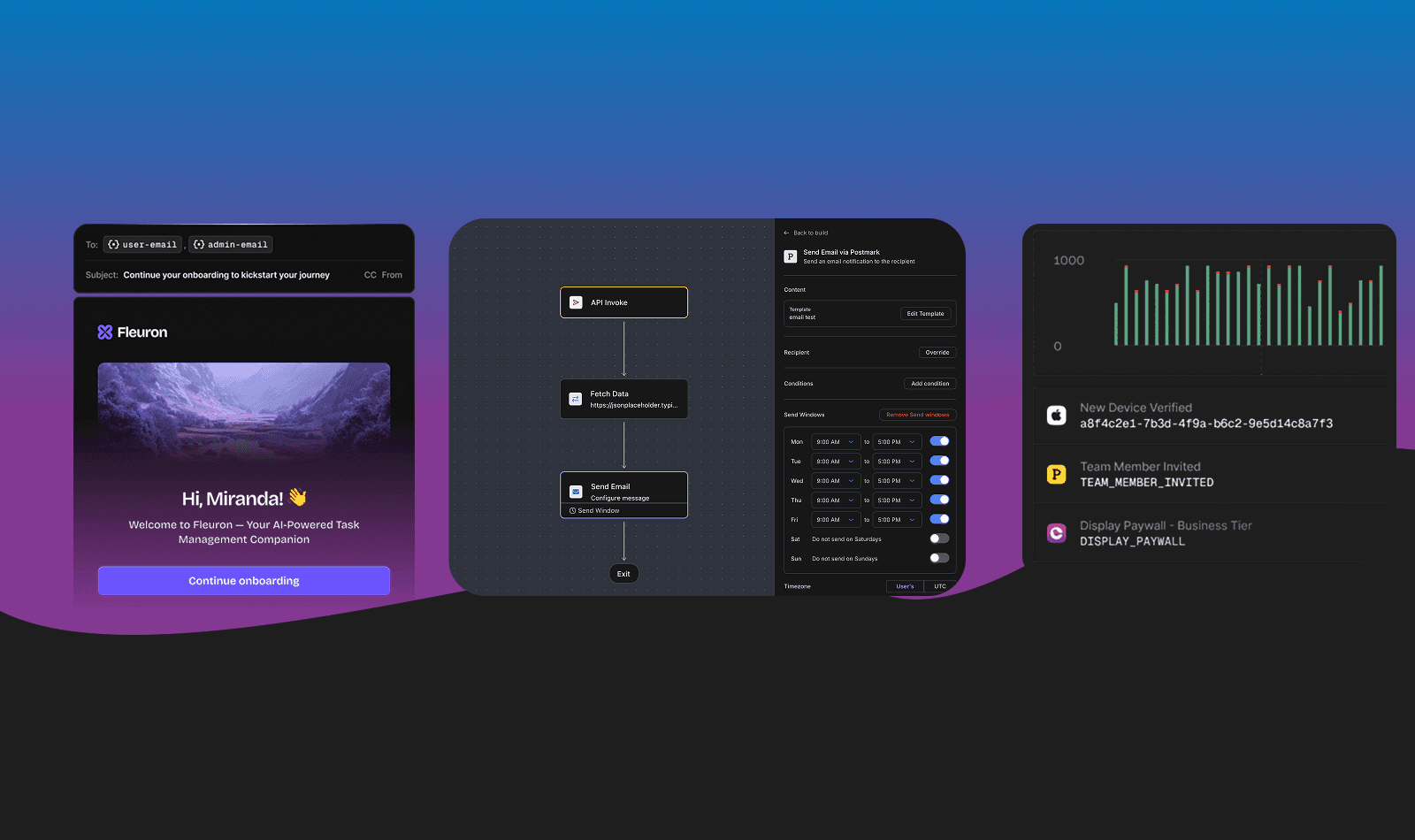
A customer engagement platform is software that helps you communicate with users across multiple channels from one place. Email, SMS, push, in-app, chat, Slack, Teams. Instead of stitching together separate tools for each channel, you manage everything through one system.
The best platforms handle both campaign-driven and event-driven messages. They let you build sequences that respond to user behavior, route messages to the right channel based on preferences, and track whether your communication is actually working.
What a customer engagement platform typically includes:
Multi-channel delivery. Send across email, SMS, push, in-app, Slack, and Teams from one API.
User preferences. Let users control what they receive and how.
Workflow automation. Build sequences that respond to user behavior without writing custom logic.
Analytics. Track delivery, engagement, and business impact.
There's some terminology confusion in this space. "Customer engagement platform" is a broad category. Some platforms focus on marketing campaigns for B2C audiences (Braze, Iterable). Others focus on product notifications and infrastructure for B2B teams (Courier, Knock). For a deeper comparison, see Customer Engagement Platform vs CRM and our breakdown of top push notification platforms.
For B2B teams, you usually need capabilities from both camps. But the infrastructure layer comes first. You can't run campaigns if your delivery system can't reach users where they work.
The B2B Customer Engagement Stack
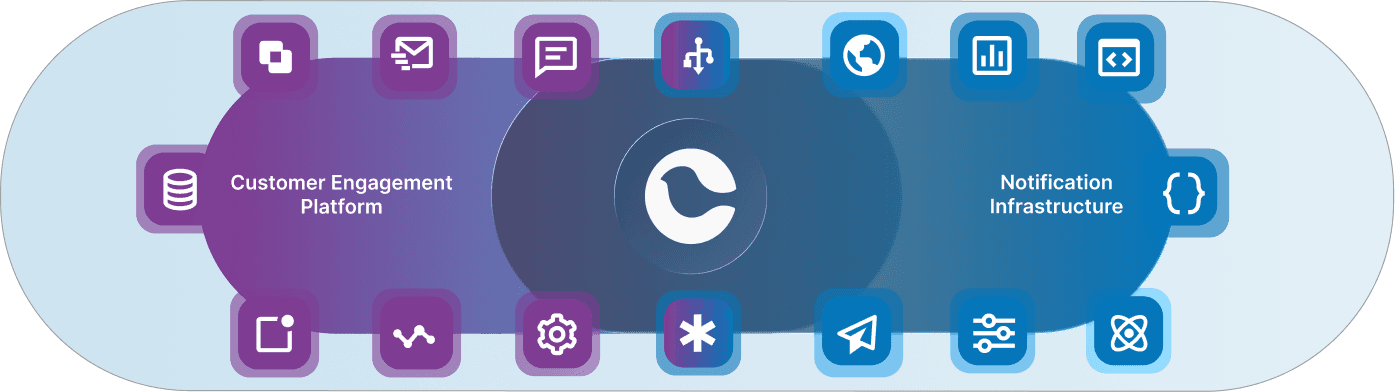
Customer engagement isn't one tool. It's a stack of tools that work together. Here's how to think about the layers:
Layer 1: Notification Infrastructure
This is the delivery layer. It's what actually sends messages across email, SMS, push, in-app, Slack, and Teams. It handles routing, preferences, failover, and delivery tracking. Without reliable infrastructure, nothing else matters.
Layer 2: Customer Data and Analytics
This is the signal layer. It's where you collect user behavior, define segments, and identify who needs what message. Product analytics tools tell you what users are doing. CDPs help you act on it by routing events to your notification infrastructure.
Layer 3: Context Channels
This is where engagement happens. In-app inboxes, Slack channels, Teams integrations, chat widgets. These surfaces give users a place to see, respond to, and act on notifications. They're not just delivery endpoints. They're where your product lives in your users' workflow.
For a deeper dive on how these layers connect, see our guide on B2B customer journey management.
6 Tools for B2B Customer Engagement
1. Courier
Courier is notification infrastructure. It handles multi-channel delivery through a single API. Email, SMS, push, in-app, Slack, Teams, and more. You design your notification once, and Courier routes it to the right channel based on user preferences and delivery rules.
What makes it work for B2B:
Your users work in Slack and Teams. Courier delivers notifications there without custom integrations. See our Slack and Teams solution.
Multi-tenant support is built in. If you're a SaaS company with customers who have their own users, Courier handles the complexity. See Courier for SaaS.
Drop-in components save months of engineering. The Inbox component gives you a notification center in hours, not quarters. The preference center lets users control their experience without you building it from scratch.
Automatic failover keeps messages flowing. If your primary email provider goes down, Courier switches to your backup without you touching code.
When Twilio needed to unify notifications for their own platform serving 10+ million developers, they chose Courier. As their technical lead put it: "We chose Courier because the depth of the inbox and multi-channel integrations allowed us to choose one notification platform for all products and teams at Twilio." Read the full case study.
For transactional messages specifically, see transactional notifications. For building sequences that respond to user behavior, see customer journeys.
2. Segment
Segment is a customer data platform. It collects events from your product and routes them to your engagement tools. When a user completes onboarding or hits a usage threshold, Segment sends that event to Courier to trigger the right notification.
Why it pairs with Courier: Segment handles the "what happened." Courier handles "tell the user." The integration is native. Events flow from Segment to Courier without custom middleware. See the Segment integration docs.
3. Mixpanel or Amplitude
Product analytics tools show you how users behave. Who's engaged, who's stuck, who's at risk. They help you identify which users need proactive outreach and which notification strategies actually work.
Why it matters: You can't improve engagement if you can't measure it. Analytics tools close the loop between sending notifications and understanding their impact.
4. Slack
For B2B products, Slack isn't just a communication tool. It's where your users live. Sending notifications directly into Slack channels means they see alerts without leaving their workflow.
Courier's Slack and Teams integration handles the complexity of workspace authentication, channel routing, and message formatting. For a deep dive on notification strategy in Slack, see how Slack builds smart notification systems.
5. In-App Inbox
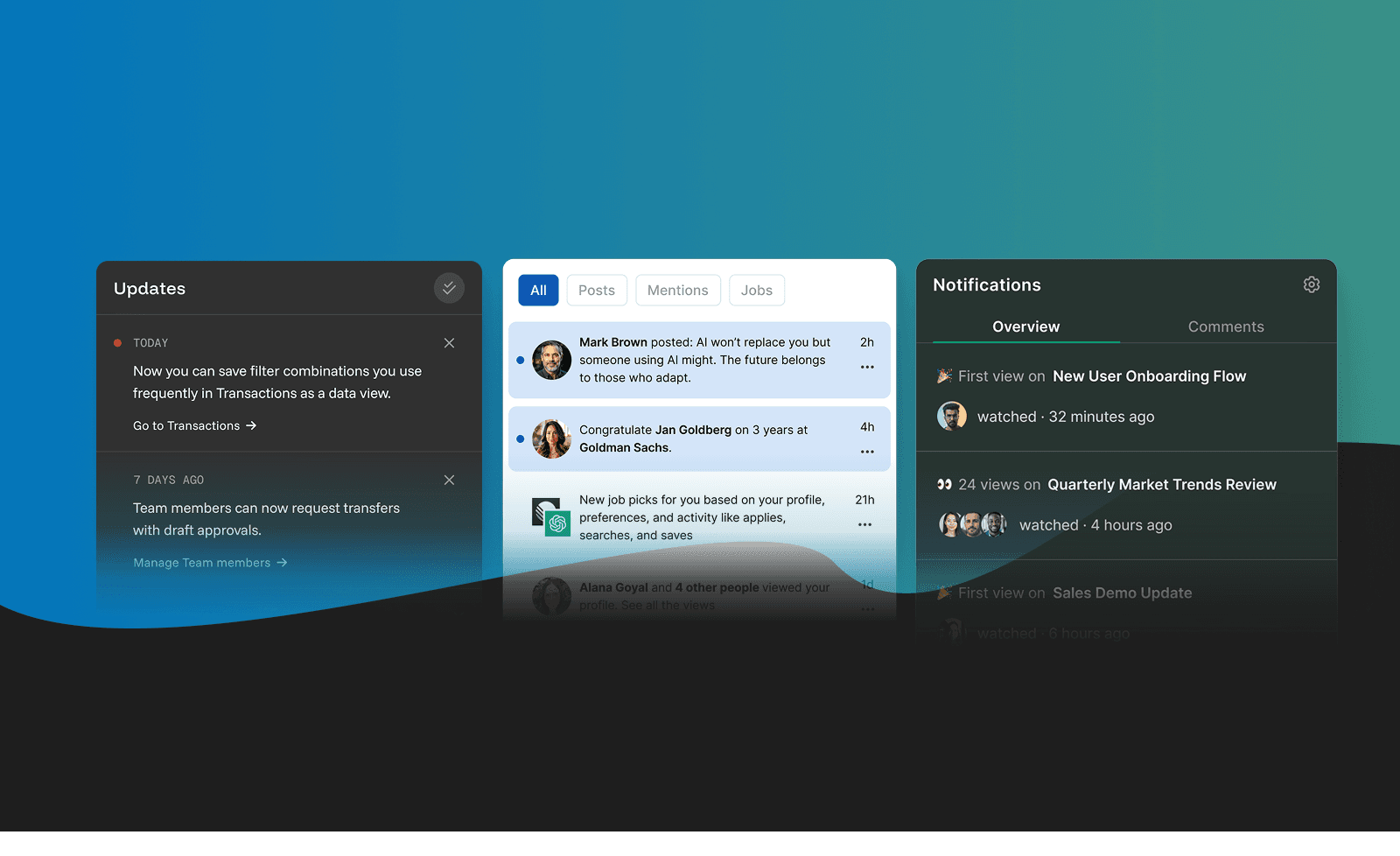
A persistent notification center inside your product. Users can see their full notification history, mark items as read, and take action without switching context.
This is table stakes for B2B products. Users expect it. And building it yourself takes months. Courier's Inbox component drops directly into your app with pre-built UI for React, iOS, Android, and Flutter.
For the full picture on what goes into a notification center, see our introduction to notification centers.
6. Stream
If your product includes real-time chat or activity feeds, Stream provides the infrastructure. It pairs with notification systems to power collaborative features and in-app messaging.
Why it matters: For products with social or collaborative features, chat and notifications work together. A comment triggers a notification. The notification links to the conversation. The experience should feel seamless.
How to Build a B2B Customer Engagement Strategy
Start with your customer journey
Map out the stages: Trial, Activation, Adoption, Retention, Expansion. At each stage, ask what the user needs to know and when they need to know it. The answers become your notification triggers.
Don't overcomplicate this. Start with the moments that matter most. A user signs up but doesn't complete setup. A trial is about to expire. Usage drops off after the first week. These are the notifications that move metrics.
Pick your channels based on how your users work
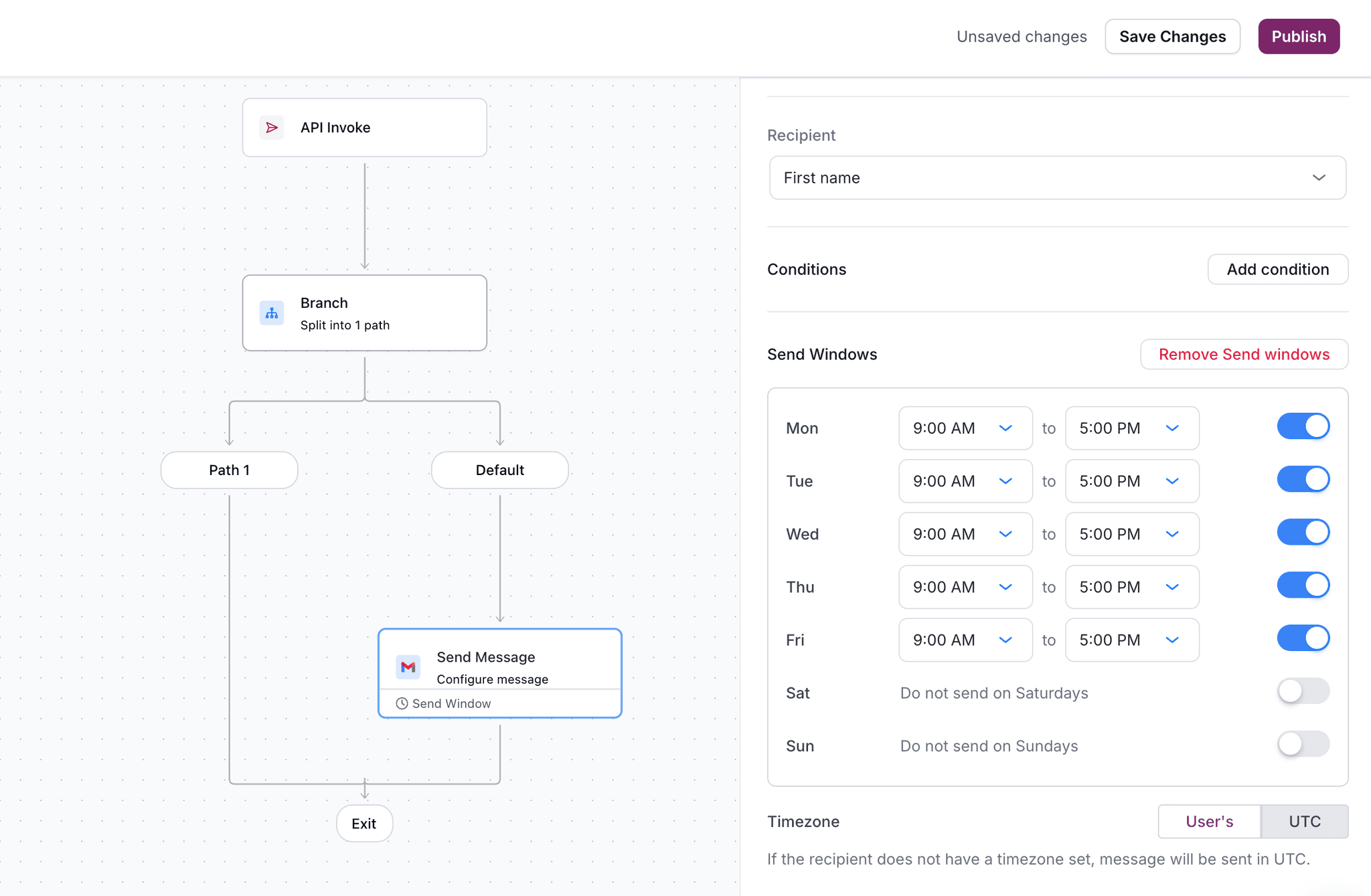
Email for transactional receipts and digests. In-app for contextual alerts while they're using the product. Slack or Teams for time-sensitive updates that need attention now. Push for mobile-first users.
Don't default to email for everything. Your B2B users get hundreds of emails a day. A Slack message in the right channel cuts through. An in-app notification catches them in context.
Set up your notification infrastructure first
Before you can run campaigns or trigger alerts, you need a system that can actually deliver them. Centralize your delivery through a single API so you're not stitching together five different integrations.
This is where Courier fits. One API for all channels. One place to manage templates. One system for preferences and routing.
Connect your data sources
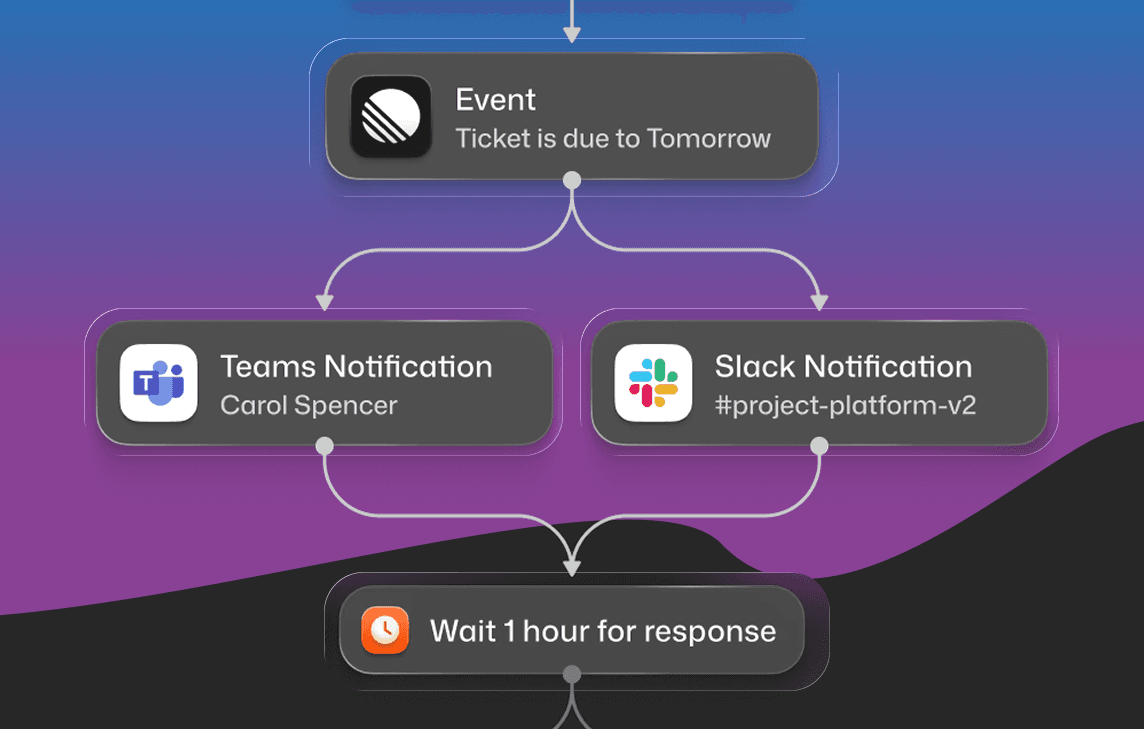
Your product events should trigger notifications automatically. Connect your analytics (Mixpanel, Amplitude) or CDP (Segment) to your notification infrastructure. When a user does X, message Y gets sent.
This turns engagement from something you do manually into something that runs continuously. See our multi-channel onboarding cookbook for implementation patterns.
Let users control their preferences
B2B users are busy. Let them choose which notifications they get and how they receive them. A preference center isn't optional. It's table stakes.
The alternative is users turning off all notifications or unsubscribing entirely. Give them granular control and they'll keep the notifications that matter.
Measure what matters
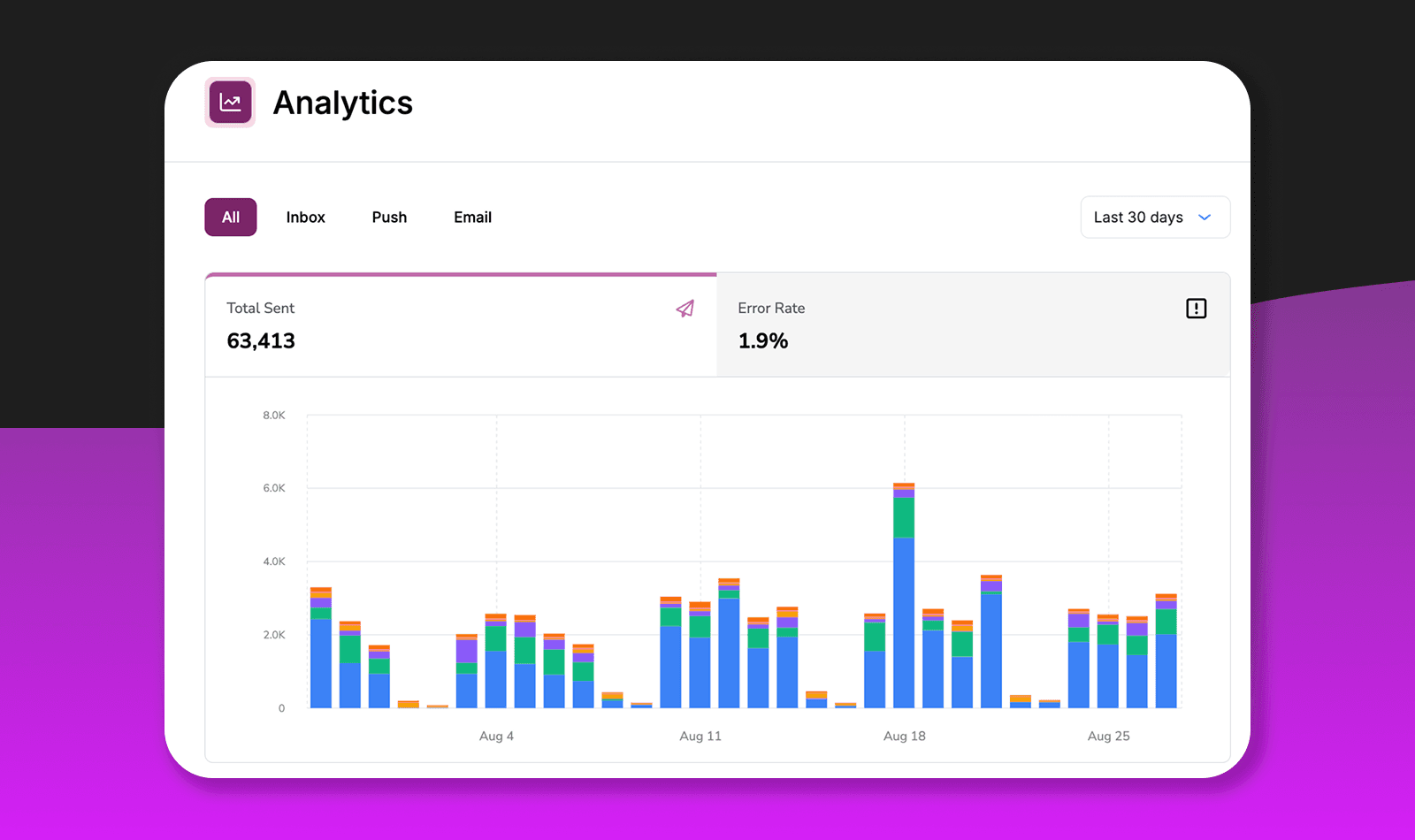
Track delivery rates, engagement (opens, clicks, actions taken), and business outcomes (activation, retention, expansion). If your notifications aren't driving behavior, something's broken.
How to Measure Customer Engagement
Measure engagement by tracking whether your communications drive the behavior you want.
Delivery rate. Are messages actually reaching users? If delivery is low, you have a technical problem before you have an engagement problem.
Engagement rate. Are users opening, clicking, or acting on notifications? Low engagement means your content or timing is off.
Channel performance. Which channels drive the most action? Maybe your users respond to Slack but ignore email. Let the data guide your strategy.
Activation rate. Are notified users completing key product actions? This is the link between engagement and business value.
Preference adoption. Are users customizing their notification settings? High adoption means they care enough to configure their experience.
Net revenue retention. Does engagement drive expansion? Track whether engaged users upgrade more often.
The trap most teams fall into is optimizing for vanity metrics. Open rates feel good but don't always correlate with business outcomes. A notification that never gets "opened" might still drive a purchase decision. For a deeper take on this, see what most people get wrong about push notification metrics.
Common Mistakes to Avoid
Building notification infrastructure in-house. It takes 6+ months of engineering time to build what you can integrate in a week. Token management, provider failover, preference systems, template rendering across channels. Don't reinvent the wheel.
Ignoring user preferences. B2B users will unsubscribe or churn if you spam them. Let them control what they receive. The best notification is the one they actually want.
Defaulting to email for everything. Your users work in Slack, Teams, and your product. Meet them there. Email is for digests and receipts, not urgent alerts.
Treating notifications as marketing's job. Engagement spans product, support, success, and marketing. Siloed communication creates a fragmented user experience. Your notification infrastructure should serve all of them.
Not measuring business impact. Sending notifications is easy. Proving they drive activation and retention is what matters. If you can't connect notifications to outcomes, you're flying blind.
FAQs
What's the difference between a customer engagement platform and notification infrastructure?
Customer engagement platforms are typically marketing-focused tools for running campaigns, A/B tests, and lifecycle messaging. Notification infrastructure is the delivery layer that handles routing, preferences, and multi-channel orchestration. B2B teams often need both, but infrastructure comes first.
Do I need a CDP to run customer engagement?
Not necessarily. A CDP like Segment makes it easier to collect events and route them to your engagement tools, but you can also send events directly from your application to your notification infrastructure. Start with direct integration, add a CDP when your data needs get more complex.
How do I handle notifications for multi-tenant B2B products?
This is where notification infrastructure shines. Courier supports multi-tenant architectures natively. Each tenant can have their own branding, preferences, and user management without you building custom logic.
What channels should B2B companies prioritize?
Start with email and in-app. Add Slack and Teams if your users work there. Push for mobile use cases. SMS for urgent alerts. The right mix depends on where your users spend their time.
How much does it cost to build notification infrastructure in-house?
Plan for 6+ months of engineering time for a basic implementation. Add ongoing maintenance for provider integrations, preference management, and delivery optimization. Most teams find that buying infrastructure and focusing engineering on core product is a better use of resources.
Get Started
Ready to build customer engagement that actually works?
Request a demo to see how Courier handles multi-channel delivery, user preferences, and workflow automation for B2B teams.
Or sign up free and send your first notification in under 5 minutes. Free tier includes 10,000 notifications per month.
Similar resources
WhatsApp Business messages: types, templates, and rules
Every WhatsApp Business message is a template or a free-form message, and the type decides when you can send it and what it can look like. How businesses use each one, the template categories, the formats worth knowing, and the rules that stop messages from arriving.

WhatsApp pricing changes on October 1, 2026
On October 1, 2026, two things become billable on the WhatsApp Business Platform: free-form replies inside the 24-hour customer service window, and utility templates sent in response to a customer. If your WhatsApp volume is conversations rather than campaigns, this is not a rate tweak. It adds a line to your invoice where there used to be a zero. Here is what changes, a worked example of the cost, and what to check.

Clinical alert and notification systems: how escalation works
A clinical alert is easy to send and hard to close. This is how alerting works inside a hospital: where alerts come from, how routing by role and shift works, and how the acknowledge, timeout, escalate loop is actually built, including what happens when nobody answers.