Best in-app notification centers in 2026
 Emily LaneJuly 07, 2026
Adding an in-app notification center sounds simple: a bell icon, an unread count, a feed users can scroll and mark as read, plus a toast when something arrives live. The hard part is behind the bell: real-time sync across devices, read state, preferences, pagination, and a UI that fits your app. Building it from scratch is a quarter of engineering you'd rather spend elsewhere. (Designing that feed so people actually use it is its own discipline, covered in our guide to designing an in-app notification center.)
You don't have to. This guide compares the nine tools worth evaluating in 2026, in two camps: developer-first tools where the inbox is the core product, and engagement platforms where it's one feature of a bigger suite. Each gets an honest read on the same evaluation criteria: components, platform coverage, channels, real-time, and pricing, each checked against its own documentation.
TLDR
In-app notification tools split into two groups: developer-first inbox tools that treat the feed as the core product and ship drop-in UI, and engagement platforms where the inbox is one channel in a larger suite. For a feed that drops in fast and sits on full cross-channel delivery, Courier Inbox is the strongest all-around pick.
Quick picks:
- Drop-in inbox plus full cross-channel orchestration: Courier
- Open source or self-hosted: Novu
- A standalone inbox: MagicBell
- Real-time, React-first apps: Liveblocks
- Build it yourself: only if notifications are your core product
Should you build your own?
First, the do-it-yourself path.
The visible part, a bell, a badge, a list, is a weekend of work. What takes the quarter is everything behind it:
- A real-time backend. A WebSocket service that streams new notifications and state changes to every open client, with reconnection and presence handling, plus the toast or popup that surfaces a new notification the moment it arrives.
- State you can trust. Per-user, per-notification read, unread, seen, and archived state, plus an accurate unread count, kept consistent across a laptop and a phone at the same time.
- Storage and pagination. A datastore that holds each user's history and serves it fast when the feed is thousands of items deep.
- Preferences. Per-category and per-channel opt-in and opt-out, so users can control what shows up.
- The operational tail. Scaling the socket layer, uptime, on-call, upgrades, and security patching, forever.
That's why most teams buy. A drop-in component gets you the same result in an afternoon and hands the reliability problem to a vendor. Building makes sense in a narrow case: notifications are your core product, you have deeply custom UX that no component can express, or hard data-residency rules force you to own the stack. For everyone else, the build cost rarely pays off against a component that ships today.
The tools below sit on a spectrum from most to least work:
- Prebuilt drop-in components (Courier, MagicBell): a few lines and you have a themed feed and bell.
- Prebuilt plus headless (Novu, Liveblocks, CleverTap, Airship): use the default UI, or take over rendering with hooks and APIs.
- Headless or build-your-own UI (Braze Content Cards, and Customer.io's newer inbox): the vendor gives you data and state, and you build the interface.
In-app notification centers at a glance
| Tool | Persistent feed | Prebuilt UI (web) | Prebuilt UI (mobile) | Real-time | Other channels | Best for |
|---|---|---|---|---|---|---|
| Courier Inbox | Yes | React, JS, Web Components | iOS, Android, React Native, Flutter | Yes | Email, SMS, push, Slack, Teams, WhatsApp | A drop-in inbox backed by full cross-channel orchestration |
| Novu | Yes | React, Next.js, JS | Roadmap | Yes | Email, SMS, push, chat | Open-source and self-hosted setups |
| MagicBell | Yes | React, Svelte, Preact, JS | No (web-first) | Yes | Email, push, Slack (no SMS) | A dedicated, polished standalone inbox |
| Liveblocks | Yes | React only | No | Yes | Email, Slack, Teams, Web Push | Real-time React apps using collaboration features |
| Braze (Content Cards) | Yes (~30-day) | Default web components | iOS, Android, React Native | Session refresh | Email, push, SMS, and more | Enterprise B2C marketing with a card feed |
| CleverTap (App Inbox) | Yes | Web widget | iOS, Android, React Native, Flutter | Session-based | Push, email, SMS, WhatsApp | Mobile engagement and analytics with an app inbox |
| Airship (Message Center) | Yes (~1-year) | No | iOS, Android, React Native, Flutter | Push-triggered | Push, SMS, email, wallet | Enterprise mobile message center with rich content |
| OneSignal | No (transient in-app) | n/a (pop-ups) | n/a (pop-ups) | Session-triggered | Push, email, SMS | Push at scale, with transient in-app prompts |
| Customer.io | Yes | Headless (build your own) | Headless (build your own) | Yes | Email, push, SMS, in-app | Teams already on Customer.io who will build the UI |
The developer-first inbox tools
These four treat the in-app feed as the core product and ship prebuilt components you drop in.
1. Courier Inbox
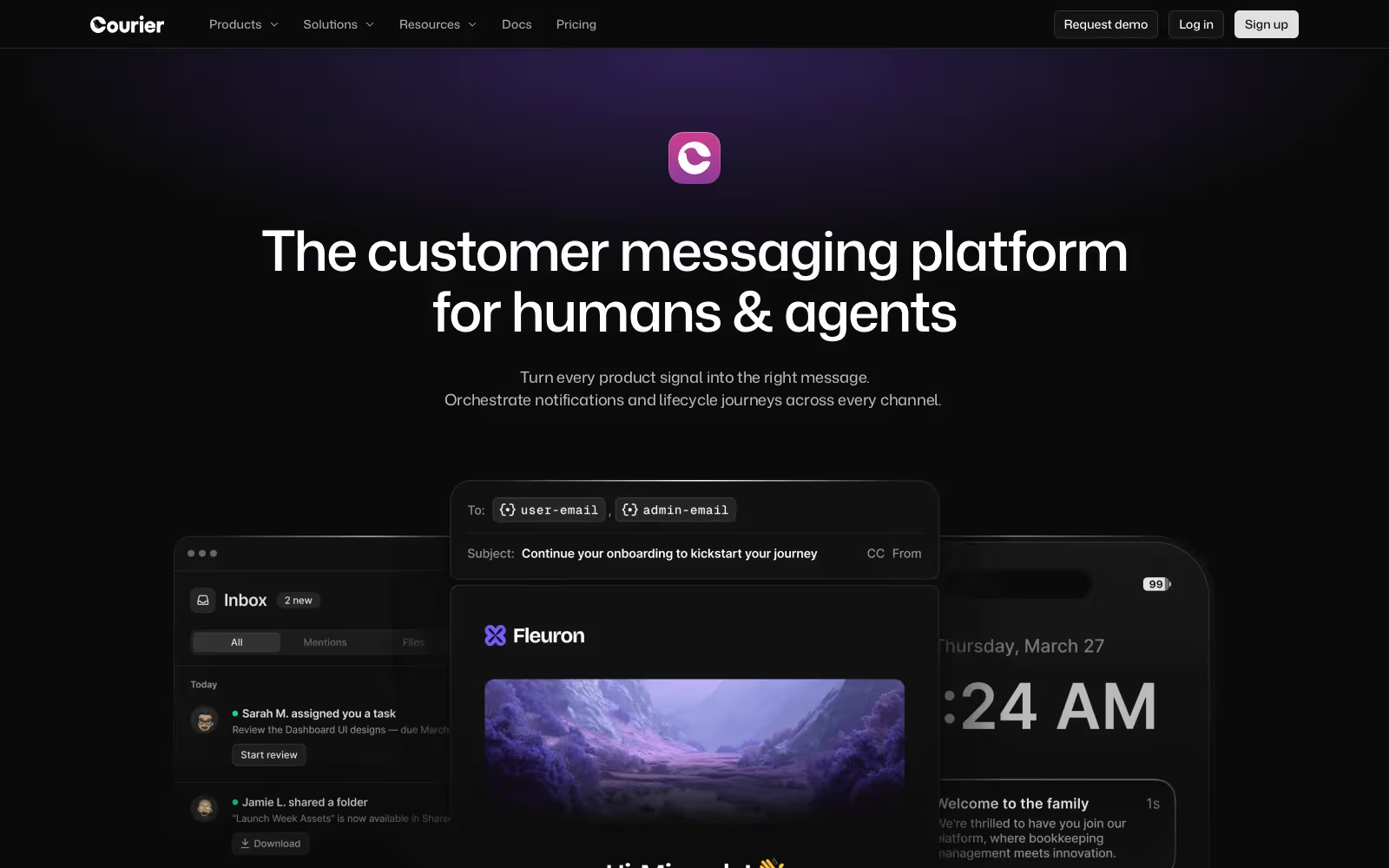
Best for: teams that want a drop-in notification center and the rest of their notifications (email, SMS, push, Slack, Teams) handled by the same platform.
Courier is a notification platform covering in-app, email, SMS, push, and chat from one API. Courier Inbox is the in-app piece: a prebuilt notification center backed by the same orchestration, preferences, and provider routing as every other channel. With most tools you add an inbox; with Courier you add one wired into the rest of your notifications, so a single notification can land in the feed, send a push, and fall back to email based on user preferences.
Component library
The React SDK (@trycourier/courier-react) ships ready-made components: <CourierInbox /> for a full feed, <CourierInboxPopupMenu /> for a bell-triggered popover, and <CourierToast /> for real-time toasts. You can theme them with light and dark themes, or take over rendering entirely with render props for list items, headers, empty and error states, and pagination. Tabs and feeds let you split a single inbox into filtered views (All, Unread, Mentions, and so on) without extra backend work. For non-React stacks, the same components are available as framework-agnostic Web Components, and native SDKs cover iOS, Android, React Native, and Flutter, so the inbox renders as a real native view on mobile rather than a web view.
Integration complexity
Low. A working inbox is about five lines of component code once you've issued a user token from your backend. Authentication uses a JWT your server generates with your Courier API key, which keeps your keys out of the client. Real-time sync across devices, read state, and pagination are handled for you. The Courier Inbox docs cover the full component and hook API across every SDK.
Pricing
Free Developer tier with 10,000 notifications per month. Business is usage-based at $0.005 per notification after that. Enterprise is custom, with SAML SSO and a dedicated IP. In-app notifications count the same as any other channel, so you're not paying a separate line item for the inbox.
2. Novu
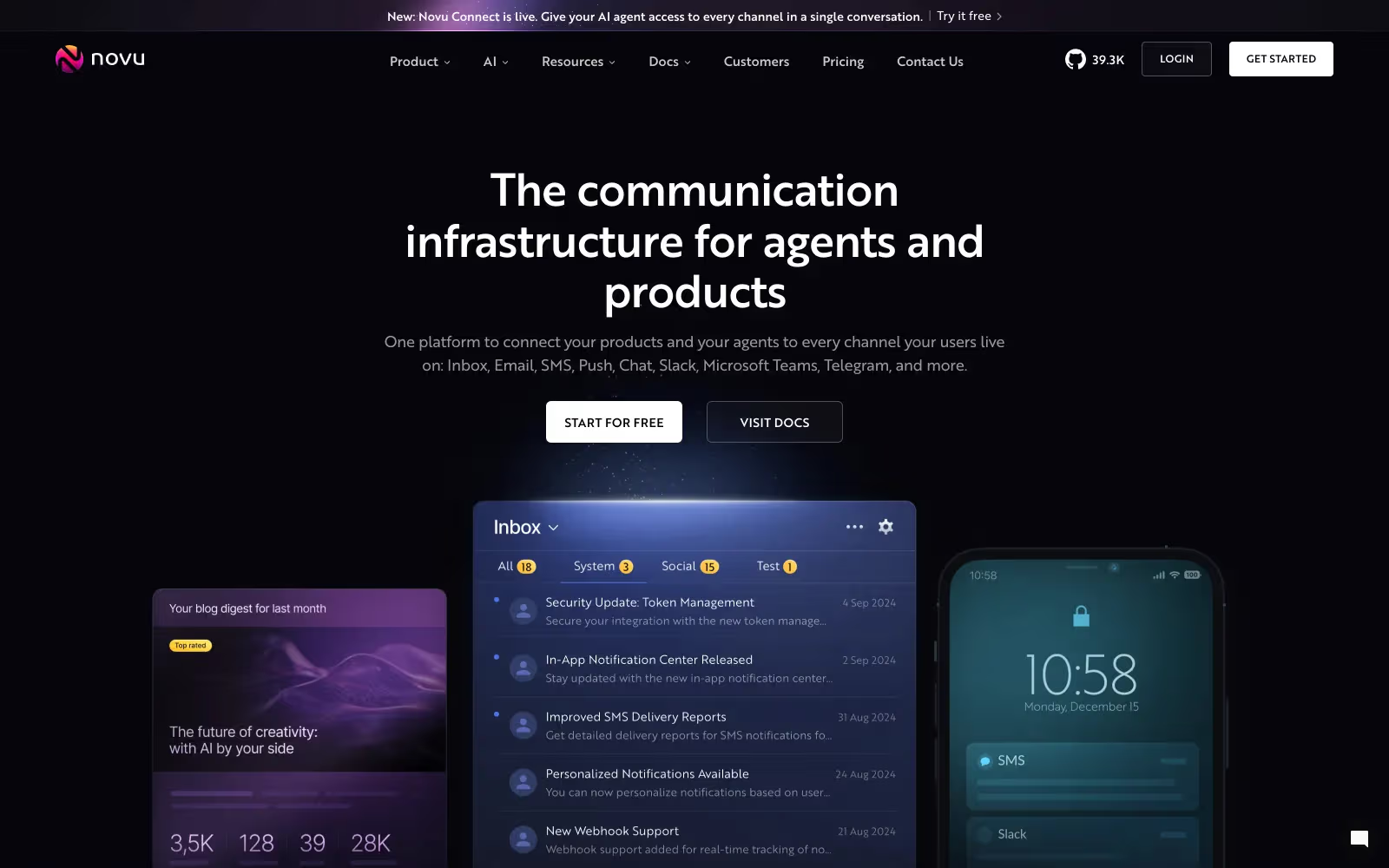
Best for: teams that want an open-source notification platform or the option to self-host.
Novu is one of the most widely adopted open-source notification projects, with an embeddable Inbox component and a unified API across in-app, email, SMS, push, and chat. The draw is openness: you can run Novu's stack yourself for free, inspect the code, and keep notification data off a third party. Novu Cloud is there when you'd rather not operate it.
Component library
The Inbox drops in with about six lines of code via @novu/react (plus @novu/nextjs), and @novu/js for framework-agnostic use. You get prebuilt UI, hooks for headless customization, tabs and filters, localization, snoozing, and built-in preference management. React is first-class today; Vue, Angular, and React Native are on the roadmap, so check current status before committing on those stacks.
Integration complexity
Low for React, higher if you self-host. Dropping the component into a React or Next.js app is quick. Self-hosting the full stack in production is a different commitment: you run the API, workers, datastore, and real-time service, and own uptime, scaling, and upgrades. That's the trade for control and zero per-notification cost. It's a genuine fit when data residency or high-volume cost matters, but most teams pick the managed option.
Pricing
Self-hosting is free and open source. Novu Cloud has a free tier with 10,000 events per month, and paid Cloud plans start around $30 per month for the Pro tier, billed on usage.
3. MagicBell
Best for: teams that want a single, polished notification inbox widget and don't need heavy cross-channel orchestration.
MagicBell is focused squarely on the in-app notification inbox. If your main goal is a GitHub-style notification center that looks good and ships fast, this is a specialist that does that one thing well. It delivers in-app, email, push, and Slack, but it isn't trying to be a full lifecycle or marketing platform.
Component library
The React SDK provides Inbox, FloatingInbox, a UserPreferences component, and a ContextProvider, with full CSS-variable theming and custom item rendering. Components are also available for Svelte, Preact, and JavaScript. Delivery is real-time over WebSockets, so the unread count and feed update without polling. There's no native iOS or Android component, so mobile is web-first.
Integration complexity
Low. Wrap your app in the provider with a user JWT and drop in FloatingInbox with a placement and size. It's one of the faster integrations here because the scope is narrow.
Pricing
Free plan with 1,000 notification deliveries per month. Paid plans start at $249 per month for 50,000 deliveries, with overage billed per delivery. There's no native SMS channel. MagicBell is also the smallest company here, so weigh long-term support against the polish.
4. Liveblocks
Best for: React teams already using real-time collaboration features who want a powerful, modern notifications layer.
Liveblocks is real-time collaboration infrastructure (multiplayer presence, comments, and now notifications) on one WebSocket platform. It's the most technically interesting option here and the least notification-first: notifications started as the alerts layer for Comments. But as of the 1.12 release you can trigger custom notifications independent of Comments and fan them out to email, Slack, Teams, and Web Push, which makes it a real general-purpose inbox for the right stack.
Component library
Prebuilt React components come from @liveblocks/react-ui: InboxNotification and InboxNotificationList, with dark mode and CSS-variable theming. Headless hooks live in @liveblocks/react: useInboxNotifications for the feed and useUnreadInboxNotificationsCount for a badge. The prebuilt UI is React only: no Vue, Angular, plain JavaScript, or native mobile component, so it fits React and Next.js web apps, not cross-platform products.
Integration complexity
Low to moderate for React. You wrap the app in LiveblocksProvider, then compose the feed from InboxNotificationList and the hooks. It's a little more assembly than a single embedded component, and it's most natural if you're already using Liveblocks for collaboration.
Pricing
Public and usage-based on monthly active users. Free tier with monthly credits, Pro at $30 per month (removes the Liveblocks badge), Team at $600 per month (adds SSO and SOC 2), and custom Enterprise. An MAU is a unique user ID that uses any Liveblocks feature in a month. Liveblocks added SOC 2 Type 2 and HIPAA compliance in 2025.
The engagement and messaging platforms
These are full customer-engagement and messaging platforms where an inbox or in-app messaging is one channel alongside campaigns, segmentation, and analytics, rather than a standalone developer feature. The first three ship a genuine persistent inbox. OneSignal and Customer.io round out the group.
5. Braze (Content Cards)
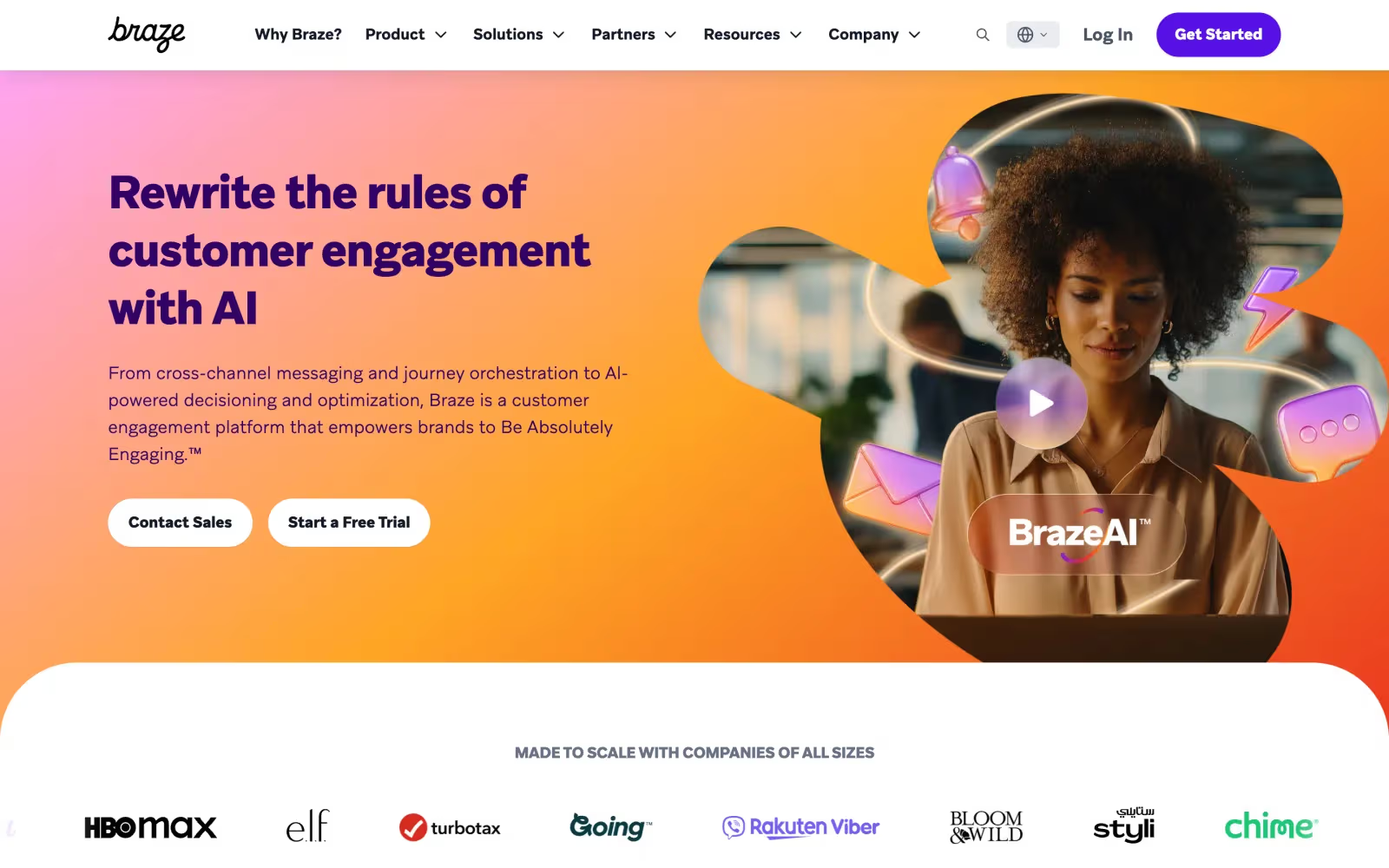
Best for: enterprise B2C teams that already run Braze for cross-channel marketing and want a persistent card feed in the app.
Braze is an enterprise customer-engagement platform, and Content Cards are its persistent feed: a stream of cards that sit in an inbox until acted on or expired, distinct from Braze's transient in-app messages. Braze markets Content Cards for building notification centers, but it's a channel and SDK tooling, not a turnkey bell-icon inbox.
Prebuilt UI or build your own
Both. Braze ships default feed components (an iOS view controller, an Android fragment and a Jetpack Compose list, a web default, and launchContentCards() on React Native), or you build a fully custom UI from the raw card data. Read, unread, and badge state are supported, but you wire the notification-center experience together yourself. Content is marketer-editable without an app release.
Platforms and persistence
iOS, Android, web, and React Native. Content Cards are purged roughly 30 days after send, so it's not durable history. Braze launched a separate Banners channel in 2025 for always-on inline content that doesn't expire.
Pricing
Not public. Braze uses value-based, quote-only enterprise pricing.
6. CleverTap (App Inbox)
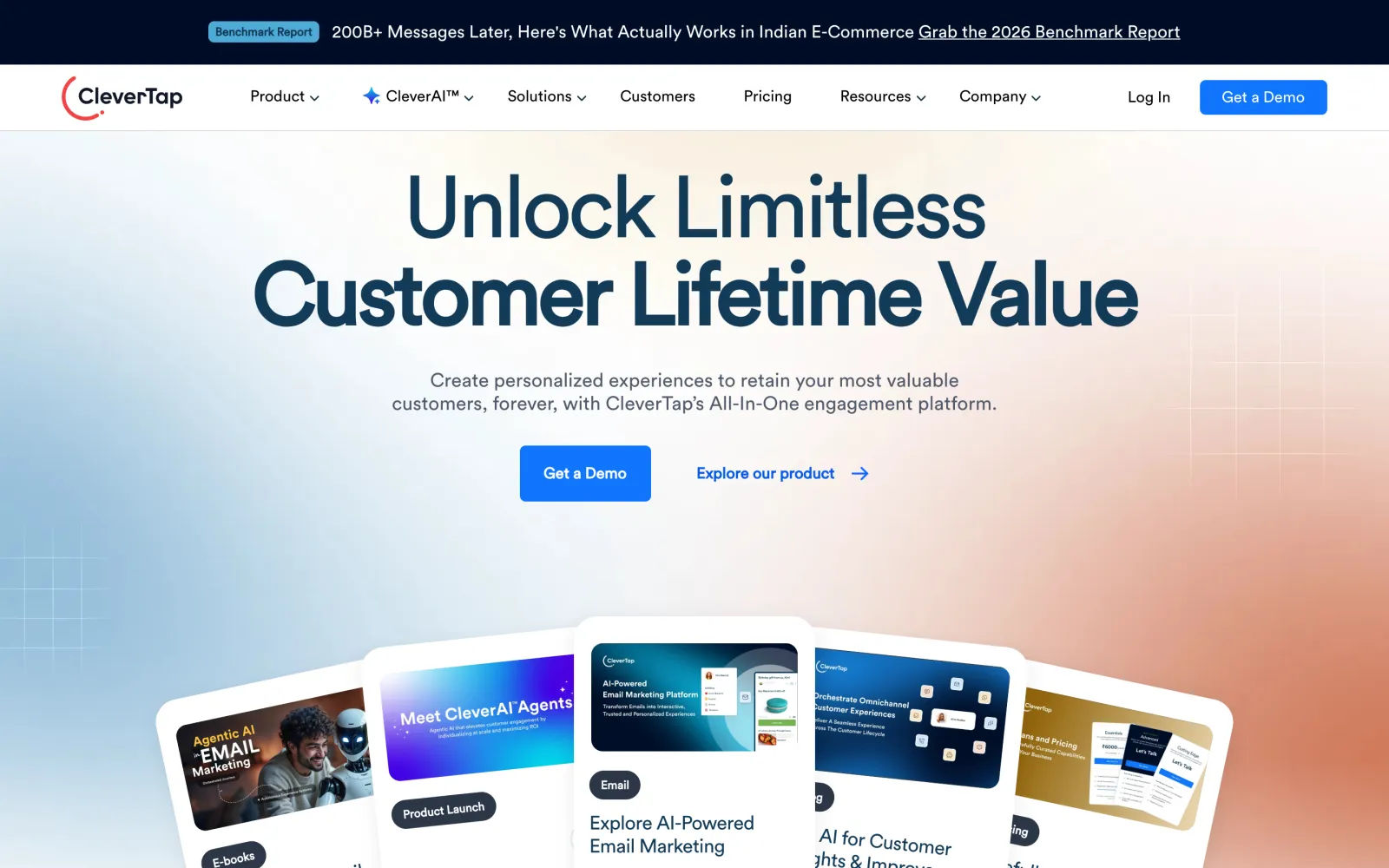
Best for: mobile-first teams that want engagement and lifecycle messaging tied to deep behavioral analytics, with an app inbox included.
CleverTap is a mobile-first engagement and analytics platform, and App Inbox (with a separate Web Inbox) is its persistent messaging channel. Messages are saved on the device and revisitable, unlike push or transient in-app messages. It reaches users who opted out of push, and supports rich formats including carousels and media.
Prebuilt UI or build your own
Both. The mobile SDK ships a default UI (CTInboxActivity, shown with showAppInbox()) that you style through CTInboxStyleConfig, or you build a custom inbox from the message-retrieval APIs. The web widget is prebuilt and dashboard-configurable, though web supports fewer templates than mobile.
Platforms and real-time
iOS, Android, React Native, Flutter, and web. The mobile App Inbox is session-based: new messages surface on app launch or a new session rather than instantly, so it isn't a live-updating feed the way a WebSocket-backed inbox is.
Pricing
Not public. CleverTap is quote-based, with pricing tied to monthly active users.
7. Airship (Message Center)
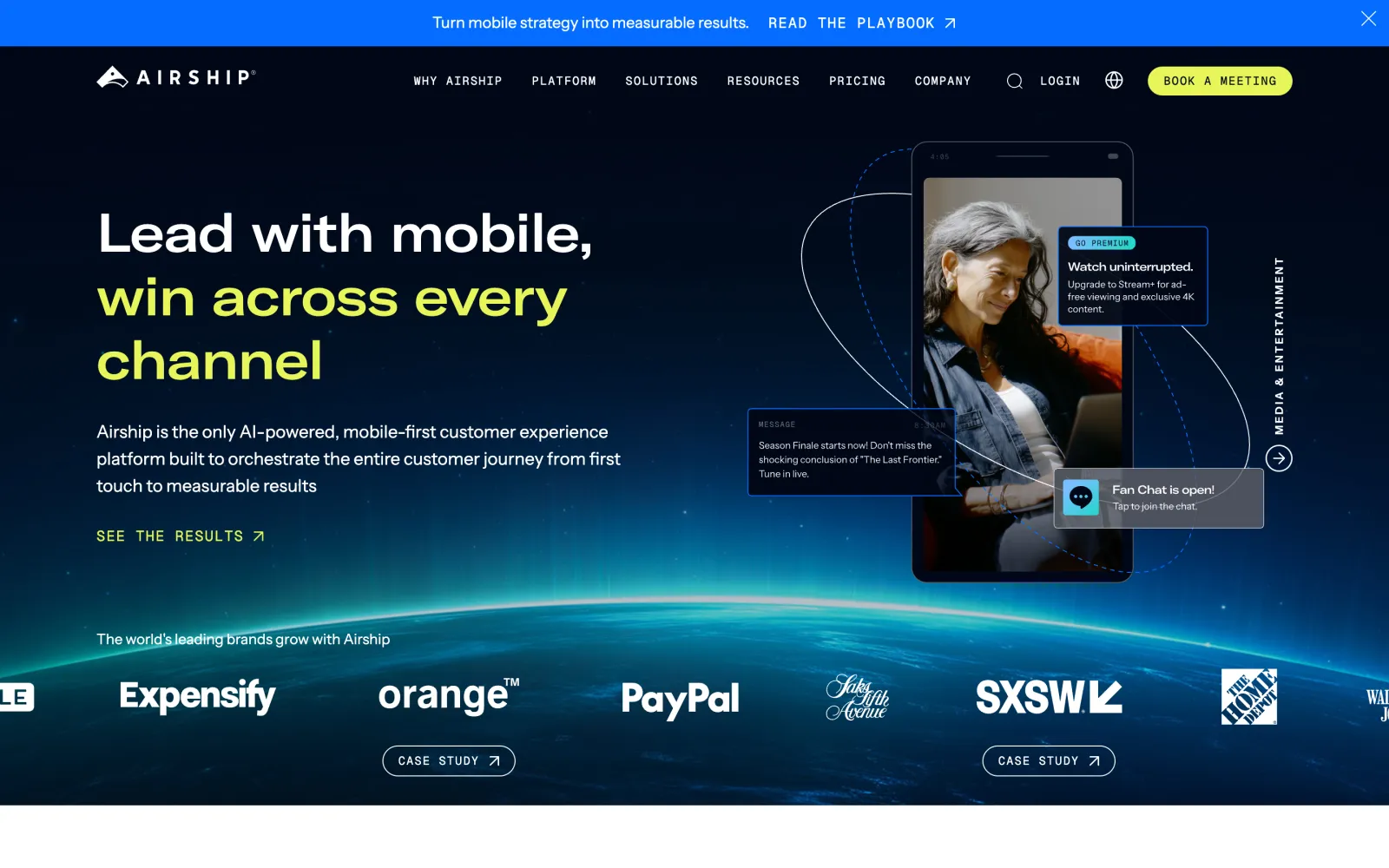
Best for: enterprise teams running mobile lifecycle programs that need a mature, persistent inbox for rich content.
Airship (formerly Urban Airship) is an enterprise engagement platform, and Message Center is one of the oldest and most mature persistent inboxes in the category. It stores rich HTML, image, and video messages that Airship hosts, appears regardless of push opt-in, and keeps content for about a year by default. Push can alert users that new inbox content is waiting.
Prebuilt UI or build your own
Both, and both are first-class. There's an out-of-the-box Message Center UI you can show with a single method call, or you embed and fully customize the listing and message views. Airship manages per-user read, unread, and deleted state.
Platforms and the web gap
iOS, Android, React Native, and Flutter, with a maintained default UI on each. The persistent Message Center is mobile-only: Airship's web SDK does web push and Scenes, not a stored, revisitable web inbox. If you need a web notification center, this isn't the fit.
Pricing
Not public. Airship is quote-only, aimed at enterprise annual commitments.
8. OneSignal
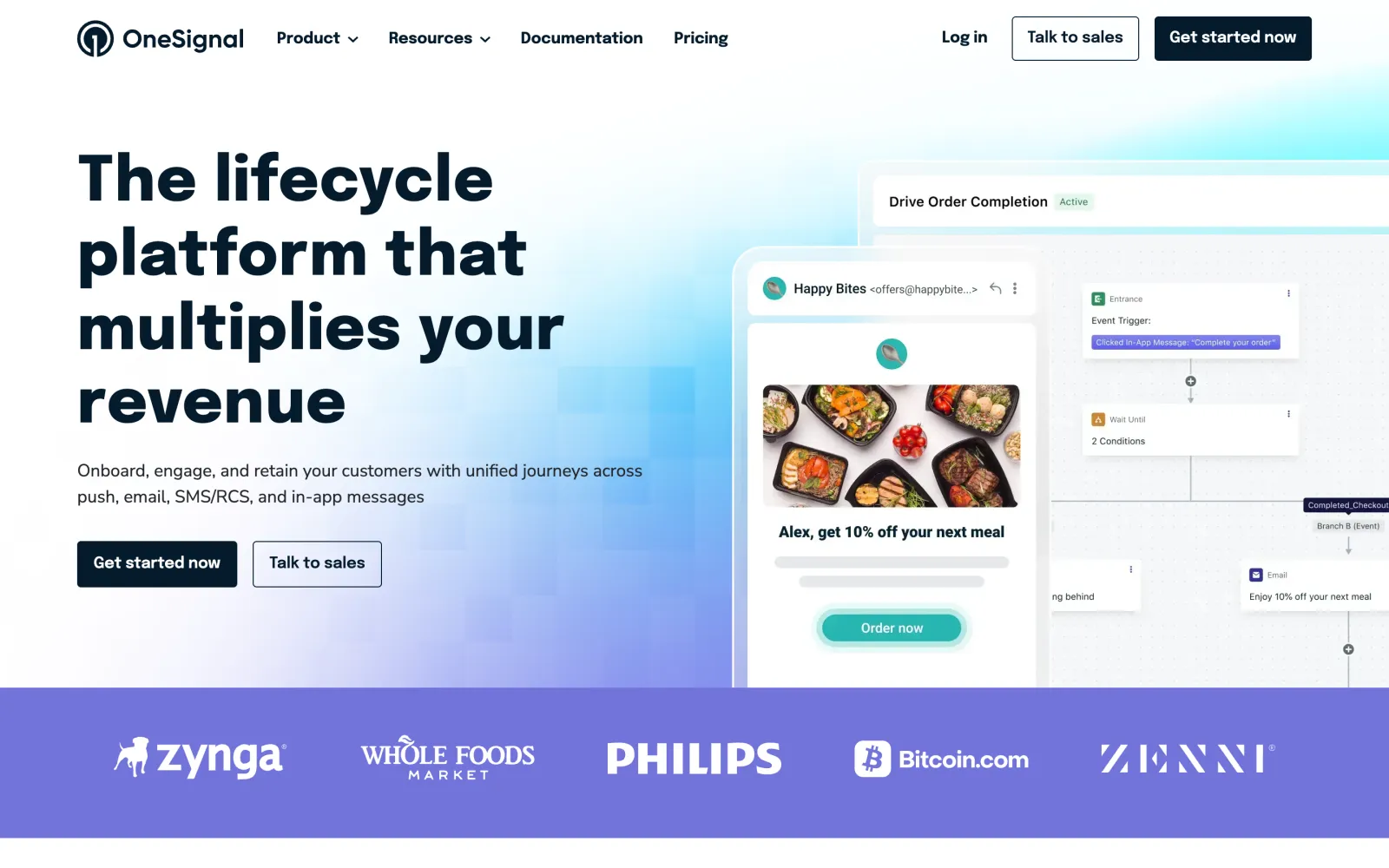
Best for: teams that mainly need high-volume push and multi-channel messaging, and are fine with transient in-app messages instead of a persistent feed.
OneSignal is a widely adopted customer-messaging platform built around push, with email, SMS, and in-app messaging on top. Its in-app messages are transient: banners, modals, carousels, and surveys pulled at session start, shown by trigger, then dismissed. No persistent feed, unread count, or history to reopen. OneSignal alone won't give you a notification center, but for push at scale with occasional in-app prompts it's strong, with a generous free tier.
What you get
Transient in-app messages on iOS, Android, and the cross-platform SDKs (React Native, Flutter, Unity), a no-code editor and templates for those messages, and web push, though in-app messages are mobile-only. There's no prebuilt inbox component, because there's no persistent inbox to render.
Pricing
Free tier with generous push volume. Paid plans are usage-based, billed per monthly active user for higher tiers and added channels.
The gap
No persistent feed. If you want a notification center, pair OneSignal's push with a real inbox (Courier can send push through OneSignal while adding the inbox and cross-channel routing), or pick an inbox tool from the sections above.
9. Customer.io
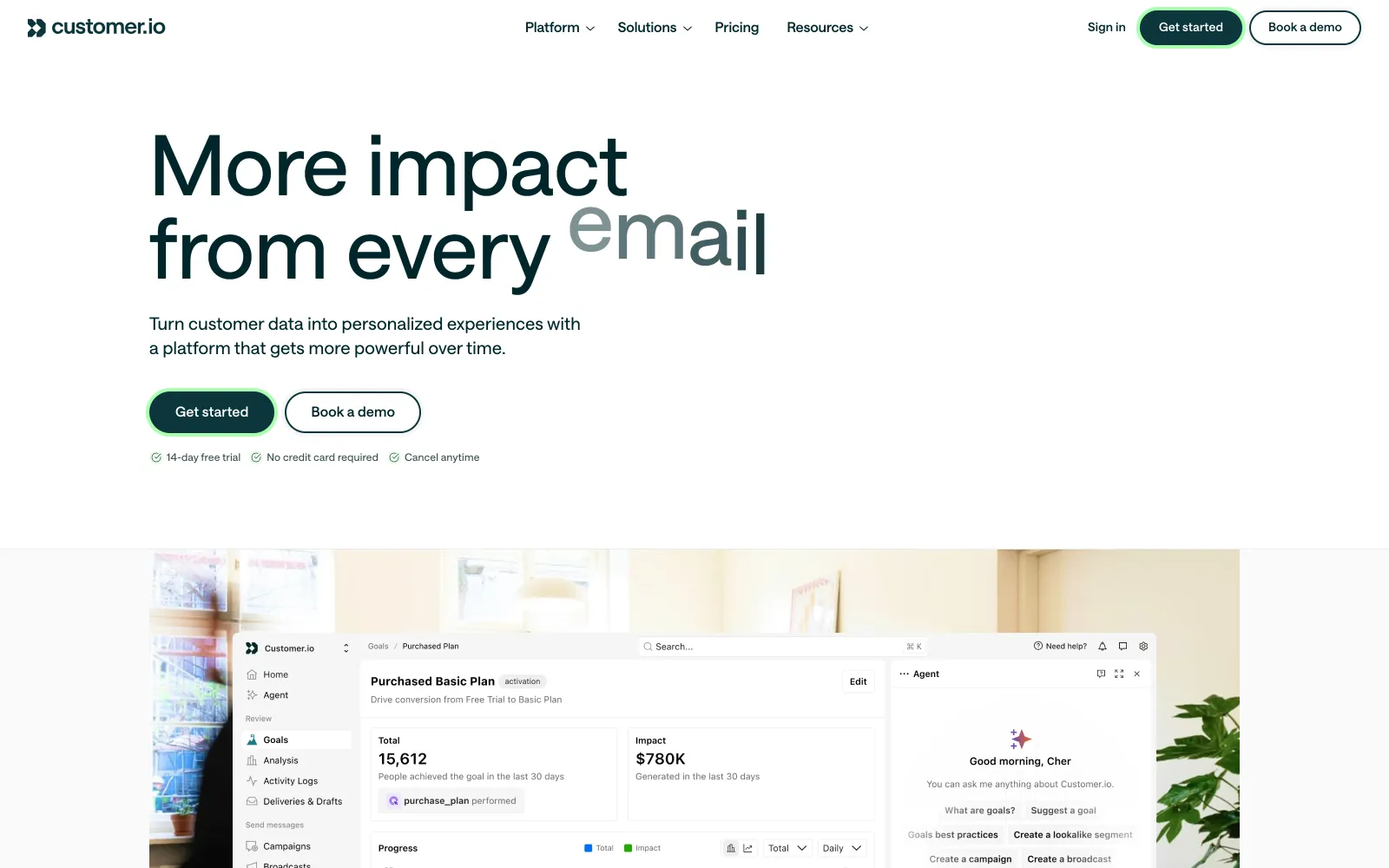
Best for: teams already using Customer.io for behavioral messaging who want a persistent inbox and are willing to build the UI.
Customer.io is a behavioral messaging and automation platform spanning email, push, SMS, and in-app. In early 2026 it added a persistent notification inbox: notifications are stored, revisitable, and carry read and unread state with real-time updates. But it's headless: notifications arrive as JSON and you build the entire interface (bell, feed, styling) yourself. There's no drop-in component.
What you build
The SDK gives you the data and state layer: getMessages() (optionally filtered by topic), subscribeToMessages() for real-time updates, and markMessageOpened(), markMessageDeleted(), and related methods for state. You render everything on top. It's available across iOS, Android, React Native, Flutter, Expo, and JavaScript.
Pricing
Plan-based on profiles and message volume: Essentials starts around $100 per month and Premium around $1,000 per month, with custom Enterprise. The inbox isn't priced separately.
The gap
No prebuilt UI. Customer.io gives you the backend of an inbox, not the feed. It's a good fit if you already run Customer.io's automation and are happy to build the interface. If you want a feed you drop in, look at Courier or MagicBell.
The drop-in difference: integration code compared
The minimum code for a working notification center shows how the tools differ. Here's Courier Inbox in React: generate a JWT for your user on your backend, sign in, and render the component:
import { useEffect } from "react";import { CourierInbox, useCourier } from "@trycourier/courier-react";export default function App() {const courier = useCourier();useEffect(() => {// JWT generated by your backend with your Courier API keycourier.shared.signIn({ userId: YOUR_USER_ID, jwt });}, []);return <CourierInbox />;}
That's the whole integration. Theming, tabs, click handlers, and custom rendering are opt-in props on the same component when you need them.
Novu is similarly compact:
import { Inbox } from "@novu/react";export function NotificationInbox() {return <Inbox applicationIdentifier={YOUR_APP_ID} subscriberId={YOUR_USER_ID} />;}
MagicBell wraps a provider around a floating inbox:
import Provider from "@magicbell/react/context-provider";import FloatingInbox from "@magicbell/react/floating-inbox";function App() {return (<Provider token={USER_JWT}><FloatingInbox placement="bottom-start" height={500} width={400} /></Provider>);}
Liveblocks composes the feed from a provider, a list component, and a hook, which is a little more assembly (and React only):
import { LiveblocksProvider } from "@liveblocks/react";import { useInboxNotifications } from "@liveblocks/react";import { InboxNotification, InboxNotificationList } from "@liveblocks/react-ui";function Inbox() {const { inboxNotifications } = useInboxNotifications();return (<InboxNotificationList>{inboxNotifications.map((notification) => (<InboxNotification key={notification.id} inboxNotification={notification} />))}</InboxNotificationList>);}
None of these is hard. The pattern that separates them is scope and reach: the most compact integrations (Courier, Novu) hand you a complete inbox in one component across the most platforms, while Liveblocks trades a little more setup and React-only reach for its collaboration strengths, and the engagement suites put the inbox inside a broader dashboard-driven platform.
Toasts: the live layer on top of the feed
A notification center has two halves. The feed is the persistent half you revisit; the toast is the live half, the small popup that slides in the moment a notification arrives while the user is active, then disappears while the same notification stays in the feed. Most tools here hand you the real-time event and expect you to build the toast yourself. Courier ships it as a prebuilt component, <CourierToast />, so the live popup and the persistent feed come from one SDK and share styling and state. If real-time toasts matter to your UX, check whether a tool gives you a drop-in component or a piece you assemble.
Framework-by-framework guide
Your stack narrows the field fast, since component coverage varies.
React
Install @trycourier/courier-react, sign in with a user JWT, and render <CourierInbox />, <CourierInboxPopupMenu />, or <CourierToast />. This is the best-supported path across every tool here: Novu, MagicBell, and Liveblocks all ship React components, and Braze and CleverTap reach React Native.
npm install @trycourier/courier-react
Vue and Angular
Courier ships framework-agnostic Web Components (@trycourier/courier-ui-inbox) that mount in any Vue or Angular app. Novu lists Vue and Angular on its roadmap. Liveblocks and MagicBell are React-first, so on Vue or Angular you'd use a headless API or Web Components rather than native components. Confirm current status before committing.
JavaScript
For a no-framework app, use Courier's Web Components: import the package and drop the <courier-inbox> element into your page, then authenticate the same way. MagicBell offers a JavaScript build, and Novu exposes a framework-agnostic JS client for headless integrations.
React Native
Courier provides a React Native SDK so the inbox renders as a native mobile feed, not a web view. CleverTap, Braze, and Airship also reach React Native. Novu lists it as on the roadmap, and Liveblocks has no native mobile component.
iOS and Android
Courier's native iOS and Android SDKs render the inbox as real native views with native theming. Among the engagement suites, CleverTap, Braze, and Airship all provide native mobile inboxes. The web-first tools (MagicBell, Liveblocks) reach mobile through the web rather than a native component.
For one product that needs a consistent inbox on web and native mobile, prebuilt native SDKs save the most time. Courier has the broadest native coverage among the developer-first tools; the engagement suites are strong on native mobile but lighter on web (Airship has no web inbox at all).
Why Courier
Most of the tools above answer one question: how do I render an in-app feed? That's the UI problem, and several of them solve it in an afternoon. The harder question is what happens to a notification when the user isn't in your app right now.
Courier answers that at the orchestration layer, not only the UI layer.
- One send, every channel. The same notification lands in the inbox and can send a push, then fall back to email or SMS based on user preferences, from one API call.
- The widest reach in this comparison. Native SDKs for React, JavaScript and Web Components, iOS, Android, React Native, and Flutter, so the inbox is consistent on web and native mobile.
- Preferences and provider failover built in. 50+ provider integrations with automatic failover, and auditable preferences that apply across every channel, not only the feed.
- Per-notification pricing. One notification that fans out to several channels is one charge, not one per channel, with a free tier of 10,000 per month.
- Developer tooling. An MCP server, a CLI, and 14 SDKs let you build notifications from your editor.
If reliable delivery and channel breadth matter as much as a good-looking feed, Courier's orchestration approach fits more closely than a standalone inbox widget, and it's used by teams like Twilio, LaunchDarkly, and CircleCI.
Ready to compare for yourself? Start free with 10,000 notifications a month or explore Courier Inbox.
Evaluation criteria
What we measured, and what to weigh for your own pick:
- Persistent feed: Is there a real, revisitable inbox with read and unread state, or only transient pop-ups?
- Prebuilt UI vs headless: Do you get drop-in components, or do you build the interface from an API?
- Platform coverage: Which of web, iOS, Android, React Native, and Flutter get prebuilt components?
- Real-time: Do the feed and unread count update live, or on session or app launch?
- Channels beyond in-app: Can the same notification reach email, SMS, push, and chat, with shared preferences?
- Pricing: Is the model public and predictable as you grow?
Every tool here was evaluated against its own primary documentation and pricing pages, not competitor blogs or listicles. Where docs were unclear, we said so. Vendors ship fast, so recheck their docs and pricing before deciding.
Frequently asked questions
What is an in-app notification center?
An in-app notification center is a feed inside your product, usually opened from a bell icon, where users see and manage notifications: new activity, mentions, system alerts, and updates. It tracks read and unread state, syncs in real time across devices, and often includes preferences so users control what they receive. Tools like Courier Inbox provide it as a drop-in component, so you don't build the feed, backend, and sync yourself.
Should I build an in-app notification center or buy one?
You can build one, but a production-grade feed means real-time sync, read state, pagination, preferences, cross-device consistency, and a backend to store and stream notifications, which is typically weeks to months of work plus ongoing maintenance. A drop-in component gets you the same result in an afternoon. Build only when notifications are your core product, your UX is too custom for any component, or data-residency rules force you to own the stack. Most teams buy.
How do I add a notification center to a React app?
Install a provider's React SDK, authenticate your user (typically with a JWT issued by your backend), and render the prebuilt component. With Courier, that's npm install @trycourier/courier-react, calling courier.shared.signIn() with the user's JWT, and rendering <CourierInbox />, which is about five lines of component code. Novu follows a similar one-component pattern, and Liveblocks composes the feed from a provider, a list component, and hooks.
Do OneSignal and Firebase have an in-app inbox?
Not a persistent one. OneSignal and Firebase In-App Messaging offer transient in-app messages (banners, modals, and pop-ups) shown during a session, with no revisitable feed or read and unread history. If you want a bell-icon notification center, you need a tool built for it, such as Courier, Novu, MagicBell, or Liveblocks. Customer.io added a persistent inbox in 2026, but it's headless, so you build the UI yourself.
What's the difference between a web inbox and a mobile inbox?
A web inbox renders in the browser, usually via React or Web Components, and is styled with CSS. A mobile inbox renders as a native view inside an iOS, Android, or React Native app, which means native scrolling, theming, and performance rather than a web view. The capability you want is a prebuilt native SDK for mobile, so you get a real native feed. Courier provides native iOS, Android, React Native, and Flutter SDKs in addition to web, while some tools (MagicBell, Liveblocks) are web-first and some suites (Airship) are mobile-only.
Which in-app notification tool supports the most channels?
Among the tools here, the developer-first platforms deliver in-app plus other channels: Courier covers email, SMS, push, in-app, Slack, Microsoft Teams, and WhatsApp from one API with provider failover, and Novu and Liveblocks reach email, push, and chat. The engagement suites (Braze, CleverTap, Airship) include broad marketing channels around the inbox. MagicBell is the most inbox-focused, with fewer outbound channels and no SMS.
Do in-app notification tools include a real-time toast?
A toast is the transient popup that appears the moment a notification arrives, separate from the persistent feed it also lands in. Most tools give you the real-time signal and leave the toast to you: MagicBell points to a library like react-hot-toast, Novu composes one from the Inbox hooks, and Liveblocks has you broadcast an event and render your own. Courier ships a prebuilt <CourierToast /> alongside the feed, so the live popup and the inbox share one SDK, styling, and state.
Next steps
If you want a notification center that drops in fast and connects to the rest of your notifications, start with Courier Inbox. You can have a working feed in your app today and grow into cross-channel journeys, preferences, and AI-driven personalization without swapping tools.
- Explore Courier Inbox
- Read the Courier docs
Similar resources
How to get your logo in Gmail and Apple Mail
BIMI puts your logo next to your emails in Gmail and Apple Mail, but there is no upload form. It is earned by locking your domain down. Here is the whole project: what it costs, how long it takes, and the five ways it fails silently.

HIPAA-compliant notifications: where PHI should live
A practical guide to HIPAA-compliant notifications across SMS, push, email, and an in-app inbox. One rule, applied to every channel and every place PHI gets stored, including the systems most teams forget are in scope.

Email preview tools compared: 6 that render on real devices
Most "email preview" features are simulations. These six open your email in the actual client and send back a screenshot. Here’s what each costs per preview, how much work sits between your template and the result, and which ones you can drive from code.