Designing the future of Courier
 The Courier TeamMay 02, 2023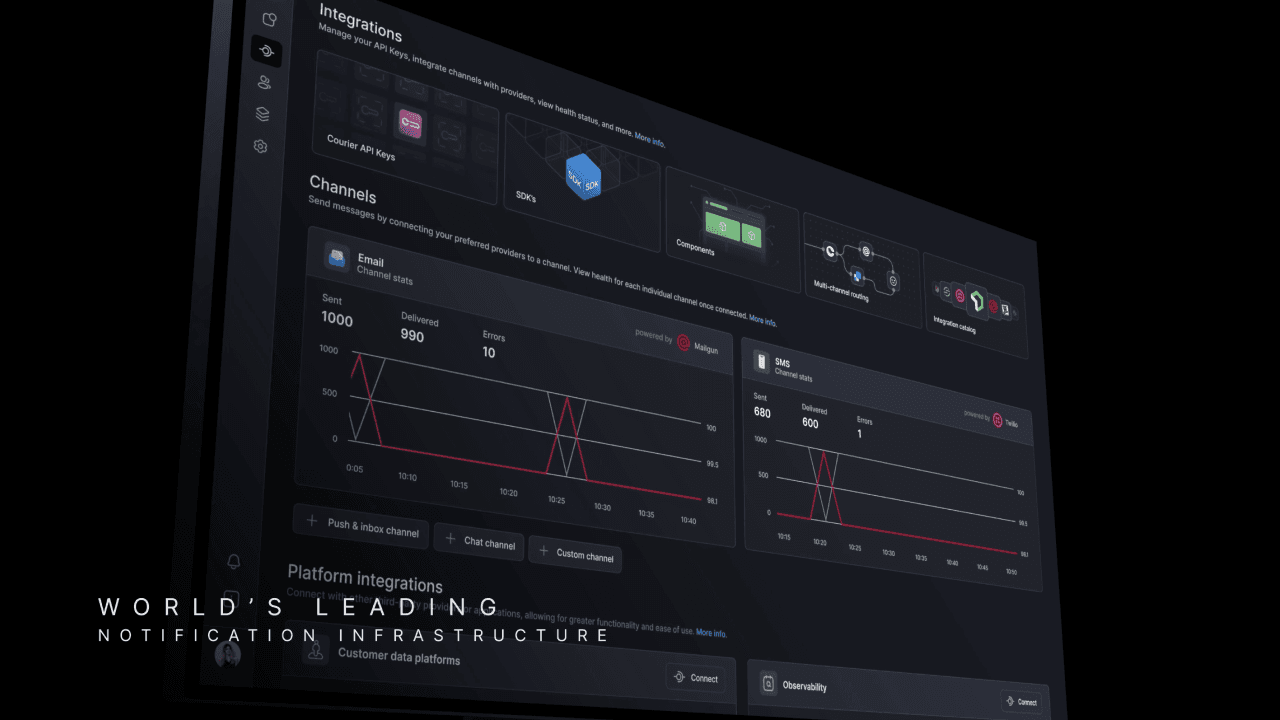
Today, we are embarking on a significant redesign of Courier's interface consisting of some new things, some old things in new places, and an overall reorganization of the information architecture. Here's a sneak peek 👀
This redesign aims to address the challenges that come with the growth of our platform, where increased size and number of features leads to increased complexity, resulting in a product that may not be as intuitive for new users. We believe that this update will take us closer to a simpler and more organized Courier, setting the stage for more exciting improvements in the future.
We hope you like the new look! 💜
Similar resources

Introducing Cross-Device Email Preview: see your email on real devices before you send
Cross-Device Email Preview renders your template on the real clients you pick, from Outlook on Windows to dark mode on iPhone, and returns a screenshot of each one. Pick from 96 clients across 21 apps without leaving Design Studio.

New settings page, easier to use, with new background colors
Courier settings has been redesigned. Workspace pages and developer pages are grouped separately, every page says what it's for, and the app now comes in light or dark with nine background colors.

Broadcasts: send one-time messages to your users, right from Courier
Broadcasts lets you send a one-time message to a group of your users, now or on a schedule, without leaving Courier.